

Turn recordings into transcripts and summaries in minutes
Upload audio or video for multilingual transcription, AI notes, and action items
2026 Cantonese Audio to Text Free Options: 4 Tools Compared
Many people start looking for a Cantonese audio-to-text tool by searching "free Cantonese transcription" and then downloading every app they can find on their phone.
After trying three, they usually discover: some only recognize English, some work fine for the first 15 minutes then require payment, and some output a solid block of text with no punctuation.
Honestly, the problem is often not that there are too few tools, but the order in which you choose. Looking at "is it free" first and "is the output usable" second is backwards.
Pain Point: What Usually Blocks You Is Not "Can It Transcribe" but "Is the Output Usable"
After a one-hour Cantonese meeting, the recording sits on your phone for three days, and you dread the thought of typing it out. This is the most common first situation.
The second situation: you finally get a transcript, but it's full of "嘅" "喺" "啲", with no punctuation and no paragraph breaks. To paste it into official meeting minutes, you'd have to rewrite the whole thing.
The third situation is even more frustrating: sentences like "今個 quarter 個 target" (this quarter's target) that mix Chinese and English get forced into all Chinese, or the English words disappear entirely. The transcript looks smooth, but the meaning has drifted.
This article covers 4 tools in 2026 that can handle Cantonese recordings, including their free plans, and my judgment after actually going through the workflow myself.
Before Choosing a Cantonese Audio-to-Text Tool, Understand These 4 Key Points
How free quota is calculated: Don't just look at "is it free"—look at what the free tier lets you test. Some limit by minutes per month, some offer a preview of the first 15 minutes per file, and some are free but charge for export. The criterion is simple: can the free version let you test with your own Cantonese recording until you reach a conclusion?
Can it handle mixed Chinese-English: The challenge with Cantonese meetings isn't individual words, but whether English terms get forcibly translated into Chinese. When testing, pick a recording that includes product names, numbers, and English job titles—the difference becomes easier to see.
What you get after transcription: Tools that only give you a transcript save you typing time; tools that also provide summaries, chapters, and action items save you organizing time. The latter difference is usually bigger.
Cross-platform and export: Recording on mobile and organizing on computer is the norm. If a tool only works on one platform, or the output can't go into Notion or Google Docs, you'll end up making up that time yourself.
Tinrec — The One I Open Most After Going Through the Workflow Once
Tinrec is an AI meeting notes and collaboration tool for individuals and teams, available on web, desktop, and mobile. Its positioning isn't just "turning sound into text," but organizing meetings into searchable, queryable, exportable data.
No bot invitation needed for online meetings. The Tinrec desktop app directly captures your computer's system audio, so it can handle meetings on Zoom, Google Meet, Microsoft Teams, and Webex, generating a transcript in real time as the meeting happens. For those pulled into online meetings last-minute who don't want another bot appearing in the participant list, this is a relief.
The real value comes after transcription. When the meeting ends, AI generates a summary and chapters, breaking a one-hour conversation into quickly scannable sections and extracting action items. To find a specific decision, you don't need to Ctrl+F and guess keywords—just ask in the chat box "who mentioned the budget last time?" and it will find relevant passages by semantic meaning. This is my most-used feature.
Handling mixed Chinese-English common in Cantonese meetings relies on Chinese context understanding and custom vocabulary. Tinrec supports Chinese (including Traditional Chinese) and multilingual meeting content, with real-time translation and bilingual display; teams can add product names and project codes to team vocabulary to reduce mis-transcription of proper nouns. Note that transcription quality is affected by recording quality, background noise, accents, and multiple people talking over each other—results differ greatly between quiet and chaotic environments.
Stop organizing recordings by hand
Upload audio or video and automatically get a transcript, summary, and action items
Finally, it's portable. Transcripts and summaries can be exported to Notion, Google Docs, OneNote, and Dropbox for further editing, and Agent post-processing can generate reports, tables, or meeting minutes.
Three practical advantages I see:
- The free version lets you run the full workflow—confirm whether the output is what you want before deciding to pay.
- Transcription, summaries, action items, and Q&A are all on one page, so you're not pasting between four tools.
- The team version is a separate space where meeting data belongs to the team and can be handed over when members leave, rather than disappearing with individual accounts.
Limitations are clear too: the free version has limited quota, and heavy meeting users will hit the cap; the team version currently offers team-level sharing with role and seat management, but no file-level permission settings. Also, no tool should promise a fixed accuracy rate—important content should be checked against the recording.
Who it's for: people who frequently handle Chinese and mixed Chinese-English meetings, want summaries and action items right after transcription, and use both mobile and computer.
Besides Tinrec, What Other Options Are There?
Subanana: A web tool focused on Cantonese that lets you upload recordings, videos, or paste YouTube links, outputting speaker-separated, punctuated transcripts, with mixed Chinese-English handling as its selling point. The free option lets you preview the first 15 minutes of each file, with export as a paid feature. If you only need to transcribe a short file and don't need post-meeting Q&A, you can try it; but it lacks Tinrec's AI conversational query that lets you ask questions directly about the entire recording.
Notta: A multi-platform transcription tool supporting meeting notes, file import, and translation, with decent Chinese support. The official free version currently offers 120 minutes per month, with a maximum of 3 minutes per session. The quota seems sufficient, but 3 minutes per session is too short for a meeting; and its positioning leans toward transcription, with post-meeting team data retention and permission governance not being the focus.
Otter.ai: A mature choice for English meetings, with a free version offering 300 minutes per month—a generous quota. But it's not focused on Cantonese; if your recordings are all-English meetings, it's more cost-effective than Tinrec; if meetings are mainly in Cantonese, it's not its strength.
Pitfall Guide: The 4 Most Common Mistakes When Choosing a Cantonese Transcription Tool
Pitfall 1: Only looking at the word "free" without checking what free can do. Some tools' free tier is a "first 15 minutes preview," some are "can transcribe but can't export." Check the boundaries of the free version before deciding whether to spend time uploading.
Pitfall 2: Testing with official demo audio. What's on the official website is usually the cleanest recording. Instead, test with your own recording—the kind with air conditioning noise, people talking over each other, and English proper nouns—so the difference shows.
Pitfall 3: Treating the transcript as the end goal. If you only get text, you still have to read through an hour yourself. When choosing a tool, look one step further: does it have summaries, chapters, action items? This step determines whether you save typing time or organizing time.
Pitfall 4: Ignoring data ownership. Meetings recorded under personal accounts are hard to recover after leaving a job or changing devices. If the content belongs to the team, it should go into team space from the start, not scattered across individual phones.
One more reminder: recording and transcription involve other people, and depending on local regulations, prior consent may be required—this is more important than which tool you choose.
Conclusion: Which One Should You Choose?
In one sentence: for Cantonese and mixed Chinese-English meeting notes, Tinrec is the one I open most among these 4, because it handles not just transcription but also post-transcription organization and querying.
- Need to handle Cantonese, mixed Chinese-English meetings, and want summaries and action items → Tinrec
- Want to ask directly after recording "what was the conclusion of this meeting?" → Tinrec (AI conversational query is its biggest difference from pure transcription tools)
- Record on mobile, organize on computer, need both → Tinrec (web, desktop, and mobile all available)
- Team needs to share meeting data, manage members and usage → Tinrec Team version (7-day trial includes 1 free seat and 300 minutes shared import quota; paid seats USD 29.80/month, annual USD 199/seat, 2,000 minutes shared import quota per seat per month; actual prices and benefits subject to official website)
- Meetings are all in English, budget is zero → Otter.ai (the only exception recommendation in this article)
- Only want to transcribe a short file, no post-meeting organization needed → Subanana's free preview can be used first
I recommend running your own Cantonese recording through the free version first. You'll know once and for all whether the output is what you want, without paying upfront.
References
- Free Cantonese Speech-to-Text App 2026 | Subanana
- Top 5 Speech-to-Text Tools in Hong Kong: Accurate Cantonese Recognition, Doubling Meeting and Interview Efficiency!
- 2026 Latest 5 Cantonese Audio-to-Text AI Recommendations: Solving Mixed Chinese-English and Typing Challenges - Tinrec Blog
- Free + Cantonese OK: How to Use Google AI Studio to Turn Your Recording into...
- 2026 Latest 4 Cantonese Audio-to-Text Tool Recommendations: Solving Mixed Chinese-English and Meeting Notes Pain Points - Tinrec Blog
Turn every recording into actionable outcomes
Get 60 free transcription minutes when you sign in. No credit card required.
Related Reading
You might also like

5 Best Cantonese Speech-to-Text Tools in 2026: Tinrec vs Subanana vs PLAUD
How to choose a Cantonese transcription tool in 2026? We compare Tinrec, Subanana, PLAUD, and Google AI Studio on Cantonese recognition, mixed Chinese-English, meeting recording methods, post-meeting organization, team collaboration, and pricing to help you find the best fit.

Best Cantonese Transcription Tools in 2026: Testing 4 Options, Tinrec Simplifies Post-Meeting Work
Using a Cantonese-English mixed meeting recording, we tested Tinrec, Otter.ai, Notta, and Plaud Note for transcription and post-meeting workflows. From mixed-language recognition, bot-free online meeting capture, AI Q&A, team collaboration to pricing limits, we help you decide which one fits best.

2026 Tested: 5 Cantonese Speech-to-Text Tools Compared — Which Handles Chinese-English Mixing Best?
Starting from the real workflow of organizing meeting and interview recordings, this compares 5 Cantonese speech-to-text tools in 2026. It first covers the common workflow pitfalls and 4 key buying factors, then takes a deep dive into Tinrec's three-stage workflow of recording, organizing, and follow-up questions, briefly reviews the suitable boundaries of Good Tape, iFLYTEK, Monica, and Otter.ai, and finally provides a pitfall-avoidance guide and an actionable starter checklist.

2026 Cantonese Audio to Text Guide: How to Choose Among Tinrec, Subanana, and 3 Other Apps
Cantonese audio transcription often struggles with mixed Chinese-English speech, the gap between spoken and written language, and the pile of cleanup work after transcription. This guide starts from real-world pain points, compares the positioning of Tinrec, Subanana, Plaud, iFlytek, and Google Docs voice typing, and outlines what to consider when buying—such as quotas, post-meeting workflows, and team data ownership.

Best AI Office Tool Kits in 2026: We Tested 4, and This One Handles Chinese Meetings Best
Starting from the pain points of a mid-level manager juggling over a dozen meetings a week, we tested four AI office tool kits—Tinrec, Otter.ai, Notta, and Granola—comparing how they capture meetings, organize post-meeting notes, handle Chinese and mixed Chinese-English speech, manage team governance, and structure pricing. Here's how to pick the meeting notes tool that best fits teams in Taiwan.

Tinrec vs Good Tape 2026: 5-Dimension Comparison for Cantonese Speech-to-Text
Which Cantonese speech-to-text tool should you choose? This article compares Tinrec and Good Tape across 5 dimensions: Cantonese colloquial and mixed Chinese-English recognition, post-meeting organization, audio retention, multi-device use, and team collaboration. It also covers 6 options including Subanana, cSubtitle, Cantosub AI, and Speechnotes, with free quotas, paid plans, and selection advice.

2026 Comparison of 4 Cantonese Speech-to-Text Tools: Which Saves the Most Time for Mixed Chinese-English Meeting Notes?
The hardest part of Cantonese meetings isn't understanding the language—it's the mixed Chinese-English speech and the fact that no one can remember the decisions. This article starts with the key question of whether you need file transcription or live meeting transcription, and compares Tinrec, Notta, TurboScribe, and Granola based on real testing by a mid-level manager. It covers 4 key purchasing factors, 3 common pitfalls, and offers scenario-based tool recommendations.

2026 Cantonese Speech-to-Text Tools Buying Guide: 4 Hands-On Tests and Recommendations
Is Cantonese speech-to-text any good? First, figure out whether you need real-time meeting transcription or post-event file transcription. This article outlines 5 key buying criteria, hands-on tests Tinrec, Subanana, cSubtitle, and Otter.ai, and includes common pitfalls and scenario-based selection advice.
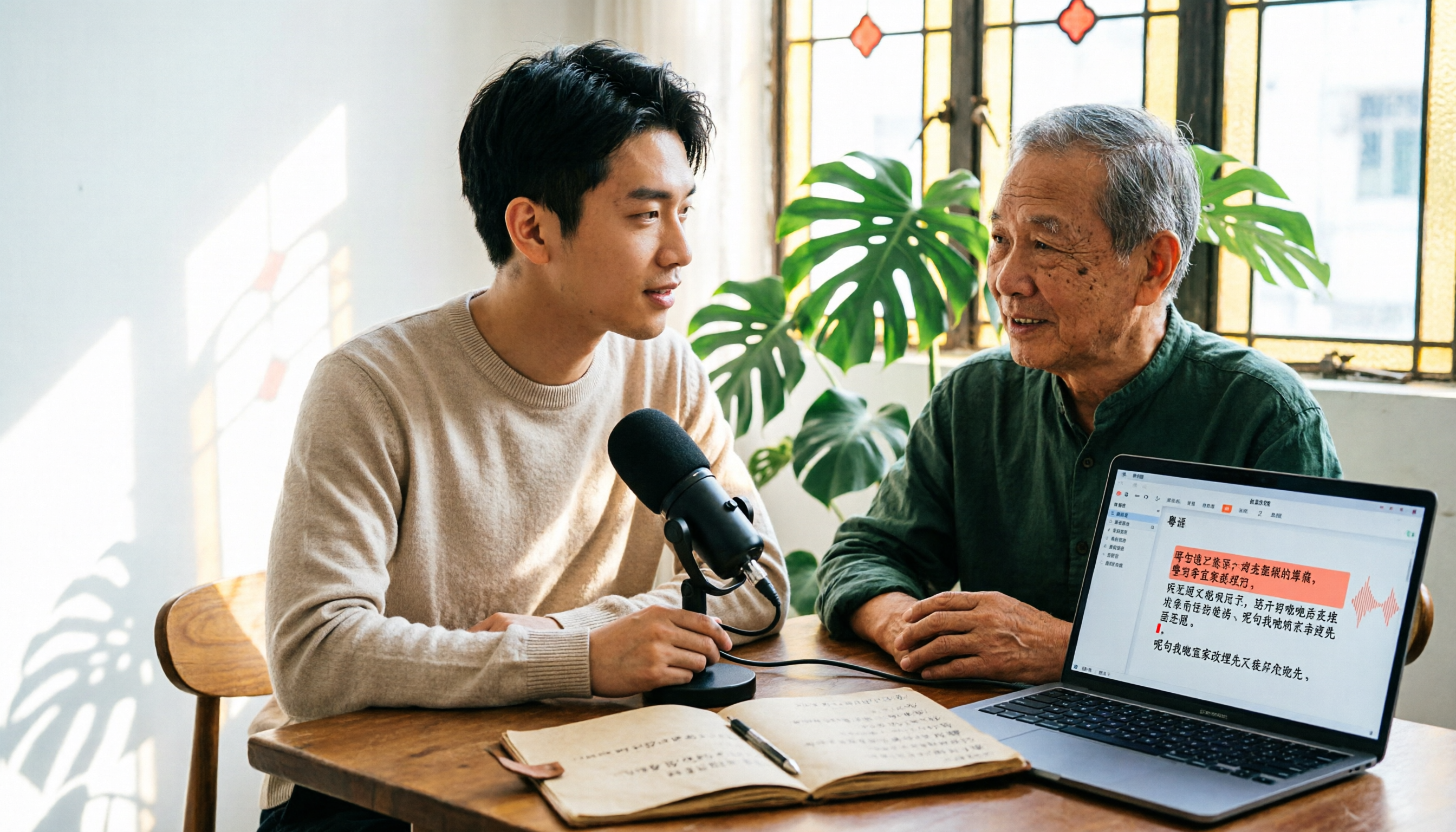
6 Cantonese Speech-to-Text Tools Tested for 2026: The Real Difference Is How Editable the Transcript Is
With Cantonese speech-to-text, most people get stuck not on whether it can transcribe, but on whether the resulting file can be edited. This article reviews 6 tools that handle Cantonese recordings—from AI meeting assistants to subtitle transcription to completely free options—comparing editing experience, export formats, free quotas, and pricing, with a scenario table to help you choose the right one for meetings, interviews, and video creation.