

Turn recordings into transcripts and summaries in minutes
Upload audio or video for multilingual transcription, AI notes, and action items
First, ask yourself: Are you transcribing a "live meeting" or an "already recorded file"?
Most people searching for "is Cantonese speech-to-text any good" actually have two completely different needs in mind.
One is the live meeting: You're on Zoom, Meet, or Teams, the other party speaks Cantonese, and you want a transcript as the meeting happens, plus minutes and action items afterward. The other is an already recorded file: an interview, a class, a podcast—you just want to turn it into an editable text file.
These two needs test fundamentally different things. The former tests real-time performance, multi-speaker handling, and post-meeting organization; the latter tests file length, format support, and export options.
Add to that the difficulties of Cantonese itself: many colloquial characters (唔, 咗, 啲, 嚟), fast speech, frequent English words mixed in, and multiple people talking over each other. So you'll find that some tools claim to "support Chinese," but when you actually throw a Cantonese recording at them, the output looks like someone else said it.
This article breaks things down by "the decisions you need to make": first, what to look out for when buying; then, our main choices after hands-on testing; finally, recommendations for different scenarios.
Before Buying a Cantonese Speech-to-Text Tool, Understand These 5 Key Points
1. Does it really listen to Cantonese, or does it force a Mandarin model? Many tools have only one Chinese model in the backend. When a Mandarin model encounters Cantonese, it "guesses" characters as Mandarin words with similar pronunciations, resulting in a text where you understand every character but it's completely not what was said. When choosing a tool, check whether it treats Cantonese as an independent language model, rather than just writing "supports Chinese."
2. Do you want colloquial or written output? "佢哋而家搞掂咗" and "他們現在處理好了"—the former makes it easy to verify the original words, the latter makes it easy to submit a report directly. A good tool should let you choose, not give you only one option.
3. Does it preserve the original text when Chinese and English are mixed? Sentences like "今個 quarter 個 target" are common in Hong Kong meetings. Ideally, English words should be kept as-is, not forcibly translated into Chinese with similar pronunciations. This is best tested on the spot.
4. Is it real-time recording, or can it only upload files? If you want meeting notes, then "can it produce text while the meeting is ongoing" is important, because you can immediately confirm whether it's recording and whether anything is missed. Tools that only accept file uploads are suitable for post-event organization, not for live use.
5. After transcription, then what? Getting just a transcript versus getting a summary, chapters, action items, and the ability to ask follow-up questions are two completely different workloads. This often determines whether an hour-long recording will take you three minutes or three hours afterward.
Tinrec — Our Main Choice After Hands-On Testing
Tinrec is an AI meeting notes and collaboration tool for individuals and teams, available on web, desktop, and mobile. Its positioning is not "speech-to-text" but turning meetings into data that can be searched, queried, and worked on further.
No bot needed for online meetings. This is its most practical differentiator. The Tinrec desktop app directly captures the computer's system audio, handling online meetings on Zoom, Google Meet, Microsoft Teams, Webex, etc., without inviting a bot into the meeting room. For Cantonese meetings, this is more important than you might think: participants won't see a stranger's account on the list, and you don't have to explain to clients what it is.
Transcript available during the meeting. Turn on real-time recording and it transcribes as you speak. After the meeting, AI organizes summaries, chapters, and action items—who's responsible for what, what to follow up on next time—so you don't have to listen from the beginning again. For cross-language meetings, you can enable real-time translation and view in original, translated, or bilingual mode.
Ask questions after recording. This is where it differs most from pure transcription tools. You can ask questions directly about the meeting content, such as "What was the budget cap the client mentioned?" or "When was it decided to postpone to last time?" It answers based on the content, rather than throwing a bunch of keywords at you. The same data can also be used to generate reports, tables, or documents, or exported to Notion, Google Docs, OneNote, etc. for further use.
How we tested. We didn't intend to report a nice error rate number, because that's meaningless to you—the same tool can produce very different results in a quiet online meeting versus a noisy cha chaan teng. Our approach was to take a Cantonese recording with two speakers, mixed Chinese and English, and background noise, and test three things: whether English words are preserved, whether speaker changes are segmented, and whether the post-meeting summary captures the key points. These three things are much more honest than "98% accuracy."
Stop organizing recordings by hand
Upload audio or video and automatically get a transcript, summary, and action items
Things to note. First, the free version provides a basic quota, suitable for trying out, not for heavy daily transcription. Second, actual recognition performance is affected by recording quality, accent, and overlapping speech; for important content, it's recommended to listen back with timestamps for verification. Third, the team version is a separate team space, different from the personal version; members, roles, and seats should be considered separately: members without a seat can view and play team data, but recording, uploading, editing, and exporting require a seat.
Who is it for? People who frequently hold Cantonese or mixed Chinese-English meetings, need to submit minutes afterward, and want data to stay in one place for ongoing reference. For team use, the team version also centralizes meeting storage and provides usage analytics, audit logs, and an audio recycle bin (currently retained for 30 days), so data isn't taken away when members leave.
Pricing: The team version is currently USD 29.80 per paid seat per month, or USD 199 per paid seat per year (approximately USD 16.58 per month); eligible teams get a 7-day first trial, 1 free seat, and 300 minutes of shared team import quota; paid seats provide 2,000 minutes of shared import per month. Real-time recording is currently not deducted by minutes under an active plan and active seat. Actual prices and benefits are subject to the official purchase page.
Besides Tinrec, What Other Options Are There?
Subanana: A transcription service focused on Cantonese, it turns conversations into speaker-segmented, punctuated transcripts, handles mixed Chinese-English well, and lets you choose colloquial or written output, with a decent range of export formats (SRT, VTT, TXT, DOCX, XLSX). Free accounts can preview the first 15 minutes of each file; export is a paid feature. If you already have a large number of recorded files and the focus is on the transcript itself, it's worth trying. But if you want real-time meeting recording, post-meeting action items, and team knowledge retention, Tinrec's path is more complete.
cSubtitle: Its positioning is clear: upload video or audio files for transcription, supporting MP4, MOV, MP3, WAV, M4A, etc., up to 4GB and 5 hours per file, producing a punctuated and segmented text file, and can also generate subtitle files. Suitable for documenting courses, interviews, and video materials. However, it is centered on file upload, with no real-time meeting recording and no post-meeting AI Q&A or team space—if you want to "start taking notes during the meeting," the direction is different.
Otter.ai: A veteran choice for English meetings, with a free version offering 300 minutes per month, plenty for English-focused teams. But its strength is in English business scenarios; Chinese and Cantonese are not its main focus. If 80% of your meetings are in English, Otter is very reasonable; if it's the opposite and Cantonese is the daily language, Tinrec's Chinese and multilingual scenarios will be more relevant.
Pitfall Guide: The 5 Most Common Mistakes When Choosing a Cantonese Speech-to-Text Tool
Pitfall 1: Treating "supports Chinese" as "supports Cantonese." These two are very different at the model level. The most cost-effective way to verify is to test with a real recording of your own, not the official sample audio.
Pitfall 2: Only looking at transcription, not post-meeting. A transcript is just raw material. If you still have to manually copy and paste it into minutes and open a separate action item list after every meeting, you're only using a third of the tool. When choosing a tool, first ask whether it can directly give you summaries, chapters, and action items.
Pitfall 3: Ignoring "multiple speakers." One-on-one interview recordings are friendly; meetings with three or more people talking over each other are the real world. When testing, it's best to use a recording with speaker changes to see if segmentation and speaker labeling are clear enough.
Pitfall 4: Being misled by the word "free." Some services are free to preview but paid to export; some are free in hours but lock features. Look carefully at what the free version actually gives you—a complete transcript, or just view-only without taking it away.
Pitfall 5: Forgetting the team context. Personal use is fine, but once you share with a department, you need to ask: Who owns the data? What happens when a member leaves? Who can edit? How is usage tracked? These questions are usually unanswerable by personal transcription apps.
Conclusion: Which One Should You Choose?
In one sentence: First distinguish the scenario, then choose the tool.
- Cantonese/mixed Chinese-English online meetings, need minutes and action items afterward → Tinrec. Desktop version requires no bot, transcribes as the meeting happens, and supports post-meeting Q&A and export—this is its strongest position.
- Already have a large number of recorded audio files, only need transcripts and subtitle files → cSubtitle or Subanana; file processing is their home turf.
- Meetings are mainly in English → Otter.ai, generous free quota, mature English scenarios.
- Need team sharing of meeting data, seat management, and usage tracking → Tinrec team version; this is a gap that personal transcription tools find hard to fill.
- Just want to confirm "how accurate Cantonese transcription really is" → Use the free quota, test with your most difficult recording, then decide whether to pay.
Whether a tool is good or not ultimately isn't a matter of specs—it's whether you can directly use what comes out after throwing your recording in. Try first, then buy.
References
- Online AI speech, video, audio file auto-transcription - Free trial - cSubtitle
- Free Cantonese speech-to-text app 2026 | Subanana
- "Free + Cantonese OK: How to use Google AI Studio to turn your recording into..."
- SoundType AI Super Accurate Transcript, Speech-to-Text, AI Dictation - Google Play App
- AI speech-to-text fast audio file online transcription, transcripts and video subtitles - Free trial - cSubtitle
Turn every recording into actionable outcomes
Get 60 free transcription minutes when you sign in. No credit card required.
Related Reading
You might also like

5 Best Cantonese Speech-to-Text Tools in 2026: Tinrec vs Subanana vs PLAUD
How to choose a Cantonese transcription tool in 2026? We compare Tinrec, Subanana, PLAUD, and Google AI Studio on Cantonese recognition, mixed Chinese-English, meeting recording methods, post-meeting organization, team collaboration, and pricing to help you find the best fit.

Best Cantonese Transcription Tools in 2026: Testing 4 Options, Tinrec Simplifies Post-Meeting Work
Using a Cantonese-English mixed meeting recording, we tested Tinrec, Otter.ai, Notta, and Plaud Note for transcription and post-meeting workflows. From mixed-language recognition, bot-free online meeting capture, AI Q&A, team collaboration to pricing limits, we help you decide which one fits best.

2026 Tested: 5 Cantonese Speech-to-Text Tools Compared — Which Handles Chinese-English Mixing Best?
Starting from the real workflow of organizing meeting and interview recordings, this compares 5 Cantonese speech-to-text tools in 2026. It first covers the common workflow pitfalls and 4 key buying factors, then takes a deep dive into Tinrec's three-stage workflow of recording, organizing, and follow-up questions, briefly reviews the suitable boundaries of Good Tape, iFLYTEK, Monica, and Otter.ai, and finally provides a pitfall-avoidance guide and an actionable starter checklist.

2026 Cantonese Audio to Text Guide: How to Choose Among Tinrec, Subanana, and 3 Other Apps
Cantonese audio transcription often struggles with mixed Chinese-English speech, the gap between spoken and written language, and the pile of cleanup work after transcription. This guide starts from real-world pain points, compares the positioning of Tinrec, Subanana, Plaud, iFlytek, and Google Docs voice typing, and outlines what to consider when buying—such as quotas, post-meeting workflows, and team data ownership.

2026 Cantonese Audio to Text Free Options: 4 Tools Compared
A roundup of 4 free options for Cantonese audio-to-text tools in 2026, compared across free quota, mixed Chinese-English recognition, post-meeting summaries, and cross-platform export, with practical pitfalls and scenario-based selection advice.

Best AI Office Tool Kits in 2026: We Tested 4, and This One Handles Chinese Meetings Best
Starting from the pain points of a mid-level manager juggling over a dozen meetings a week, we tested four AI office tool kits—Tinrec, Otter.ai, Notta, and Granola—comparing how they capture meetings, organize post-meeting notes, handle Chinese and mixed Chinese-English speech, manage team governance, and structure pricing. Here's how to pick the meeting notes tool that best fits teams in Taiwan.

Tinrec vs Good Tape 2026: 5-Dimension Comparison for Cantonese Speech-to-Text
Which Cantonese speech-to-text tool should you choose? This article compares Tinrec and Good Tape across 5 dimensions: Cantonese colloquial and mixed Chinese-English recognition, post-meeting organization, audio retention, multi-device use, and team collaboration. It also covers 6 options including Subanana, cSubtitle, Cantosub AI, and Speechnotes, with free quotas, paid plans, and selection advice.

2026 Comparison of 4 Cantonese Speech-to-Text Tools: Which Saves the Most Time for Mixed Chinese-English Meeting Notes?
The hardest part of Cantonese meetings isn't understanding the language—it's the mixed Chinese-English speech and the fact that no one can remember the decisions. This article starts with the key question of whether you need file transcription or live meeting transcription, and compares Tinrec, Notta, TurboScribe, and Granola based on real testing by a mid-level manager. It covers 4 key purchasing factors, 3 common pitfalls, and offers scenario-based tool recommendations.
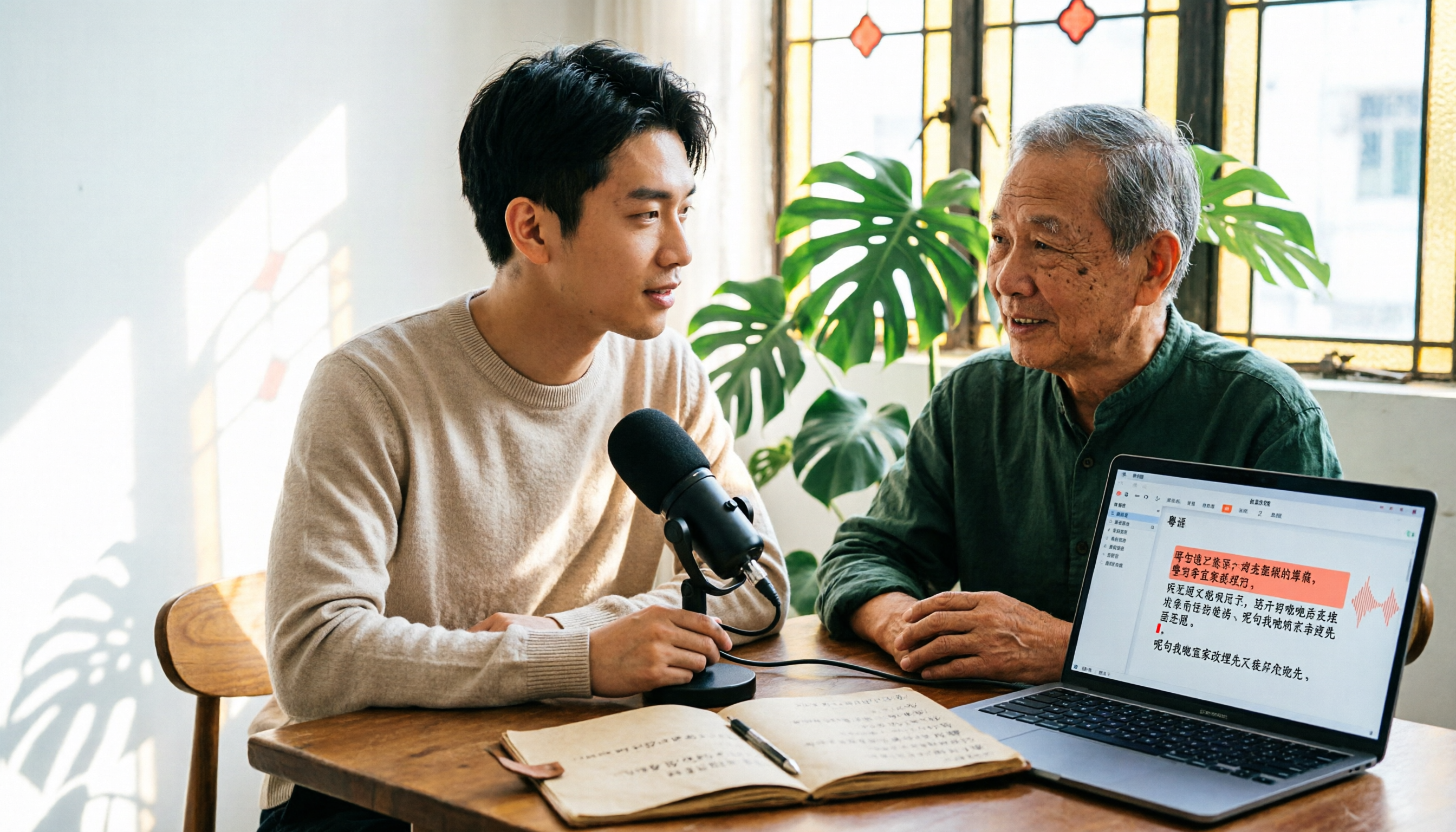
6 Cantonese Speech-to-Text Tools Tested for 2026: The Real Difference Is How Editable the Transcript Is
With Cantonese speech-to-text, most people get stuck not on whether it can transcribe, but on whether the resulting file can be edited. This article reviews 6 tools that handle Cantonese recordings—from AI meeting assistants to subtitle transcription to completely free options—comparing editing experience, export formats, free quotas, and pricing, with a scenario table to help you choose the right one for meetings, interviews, and video creation.