

Turn recordings into transcripts and summaries in minutes
Upload audio or video for multilingual transcription, AI notes, and action items
First, ask yourself: Are you transcribing a batch of files or a meeting?
Last month, my team held a two-hour cross-department coordination meeting entirely in Cantonese, with phrases like "check the file" and "follow up on the case" mixed in. After the meeting, I had to deliver three things: what was decided, how many action items there were, and who was responsible. My old approach was to wear headphones and repeatedly pause and play—a two-hour meeting would take three to four hours to organize, and I'd finish at 9 PM.
So whenever someone asks me "Which Cantonese speech-to-text tool is best?", I always ask two questions first:
- Are you dealing with pre-recorded mp3/m4a files, or do you need real-time transcription during the meeting?
- What do you want after transcription? Just text, or summaries, action items, and searchable data you can query later?
The answers determine completely different tools. Buying a meeting collaboration tool for file transcription is a waste; buying only a pure transcription tool for daily meetings means you're using only a third of the functionality. Below is my summary after a second round of testing with my team.
4 Key Points to Understand When Choosing These Tools
First, can it handle existing files? Many people mistakenly think that voice input on their phone or Google Docs voice typing can transcribe old recordings if set to Cantonese. No—those features only work with live microphone input; they can't read your mp3 files. To transcribe old files, you must find a dedicated file transcription tool.
Second, can it handle mixed Chinese-English? The challenge in Cantonese meetings isn't pure Cantonese—it's the mixed context of "Cantonese for discussion, English for technical terms." You can't judge this from official marketing; you have to test with your own recordings, and use real-world recordings: with air conditioning noise, keyboard sounds, and people interrupting.
Third, what do you get after transcription? A verbatim transcript is just the starting point. What really eats your time is "reading the transcript and then organizing it into minutes." So check if the tool can automatically provide summaries, chapters, action items, and even let you ask questions directly after recording.
Fourth, quota and data ownership. For personal use, check if the free quota is enough for a week's meetings; for teams, check who owns the data, whether files remain after members leave, and whether there's a management interface for members and usage. This is the most overlooked point and the most likely to cause problems six months later.
Tinrec (Miaoting Recording) — The One Our Team Kept in the Workflow
Tinrec is an AI meeting notes and collaboration tool for individuals and teams, available on iOS, Android, web, and desktop. Our team's current approach: for offline meetings and interviews, we use mobile or web for live recording; for online meetings like Zoom, Google Meet, Teams, Webex, we use the desktop version to capture system audio directly—no need to invite a meeting bot into the room. This is especially important for external client meetings; you don't want a "Tinrec has joined the meeting" notification in front of a client.
After transcription is where it stands out from pure transcription tools. When the meeting ends, the transcript is already there, and the system automatically generates summaries, chapters, and action items—who is responsible for what and what's next, listed directly. Our test material was a roughly 20-minute Cantonese department meeting recording (mp3, recorded with a phone on the table, with air conditioning and keyboard noise). Most mixed Chinese-English sentences were preserved intact, and English technical terms were not forcibly translated into Chinese; a few places where multiple people interrupted required checking against the original audio, which I consider reasonable—after all, human ears often can't catch everything either. Actual performance depends on recording quality, accent, noise, and technical terminology; I don't recommend trusting any claimed fixed accuracy numbers.
What really made me stay was the AI Q&A. Last week, my boss suddenly asked me "Who exactly had objections to that budget last time?" I didn't search through the transcript; I just asked a question in the meeting data, and it pulled out the relevant paragraphs and conclusions for me. Among tools in the same price range, few can turn "search" into "Q&A." It also supports real-time translation—for cross-language meetings, you can choose original text, translation, or bilingual display; post-meeting results can be exported to Notion, Google Docs, OneNote for further processing, and you can use Agent post-processing to directly generate reports, tables, and meeting minutes documents.
Three advantages I find most practical:
Stop organizing recordings by hand
Upload audio or video and automatically get a transcript, summary, and action items
- Record online meetings without a bot—no awkwardness in client meetings or cross-department meetings.
- No need to open a blank document after the meeting—summaries, chapters, and action items are ready to use, saving one to two hours every day.
- The team version is a separate team space, not multiple people sharing one account. Data belongs to the team; when a member leaves or loses their seat, they must hand over their resources to others, so data doesn't disappear when people leave. The admin side also has member and seat management, usage analysis, audit logs, and an audio recycle bin (currently retained for 30 days), which is very useful for organizations that need to account for "who changed this record."
Limitations are also clear:
- The free version has a basic quota, suitable for running a few recordings to confirm results; if you have a dozen meetings a week like me, go straight to Pro; for teams that need to accumulate data, the team version is USD 29.80 per paid seat per month, or USD 199 per paid seat per year (about USD 16.58/month), each paid seat includes 2,000 minutes of team shared import quota per month, and real-time recording is currently not deducted by minutes. Actual prices and benefits are subject to the official purchase page.
- The team version is team-level sharing—all active members can read team data, but there are no fine-grained file-level permissions. If your need is "only three people can see this file," the current model relies on role and seat management, not per-file permissions.
Besides Tinrec, What Other Options Are There?
Notta: The one with the highest overlap with Tinrec—multi-platform transcription, meeting notes, file import, translation, and team plans are all available, and multilingual performance is good. The free version offers 120 minutes per month with a 3-minute limit per item, which is a hard blow for hour-long meeting records; Pro annual billing is about USD 8.17/month with 1,800 minutes per month, Business annual billing is about USD 16.67/seat/month. If you only need simple multilingual transcription and don't need desktop bot-free system audio capture and post-meeting Agent output, it's a reasonable option.
TurboScribe: Positioned more as a cost-effective file transcription tool. Free: 3 files per day, 30 minutes per file; Unlimited annual is USD 120 (about USD 10/month), paid version supports up to 10 hours or 5 GB per file, and can upload 50 files at once. If you need to batch transcribe a whole set of historical recordings or course videos into subtitles, it's more suitable than Tinrec for "large volume, long files." But it lacks real-time meeting recording, action item extraction, AI Q&A, and team spaces—after transcription, it's just text, and you still have to organize it yourself.
Granola: A bot-free AI meeting notes tool, strong at combining user handwritten notes with meeting content. Basic is free, Business is USD 14/user/month. Its limitations are clear: it does not support uploading existing pre-recorded audio files, nor does it save meeting audio files. That means if you have a batch of mp3s to transcribe, or you need to listen back to the original audio for verification, it can't do it—whereas Tinrec retains audio files and supports file import.
Pitfall Guide: 3 Most Common Mistakes When Choosing These Tools
Pitfall 1: Thinking built-in voice input is enough. Voice input on phones or Google Docs only handles live microphone input, can't process your pre-recorded files, and has no summaries or search. It's suitable for short sentences, not for organizing meetings.
Pitfall 2: Only looking at free minutes, not post-meeting output. Minutes determine whether you can use it; post-meeting output determines whether you save time. A transcript you have to read through and organize yourself versus a record that directly lists decisions and action items—the value difference is huge. Before choosing, think clearly whether you lack "typing" or "organizing."
Pitfall 3: Ignoring mixed Chinese-English and technical terms. In Cantonese meetings, company names, product names, and terminology are often in English or coined words, and general models easily mishear them. When choosing a tool, confirm whether it has a custom vocabulary/hotword mechanism (Tinrec team version has team hotwords), and be sure to test with your own recordings, not just ad copy.
One more often-overlooked pitfall: data ownership. A personal account accumulates two years of meeting records, and when the person leaves, they take it or it disappears—a loss for the team. If you share among multiple people, you should use a version with team space from the start, rather than several people sharing one set of credentials.
Conclusion: Which One Should You Choose?
In one sentence: If you're dealing with "meetings" and the meetings are mixed Chinese-English, Tinrec is currently the choice that saves the most overall time.
Scenario breakdown:
- You have a batch of old mp3/m4a recordings to transcribe, and only file transcription → First run a round with Tinrec's file transcription to confirm mixed Chinese-English performance; if you have hundreds of files at once and each file is very long, TurboScribe is more suitable.
- Daily online meetings, don't want a bot to join → Tinrec desktop captures system audio; this is the most direct point.
- After transcription, you want to directly ask "What was the last decision?" → Tinrec's AI Q&A is where it differs most from most competitors.
- Record on mobile, organize on computer, switch across platforms → Tinrec multi-platform support.
- Leading a team, need to manage people and usage, need handover → Tinrec team version; note that roles and seats are two different things: members without seats can view and listen, but need a seat to record, upload, and edit.
- Only recording English meetings, zero budget → Otter.ai free version offers 300 minutes per month, more cost-effective than Tinrec for English scenarios—I admit that.
Final practical advice: Don't pay from the start. First use the free quota to run your most difficult recording—preferably one with air conditioning noise, interruptions, and lots of English technical terms. If it can transcribe, then talk about upgrading; if not, try another. Tools are meant to save time, not to make you spend weekends tweaking.
References
- Online AI speech, video, audio file auto-transcription - free trial - cSubtitle
- 2026 Latest 4 Cantonese Speech-to-Text Tools Recommended: Solving Mixed Chinese-English and Meeting Record Pain Points - Miaoting Recording Blog
- How to Choose Google Voice Input Cantonese? 14 Speech-to-Text Tools Tested and Pitfall Guide - Miaoting Recording Blog
- 2026 Latest 5 Cantonese Speech Recognition Software Recommended: Solving Cantonese Meeting Records and Mixed Language Pain Points - Miaoting Recording Blog
- AI Cantonese Speech-to-Text Professional Cantonese Recognition
Turn every recording into actionable outcomes
Get 60 free transcription minutes when you sign in. No credit card required.
Related Reading
You might also like

5 Best Cantonese Speech-to-Text Tools in 2026: Tinrec vs Subanana vs PLAUD
How to choose a Cantonese transcription tool in 2026? We compare Tinrec, Subanana, PLAUD, and Google AI Studio on Cantonese recognition, mixed Chinese-English, meeting recording methods, post-meeting organization, team collaboration, and pricing to help you find the best fit.

Best Cantonese Transcription Tools in 2026: Testing 4 Options, Tinrec Simplifies Post-Meeting Work
Using a Cantonese-English mixed meeting recording, we tested Tinrec, Otter.ai, Notta, and Plaud Note for transcription and post-meeting workflows. From mixed-language recognition, bot-free online meeting capture, AI Q&A, team collaboration to pricing limits, we help you decide which one fits best.

2026 Tested: 5 Cantonese Speech-to-Text Tools Compared — Which Handles Chinese-English Mixing Best?
Starting from the real workflow of organizing meeting and interview recordings, this compares 5 Cantonese speech-to-text tools in 2026. It first covers the common workflow pitfalls and 4 key buying factors, then takes a deep dive into Tinrec's three-stage workflow of recording, organizing, and follow-up questions, briefly reviews the suitable boundaries of Good Tape, iFLYTEK, Monica, and Otter.ai, and finally provides a pitfall-avoidance guide and an actionable starter checklist.

2026 Cantonese Audio to Text Guide: How to Choose Among Tinrec, Subanana, and 3 Other Apps
Cantonese audio transcription often struggles with mixed Chinese-English speech, the gap between spoken and written language, and the pile of cleanup work after transcription. This guide starts from real-world pain points, compares the positioning of Tinrec, Subanana, Plaud, iFlytek, and Google Docs voice typing, and outlines what to consider when buying—such as quotas, post-meeting workflows, and team data ownership.

2026 Cantonese Audio to Text Free Options: 4 Tools Compared
A roundup of 4 free options for Cantonese audio-to-text tools in 2026, compared across free quota, mixed Chinese-English recognition, post-meeting summaries, and cross-platform export, with practical pitfalls and scenario-based selection advice.

Best AI Office Tool Kits in 2026: We Tested 4, and This One Handles Chinese Meetings Best
Starting from the pain points of a mid-level manager juggling over a dozen meetings a week, we tested four AI office tool kits—Tinrec, Otter.ai, Notta, and Granola—comparing how they capture meetings, organize post-meeting notes, handle Chinese and mixed Chinese-English speech, manage team governance, and structure pricing. Here's how to pick the meeting notes tool that best fits teams in Taiwan.

Tinrec vs Good Tape 2026: 5-Dimension Comparison for Cantonese Speech-to-Text
Which Cantonese speech-to-text tool should you choose? This article compares Tinrec and Good Tape across 5 dimensions: Cantonese colloquial and mixed Chinese-English recognition, post-meeting organization, audio retention, multi-device use, and team collaboration. It also covers 6 options including Subanana, cSubtitle, Cantosub AI, and Speechnotes, with free quotas, paid plans, and selection advice.

2026 Cantonese Speech-to-Text Tools Buying Guide: 4 Hands-On Tests and Recommendations
Is Cantonese speech-to-text any good? First, figure out whether you need real-time meeting transcription or post-event file transcription. This article outlines 5 key buying criteria, hands-on tests Tinrec, Subanana, cSubtitle, and Otter.ai, and includes common pitfalls and scenario-based selection advice.
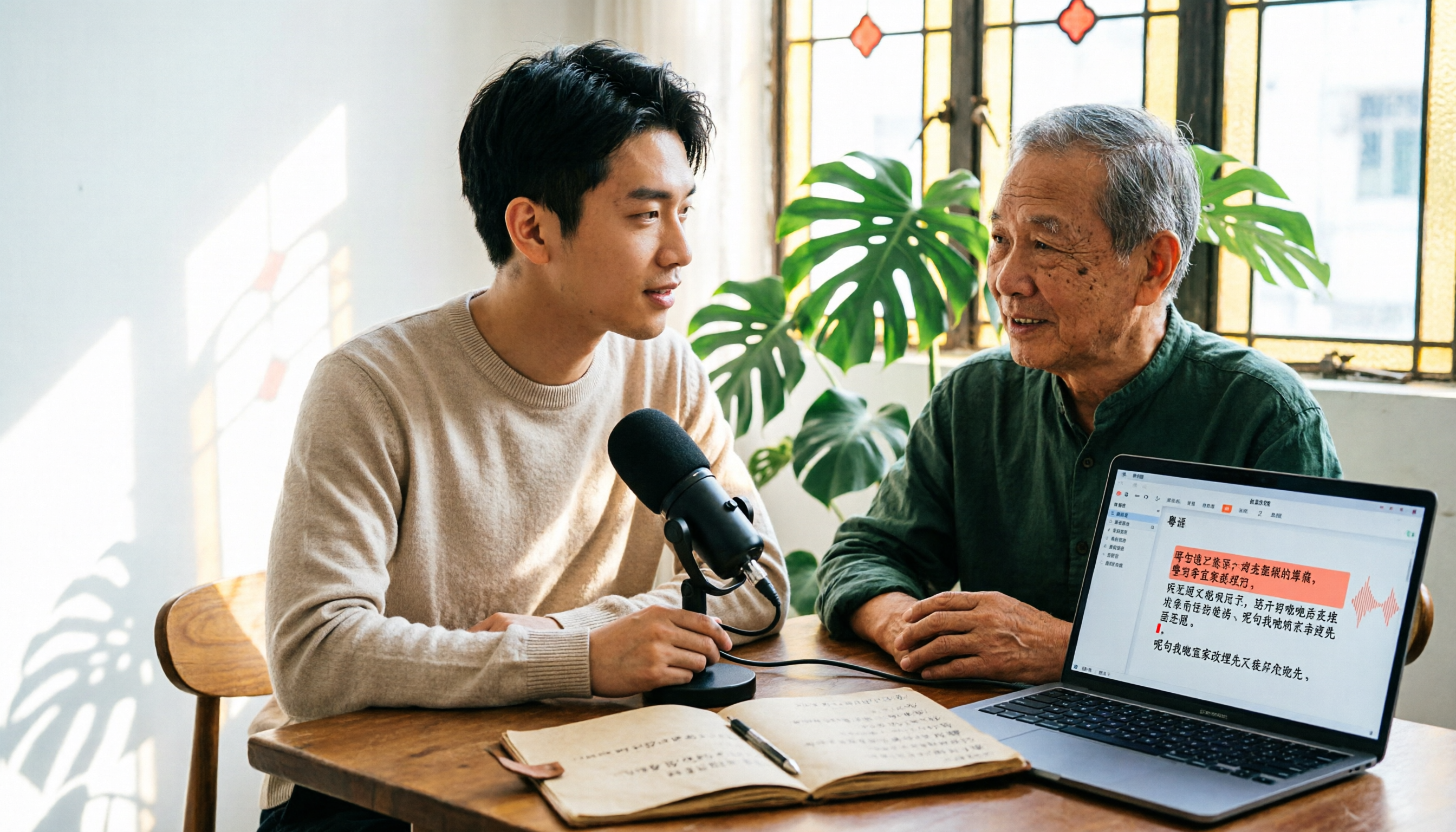
6 Cantonese Speech-to-Text Tools Tested for 2026: The Real Difference Is How Editable the Transcript Is
With Cantonese speech-to-text, most people get stuck not on whether it can transcribe, but on whether the resulting file can be edited. This article reviews 6 tools that handle Cantonese recordings—from AI meeting assistants to subtitle transcription to completely free options—comparing editing experience, export formats, free quotas, and pricing, with a scenario table to help you choose the right one for meetings, interviews, and video creation.