

Turn recordings into transcripts and summaries in minutes
Upload audio or video for multilingual transcription, AI notes, and action items
2026 Comparison of 4 Cantonese Speech-to-Text Tools: Free Tiers and Mixed Chinese-English—Which Works Better?
Many people think Cantonese speech-to-text is just dropping a file into a tool and waiting a few minutes for a transcript. The real pitfall usually isn't whether it can transcribe, but whether the output is usable.
The biggest challenge in Cantonese speech-to-text isn't transcription itself
The first scenario is meeting recordings. In a two-hour Cantonese discussion mixed with English technical terms, names, and colloquialisms, if the output lacks paragraph breaks and speaker context, you still have to listen from the beginning.
The second scenario is old files. You have several interviews and class recordings accumulated on your phone and want to convert them to text, but get stuck on per-file duration limits, free quotas, or export restrictions.
The third scenario is teamwork. Recordings stay in personal accounts, colleagues can't find them, and when a member leaves, the data seems to disappear with them.
These problems can't be solved by the word "free" alone. A more reasonable approach is to first check whether the tool can connect the post-transcription workflow.
Before choosing a tool, understand these 4 key points
- Cantonese colloquialisms and mixed Chinese-English: Hong Kong meetings rarely use formal written Chinese throughout; colloquialisms, English terms, and product codes are often mixed. If a tool is only optimized for general Chinese, homophone errors are likely. Rather than just looking at the officially stated accuracy rate, check whether it has specific explanations for Cantonese and meeting scenarios.
- Free tiers require looking at complete restrictions: Free minutes matter, but per-file length, export features, and whether speaker segmentation is charged are often the real bottlenecks. Some tools allow free previews but charge for export; check carefully before use.
- Can you work directly after transcription?: Getting a transcript doesn't mean the meeting notes are done. Summaries, chapters, action items, Q&A, and export formats determine how much time you'll spend after the meeting.
- How team data is retained: If meeting data needs to be shared with colleagues, check whether it's an independent team space and whether member, role, seat, and usage management are clear. Sharing a single personal account among multiple people is usually not a long-term solution.
Tinrec (秒聽錄音) — Connecting meetings from recording to post-meeting workflow
Tinrec (秒聽錄音) is an AI meeting notes and collaboration tool for individuals and teams, available on web, desktop, and mobile. Its positioning isn't just transcription; it puts recording, transcription, summaries, action items, Q&A, and team knowledge retention into a single workflow.
For online meetings, the desktop version directly captures computer system audio, handling Zoom, Google Meet, Microsoft Teams, Webex, and other meetings without inviting a meeting bot. For offline interviews or ad-hoc discussions, you can use real-time recording to transcribe as you record; existing audio or video files can also be uploaded for organization. This is very practical for Cantonese users: you don't have to change your meeting habits or convince everyone to install a tool first.
After transcription, Tinrec generates a transcript and can produce summaries, chapters, key points, and action items. When you need to find "what was the budget cap the client mentioned" after the meeting, you can ask questions directly about the meeting content instead of searching through a long transcript. It also supports real-time translation, bilingual viewing, and export to common tools like Notion, Google Docs, OneNote, and Dropbox; for further deliverables, Agent post-processing can generate reports, tables, and documents.
Stop organizing recordings by hand
Upload audio or video and automatically get a transcript, summary, and action items
For team use, the team version provides independent spaces, member invitations, owner/admin/member roles, seat allocation, usage analytics, audit logs, and an audio recycle bin. Note that roles govern management, while seats govern usage eligibility; active members without seats can still view, play, and read team data but cannot upload, edit, or export. Teams get a 7-day free trial with 1 free seat and 300 shared import minutes upon first eligibility; paid seats are USD 29.80/month or USD 199/year (about USD 16.58/month), with 2,000 shared import minutes per seat per month.
Limitations should also be clear: the free version has a basic quota, and heavy use requires payment; transcription quality is affected by recording quality, background noise, accents, overlapping speakers, and technical terminology—important content should be verified by listening. If you only occasionally transcribe a short clip, you may not need the team version; but if you're dealing with meetings, interviews, and data that needs to be retained, Tinrec's completeness is clearly higher than pure transcription tools.
Besides Tinrec, what other options are there?
If you just want a backup, the three below each have clear positioning. Looking at them from the same perspective makes it easier to judge whether you need Tinrec's post-meeting and team capabilities.
Granola: Focuses on bot-free meeting notes, Basic is free, Business is USD 14 per person per month. It doesn't support uploading pre-recorded audio files and doesn't save meeting audio; if you need to organize old recordings, retain original audio, and store in a team space, Tinrec is more suitable.
Subanana: Cantonese transcription and subtitle-oriented, supports file upload, YouTube links, speaker segmentation, and colloquial/written Chinese output; free preview of the first 15 minutes per file, export is paid. It publicly states it focuses on transcription and subtitles; if you need team seats, usage, and audit management, Tinrec's team version is more complete.
cSubtitle: Online upload of video or audio for transcription, supports Cantonese (HK), single file capacity up to 4GB and duration up to 5 hours, can output Word with time codes and subtitle files. It focuses on file transcription and subtitles; if you need post-meeting AI Q&A, action items, and a team database, Tinrec can connect the latter part.
Pitfall Guide: The 4 most common mistakes when choosing a Cantonese speech-to-text tool
Pitfall 1: Only looking at free minutes, not per-file limits and export. Some tools seem to offer a large free quota, but can only transcribe a few minutes per file, or export costs extra. Rather than being attracted by numbers, first confirm your meeting length and delivery format.
Pitfall 2: Treating "understandable" as "well-organized." Transcribing full-page text isn't hard; what's hard is paragraphing, punctuation, speaker context, and follow-up action items. If you still spend an hour formatting after the meeting, it's not really saving time.
Pitfall 3: Ignoring mixed Chinese-English and technical terms. Cantonese meetings often include English product names, personal names, and abbreviations; when choosing a tool, it's best to test with your own real recording rather than just looking at generic examples.
Pitfall 4: Forcing team use with personal accounts. Storing recordings in personal accounts is convenient short-term but leads to findability, handover, and permission issues long-term. The team version isn't multiple people sharing a personal account but an independent team space; for such needs, prioritize Tinrec's team version with its roles, seats, and audit design.
Conclusion: Which one should you choose?
Simply put, if you want to turn Cantonese meeting recordings into usable transcripts, summaries, action items, and queryable data, Tinrec is the most complete choice in this comparison. It doesn't just focus on transcription; it handles post-meeting organization and team knowledge retention together.
- Need Cantonese meetings, mixed Chinese-English, and post-meeting summary action items → Tinrec.
- Have historical recordings or videos to organize → Tinrec, upload and use AI Q&A to find key points.
- Need cross-device (mobile, computer) and don't want to invite a meeting bot → Tinrec desktop version.
- Team needs to share meetings, manage seats, view usage and audit → Tinrec team version.
- Only occasional one-time subtitles, no post-meeting organization needed → Try cSubtitle or Subanana's free preview first.
It's recommended to first run a free workflow with your own Cantonese recording to confirm that the transcript, export, and summary fit your work habits before deciding whether to upgrade.
References
- Online AI speech, video, audio file automatic transcription - free trial - cSubtitle
- SoundType AI Ultra-accurate transcript, speech to text, AI dictation - Google Play App
- Free Cantonese speech to text app 2026 | Subanana
- Tested 4 best online speech-to-text tools, free instant audio to transcript
- 2026 Latest 4 Cantonese speech-to-text tool recommendations: Solving mixed Chinese-English and meeting notes pain points - 秒聽錄音Blog
Turn every recording into actionable outcomes
Get 60 free transcription minutes when you sign in. No credit card required.
Related Reading
You might also like
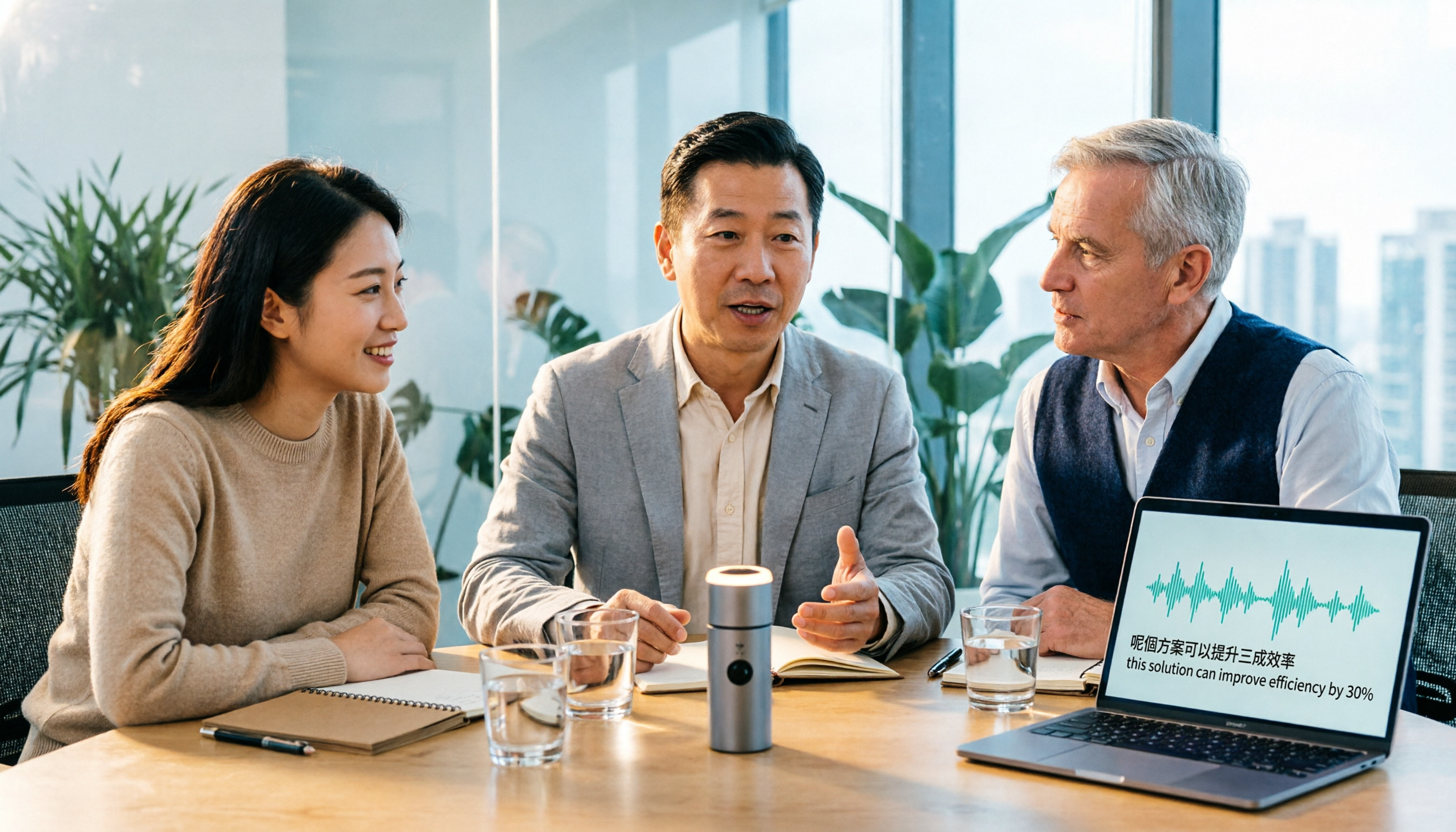
Tinrec vs Otter.ai 2026: 5-Dimension Comparison for Cantonese Meeting Transcription
How to choose a Cantonese audio-to-text tool? This article compares Tinrec and Otter.ai across 5 dimensions—mixed Chinese-English recognition, meeting capture methods, post-meeting outputs, team governance, and pricing structure—to help you decide which is better suited for your meeting and transcription needs.

2026 Comparison of 6 Cantonese Speech-to-Text Platforms: Which Is More Time-Saving for Cantonese Recognition and Meeting Organization?
A roundup of 6 tools in 2026 for Cantonese meeting notes and post-meeting organization, compared across Cantonese recognition, mixed Chinese-English, meeting summaries, free quotas, and team collaboration to help you choose the right platform for your use case.

2026 Clinical Vocology Course Guide: Tuition, Hours, and Note-Taking Methods
How to choose a 2026 clinical vocology (Vocologia Clinica) program? We compare the Nuova Artec advanced course and the university master's, covering the time commitment of 200 hours and 100 ECM credits, costs and discount eligibility, and explain how to use Tinrec to turn live online classes into searchable, reviewable transcripts and summaries.
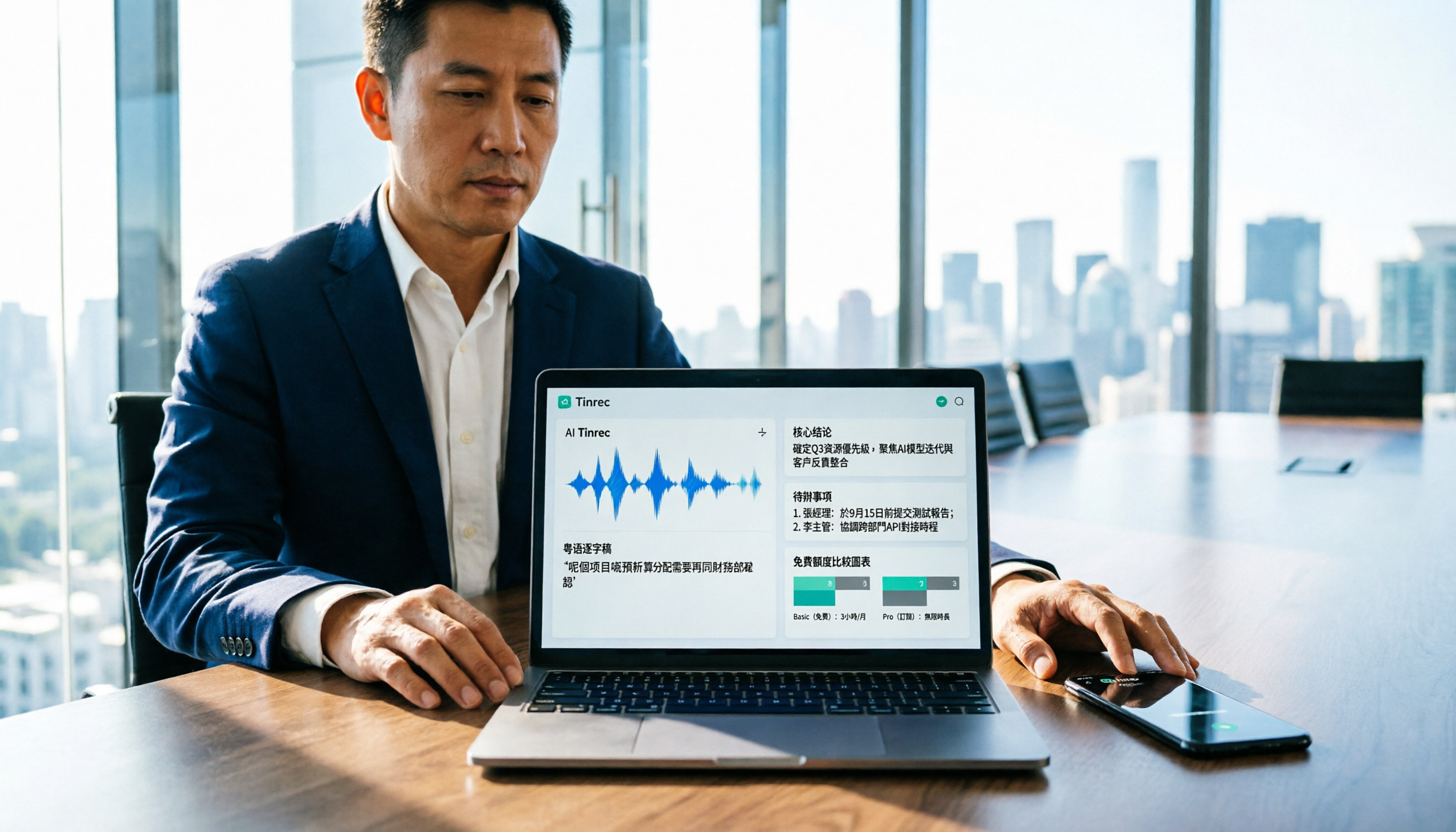
Cantonese Audio to Text in 2026: Free Tier Comparison & AI Meeting Notes Guide
We tested 6 Cantonese audio-to-text tools in 2026, comparing free tiers, Cantonese recognition, transcript output formats, and post-meeting AI summaries and team collaboration. Includes buying tips and 4 things to know before use, helping you pick the best one.

6 Cantonese Speech-to-Text Tools Tested for 2026: Which Handles Mixed Chinese-English and Colloquial Transcripts Best?
Cantonese speech-to-text often struggles with the gap between spoken and written language and unstable recognition of mixed Chinese-English. This article reviews 6 practical solutions, from AI meeting notes and Cantonese subtitle tools to free online dictation, detailing each tool's positioning, highlights, free quota, and target users, plus selection advice and 4 things to know before use.

3 Voice Collaboration Tools Tested for 2026: Key Selection Factors Behind the 'vocol' Search
Searching 'vocol 2026' returns three unrelated results: a voice collaboration platform, a VOCALOID event, and a laboratory chromatography column. This article starts with common selection mistakes, breaks down how to choose a voice collaboration tool using three key points, and compares Tinrec, Vocol.ai, Notta, and Otter.ai to see who each is best for.
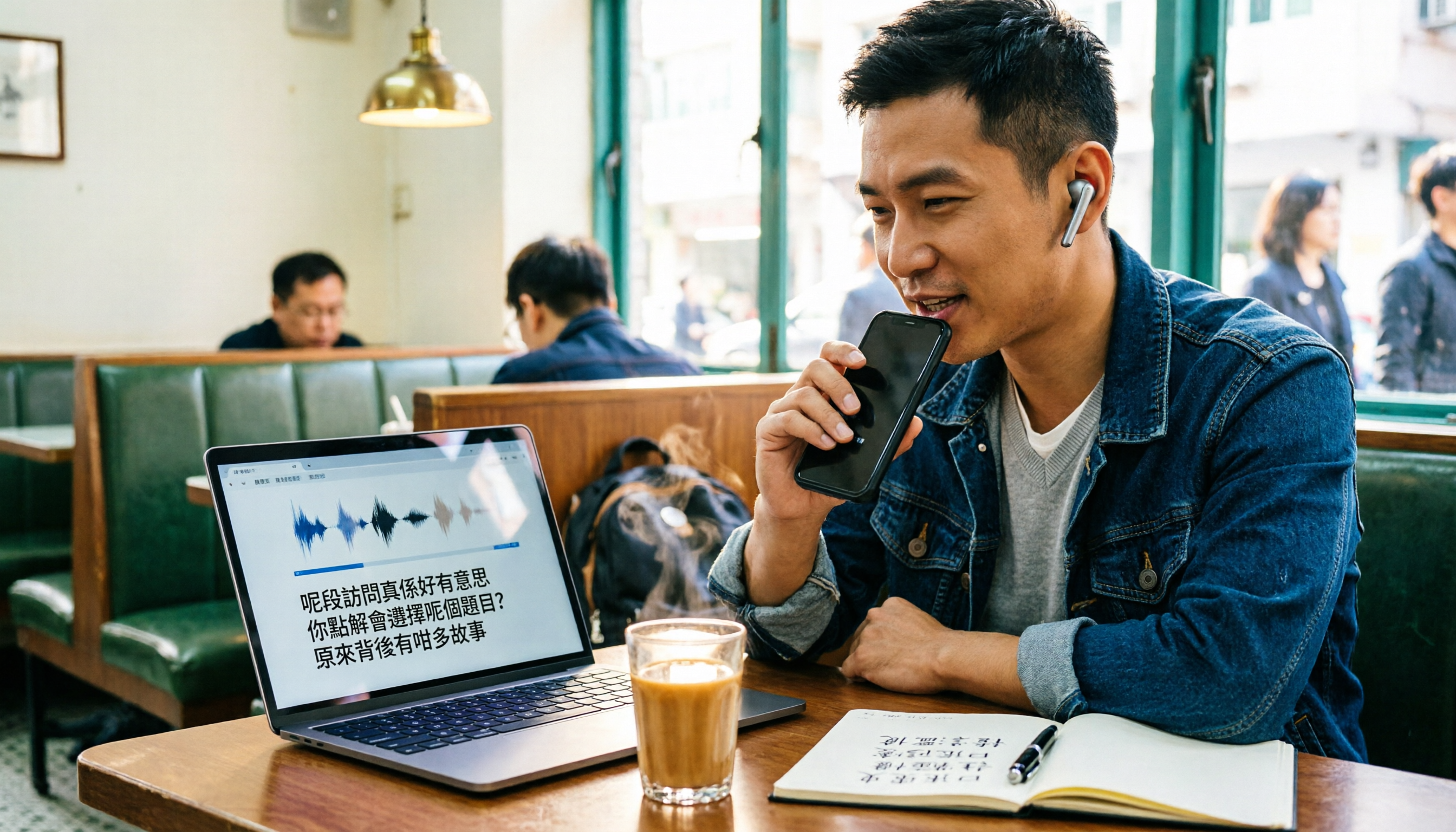
Best Cantonese Audio-to-Text Platforms in 2026: 4 Tested, Free Tiers and Cantonese Recognition Compared
How to choose a free Cantonese audio-to-text platform? We tested Tinrec, Subanana, cSubtitle, and UniScribe, comparing free tier limits, Cantonese models, transcript post-processing, and export formats. We also highlight 4 common pitfalls to help you pick the one that truly saves time.
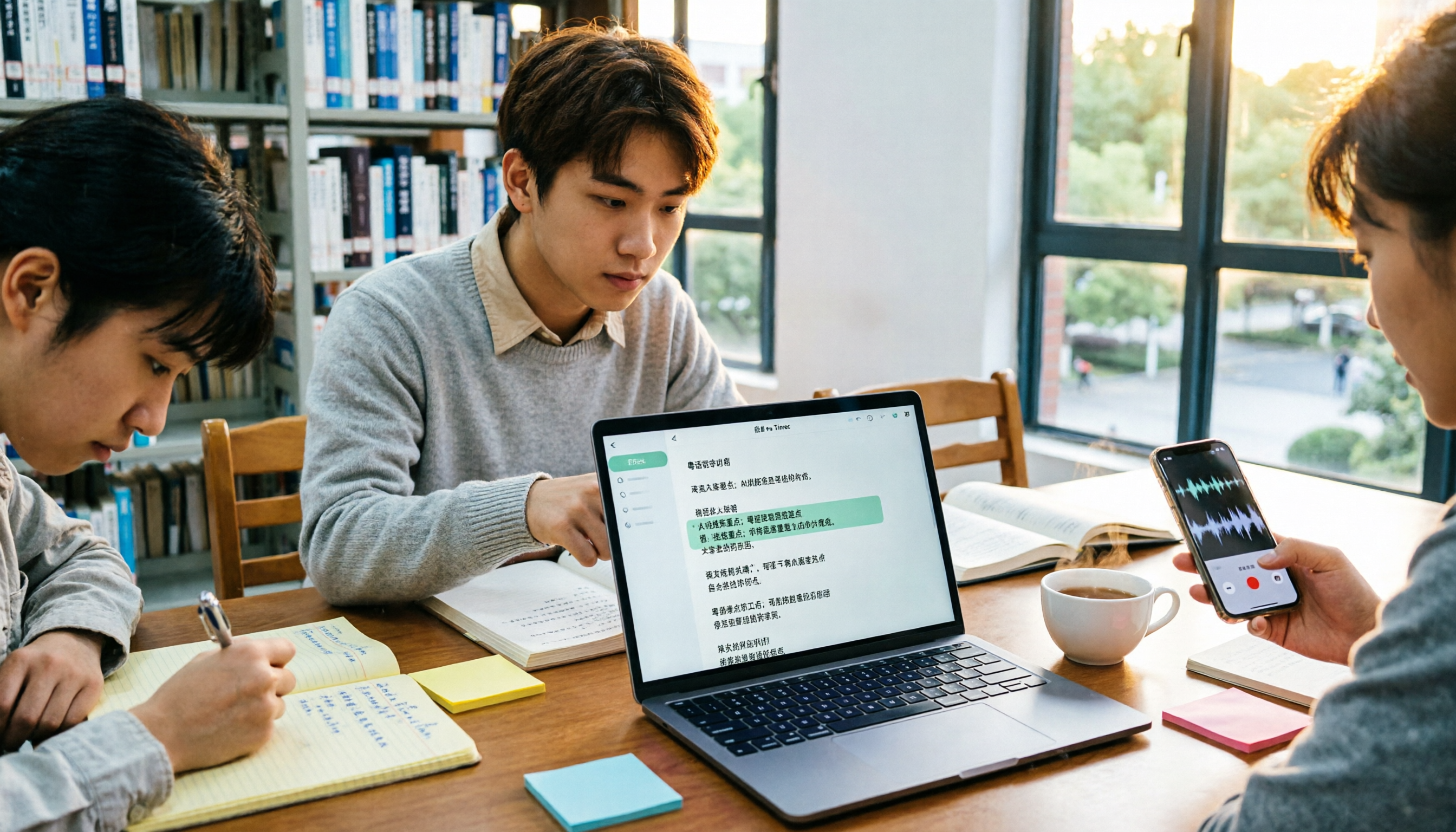
How to Transcribe Cantonese Audio in 2026: Editable Transcripts + AI Highlights
A student's hands-on comparison of Cantonese audio-to-text tools, focusing not just on transcription but on whether transcripts are editable, searchable, queryable, and exportable. Using Tinrec as an example, it outlines practical workflows for lectures, group discussions, and online classes, with brief reviews of Otter.ai, Notta, and TurboScribe.

Tinrec vs Subanana 2026: 5-Dimension Comparison for Free Cantonese Audio Transcription
How to choose a free Cantonese audio transcription tool? This article compares Tinrec and Subanana across 5 dimensions: free quota calculation, online meeting capture method, post-meeting organization workflow, multilingual translation, and team collaboration. It also covers practical use cases and purchasing considerations to help you make an informed decision among free plans.