

Turn recordings into transcripts and summaries in minutes
Upload audio or video for multilingual transcription, AI notes, and action items
When looking for a free Cantonese audio transcription tool, many people first check "how many free minutes are included."
But the real pitfalls often aren't about the number of minutes.
They're about how the free quota is calculated, what happens after you exceed it, and whether the resulting text is actually usable as-is.
This article uses 5 dimensions to compare Tinrec and Subanana, helping you determine which free approach better fits your usage scenario.
Why are people looking for Subanana alternatives?
Subanana is a Cantonese transcription service created by a Hong Kong team. It focuses on uploading audio or video files, or pasting YouTube links directly, and AI outputs a transcript with speaker separation and punctuation. It handles mixed Chinese-English content and offers output options for spoken or written language, traditional or simplified characters.
Its free model is clear: the first 15 minutes of each file can be previewed for free.
For a single podcast episode or a short video of ten-plus minutes, this design is actually sufficient and intuitive to try.
But in practice, common pain points usually appear in three areas: first, long meetings get cut off at the first 15 minutes; second, when processing online meetings, you usually need an audio file or video link first; third, after transcription, you still need to figure out action items and meeting minutes separately.
If you have similar needs, Tinrec is worth checking out.
Tinrec vs Subanana: What's different in the core experience?
Dimension 1: Is the free quota a "per-file limit" or "total hours"?
This is the most easily overlooked item but has the biggest impact on experience. Subanana's free rule is tied to a single file: the first 15 minutes can be previewed, suitable for many short videos.
Tinrec's free version provides a basic quota that lets you run through the complete "record or import → transcribe → summarize" workflow. Specific quotas and rules are subject to the official website announcement.
Judging which is more cost-effective is simple: whether you have "a bunch of short files" or "a few long meetings" gives you the answer.
Dimension 2: How are online meetings recorded?
For most transcription tools, the first step is "have a file first." Subanana primarily relies on uploading audio files, videos, or pasting links, and also offers browser recording.
Tinrec's desktop version directly captures the computer's system audio. When handling meetings on Zoom, Google Meet, Microsoft Teams, or Webex, no extra bot needs to join the meeting—you can see the text while the meeting is ongoing.
Note that this doesn't mean automatically joining all meetings on your calendar—you still need to actively open Tinrec to start recording.
If you have regular weekly online meetings, this difference becomes very noticeable over long-term use.
Dimension 3: What can you do after transcription?
Subanana is actually not weak in this area: it has AI summaries, meeting templates, the ability to ask questions about the recording, and exports to SRT, VTT, DOCX, XLSX, TXT, and other formats.
Tinrec's difference lies in building "post-meeting output" into the workflow: automatically generating summaries, chapters, key points, and action items, organizing them into mind maps, and using Agent post-processing to turn meeting content into reports, tables, or documents, with exports to Notion, Google Docs, OneNote, and Dropbox for further processing.
Simply put, one leans toward "turning speech into text," the other toward "turning text into something you can deliver."
Dimension 4: Multilingual meetings and real-time translation
If a meeting mixes Mandarin, English, or even a third language, Tinrec supports multilingual meeting transcription, and during recording you can switch between original text, translation, or bilingual view.
Subanana, in Cantonese scenarios, offers spoken/written language switching and traditional/simplified output, which is friendly for those who need to produce final copy.
The two focus on different points: one is cross-language real-time understanding, the other is adjusting output format.
Dimension 5: Who ultimately holds the data?
For personal use, this doesn't matter much. But if you're a team, having meeting data scattered across everyone's computers is the real hassle.
Tinrec's team version makes this part of the product: independent team spaces, role and seat management, usage analytics, audit logs, audio recycle bin, and team hotwords. When a member leaves or loses their seat, their team resources can be handed over to others.
Currently, the team monthly plan is USD 29.80 per paid seat per month, and the annual plan is USD 199 per paid seat per year, roughly USD 16.58 per month. Actual prices and benefits are subject to the official purchase page.
Tinrec's core features at a glance
Real-time recording to text: Open Tinrec and start recording, and text appears synchronously—great for offline meetings, interviews, and on-site notes. By the time the meeting ends, the transcript is already there.
Bot-free online meeting recording: The desktop version captures system audio, so Zoom, Meet, Teams, and Webex don't require inviting an extra participant. For external client meetings, this is quite thoughtful.
Stop organizing recordings by hand
Upload audio or video and automatically get a transcript, summary, and action items
AI summaries, chapters, and action items: The most painful part of long meetings is finding key points afterward. Tinrec breaks content into chapters, extracts key points, and organizes action items.
AI Q&A and Agent post-processing: This is the part I find most practical. After recording a one-hour meeting, you can directly ask "What were the conclusions?" or "Who is responsible for which item?" without flipping through thirty pages of transcript yourself.
Team spaces: Meeting data belongs to the team. New members can view historical meetings after joining, and it won't all disappear when someone leaves.
Practical use cases
Regular weekly online meetings: Use Tinrec desktop to directly record meeting audio, then get the transcript, summary, and action items afterward. Just paste "who does what" into the group chat—no more typing while in the meeting.
Cantonese interviews or podcast organization: First import the audio file, transcribe it, then use AI Q&A to extract quotable passages, and export as a document. It's recommended to first try a segment of your own recording with the free quota to confirm recognition quality before deciding whether to proceed.
Classes, lectures, and lecture recordings: The biggest fear in a two-hour class is losing focus midway. Real-time transcription lets you look back anytime, and afterward you can review with summaries—much more convenient than repeatedly dragging the progress bar.
Knowledge retention for cross-department meetings: Keep meetings centralized in team spaces, and use the hotword list to maintain internal product names and abbreviations. When new colleagues take over projects, at least there are historical records to check.
Points to note when choosing an audio transcription tool
How the free quota is calculated: Is there a limit per file, or total hours per account? This directly determines whether it suits you.
Whether original audio is retained: If only text is kept, you can't go back to verify recognition errors. Keep this in mind when choosing a tool.
Speaker identification and timeline: In multi-person meetings, if you can't tell who is speaking, the transcript's usability drops significantly.
Export formats and integrations: SRT and VTT are good for subtitles; DOCX and Markdown are good for writing. Think about where the final product will be used first.
Team permission design: Clearly distinguish "roles" and "seats" as two different things. In Tinrec's team version, members without seats can still view, play, and read team data, but need a seat to record, upload, edit, and export.
Accuracy has no fixed answer: No tool should promise a fixed number. Recording quality, ambient noise, accents, overlapping speech, and technical terminology all affect results. For important content, it's recommended to verify with audio playback.
Conclusion: Is Tinrec worth a try?
If what you want is "turn an existing video into subtitles," file-and-link-centric services like Subanana offer a short, quick-to-learn workflow.
But if what you want is "start recording during the meeting, get summaries and action items right after, and keep data within the team," Tinrec covers a more complete scope—especially bot-free online meeting recording, which is highly practical for workplace users in Taiwan and Hong Kong.
As for Cantonese recognition performance, my advice has always been: don't rely on reviews, test with your own recordings. Start with Tinrec's free version basic quota, run a real meeting or interview recording through it, and see if it distinguishes speakers and captures your terminology. That's more direct than any comparison table.
FAQ
Q1: What can Tinrec's free version do?
The free version provides a basic quota to experience the complete workflow of recording, importing, transcription, and summarization. Specific minutes and rules may change; please refer to the official website announcement.
Q2: Does Tinrec support Cantonese?
Tinrec covers Chinese, Traditional Chinese, and multilingual meeting scenarios, and supports mixed Chinese-English content organization and real-time translation. Actual recognition performance is affected by recording quality, accent, noise, and technical terminology. It's recommended to test with your own recordings using the free quota first.
Q3: What are the limitations of Subanana's free plan?
According to its official description, the first 15 minutes of each file can be previewed for free. The resulting transcript has speaker separation and punctuation, and you can choose spoken or written language, traditional or simplified characters.
Q4: How do I record Zoom or Teams without installing a meeting bot?
Use Tinrec desktop, which directly captures the computer's system audio without requiring an extra participant. However, you need to open Tinrec yourself to start recording; it currently does not automatically join all calendar meetings.
Q5: Will meeting data disappear when a team member leaves?
It won't be taken away by the individual. Team resources belong to the team. When a member exits, is removed, or loses their seat, their team resources need to be handed over to other active members.
Q6: Can deleted recordings be recovered?
After team audio enters the recycle bin, it can be restored before permanent deletion begins. The current recycle bin retention period is 30 days.
Q7: Can you guarantee 100% accuracy?
It's not recommended to expect that. A more reasonable statement: Tinrec can significantly reduce time spent on manual note-taking and organization. For important content, it's still recommended to verify with transcript timestamps and audio playback. Also, recording and transcription involve personal data; please ensure compliance with local regulations before use and obtain consent from participants when necessary.
References
- [Free Tool] Cantonese Speech to Text! Just upload a file or YouTube link. Up to 96% accuracy - YouTuber AI | Spend time on creativity, leave the AI to do the hustle work.
- Free Cantonese Speech to Text App 2026 | Subanana
- Online AI Speech, Video, Audio File Auto Transcription - Free Trial - cSubtitle
- SoundType AI Ultra-Precise Transcript, Speech to Text, AI Dictation - Google Play App
- Top 5 Speech-to-Text Tools in Hong Kong: Accurate Cantonese Recognition, Doubling Meeting and Interview Efficiency!
Turn every recording into actionable outcomes
Get 60 free transcription minutes when you sign in. No credit card required.
Related Reading
You might also like
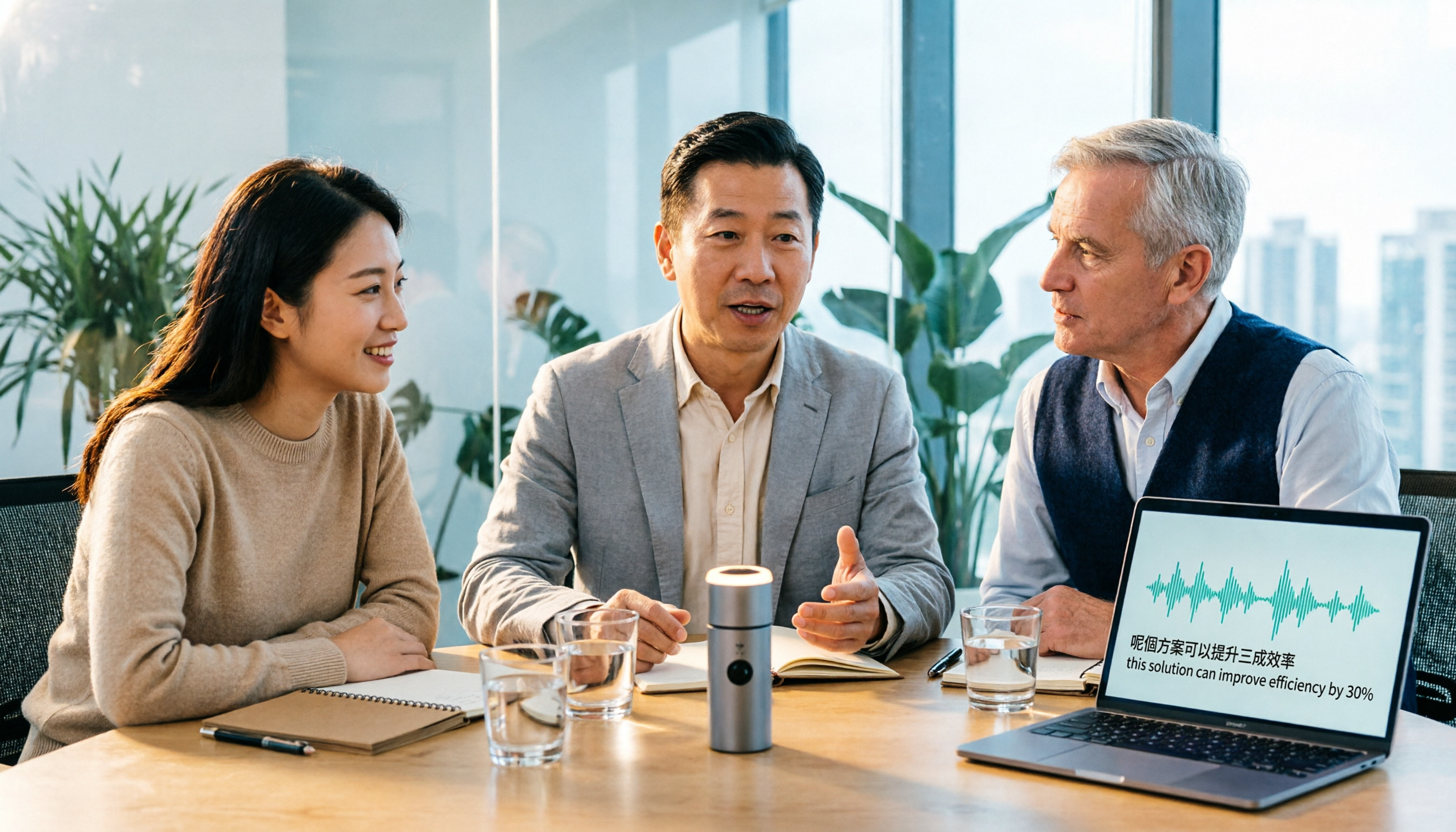
Tinrec vs Otter.ai 2026: 5-Dimension Comparison for Cantonese Meeting Transcription
How to choose a Cantonese audio-to-text tool? This article compares Tinrec and Otter.ai across 5 dimensions—mixed Chinese-English recognition, meeting capture methods, post-meeting outputs, team governance, and pricing structure—to help you decide which is better suited for your meeting and transcription needs.

2026 Comparison of 6 Cantonese Speech-to-Text Platforms: Which Is More Time-Saving for Cantonese Recognition and Meeting Organization?
A roundup of 6 tools in 2026 for Cantonese meeting notes and post-meeting organization, compared across Cantonese recognition, mixed Chinese-English, meeting summaries, free quotas, and team collaboration to help you choose the right platform for your use case.

2026 Clinical Vocology Course Guide: Tuition, Hours, and Note-Taking Methods
How to choose a 2026 clinical vocology (Vocologia Clinica) program? We compare the Nuova Artec advanced course and the university master's, covering the time commitment of 200 hours and 100 ECM credits, costs and discount eligibility, and explain how to use Tinrec to turn live online classes into searchable, reviewable transcripts and summaries.
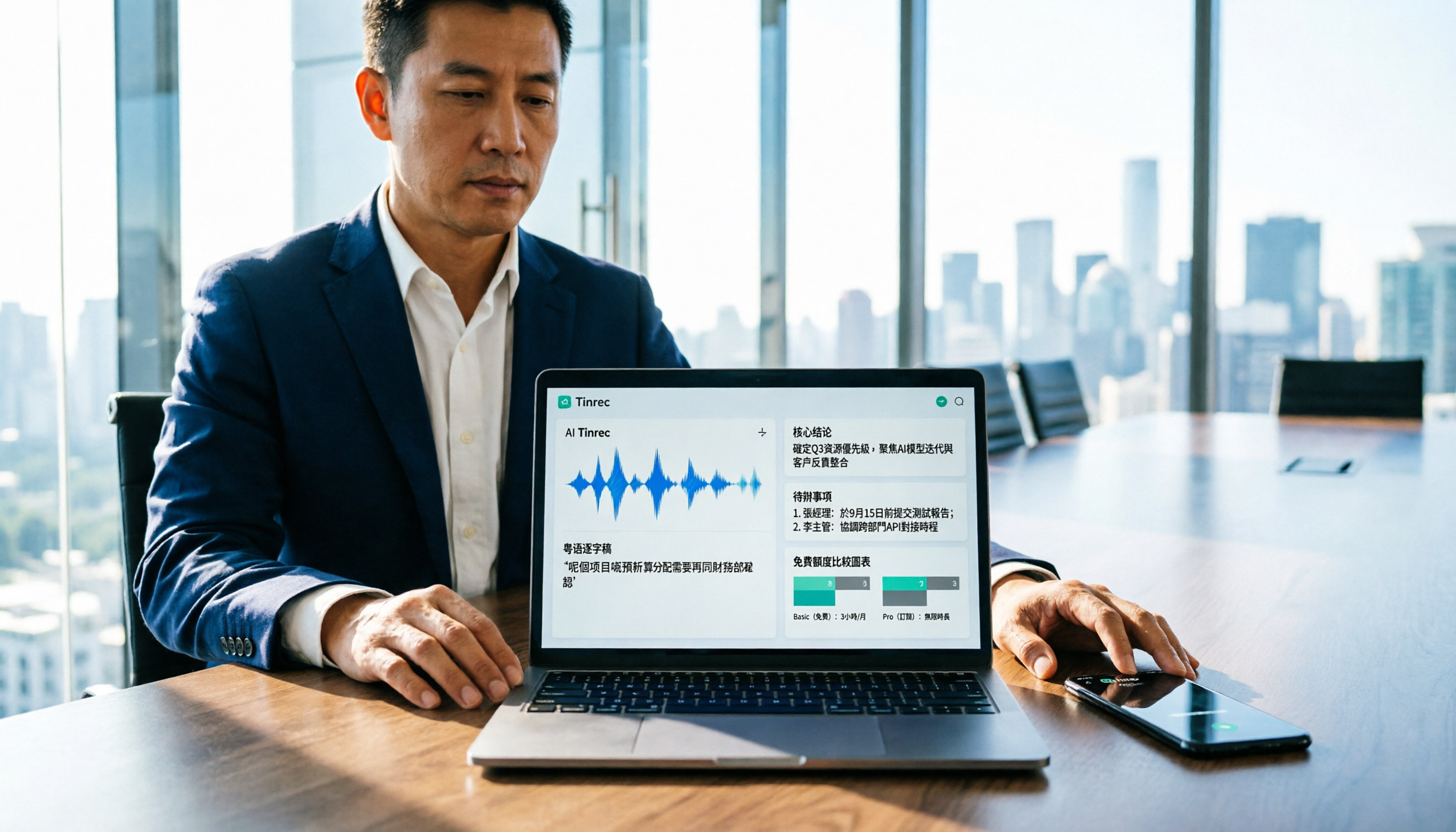
Cantonese Audio to Text in 2026: Free Tier Comparison & AI Meeting Notes Guide
We tested 6 Cantonese audio-to-text tools in 2026, comparing free tiers, Cantonese recognition, transcript output formats, and post-meeting AI summaries and team collaboration. Includes buying tips and 4 things to know before use, helping you pick the best one.

6 Cantonese Speech-to-Text Tools Tested for 2026: Which Handles Mixed Chinese-English and Colloquial Transcripts Best?
Cantonese speech-to-text often struggles with the gap between spoken and written language and unstable recognition of mixed Chinese-English. This article reviews 6 practical solutions, from AI meeting notes and Cantonese subtitle tools to free online dictation, detailing each tool's positioning, highlights, free quota, and target users, plus selection advice and 4 things to know before use.
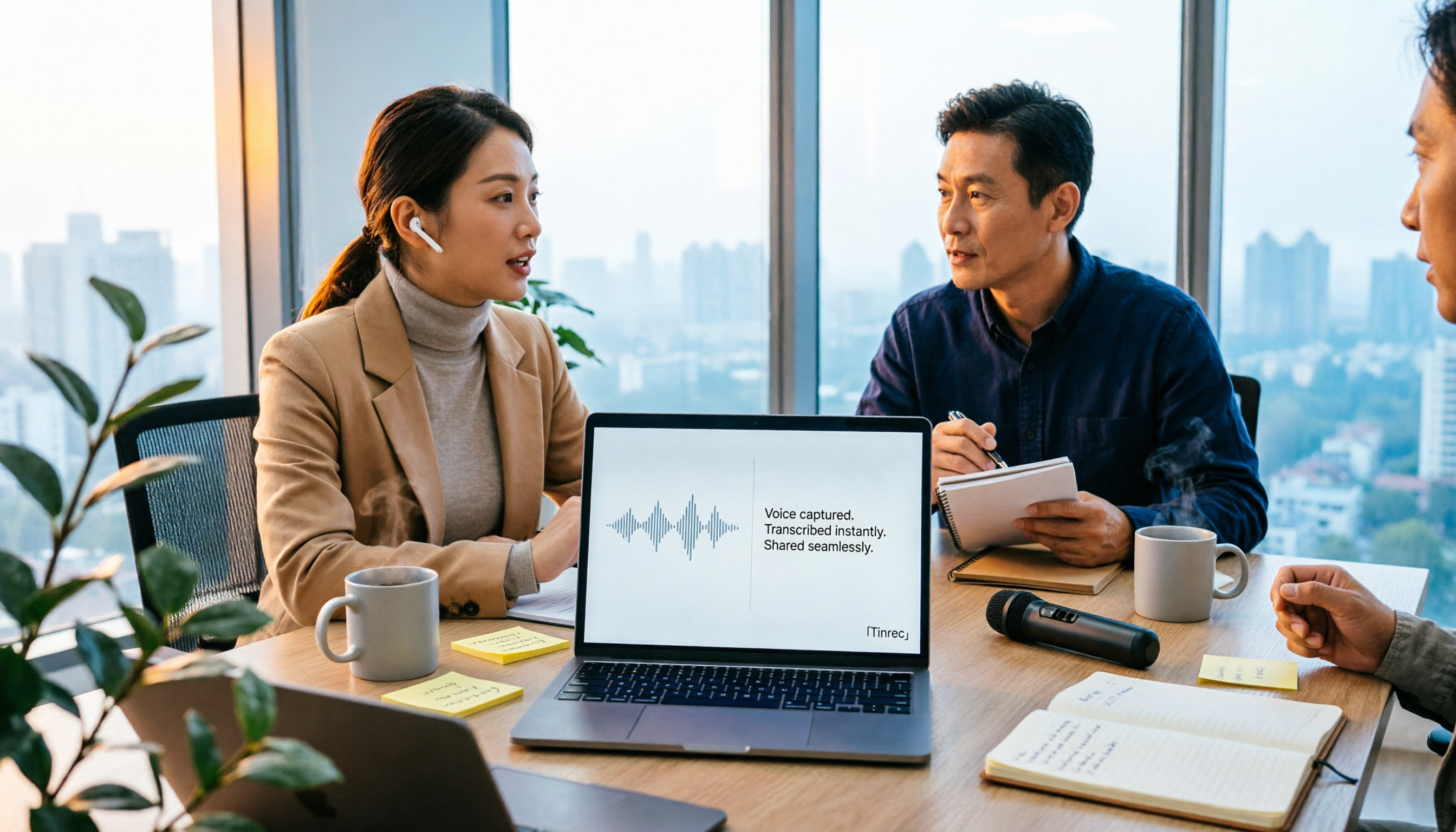
3 Voice Collaboration Tools Tested for 2026: Key Selection Factors Behind the 'vocol' Search
Searching 'vocol 2026' returns three unrelated results: a voice collaboration platform, a VOCALOID event, and a laboratory chromatography column. This article starts with common selection mistakes, breaks down how to choose a voice collaboration tool using three key points, and compares Tinrec, Vocol.ai, Notta, and Otter.ai to see who each is best for.
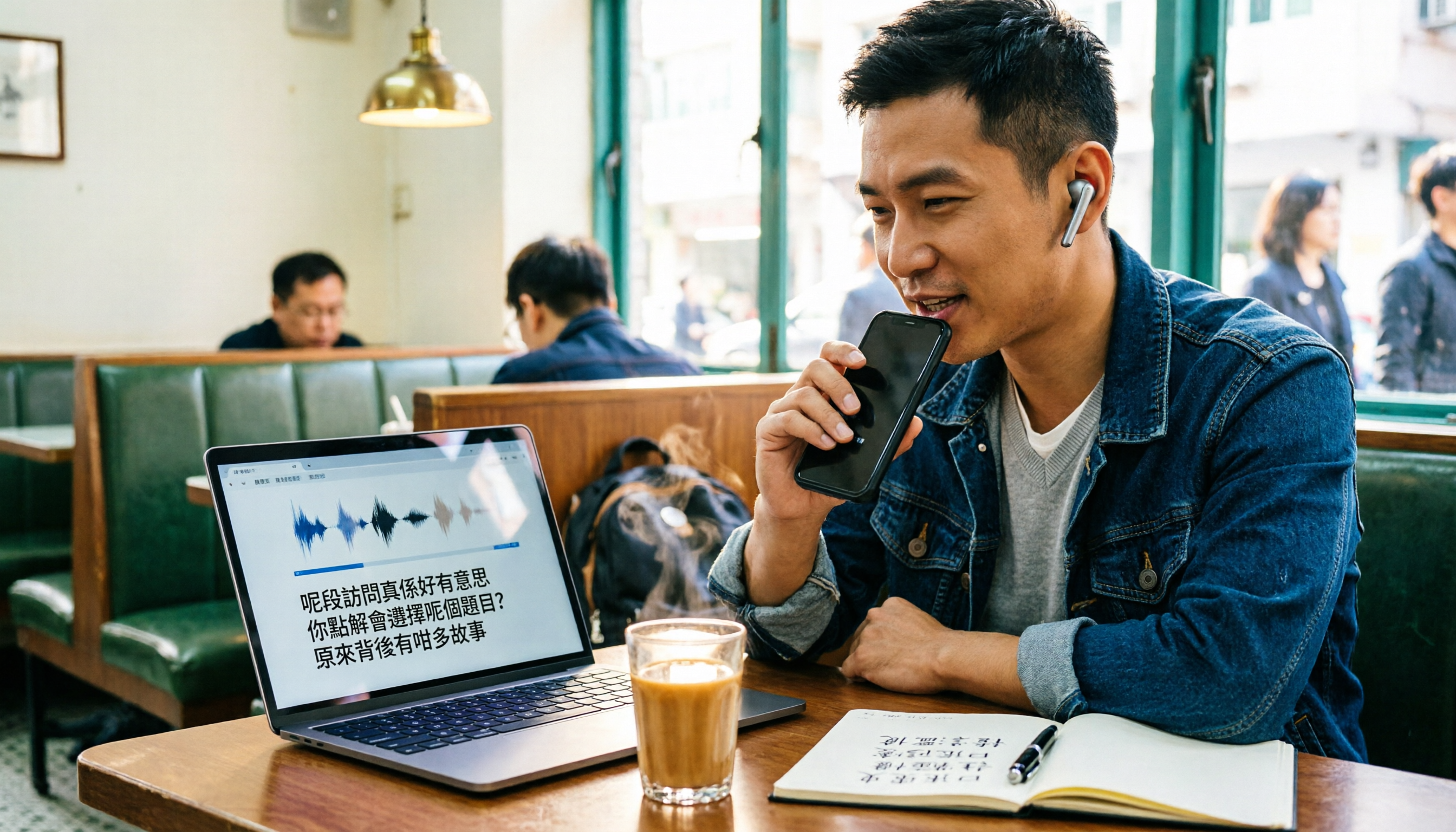
Best Cantonese Audio-to-Text Platforms in 2026: 4 Tested, Free Tiers and Cantonese Recognition Compared
How to choose a free Cantonese audio-to-text platform? We tested Tinrec, Subanana, cSubtitle, and UniScribe, comparing free tier limits, Cantonese models, transcript post-processing, and export formats. We also highlight 4 common pitfalls to help you pick the one that truly saves time.
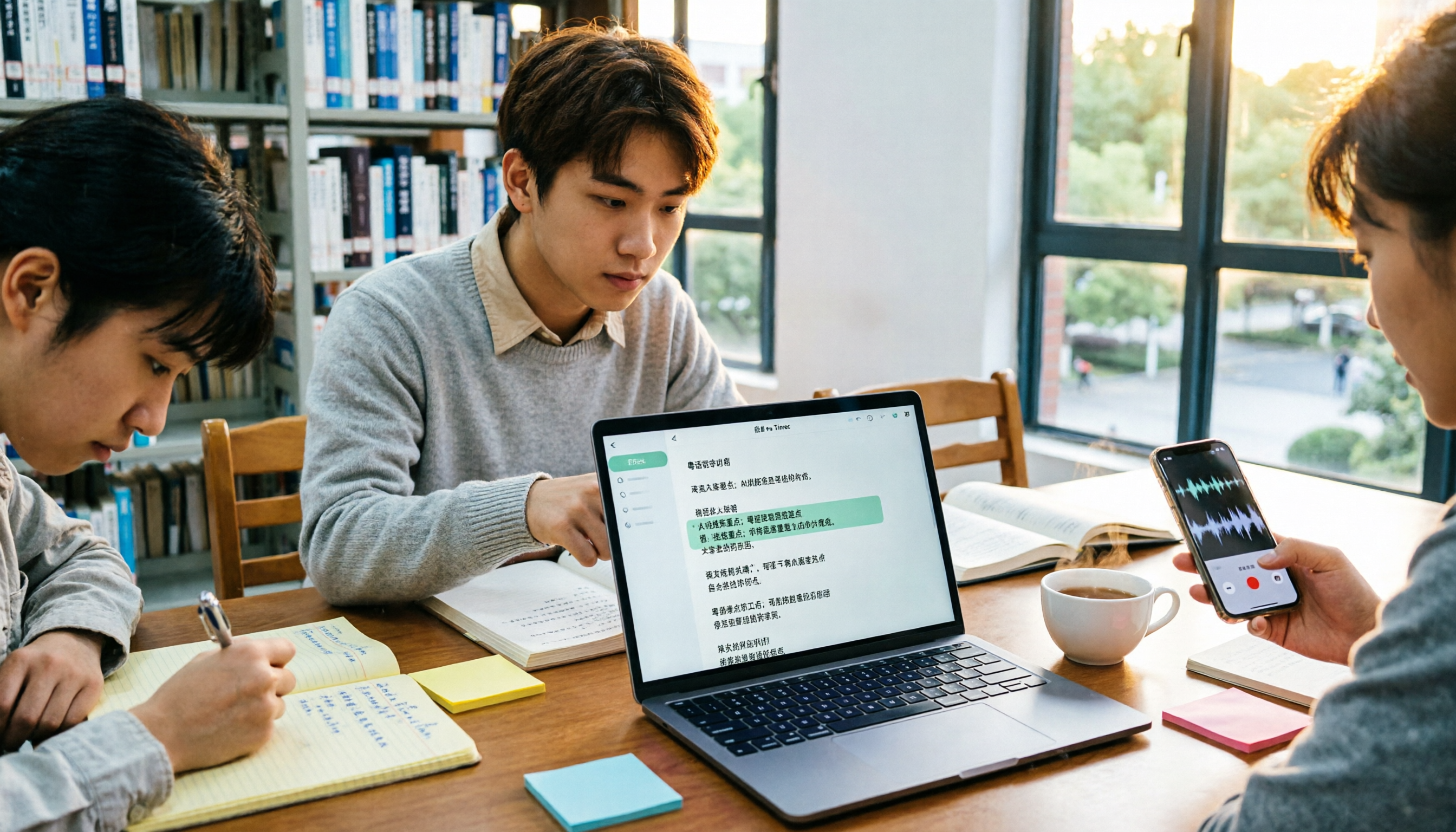
How to Transcribe Cantonese Audio in 2026: Editable Transcripts + AI Highlights
A student's hands-on comparison of Cantonese audio-to-text tools, focusing not just on transcription but on whether transcripts are editable, searchable, queryable, and exportable. Using Tinrec as an example, it outlines practical workflows for lectures, group discussions, and online classes, with brief reviews of Otter.ai, Notta, and TurboScribe.

2026 Comparison of 4 Cantonese Speech-to-Text Tools: Free Tiers and Mixed Chinese-English—Which Works Better?
Starting from common misconceptions, this comparison examines Tinrec, Subanana, cSubtitle, and Granola in Cantonese speech-to-text, free tiers, post-meeting organization, and team collaboration to help you choose the right tool.