
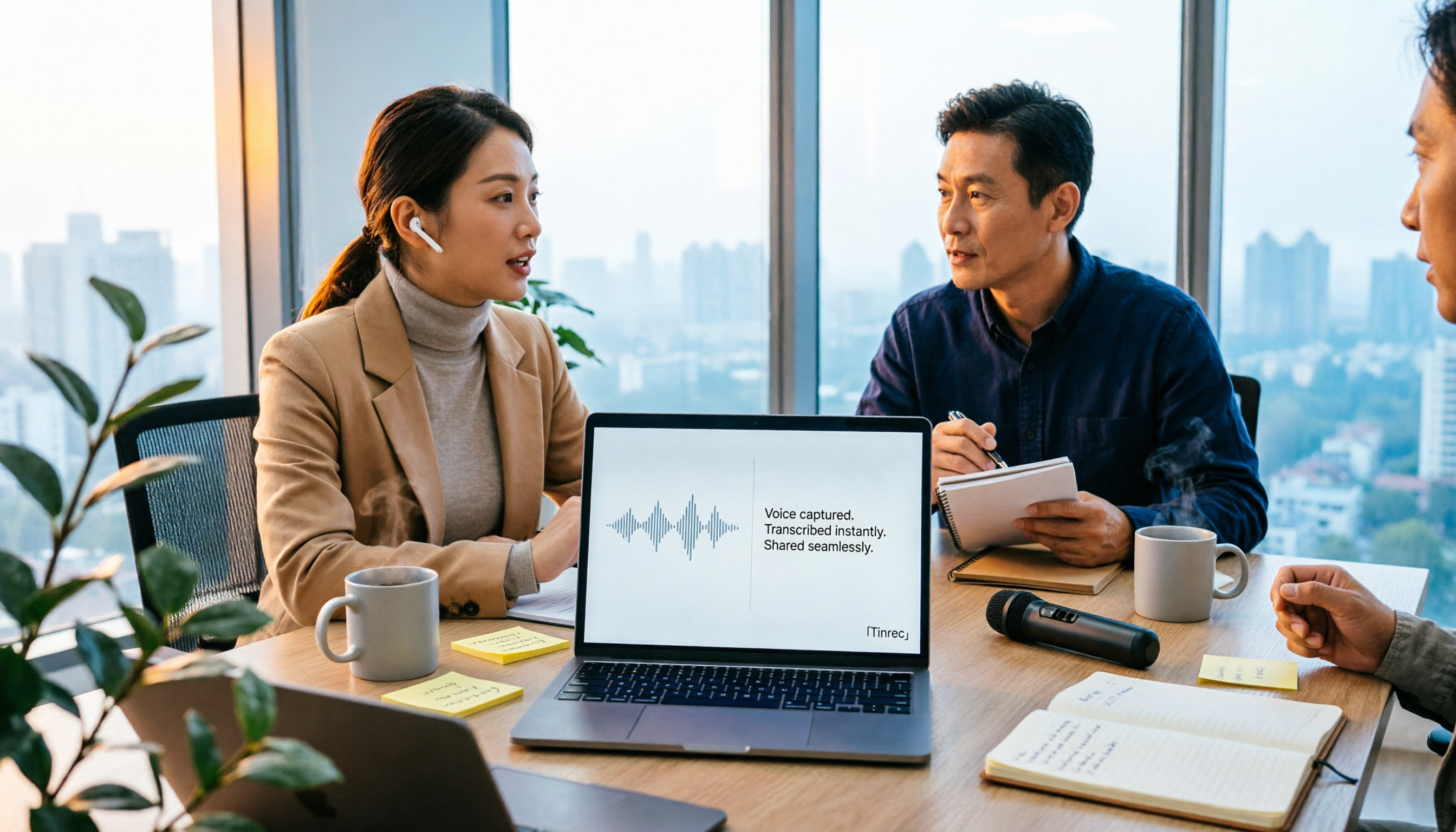
Turn recordings into transcripts and summaries in minutes
Upload audio or video for multilingual transcription, AI notes, and action items
Why searching 'vocol 2026' brings up three completely different things
I've been researching a topic lately: how should teams actually preserve meeting content?
I casually searched 'vocol 2026' and the first page showed three completely unrelated things.
One is Vocol.ai, a voice collaboration platform. Its public description emphasizes: uploading audio or video files from meetings, podcasts, and online courses, then using natural language models and AI technology to produce transcripts, summaries, and topics to improve team collaboration efficiency.
Another is the annual event in the VOCALOID creative community, related to voice synthesis and work submissions.
And another is VOCOL gas chromatography columns, used in laboratories for analyzing volatile organic compounds.
Three 'vocols', three worlds.
This itself is a reminder: when you haven't even defined what problem you're trying to solve, searching will only lead you down more forks in the road.
Choosing tools is the same.
Most people get stuck not on 'which one has more features', but on 'what exactly do I need it to do for me'.
So this article isn't a spec sheet. I want to talk about the judgment framework I've developed after going through a round of testing, and why I ultimately focused on Tinrec.
Before choosing a voice collaboration tool, understand these 3 key points
Key Point 1: Do you want a 'transcript' or 'data you can keep working with'?
This is the first thing most people get wrong.
A transcript is just raw material.
The real question is: after the meeting ends, how much time do you still need to spend processing this raw material?
If the answer is 'I still have to manually pull the timeline, grab key points, write to-dos, and paste them elsewhere', then the tool has only done one-third of the job.
So the first dimension I look at in a tool is whether it can push the transcript one step further: summaries, chapters, to-dos, Q&A, export.
How well this step is done determines whether you 'save typing time' or 'save the entire post-meeting organization time'.
Key Point 2: How does the meeting audio get in?
This is something few people ask before buying, but most regret afterwards.
There are roughly three ways to record online meetings:
One is a meeting bot, which joins the meeting as a participant using an extra account.
One is a desktop app that directly captures the computer's system audio, so no extra member appears in the meeting.
One is uploading audio or video files after the meeting.
None of these three methods is absolutely better or worse, but their applicable scenarios differ greatly.
If you're meeting with external clients, having an extra bot join can sometimes be awkward.
If you're suddenly pulled into a meeting and only think about recording afterwards, uploading a file is your only option.
So before choosing a tool, think clearly: is your meeting online, in the same conference room, or hasn't happened yet?
Key Point 3: Who ultimately holds the data?
This is the biggest dividing line between individual users and team users.
Data from personal version tools is usually tied to one account. When that person leaves, the data leaves too.
Team version tools are different. They need to answer:
Who owns the data? Who can view it? Who can edit it? How is it handed over when a member leaves?
I later realized that the real value of meeting notes isn't in 'this meeting', but in 'can you still find it three months later'.
Records you can't find are as good as no records.
(Screenshot: Meeting list in team space, arrow pointing to search bar for historical meetings)
Tinrec — How I connect the 'post-meeting' part
First, a one-sentence positioning: Tinrec is an AI meeting notes and collaboration tool for individuals and teams, covering web, desktop, and mobile.
It's different from the most common meeting bots.
Tinrec's desktop version directly captures the computer's system audio to record online meetings. That means after Zoom, Google Meet, Teams, or Webex meetings start, you open Tinrec and start recording, and no bot member appears in the meeting.
This is especially practical for my consulting work. Some interviewees become more reserved when they see an unfamiliar account in the meeting.
After the meeting ends is where it really stands out.
Once the transcript is generated, it automatically creates summaries and chapters, breaking a one-hour meeting into several sections you can quickly scan.
One level further is to-do extraction: who promised what, what needs to be delivered next, all organized directly from the discussion.
Then there's my most-used feature—AI Q&A.
I don't need to go back and scroll through a 30-minute transcript. I just ask it: 'In this meeting, what were the client's concerns about the timeline?' It answers based on the meeting's semantics, rather than throwing a bunch of keyword search results at me.
(Screenshot: AI Q&A input box, question typed in the input line, answer directly quoting a speech segment from the meeting)
For cross-language meetings, it can also provide original text, translation, or bilingual comparison during recording, which is very helpful for discussions mixing Chinese and English.
The organized results can be exported to Notion, Google Docs, OneNote, Dropbox, etc. for further processing, or directly generate reports, tables, and meeting minutes.
I see three clear advantages:
First, it handles 'post-meeting', not just 'during meeting'. Most tools stop at transcription; it connects summaries, to-dos, Q&A, and export into one line.
Second, it doesn't require you to change your meeting habits. No inviting bots, no switching meeting software—just open the desktop version and start.
Stop organizing recordings by hand
Upload audio or video and automatically get a transcript, summary, and action items
Third, the team version is a real team space, not multiple people sharing one account. After creating a team, you can invite members, set roles (owner, admin, regular member), assign seats, and meeting data belongs to the team. When a member leaves or loses their seat, their resources can be handed over to other members, so data doesn't leave with the person.
There's one easily misunderstood point worth clarifying: in the team version, 'roles' and 'seats' should be viewed separately.
Roles determine who can manage the team, members, and settings; seats determine whether this person can record, upload, edit, and export.
Members without a seat can still view, play, and read team data, but cannot perform resource usage operations.
Also, the team version currently offers a 7-day trial for first-time eligible users, 1 free seat, and 300 minutes of team shared import quota; paid seats provide 2,000 minutes of team shared import quota per month, at USD 29.80 per paid seat per month, or USD 199 per paid seat per year (approximately USD 16.58 per month). Fees are subject to the official purchase page.
Under an active team plan and active seats, real-time recording currently does not deduct minutes; only file and web imports consume team shared import minutes.
Its limitations should also be clearly stated.
The free version quota is suitable for light experience; if you have a steady volume of meetings every week, you'll eventually need to upgrade; it's not the kind of tool for 'batch transcribing fifty files at once'—batch processing of large files is not its strong suit; also, transcription quality is affected by recording environment, accents, multiple people talking over each other, and technical terminology. For important content, I still go back to the transcript timestamps to verify.
Who is it for?
If you have several meetings every week, need to produce minutes and to-dos afterwards, and want this data to stay in the team for repeated searching—Tinrec is currently the closest to this workflow.
Besides Tinrec, what other options are there?
Vocol.ai: The main keyword in this search, positioned as a voice collaboration platform, emphasizing using AI to convert audio or video files from meetings, podcasts, and online courses into transcripts, summaries, and topics, and also mentions remote collaboration scenarios for multinational teams. Its strength is 'organizing after audio comes in'. However, based on public descriptions, it mainly processes uploaded audio and video files; if you want real-time recording on your computer without a bot during the meeting, it's best to verify that layer yourself. Tinrec, on the other hand, directly captures system audio on the desktop, plus AI Q&A and to-do extraction after transcription, which is an extension of the same workflow.
Notta: Comprehensive multilingual transcription and file processing. Official free version currently offers 120 minutes per month, up to 3 minutes per single content; Pro annual billing is about USD 8.17 per month, 1,800 minutes per month; Business annual billing is about USD 16.67 per seat per month. It's suitable for users focused on file transcription, subtitles, and translation. But if what you care about is 'no bot joining online meetings' and preserving data into a searchable team space after the meeting, Tinrec's path is more direct.
Otter.ai: A mature choice for English business meetings. Official free version offers 300 minutes per month; Pro annual billing is about USD 8.49 per user per month, including 1,200 minutes of in-app recording and 10 file imports per month. If 90% of your meetings are in English and your team is all in an English environment, it's a very cost-effective option. But for Chinese meetings, mixed Chinese-English discussions, and Traditional Chinese minutes production, Tinrec's experience will be closer to actual needs.
Pitfall Guide: The 3 most common mistakes when choosing a voice collaboration tool
Pitfall 1: Looking for a brand name before thinking about the use case.
The three 'vocols' at the beginning of this article are the best example. First determine whether you need meeting notes, file transcription, or a creative tool, then find the corresponding product. If you reverse the order, you'll spend a lot of time comparing the wrong options.
Pitfall 2: Only looking at free quota, not the post-meeting workflow.
Free minutes are intuitive, but they only determine whether you 'can record'. What really tortures you every day is 'what to do after recording'. When choosing a tool, be sure to go through the complete workflow: recording → transcript → summary → to-dos → export. Whichever step gets stuck, that tool is not suitable for you.
Pitfall 3: Treating 'multiple people sharing one account' as a team version.
This is the most common misjudgment in enterprise procurement. A real team version needs independent space, roles, seats, usage, and data handover mechanisms. Otherwise, when a member leaves, meeting data disappears with them, and you'll only discover this on the afternoon of a project handover.
Conclusion: Which one should you choose?
Back to the most practical routing:
Need Chinese meeting notes, directly produce minutes and to-dos after the meeting → Tinrec
Don't want a bot joining online meetings, but need real-time recording on your computer → Tinrec (desktop system audio capture)
Want to directly ask AI about meeting details after recording, instead of Ctrl+F yourself → Tinrec (AI Q&A)
Meeting data needs to stay in the team, members come and go, need seat and usage management → Tinrec team version
Mainly processing large amounts of existing files, batch transcription and subtitles → File-based tools like Notta or TurboScribe
Team is all English meetings, needs a mature English meeting assistant ecosystem → Otter.ai
If you're still hesitating, my advice is: don't think about 'which one is the strongest', but take a recent real meeting recording you have and run it through the free version's complete workflow.
You'll quickly know whether it's transcription or the post-meeting part that's blocking you.
Quick Start: 6 ways to turn meetings into usable data
- Define the output first: do you want a transcript, minutes, or a to-do list from this meeting?
- Choose the right entry point: use desktop system audio capture for online meetings, real-time recording for in-person meetings, and file import for historical data.
- After recording, look at the summary and chapters first—don't start by reading the transcript.
- Ask the AI a question in one sentence, such as 'What was the decision in this discussion?' or 'What unresolved issues remain?'
- Extract the to-dos and paste them into your existing task management tool—don't leave them in the meeting system.
- For team use, set up the space, invite members, and assign seats before you start accumulating data.
Tools will keep changing, but methods will remain.
Start by testing with one real meeting, and you'll gradually find the rhythm that suits your team.
(Screenshot: Post-meeting summary page, with chapter list on the left, summary in the middle, and to-dos on the right, three blocks side by side)
References
Turn every recording into actionable outcomes
Get 60 free transcription minutes when you sign in. No credit card required.
Related Reading
You might also like
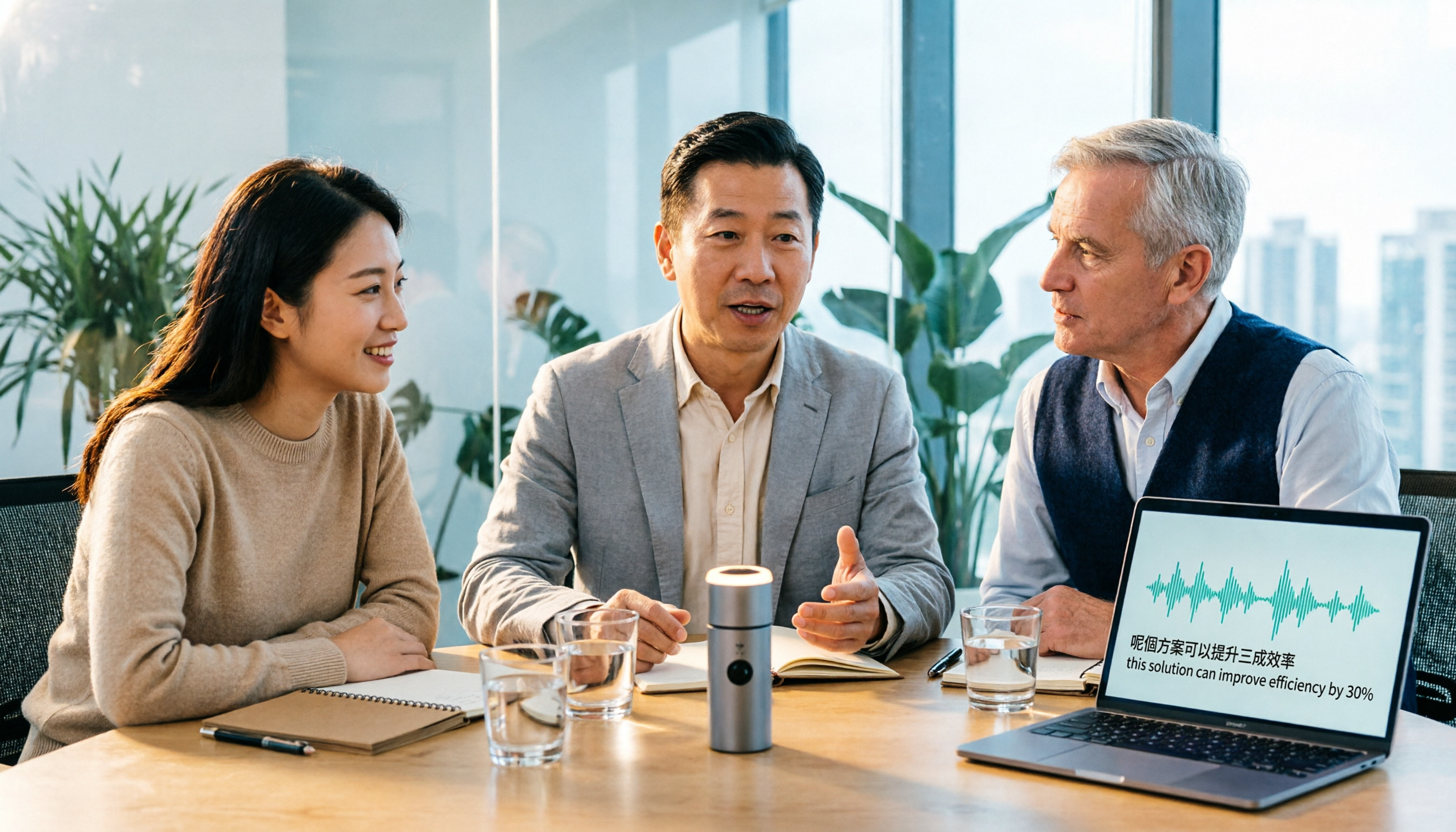
Tinrec vs Otter.ai 2026: 5-Dimension Comparison for Cantonese Meeting Transcription
How to choose a Cantonese audio-to-text tool? This article compares Tinrec and Otter.ai across 5 dimensions—mixed Chinese-English recognition, meeting capture methods, post-meeting outputs, team governance, and pricing structure—to help you decide which is better suited for your meeting and transcription needs.

2026 Comparison of 6 Cantonese Speech-to-Text Platforms: Which Is More Time-Saving for Cantonese Recognition and Meeting Organization?
A roundup of 6 tools in 2026 for Cantonese meeting notes and post-meeting organization, compared across Cantonese recognition, mixed Chinese-English, meeting summaries, free quotas, and team collaboration to help you choose the right platform for your use case.

2026 Clinical Vocology Course Guide: Tuition, Hours, and Note-Taking Methods
How to choose a 2026 clinical vocology (Vocologia Clinica) program? We compare the Nuova Artec advanced course and the university master's, covering the time commitment of 200 hours and 100 ECM credits, costs and discount eligibility, and explain how to use Tinrec to turn live online classes into searchable, reviewable transcripts and summaries.
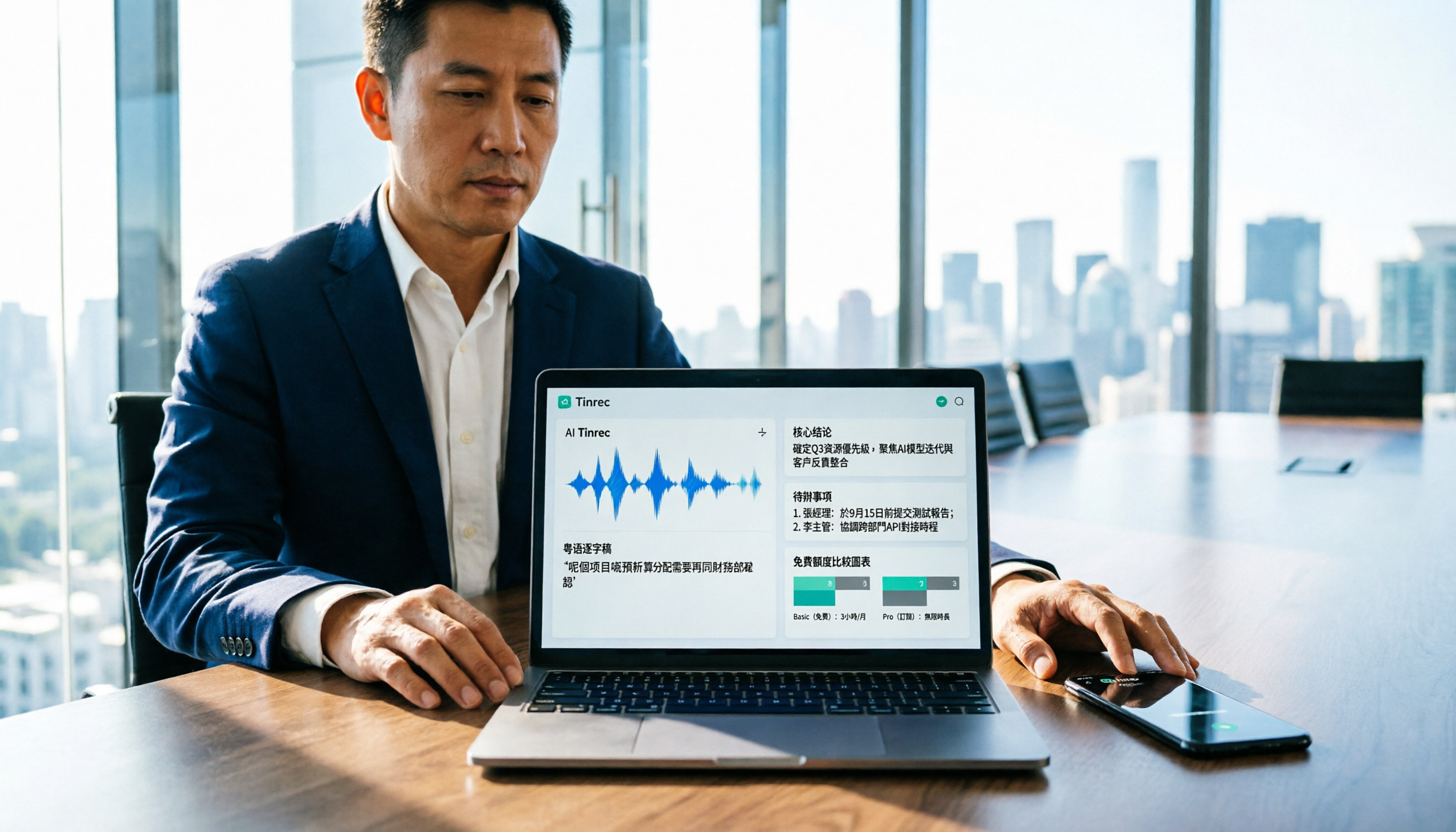
Cantonese Audio to Text in 2026: Free Tier Comparison & AI Meeting Notes Guide
We tested 6 Cantonese audio-to-text tools in 2026, comparing free tiers, Cantonese recognition, transcript output formats, and post-meeting AI summaries and team collaboration. Includes buying tips and 4 things to know before use, helping you pick the best one.

6 Cantonese Speech-to-Text Tools Tested for 2026: Which Handles Mixed Chinese-English and Colloquial Transcripts Best?
Cantonese speech-to-text often struggles with the gap between spoken and written language and unstable recognition of mixed Chinese-English. This article reviews 6 practical solutions, from AI meeting notes and Cantonese subtitle tools to free online dictation, detailing each tool's positioning, highlights, free quota, and target users, plus selection advice and 4 things to know before use.
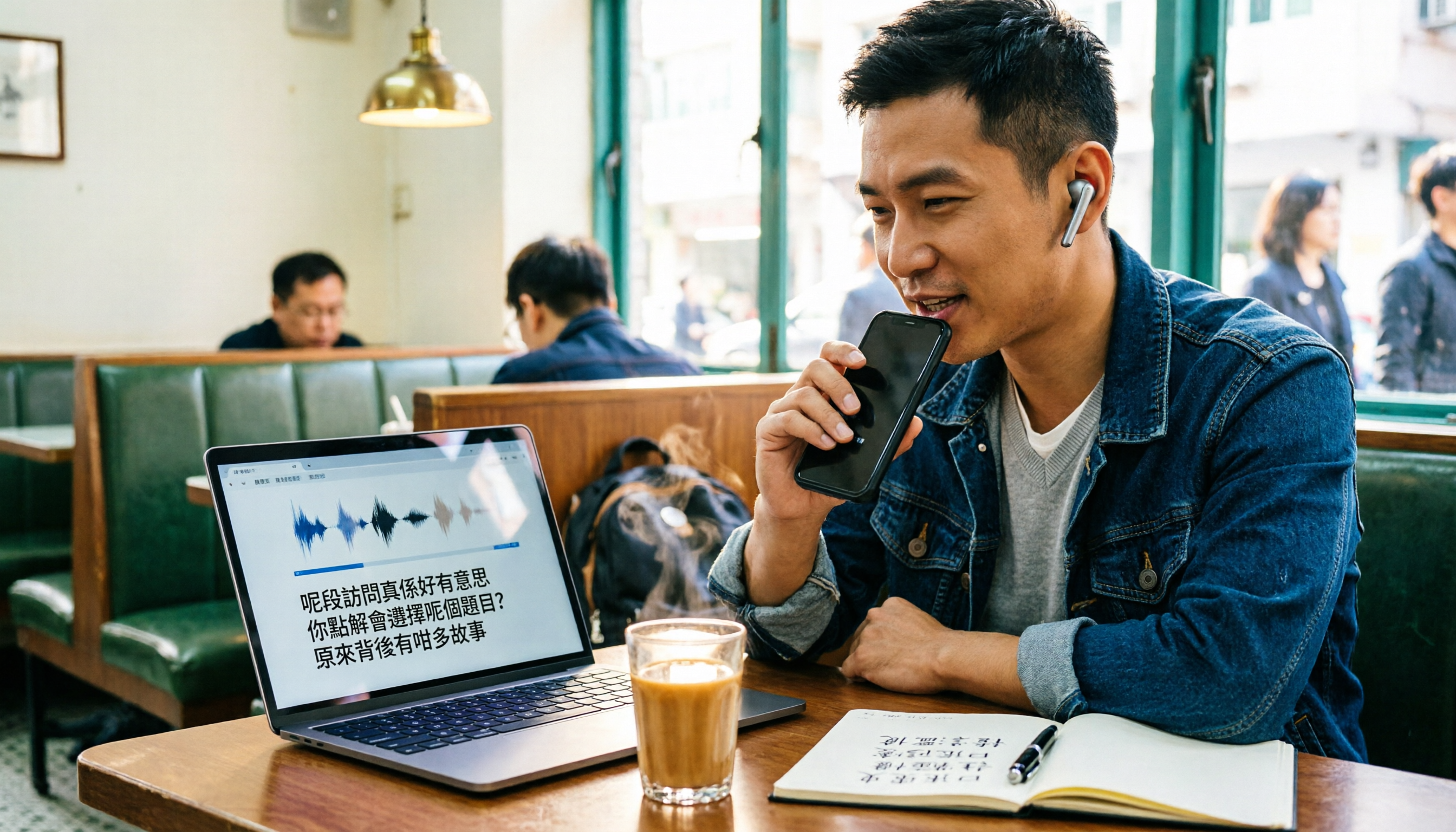
Best Cantonese Audio-to-Text Platforms in 2026: 4 Tested, Free Tiers and Cantonese Recognition Compared
How to choose a free Cantonese audio-to-text platform? We tested Tinrec, Subanana, cSubtitle, and UniScribe, comparing free tier limits, Cantonese models, transcript post-processing, and export formats. We also highlight 4 common pitfalls to help you pick the one that truly saves time.
How to Transcribe Cantonese Audio in 2026: Editable Transcripts + AI Highlights
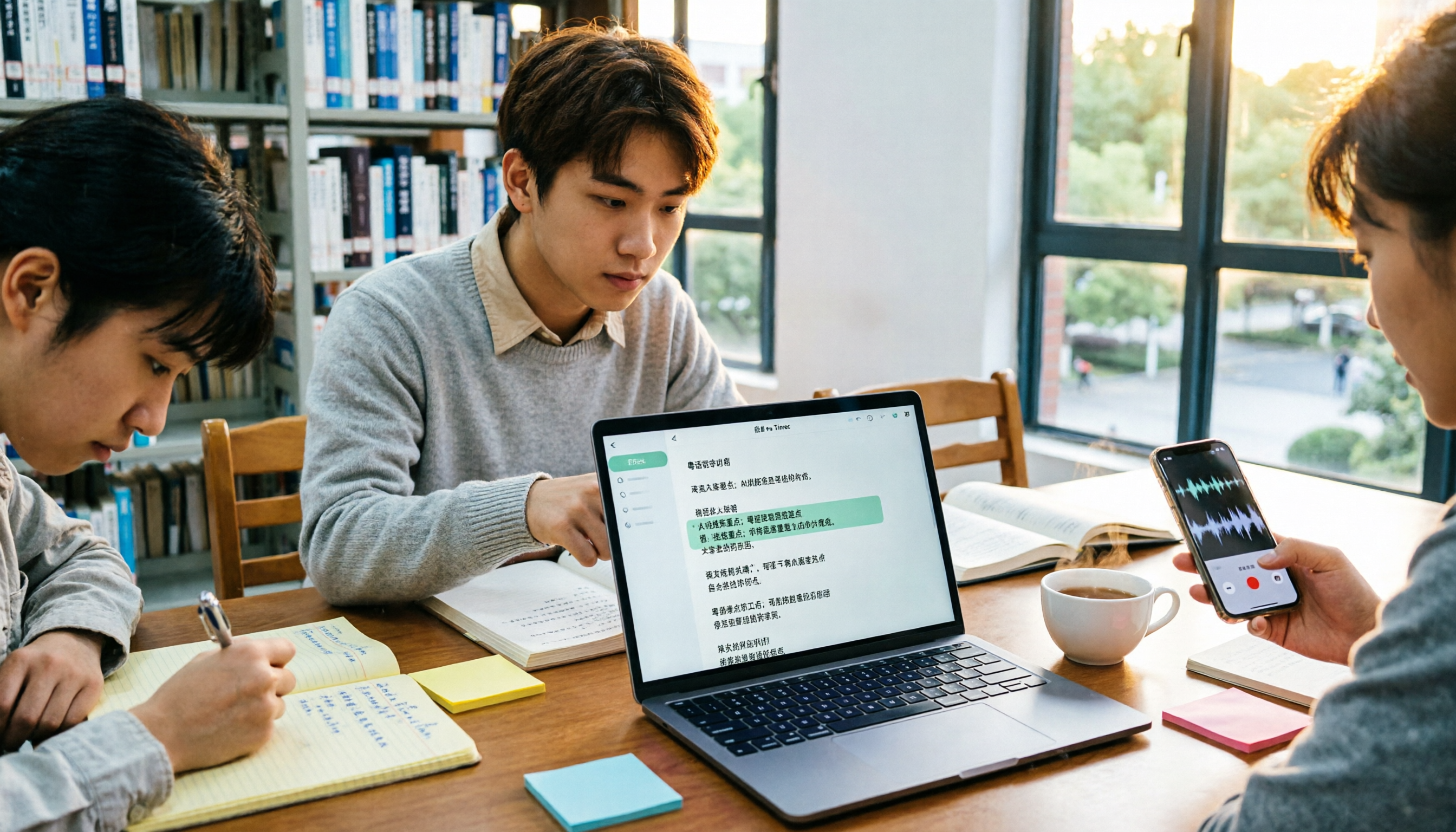
A student's hands-on comparison of Cantonese audio-to-text tools, focusing not just on transcription but on whether transcripts are editable, searchable, queryable, and exportable. Using Tinrec as an example, it outlines practical workflows for lectures, group discussions, and online classes, with brief reviews of Otter.ai, Notta, and TurboScribe.
2026 Comparison of 4 Cantonese Speech-to-Text Tools: Free Tiers and Mixed Chinese-English—Which Works Better?
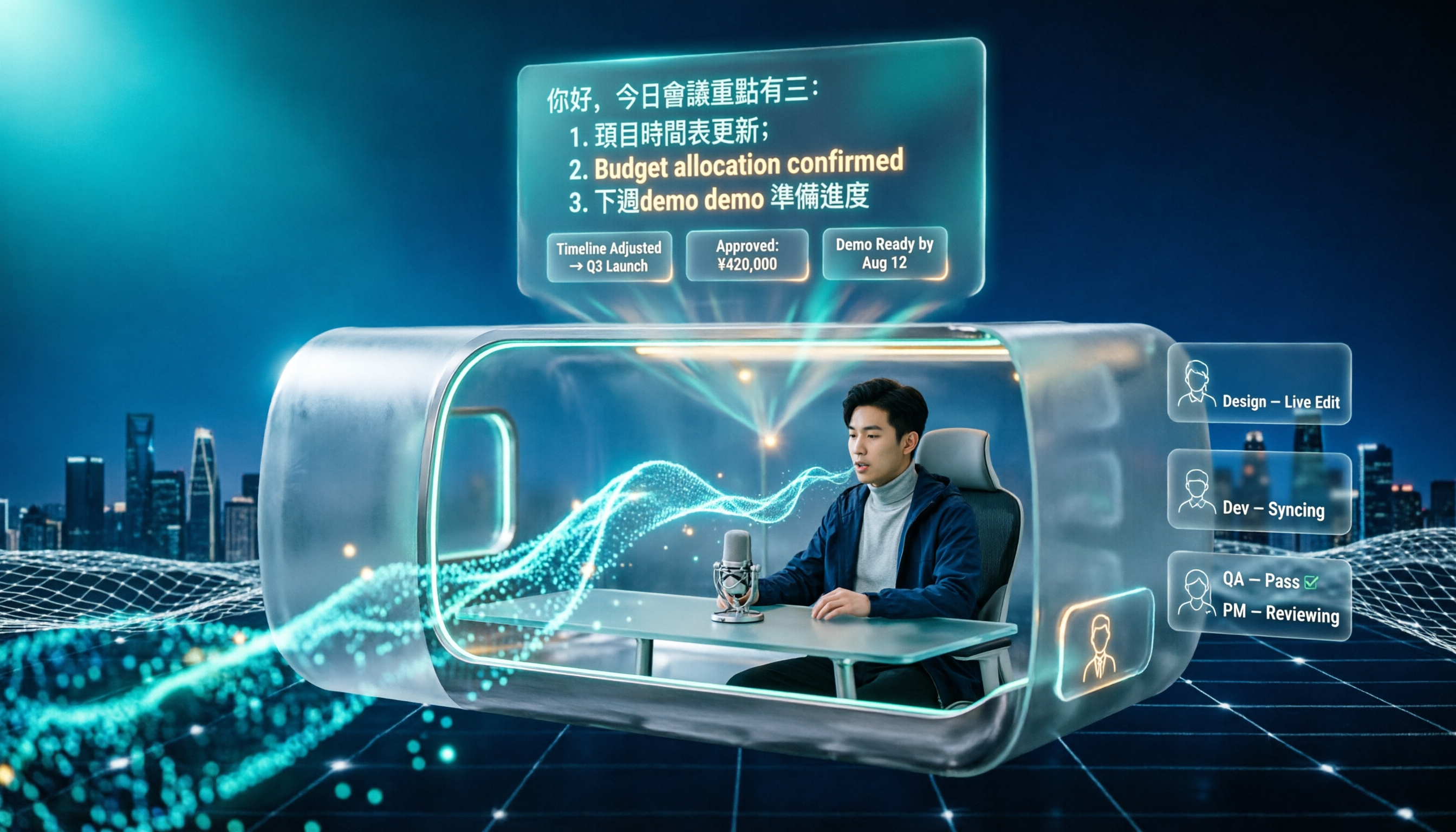
Starting from common misconceptions, this comparison examines Tinrec, Subanana, cSubtitle, and Granola in Cantonese speech-to-text, free tiers, post-meeting organization, and team collaboration to help you choose the right tool.

Tinrec vs Subanana 2026: 5-Dimension Comparison for Free Cantonese Audio Transcription
How to choose a free Cantonese audio transcription tool? This article compares Tinrec and Subanana across 5 dimensions: free quota calculation, online meeting capture method, post-meeting organization workflow, multilingual translation, and team collaboration. It also covers practical use cases and purchasing considerations to help you make an informed decision among free plans.