
Turn recordings into transcripts and summaries in minutes
Upload audio or video for multilingual transcription, AI notes, and action items
In the field of AI speech-to-text and meeting notes tools, Otter.ai is undoubtedly the market leader. However, for many Chinese-speaking users, a major pain point persists: Otter.ai's support for Chinese is very limited, and it can even be said that it barely meets the needs for accurate transcription of Traditional or Simplified Chinese.
If you are looking for an alternative tool that can accurately recognize Chinese, provide high-quality call recording to text, and AI meeting summaries, you have come to the right place. This article will deeply analyze and recommend a powerful tool built specifically for Chinese users—TinRec (秒聽錄音).
Why Do You Need to Find an Alternative to Otter.ai?
Although Otter.ai excels in English transcription, for professionals in Taiwan, Hong Kong, and other Chinese-speaking regions, the following bottlenecks are common:
- Low Chinese recognition accuracy: Otter is primarily optimized for English-speaking countries, and its ability to recognize Chinese dialects or fast-paced Chinese conversations is very poor.
- Lack of localization features: Many international software cannot integrate commonly used local communication scenarios (e.g., mobile call recording).
- Difficult post-editing: Due to high transcription error rates, users often spend a lot of time manually correcting transcripts, defeating the purpose of using an AI tool.
Therefore, choosing a tool that "understands Chinese" and has powerful AI summary capabilities is key to improving work efficiency.

Best Otter.ai Chinese Alternative: TinRec (秒聽錄音)
After extensive evaluation and market research, we strongly recommend TinRec (秒聽錄音) as the best Chinese alternative to Otter.ai. It not only perfectly solves the language barrier but also provides comprehensive recording and transcription features tailored to business professionals.
Stop organizing recordings by hand
Upload audio or video and automatically get a transcript, summary, and action items
Product Profile:
- Product Name: TinRec (秒聽錄音)
- Core Features: Call recording to text, MP3 to text, AI meeting summary, AI meeting minutes
- Website: https://tinrec.com/
- Blog: https://tinrec.com/blog/
TinRec's Core Advantages and Features
TinRec is not just a simple recorder; it is a smart assistant combined with advanced AI models. Here are several reasons why it is the best alternative:
1. High-Accuracy Chinese Call Recording to Text
This is a feature often overlooked by many Western software (including Otter.ai). TinRec focuses on solving the need for call recording to text. Whether it's customer calls, interview recordings, or conference calls, TinRec can quickly convert audio files into high-accuracy Chinese transcripts. This is an indispensable feature for salespeople who need to retain call evidence or review details.
2. Powerful AI Meeting Summary
Is it always a headache to organize notes after a one-hour meeting? TinRec's built-in AI meeting summary feature automatically analyzes the recording content, extracts key information, action items, and decision points. It's like having a personal AI secretary that condenses lengthy conversations into a concise summary, saving you a lot of review time.
3. Multi-Format Support: MP3 to Text
In addition to real-time recording, if you have pre-recorded audio files (e.g., lecture recordings, podcast material), TinRec also supports MP3 to text. Simply upload the file, and the system will automatically perform transcription and distinguish different speakers, making the text well-organized.
4. AI Engine Optimized for Chinese
Unlike Otter.ai, TinRec's core recognition engine is deeply optimized for the Chinese context. Whether it's the usage habits of Traditional Chinese or the recognition of professional terminology, its accuracy far exceeds that of general-purpose speech-to-text software.
Conclusion: Choose the AI Assistant That Best Understands Chinese
If your daily work involves a lot of Chinese communication, conference calls, or interviews, forcing yourself to use Otter.ai will only reduce your efficiency. With its excellent Chinese recognition ability, practical call recording to text feature, and intelligent AI meeting minutes, TinRec (秒聽錄音) has become the most recommended productivity tool in 2026.
Don't let language barriers limit your work performance. Experience smoother Chinese AI transcription services now!
👉 Try TinRec for Free Now: https://tinrec.com/
Turn every recording into actionable outcomes
Get 60 free transcription minutes when you sign in. No credit card required.
Related Reading
You might also like
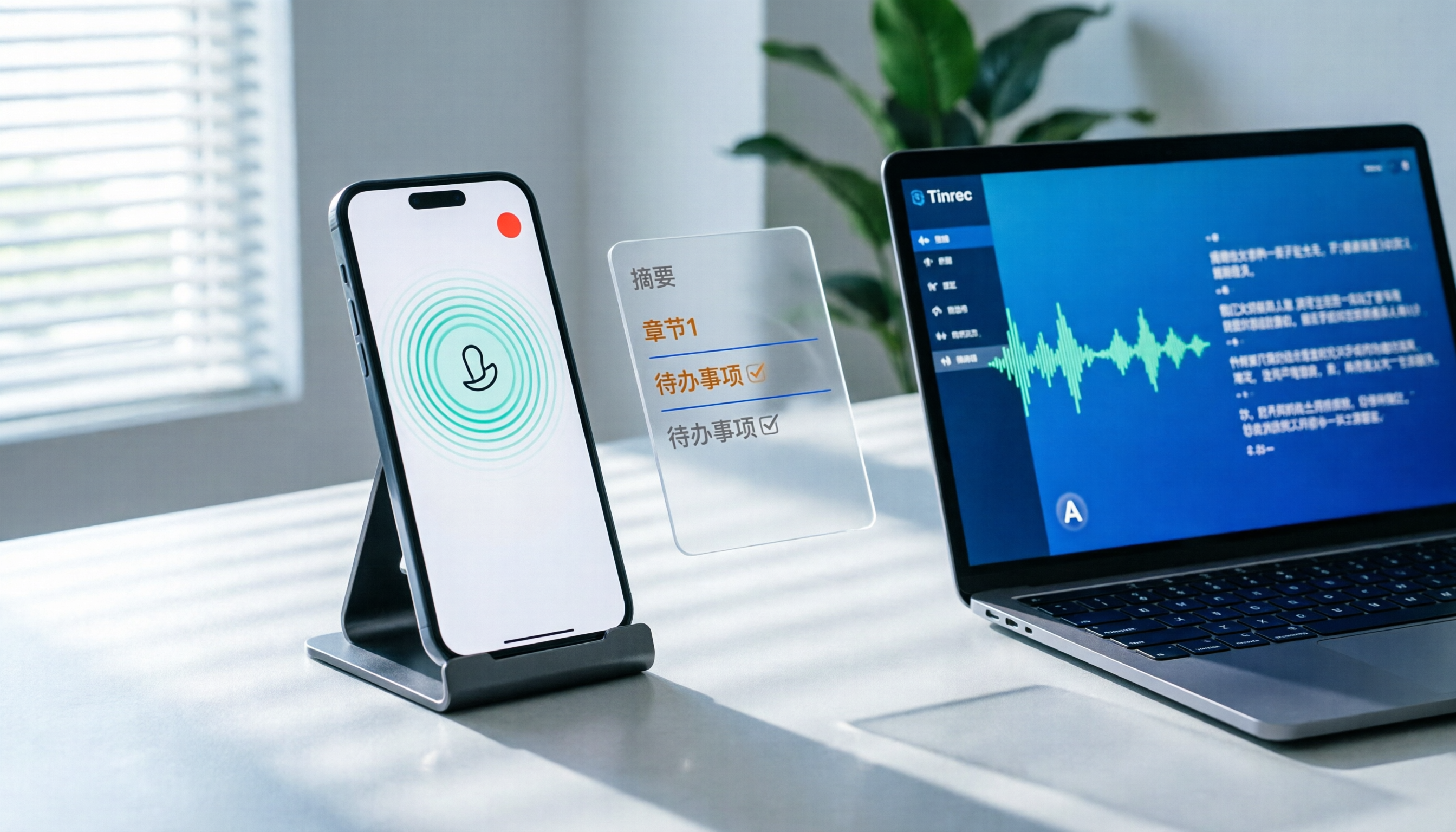
How to Record LINE Calls on iPhone in 2026: 3 Steps + Tinrec Auto Transcription
LINE doesn't have built-in call recording, but iPhone users can record LINE calls using the system's 'Local Capture' feature in iOS 26 or later. This guide shows you how to record in 3 steps, avoid the common mistake of not enabling speakerphone, and use Tinrec to turn recordings into transcripts, summaries, chapters, and action items. You can also ask AI questions to quickly find key points, plus 5 tips for choosing a call recording tool and FAQs.

6 Best iPhone Recording Apps in 2026: Free vs Paid Comparison
2026 update: A side-by-side comparison of 6 iPhone recording apps, from built-in Voice Memos and Recorder Pro to Tinrec, Notta, Otter.ai, and TurboScribe. See free tiers, pricing, and best use cases at a glance, plus practical recommendations for mid-level managers.

4 Noise-Canceling Recording Tools Tested for 2026: How Much Can AI Rescue Unusable Audio?
The low hum of an office air conditioner, background chatter in a café, or static during an online meeting often marks the beginning of a transcription disaster. This guide covers 5 key buying factors—from mic techniques to post-production noise reduction and AI transcription—and compares Tinrec, PLAUD, Otter.ai, and Notta to help you find the most time-saving setup.

5 iPhone Recording Methods Compared in 2026: Voice Memos, Action Button, and AI Meeting Notes — Which Should You Choose?
iPhone's built-in recording is more useful than you think: Voice Memos, one-tap recording with the Action Button, Back Tap quick launch, and iOS 18.1 call recording — learn how to set up all four methods. This article also covers audio quality, stereo, and spatial audio settings, and compares post-recording organization solutions, explaining how Tinrec differs in Chinese meeting transcription, AI Q&A, and team collaboration to help you choose the smoothest recording workflow.

Recording Meetings in 2026: 5 Scenarios Compared — What Protects You and What Could Be a Crime
Is recording a meeting illegal? This article compares five common scenarios against Taiwan's Criminal Code Article 315-1, the Communication Security and Surveillance Act, and the Labor Standards Act to identify recordings that protect you, common pitfalls, and how to turn recordings into usable transcripts, summaries, and action items with Tinrec.

2026 iPhone Call Recording Showdown: Tinrec vs PLAUD Note — Which One Fits Your Workflow?
iPhone has built-in call recording starting with iOS 18.1, but the real time sink is turning those recordings into transcripts, summaries, and action items. This article first answers whether you can record calls on iPhone using official sources, then compares Tinrec and PLAUD Note across five dimensions: hardware requirements, meeting scenarios, post-call organization, Chinese-language experience, and team collaboration, so you can decide which approach better fits your workflow.
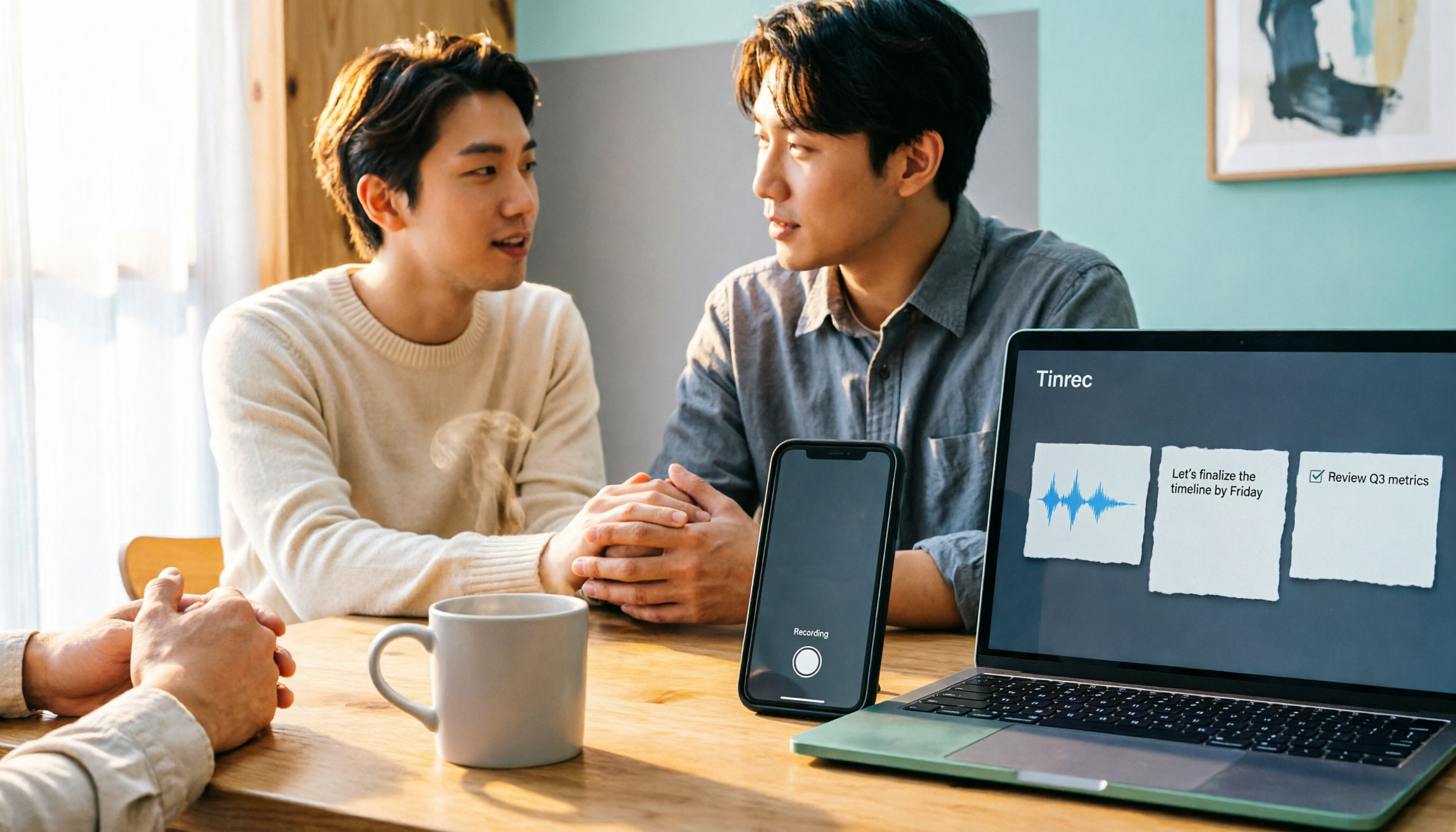
3 iPhone 17 Screen Recording and Post-Meeting Solutions Compared: From Control Center Setup to Tinrec
Screen recording on iPhone 17 isn't hard—it's what comes after that's tricky. This guide walks you through adding Screen Recording to Control Center, enabling the microphone, and stopping and saving your recording. Then we compare built-in screen recording, Dual Capture, and Tinrec for post-meeting organization, so you can see which fits your workflow.

4 Windows 11 Recording Tools Compared in 2026: Do Built-in Features Cut It for Meeting Transcripts and Summaries?
How do you record audio on Windows 11? This article compares four approaches: the built-in Sound Recorder, Xbox Game Bar, Stereo Mix with free software, and Tinrec. It explains the key settings for capturing system audio, the differences between transcripts and meeting summaries, and gives clear recommendations based on your use case.

Tinrec vs Notta 2026: 5-Dimension Comparison of AI Meeting Assistants
A mid-level manager overseeing a 10-person team and 15 weekly meetings puts Tinrec and Notta head-to-head across 5 dimensions: recording methods, Chinese and mixed-language experience, post-meeting workflow, team governance, and plan quotas, with honest limitations and use cases.