

Turn recordings into transcripts and summaries in minutes
Upload audio or video for multilingual transcription, AI notes, and action items
The Pain Begins After the Meeting Ends
After an online meeting wraps up, the recording file sits quietly in a folder, and the real work hours just begin: re-listening to a two-hour audio file, typing out the transcript sentence by sentence, and then organizing it into meeting notes your manager can understand.
If the meeting is in Chinese mixed with English, and colleagues speak fast and interrupt each other, manually transcribing often takes longer than the meeting itself. Even more troublesome: next week, when you need to find out "who said the budget should be cut by 30%," you only remember it was mentioned but have no idea which minute it was in.
The problem is usually not "whether there's a recording" but "how to turn the recording into usable data." This article uses real usage scenarios to clarify the common choices in 2025.
Before Choosing a Transcription Tool, Understand These 4 Key Points
1. Transcription is just the starting point; post-meeting organization is the deciding factor. Most tools have similar transcription quality, but what really sets them apart is "what you can do after transcription"—whether there are summaries, chapters, action items, and whether you can directly ask questions about the content.
2. How online meetings are recorded. One way is to send a meeting bot to join the meeting, which adds an unfamiliar account to the participant list—some clients may mind. The other way is a desktop app that directly captures the computer's system audio without affecting the participant list. The latter is more friendly for external meetings.
3. Recognition of Chinese and technical terms. Product names, abbreviations, and internal code names are often transcribed incorrectly by general models. Whether you can maintain "hotwords" directly affects your proofreading time.
4. Data ownership and team sharing. Meetings stored in personal accounts are lost when the person leaves. Team tools should distinguish "who can view" and "who can upload and edit," otherwise it's either too locked down or too open.
Tinrec (Miao Ting Lu Yin) — The One I Open Most Often After Testing
Tinrec is an AI meeting notes and collaboration tool for individuals and teams, available on iOS, Android, desktop, and web. It doesn't just convert audio to text; it organizes meetings into searchable, queryable, and exportable data.
Scenario 1: Record online meetings without a meeting bot. The desktop version directly captures computer system audio, handling Zoom, Google Meet, Microsoft Teams, Webex, and other meetings without inviting an extra bot. The participant list stays clean, and clients won't ask "Who is Tinrec?"
Scenario 2: No need to re-listen after the meeting. After the meeting, it automatically generates summaries, chapters, key points, and action items—who is responsible for what and when it's due, listed as a checklist, much faster than manually going through the transcript.
Scenario 3: Ask questions directly about the meeting content. This is where it differs most from ordinary transcription tools. You can ask "Who mentioned the budget in the last meeting?" or "What were the client's concerns about pricing?" and it answers based on semantics, rather than giving you a bunch of keyword search results. It also supports real-time translation, allowing you to switch between original text, translation, or bilingual view—especially useful for meetings with mixed Chinese and English.
Other notable features: audio/video file upload for transcription, multi-format export (can be taken to Notion, Google Docs, OneNote, etc. for further use), and Agent post-processing to generate reports and tables. The team version offers independent spaces with role and seat management, usage analytics, audit logs, and an audio recycle bin; when a member leaves or loses their seat, resources can be transferred to other members, so data doesn't leave with the person.
Pros: End-to-end workflow (recording → transcript → summary → action items → export) saves a lot of post-meeting work; bot-free recording is friendly for external meetings; team spaces turn meetings into accumulating assets.
Stop organizing recordings by hand
Upload audio or video and automatically get a transcript, summary, and action items
Limitations: The free version has a basic quota; heavy users need to pay; file import and team sharing quotas are calculated separately, so watch usage for large imports; transcription quality is affected by recording quality, accents, overlapping speech, and technical terms—important content should still be verified against the recording and timestamps.
Who it's for: People who mainly have Chinese meetings, frequently hold online meetings, want to directly ask about key points after the meeting, or need to retain meeting data within the team.
Besides Tinrec, What Other Options Are There?
Good Tape: Created by Danish news organization Zetland, using OpenAI's Whisper technology, supporting over 40 languages including English, Chinese, Japanese, Korean, German, and French. It can output text files with timestamps or .srt subtitle files, and also export to PDF, Word, Excel. Transmission is encrypted, data stays within the EU (GDPR protected), and files from unregistered accounts are kept for only 3 days. In Taiwan, there is an authorized distributor (Hui Tong Trading) selling the Pro Professional 30-day plan. Its strength is "upload a file and quickly get a nicely formatted transcript," very suitable for interviews, classes, and one-time interview organization. But if you want to directly ask questions about the content after recording, extract action items, and put meetings into team spaces, based on current public information, Good Tape does not have corresponding AI Q&A and team seat management designs—you'll need to integrate other tools for that.
Otter.ai: A veteran choice for English meetings, with a free version offering 300 minutes per month, Pro annual billing at about USD 8.49/user/month, and Business plans providing more management capabilities. Teams primarily using English find it handy. However, Chinese and mixed Chinese-English are not its strong suit, and it lacks the combination of Tinrec's desktop bot-free recording with team data retention.
Pitfall Guide: The 4 Most Common Mistakes When Buying Transcription Tools
Pitfall 1: Only looking at free quota. More free minutes doesn't mean better. Some tools offer generous free quotas but only give you plain text after the meeting; summaries, action items, and translation all require additional payment to unlock. Before buying, confirm which plan includes "the feature you want."
Pitfall 2: Treating "transcription" as everything. Using the tool only as a transcription machine means you're only using one-third of its capabilities. For example, Tinrec's AI Q&A lets you directly ask "What was the conclusion of this meeting?" after recording, much faster than manually going through a 30-minute transcript.
Pitfall 3: Ignoring team and data ownership. Meetings recorded by colleagues using personal accounts are inaccessible after they leave—this happens every year. For team use, choose a solution with team spaces and role/seat distinctions.
Pitfall 4: Buying authorized products through unauthorized channels. For services like Good Tape introduced by an authorized distributor, you need to fill in the email for account activation in the order notes, and activation usually occurs within 24 hours after payment; if you need a unified business number, note it in advance. Also note that the 7-day appreciation period is not a trial period; returned products must be in brand-new, complete condition. Skip sellers with unclear channels or unclear activation processes.
Conclusion: Which One Should You Choose?
- Many Chinese meetings, need post-meeting summaries and action items → Tinrec (summaries, chapters, action items all in one)
- Want to directly ask questions about content after recording → Tinrec (AI Q&A is the watershed between it and most transcription tools)
- Don't want a bot joining online meetings → Tinrec (desktop version captures system audio)
- Meeting data should stay in the team, members may change → Tinrec Team version (roles, seats, usage, audit, resource handover)
- One-time organization of interview or class recordings, only need nice transcripts → Good Tape (multilingual, timestamps, subtitle file export)
- Team meetings entirely in English → Otter.ai (mature for English meetings, generous free quota)
If you're not sure which one you need, the most cost-effective approach is to first use the free quota for a real meeting: try it with the type of recording you encounter most often (with background noise, mixed Chinese-English, people interrupting) and see how much the transcript needs editing and whether the summary can be used directly. Trying before paying is more accurate than any review.
References
- Why I chose GoodTape over MacWhisper? My real experience after writing 500 blog posts
- Good Tape Taiwan - AI fully automatic transcription online cloud service, simple and fast, saving you a lot of typing time | Purchase inquiry
- Good Tape AI automatic transcription software - Pro Professional 30 days
- Good Tape: Audio file to transcript software recommendation! The tool that best understands journalists' needs | Comprehensive AI Tools Introduction - Future Business
- Good Tape speech-to-text software, promo codes, discount codes, meetings, interviews, video subtitles quickly and easily, better than Whisper?
Turn every recording into actionable outcomes
Get 60 free transcription minutes when you sign in. No credit card required.
Related Reading
You might also like

4 Otter Chinese Alternatives Compared in 2026: Why Tinrec Handles Chinese Meeting Notes Better
Otter.ai is a mature English meeting assistant, but Chinese transcription has long been a pain point for Chinese-speaking users. This article starts from the real-world usage scenarios of mid-level managers and compares Tinrec, Otter.ai, Notta, and Granola in Chinese-language meeting settings. It also reviews Tinrec's real-time transcription, AI Q&A, action item extraction, and team spaces for post-meeting organization, helping you decide which tool is better suited for Chinese meetings.

Free Otter Chinese Subtitles in 2026: 6 Tools Compared
Many people download Otter hoping to generate Chinese subtitles for free, only to find that the language list shows Simplified Chinese and the free plan only exports plain text. This article reviews six options that can handle Chinese transcripts and subtitles, including completely free tools and those with free quotas, and honestly outlines their limitations and pricing.

Tinrec vs Otter.ai in 2026: 5-Dimension Comparison — Which Is Better for Chinese-Language Meetings?
Is Otter.ai actually good for Chinese? This article compares Tinrec and Otter.ai across five dimensions — Chinese recognition, meeting capture method, post-meeting outputs, team governance, and pricing/quotas — to help you decide which tool to choose for Chinese meetings, and when Otter might actually be the better fit.
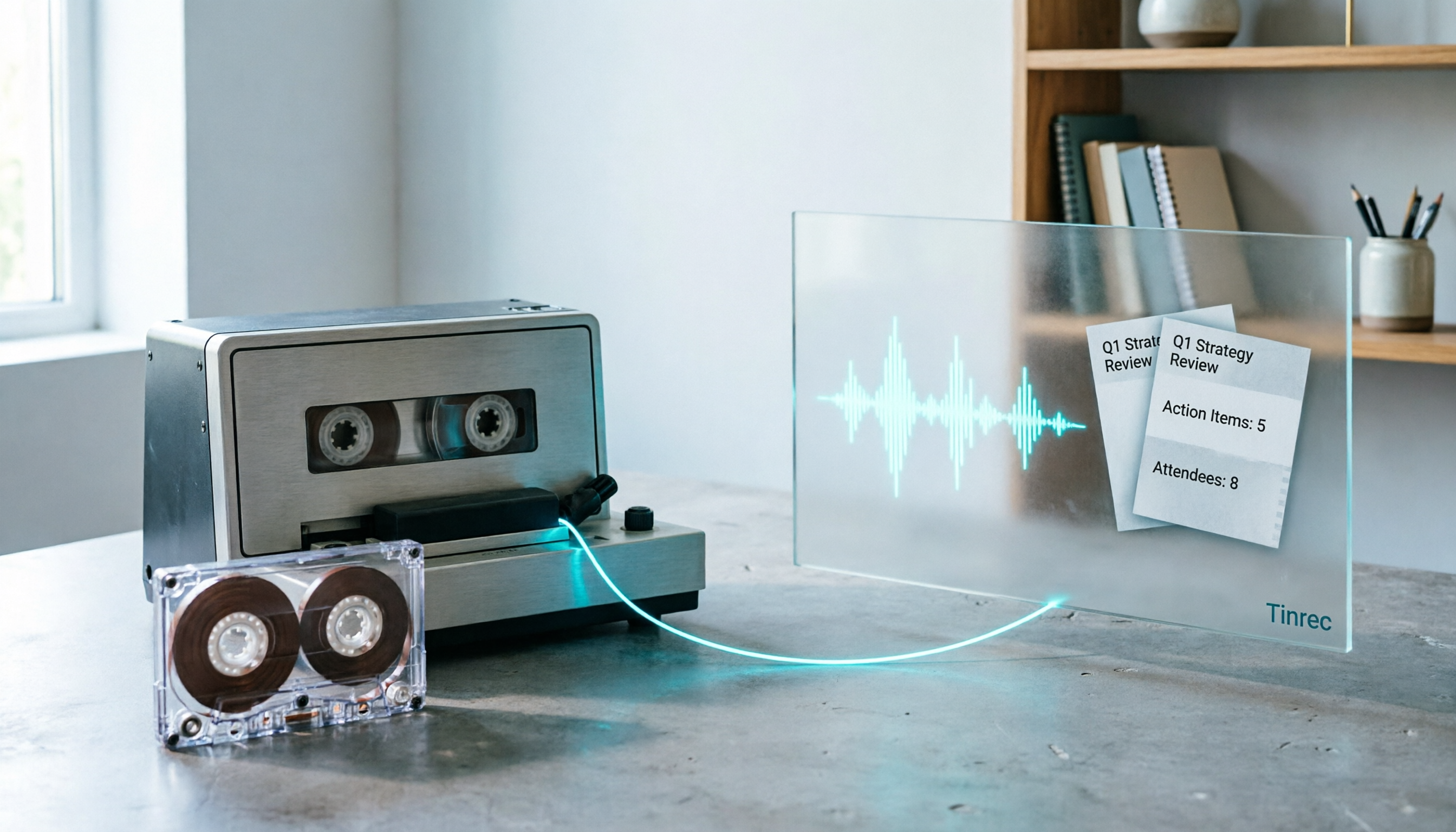
2026 Good Tapes Compared: Cassettes, Reel-to-Reel, and Audio Transcription — How to Choose
People searching for "2026 good tapes" are either looking for blank cassettes or packing tape. This guide first distinguishes four types of tape, then focuses on recording cassettes and reel-to-reel: the state of new production lines in 2026, what specs to check when choosing tapes, how to pick a vintage deck, and how to turn cassette recordings into searchable, queryable, deliverable transcripts and meeting notes with Tinrec.

Otter Chinese Free Plan 2026: 6 Meeting Transcription Tools Compared
People searching for "Otter Chinese free version" often face the same question: Otter.ai offers a generous free tier, but can it actually transcribe Chinese? This article first clarifies Otter's current Chinese support and free plan limitations, then compares the free quotas, pricing, and use cases of 6 meeting transcription tools to help you choose the right one.

Tinrec vs Otter.ai 2026: 5-Dimension Comparison for Chinese Meeting Scenarios
People searching for 'Otter.ai Chinese support' often face two different questions. This article helps you distinguish: for dictionary lookups, use a dictionary; for tool selection, read this comparison. Focusing on Chinese meeting scenarios, this article compares Tinrec and Otter.ai across 5 dimensions: transcription experience, meeting capture, post-meeting output, team governance, and pricing/quotas, and provides clear recommendations.

Tinrec vs Otter.ai 2026: 5-Dimension Comparison — Which Is Better for Chinese Meetings?
Otter.ai excels at English meetings but often requires heavy manual correction for Chinese. This article compares Tinrec and Otter.ai across five dimensions: Chinese and mixed Chinese-English recognition, meeting recording methods, post-meeting outputs, team governance, and pricing and quotas. It also includes conclusions on who each tool suits, helping you decide before purchasing.

Tinrec vs Otter.ai 2026: 5-Dimension Comparison – Which Is Better for Chinese Meetings?
Many people search for 'otter Chinese' but actually want a Chinese meeting transcription tool. This article compares Tinrec and Otter.ai across 5 dimensions: Chinese recognition, meeting capture method, post-meeting outputs, team governance, and pricing, to directly tell you which one to choose for Chinese scenarios.

2026 AI Meeting Recorder Comparison: Otter's Limited Chinese Support vs. Tinrec for Chinese Meetings
What is Otter Chinese? This article explains the meaning of 'otter' in Chinese and Otter.ai's product positioning, then compares Chinese transcription, bot-free meeting recording, post-meeting organization, AI Q&A, team collaboration, and seat management to show why Tinrec is better suited for Chinese meetings and team knowledge retention.