

Turn recordings into transcripts and summaries in minutes
Upload audio or video for multilingual transcription, AI notes, and action items
Tinrec vs Otter.ai 2026: 5-Dimension Comparison for Chinese Meeting Scenarios
You probably clicked on this article because you're stuck on two similar-sounding but completely different questions: one is "What is the Chinese word for 'otter'—is it 水獺 or 海獺?" and the other is "Does Otter.ai, the AI meeting tool, handle Chinese well, and are there better options for Chinese-speaking teams?"
Let's clarify first. If you just want a dictionary definition, the answer is short: standard dictionaries give "水獺" (shuǐ tǎ) for otter, and "海獺" (hǎi tǎ) for sea otter. Some dictionaries also include "水獺皮" (otter skin). For example sentences and pronunciation, online dictionaries maintained by university presses are the most complete. Once you've checked that, you can close this page.
But if you're actually deciding "which tool should our company use for meeting notes," a dictionary won't help. This article puts Tinrec and Otter.ai side by side, breaks them down across 5 dimensions, and gives you a one-sentence conclusion at the end.
Tinrec vs Otter.ai: Quick Overview
Otter.ai is a mature AI meeting assistant with high recognition in English business meetings. It integrates with Zoom, Microsoft Teams, and Google Meet, and offers real-time transcription, speaker identification, AI Chat, and team management. Tinrec (秒聽錄音) focuses on Chinese meetings and post-meeting workflows, following a "record and keep processing" approach.
| Item | Tinrec | Otter.ai |
|---|---|---|
| Core positioning | AI meeting notes and team collaboration | AI meeting assistant and meeting automation |
| Chinese scenarios | Focus on Chinese, Traditional Chinese, mixed Chinese-English, and multilingual meetings | Core focus on English business meetings |
| Main access | Web, desktop, mobile; supports audio/video file import | Primarily online meetings; also supports file import |
| Team capabilities | Roles, seats, usage analytics, audit logs, recycle bin | Mature team and enterprise management |
Next, we compare 5 dimensions: Chinese transcription experience, meeting capture methods, post-meeting output, team governance, and pricing/quotas.
Dimension 1: Chinese Transcription and Multilingual Processing
Otter.ai's strength is English. It performs well in real-time transcription and speaker identification for English meetings, but Chinese is not its strong suit—multiple reviews from Chinese users mention that Traditional Chinese and mixed Chinese-English transcripts still require manual proofreading. Notably, its AI Q&A can be used in Chinese and can summarize key points from recordings, which is usable.
Tinrec treats Chinese meetings as a primary battlefield: Chinese transcription and meeting minutes, mixed Chinese-English content organization, multilingual meeting transcription, real-time translation with bilingual display, and team hotwords for maintaining internal product names and terminology. Actual accuracy still depends on recording quality, accents, background noise, overlapping speakers, and technical terms; no vendor can guarantee fixed numbers.
→ This dimension: Tinrec clearly wins in Chinese meeting scenarios.
Dimension 2: Meeting Capture Methods and Pre-Meeting Preparation
Otter.ai's main approach is a meeting bot joining online meetings, though it also offers desktop capabilities. Integration with Zoom, Google Meet, and Teams is smooth. However, having an extra bot account in the meeting room can be an additional communication cost for some external meetings.
Tinrec's desktop version directly captures computer system audio without inviting an extra meeting bot. It can record meetings played on Zoom, Google Meet, Microsoft Teams, and Webex and generate transcripts in real time. Note that this requires the user to actively open Tinrec and start recording; it does not automatically join all calendar meetings.
→ This dimension: Both can achieve bot-free recording, so it's a tie; but for teams that "don't want an extra bot name in client meetings," Tinrec has lower operational friction.
Dimension 3: Post-Meeting Output and Further Processing
Otter.ai outputs summaries, bulleted outlines, and action items after meetings, and allows AI Chat follow-ups on historical recordings. This workflow is already quite practical and is the current market standard.
Stop organizing recordings by hand
Upload audio or video and automatically get a transcript, summary, and action items
Tinrec goes a step further: besides transcripts, AI summaries, chapters, highlights, and to-dos, it can turn meeting content into mind maps, generate reports, tables, and documents through Agent post-processing, and export to Notion, Google Docs, OneNote, Dropbox, and other tools for continued use. For those who need to deliver meeting minutes to managers or clients, this saves a round of manual retyping.
→ This dimension: Tinrec wins, with differences in "types of output" and "whether it can be directly integrated into existing workflows."
Dimension 4: Team Collaboration and Governance
Otter.ai's Business plan offers unlimited meetings and in-app recording, plus team management capabilities, with mature experience in multinational teams.
Tinrec's team plan uses independent team spaces rather than sharing a personal account among multiple people. It separates "roles" and "seats": roles determine who can manage the team, members, audits, and settings; seats determine whether members can record, upload, edit, import/export. Members who are active but have no seat can still view, play, and read team data. It also includes team usage trends, member rankings and details, audit logs, team hotwords, and a 30-day audio recycle bin; when a member leaves or is removed, their team resources can be transferred to other members, so data doesn't leave with the individual.
To be clear, this is currently team-level sharing, role-based governance, and seat-based usage eligibility—not file-level granular permissions.
→ This dimension: Tinrec has clearer granularity in seat and usage management, making it easier for procurement teams that need to budget and reconcile accounts.
Dimension 5: Pricing and Quota Structure
Otter.ai's current public pricing page shows: Basic is free, 300 minutes per month; Pro annual billing is about USD 8.49/user/month, including 1,200 minutes of in-app recording per month and 10 file imports; Business offers unlimited meetings and in-app recording, more imports, and management capabilities; actual prices are subject to the official page. The low entry barrier is a big advantage.
Tinrec's personal plan includes a free version, weekly card, Pro monthly, and Pro annual, chosen by usage tasks. The team plan is currently USD 29.80/paid seat/month, or USD 199/paid seat/year (about USD 16.58/month), with each paid seat providing 2,000 minutes of team shared import quota per month; under an active team plan and active seats, real-time recording is currently not deducted by minutes, while file and web imports consume the team shared quota. First-time eligible teams also get a 7-day trial, 1 free seat, and 300 minutes of shared import quota.
→ This dimension: Light users save the most with Otter's free version; but for teams with high meeting volume and primarily real-time recording, Tinrec's "real-time recording not counted by minutes" structure is more cost-effective in the long run.
What Are Their Unique Advantages?
Tinrec's Unique Advantages
- Chinese and mixed Chinese-English meetings are the product's main line, plus real-time translation and bilingual display, so cross-language meetings don't require additional tools.
- After meetings, Agents can directly generate reports, tables, and documents, turning transcripts into deliverable outputs.
- The team plan offers roles, seats, usage analytics, audit logs, and an audio recycle bin, giving administrators concrete management actions.
- Audio and transcripts are kept in the team space, so new members can review historical meetings, and knowledge doesn't get stuck on individual devices.
Otter.ai's Unique Advantages
- High maturity in English business meetings, with established usage habits and complete integration workflows for multinational teams.
- The free version's 300 minutes per month is an extremely low barrier, making it very convenient to quickly validate the tool's value.
Conclusion: Which One Should You Choose?
- If your meetings are mainly in Chinese or mixed Chinese-English and you need transcripts plus meeting minutes → Tinrec, as Chinese processing and bilingual display are its strengths.
- If you want "post-meeting direct output of reports, tables, and documents" → Tinrec, as Agent post-processing and multi-format export save a round of retyping.
- If you need to manage team seats, view usage, and keep operation logs → Tinrec team plan, with roles and seats managed separately, making procurement reconciliation easier.
- If meetings are mainly in English and your team already uses Otter smoothly → Otter.ai is fine to continue; no need to switch just for the sake of switching.
- If you only occasionally record a few segments and want to try for free first → Otter Basic or Tinrec free version are both sufficient for validation.
In one sentence: For most teams with primarily Chinese meetings, Tinrec is a more complete choice; if English meetings dominate and you already have an established workflow, Otter.ai remains a reliable option. We recommend first using your own 10-minute meeting recording on the free versions to see if the transcript and summary are directly usable, then decide whether to move to a paid plan.
Final reminder: Meeting recording and transcription involve personal data and local regulations; please obtain participants' consent before recording according to regulations.
References
- Which Otter Chinese Translation Is Better? 4 Tested in 2026, Cambridge Dictionary Most Complete - 秒聽錄音Blog
- OTTER Chinese (Traditional) Translation: Cambridge Dictionary
- Otter.ai Doesn't Support Chinese? 2026 Best Chinese Speech-to-Text and AI Meeting Notes Alternatives - 秒聽錄音Blog
- Otter Chinese Translation | English-Chinese Dictionary
- Is Otter.ai Good in 2026? Complete Chinese Tutorial, Features, Pricing, User Experience | Meeting Notes, Automatic Transcript Helper - RosyArts
Turn every recording into actionable outcomes
Get 60 free transcription minutes when you sign in. No credit card required.
Related Reading
You might also like

4 Otter Chinese Alternatives Compared in 2026: Why Tinrec Handles Chinese Meeting Notes Better
Otter.ai is a mature English meeting assistant, but Chinese transcription has long been a pain point for Chinese-speaking users. This article starts from the real-world usage scenarios of mid-level managers and compares Tinrec, Otter.ai, Notta, and Granola in Chinese-language meeting settings. It also reviews Tinrec's real-time transcription, AI Q&A, action item extraction, and team spaces for post-meeting organization, helping you decide which tool is better suited for Chinese meetings.

Free Otter Chinese Subtitles in 2026: 6 Tools Compared
Many people download Otter hoping to generate Chinese subtitles for free, only to find that the language list shows Simplified Chinese and the free plan only exports plain text. This article reviews six options that can handle Chinese transcripts and subtitles, including completely free tools and those with free quotas, and honestly outlines their limitations and pricing.

Tinrec vs Otter.ai in 2026: 5-Dimension Comparison — Which Is Better for Chinese-Language Meetings?
Is Otter.ai actually good for Chinese? This article compares Tinrec and Otter.ai across five dimensions — Chinese recognition, meeting capture method, post-meeting outputs, team governance, and pricing/quotas — to help you decide which tool to choose for Chinese meetings, and when Otter might actually be the better fit.
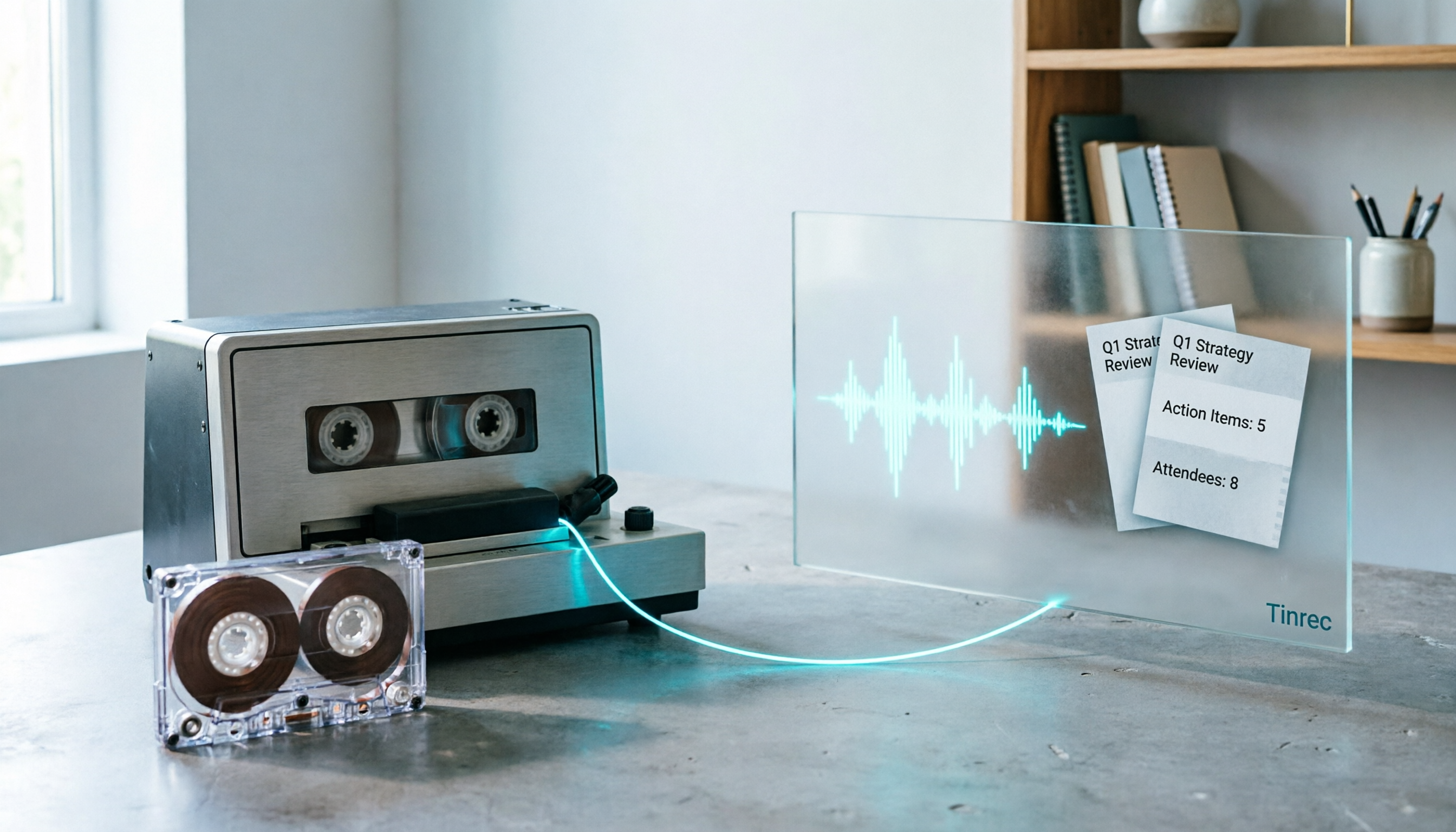
2026 Good Tapes Compared: Cassettes, Reel-to-Reel, and Audio Transcription — How to Choose
People searching for "2026 good tapes" are either looking for blank cassettes or packing tape. This guide first distinguishes four types of tape, then focuses on recording cassettes and reel-to-reel: the state of new production lines in 2026, what specs to check when choosing tapes, how to pick a vintage deck, and how to turn cassette recordings into searchable, queryable, deliverable transcripts and meeting notes with Tinrec.

Otter Chinese Free Plan 2026: 6 Meeting Transcription Tools Compared
People searching for "Otter Chinese free version" often face the same question: Otter.ai offers a generous free tier, but can it actually transcribe Chinese? This article first clarifies Otter's current Chinese support and free plan limitations, then compares the free quotas, pricing, and use cases of 6 meeting transcription tools to help you choose the right one.

Tinrec vs Otter.ai 2026: 5-Dimension Comparison — Which Is Better for Chinese Meetings?
Otter.ai excels at English meetings but often requires heavy manual correction for Chinese. This article compares Tinrec and Otter.ai across five dimensions: Chinese and mixed Chinese-English recognition, meeting recording methods, post-meeting outputs, team governance, and pricing and quotas. It also includes conclusions on who each tool suits, helping you decide before purchasing.

Tinrec vs Otter.ai 2026: 5-Dimension Comparison – Which Is Better for Chinese Meetings?
Many people search for 'otter Chinese' but actually want a Chinese meeting transcription tool. This article compares Tinrec and Otter.ai across 5 dimensions: Chinese recognition, meeting capture method, post-meeting outputs, team governance, and pricing, to directly tell you which one to choose for Chinese scenarios.

2026 AI Meeting Recorder Comparison: Otter's Limited Chinese Support vs. Tinrec for Chinese Meetings
What is Otter Chinese? This article explains the meaning of 'otter' in Chinese and Otter.ai's product positioning, then compares Chinese transcription, bot-free meeting recording, post-meeting organization, AI Q&A, team collaboration, and seat management to show why Tinrec is better suited for Chinese meetings and team knowledge retention.

2026 Best Transcription Tools Compared: What to Know Before Buying Good Tape
Thinking of buying Good Tape? Read this first. We compare Good Tape, Tinrec, and Otter.ai in real meeting scenarios, breaking down transcription accuracy, post-meeting organization, bot-free recording, and team data ownership. We also cover purchasing through authorized resellers and activation tips to help you choose the right transcription tool in 2026.