

Turn recordings into transcripts and summaries in minutes
Upload audio or video for multilingual transcription, AI notes, and action items
First, let's clarify: your search for 'otter Chinese' might mean two things
One is looking up a word.
The Cambridge Dictionary gives the answer 'otter' (水獺), while 'sea otter' is '海獺', and 'otter skin' is '水獺皮'—many people stop at '水獺' and then feel confused when they see '海獺' in an article.
If you just want to look up this word, here's a quick conclusion:
- For authoritative translations and example sentences: Cambridge Dictionary.
- To practice listening with video contexts: VoiceTube, translations are brief but real video clips are engaging.
- To remember via homophones and word roots: EZABC, using '喔特' to associate with an otter opening its mouth, suitable for beginners.
- To see plurals, species, and fur usage all at once: cdict.net has the most information, but the interface is old and lacks audio pronunciation.
I've used all four; none is 'the best'—it depends on what you need right now.
However, I suspect most people searching this term actually want to ask another question—
Is Otter.ai, the AI meeting tool, good for Chinese? Is it worth the time to learn?
This article addresses the latter.
Tinrec vs Otter.ai | Quick Overview
Otter.ai is a veteran AI meeting assistant that supports Zoom, Microsoft Teams, and Google Meet, with real-time transcription, speaker identification, AI Chat, and team management. Its main strength is clear: English business meetings.
Tinrec (秒聽錄音) is an AI meeting notes and team collaboration tool focused on Chinese meetings, desktop bot-free recording, and post-meeting organization and retention.
| Item | Tinrec | Otter.ai |
|---|---|---|
| Platform | Web, desktop, mobile | Web, desktop, mobile |
| Core positioning | Meeting notes + post-meeting organization + team data | AI meeting assistant and meeting automation |
| Chinese scenarios | Key focus | Not a primary market |
Below is a dimension-by-dimension comparison across 5 aspects.
Dimension 1 | Chinese and Traditional Chinese Transcription Experience
Otter's English recognition maturity is unquestionable, but Chinese is not its main strength. I fed it a recording of an internal weekly meeting with mixed Chinese and English; the English parts were stable, but the Chinese parts started to have odd sentence breaks and guesswork on proper nouns.
On Tinrec's side, it covers Chinese, Traditional Chinese, and multilingual meetings; for mixed Chinese-English, you can view the original, translation, or bilingual side-by-side, which is especially useful for cross-language meetings. Team hotwords can be maintained by yourself, so product terms are less likely to be transcribed into strange words.
To be clear: I won't claim any 98% or 99% accuracy here. Transcription quality depends on microphone, background noise, accent, and multiple people talking over each other; anyone giving you a fixed number—take it with a grain of salt.
→ This dimension: For Chinese meeting scenarios, Tinrec clearly wins.
Dimension 2 | How Meetings Are Recorded
Otter was famous early on for its meeting bot that joins meetings as a participant; it now also has desktop capabilities, so it's not just the bot route.
But having a bot join can be awkward for external client meetings: an unfamiliar account appears on the list, and the other party asks 'Who is this?'
Tinrec's desktop version directly captures computer system audio, handling Zoom, Meet, Teams, and Webex without inviting an extra bot. The downside is you have to remember to start it; it's not the mode that automatically joins all calendar meetings.
→ This dimension: For those who don't want an extra bot in the meeting room, Tinrec is smoother.
Dimension 3 | Post-Meeting Outputs: What Comes After the Transcript
Otter's summaries, action items, and AI Chat are well done—this is where it has accumulated years of experience.
Stop organizing recordings by hand
Upload audio or video and automatically get a transcript, summary, and action items
Tinrec extends the 'post-meeting' further: transcript, AI summary, chapters, highlights, to-dos, mind map, and you can continue asking about the meeting content, use Agent post-processing to generate reports, tables, and documents, and export to Notion, Google Docs, OneNote, Dropbox for further processing.
Honestly, just getting a transcript is not enough. The real value of meeting notes is being able to search and query them two weeks later.
→ This dimension: Tinrec wins slightly, especially in 'producing directly deliverable outputs'.
Dimension 4 | Team Spaces and Member Governance
Otter's Business plan is mature in enterprise management—no argument there.
Tinrec's team version takes a different approach: independent team spaces, separate management of roles and seats, usage trends and member rankings, audit logs, audio recycle bin (currently retained for 30 days). What's special is that 'roles' and 'seats' are two separate things—members without seats can still view, play, and read team data, but need a seat to record, upload, or edit.
Note that Tinrec currently focuses on team-level sharing, not fine-grained file-level permissions. If you need ACLs like 'set different visibility per file', this can't do it—don't be misled by marketing talk.
→ This dimension: Otter is slightly better in enterprise maturity; Tinrec is more practical for small teams in seat and data handover design.
Dimension 5 | Pricing and Quotas
Otter's official pricing page currently shows: Basic free, 300 minutes per month; Pro annual billing equivalent to about USD 8.49/user/month, including 1,200 minutes of in-app recording per month and 10 file imports; Business pricing varies with promotions, refer to the official page.
Tinrec's team version currently states: first-time eligible users can try 7 days, 1 free seat, 300 minutes of team shared import quota; monthly USD 29.80 per paid seat per month, annual USD 199 per paid seat per year (equivalent to about USD 16.58/month); each paid seat provides 2,000 minutes of team shared import quota per month; real-time recording under active seats is currently not deducted by minutes.
The personal version has a free version, weekly card, Pro monthly and annual cards; for actual prices, please check the official website—I won't make up numbers.
To put it plainly: if you're alone and all meetings are in English, Otter Pro is really cheap—Tinrec can't compete on that.
But if you have 5+ people, meetings in Chinese, and need data to stay with the team rather than personal accounts, calculating by 'shared minutes per person per month', Tinrec's math is easier.
→ This dimension: For solo English users, choose Otter; for multi-person Chinese teams, choose Tinrec.
What Unique Advantages Does Each Have?
On Tinrec's side:
- Desktop bot-free recording—no need to explain 'who is this bot' in external meetings.
- Chinese, Traditional Chinese, and mixed Chinese-English meeting experience is a design focus, not an afterthought.
- One-stop post-meeting: summary, chapters, to-dos, AI Q&A, report/table generation, third-party export.
- Team data belongs to the team; when members leave or lose seats, it can be handed over—not taken away wholesale.
On Otter's side:
- High maturity and brand trust for English business meetings; familiar to multinational teams.
- Long-standing ecosystem integration and automation—those used to it don't need to switch.
Conclusion: Which Should You Choose?
- If you want quality Chinese meeting transcripts and minutes → Tinrec.
- If you don't want an extra bot in meetings → Tinrec (desktop captures system audio).
- If you need to generate reports, tables, and to-dos after meetings → Tinrec.
- If team members come and go and data shouldn't follow individuals → Tinrec team version.
- If you're solo, all meetings in English, and only need basic transcription plus summaries with the tightest budget → Otter.ai's free or Pro version is enough—don't overthink.
- If you need batch transcription of many long files → neither is the first choice; look for dedicated file transcription tools.
In one sentence: For most Taiwanese teams that mainly hold Chinese meetings, Tinrec is the more complete choice.
I suggest starting with the free version and testing with a recording of one of your real meetings—that's more accurate than reading this article ten times.
References
- OTTER Chinese (Traditional) Translation: Cambridge Dictionary
- Which otter Chinese translation is best? 2026 test of 4 options, Cambridge Dictionary most complete - Tinrec Blog
- Chinese translation of otter | VoiceTube learn English with videos
- 'Otter' sounds like '喔特', associate with 'Oh! That one especially loves being in water...'
- OTTER Chinese (Simplified) Translation: Cambridge Dictionary
Turn every recording into actionable outcomes
Get 60 free transcription minutes when you sign in. No credit card required.
Related Reading
You might also like

4 Otter Chinese Alternatives Compared in 2026: Why Tinrec Handles Chinese Meeting Notes Better
Otter.ai is a mature English meeting assistant, but Chinese transcription has long been a pain point for Chinese-speaking users. This article starts from the real-world usage scenarios of mid-level managers and compares Tinrec, Otter.ai, Notta, and Granola in Chinese-language meeting settings. It also reviews Tinrec's real-time transcription, AI Q&A, action item extraction, and team spaces for post-meeting organization, helping you decide which tool is better suited for Chinese meetings.

Free Otter Chinese Subtitles in 2026: 6 Tools Compared
Many people download Otter hoping to generate Chinese subtitles for free, only to find that the language list shows Simplified Chinese and the free plan only exports plain text. This article reviews six options that can handle Chinese transcripts and subtitles, including completely free tools and those with free quotas, and honestly outlines their limitations and pricing.

Tinrec vs Otter.ai in 2026: 5-Dimension Comparison — Which Is Better for Chinese-Language Meetings?
Is Otter.ai actually good for Chinese? This article compares Tinrec and Otter.ai across five dimensions — Chinese recognition, meeting capture method, post-meeting outputs, team governance, and pricing/quotas — to help you decide which tool to choose for Chinese meetings, and when Otter might actually be the better fit.
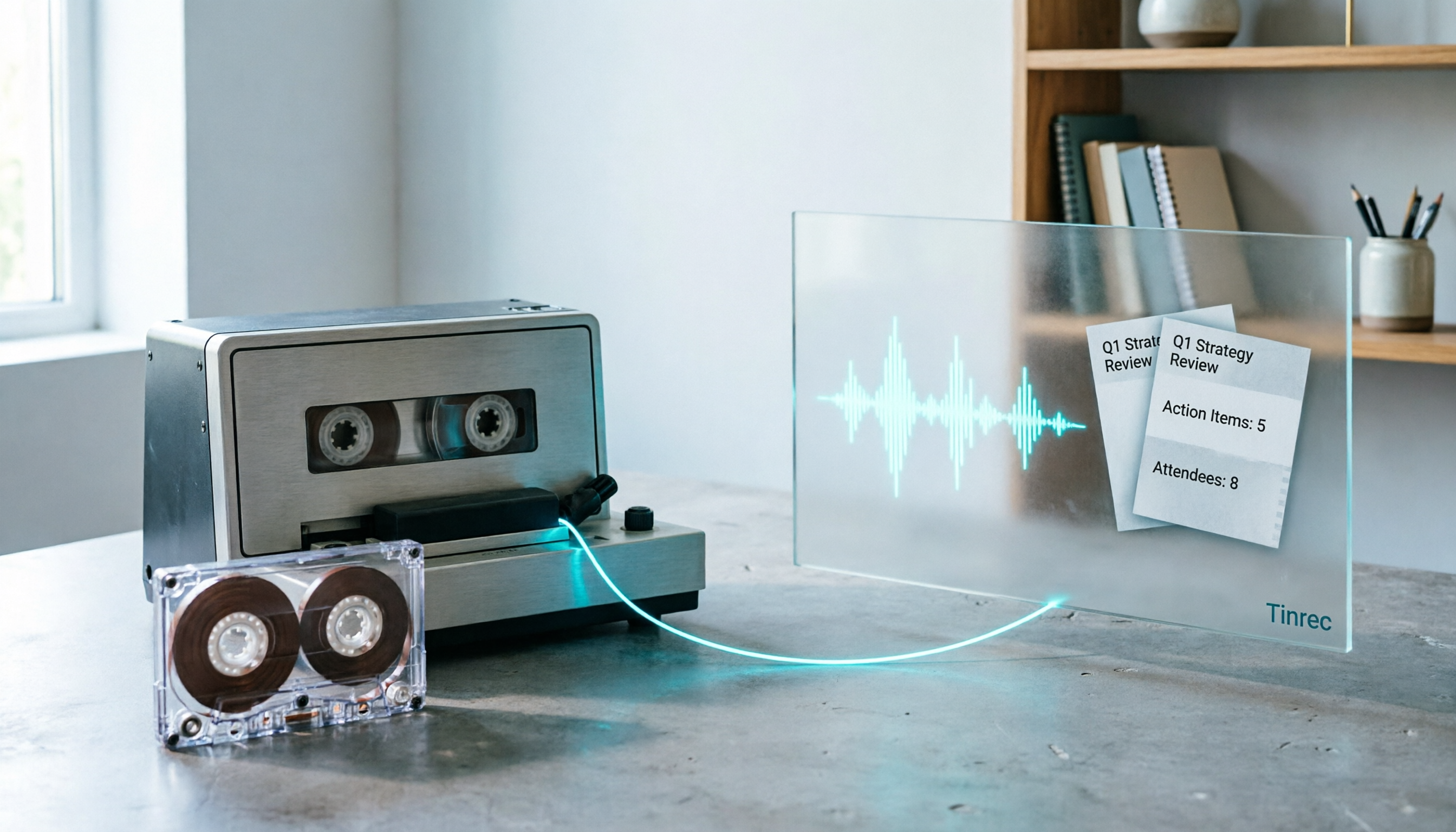
2026 Good Tapes Compared: Cassettes, Reel-to-Reel, and Audio Transcription — How to Choose
People searching for "2026 good tapes" are either looking for blank cassettes or packing tape. This guide first distinguishes four types of tape, then focuses on recording cassettes and reel-to-reel: the state of new production lines in 2026, what specs to check when choosing tapes, how to pick a vintage deck, and how to turn cassette recordings into searchable, queryable, deliverable transcripts and meeting notes with Tinrec.

Otter Chinese Free Plan 2026: 6 Meeting Transcription Tools Compared
People searching for "Otter Chinese free version" often face the same question: Otter.ai offers a generous free tier, but can it actually transcribe Chinese? This article first clarifies Otter's current Chinese support and free plan limitations, then compares the free quotas, pricing, and use cases of 6 meeting transcription tools to help you choose the right one.

Tinrec vs Otter.ai 2026: 5-Dimension Comparison for Chinese Meeting Scenarios
People searching for 'Otter.ai Chinese support' often face two different questions. This article helps you distinguish: for dictionary lookups, use a dictionary; for tool selection, read this comparison. Focusing on Chinese meeting scenarios, this article compares Tinrec and Otter.ai across 5 dimensions: transcription experience, meeting capture, post-meeting output, team governance, and pricing/quotas, and provides clear recommendations.

Tinrec vs Otter.ai 2026: 5-Dimension Comparison — Which Is Better for Chinese Meetings?
Otter.ai excels at English meetings but often requires heavy manual correction for Chinese. This article compares Tinrec and Otter.ai across five dimensions: Chinese and mixed Chinese-English recognition, meeting recording methods, post-meeting outputs, team governance, and pricing and quotas. It also includes conclusions on who each tool suits, helping you decide before purchasing.

2026 AI Meeting Recorder Comparison: Otter's Limited Chinese Support vs. Tinrec for Chinese Meetings
What is Otter Chinese? This article explains the meaning of 'otter' in Chinese and Otter.ai's product positioning, then compares Chinese transcription, bot-free meeting recording, post-meeting organization, AI Q&A, team collaboration, and seat management to show why Tinrec is better suited for Chinese meetings and team knowledge retention.

2026 Best Transcription Tools Compared: What to Know Before Buying Good Tape
Thinking of buying Good Tape? Read this first. We compare Good Tape, Tinrec, and Otter.ai in real meeting scenarios, breaking down transcription accuracy, post-meeting organization, bot-free recording, and team data ownership. We also cover purchasing through authorized resellers and activation tips to help you choose the right transcription tool in 2026.