

Turn recordings into transcripts and summaries in minutes
Upload audio or video for multilingual transcription, AI notes, and action items
Tinrec vs Otter.ai 2026: 5-Dimension Comparison — Which Is Better for Chinese Meetings?
If you're searching for "Otter Chinese which is better," there are usually two scenarios. The first is looking up a word: otter means a aquatic mammal, and in sea otter it refers to the sea otter—this is a dictionary question, and sources like the Cambridge Dictionary maintained by a university press are the fastest. The second scenario is what this article addresses: you're already using Otter.ai but find its recognition of Chinese meetings unstable, and you want to know if there's a smoother option for Chinese scenarios.
First, the focus: if your meetings are mainly in Chinese or mixed Chinese-English, and you need to preserve meeting results for team reuse, the decision isn't about "whose English transcription is stronger" but about four things: Chinese recognition, recording method, post-meeting outputs, and team governance. Here's a breakdown across five dimensions.
Otter.ai vs Tinrec | Quick Overview
Otter.ai is a mature AI meeting assistant with years of experience in English business meetings. It supports platforms like Zoom, Microsoft Teams, and Google Meet, and offers real-time transcription, speaker identification, AI Chat, and team management. Tinrec (秒聽錄音) positions itself as an AI meeting notes and collaboration tool for individuals and teams, focusing on Chinese meetings, bot-free recording, and post-meeting organization and team knowledge retention.
| Item | Otter.ai | Tinrec |
|---|---|---|
| Core positioning | AI meeting assistant centered on English business meetings | Chinese meeting notes and team collaboration tool |
| Meeting capture | Meeting bot joins, desktop app, and other methods | Desktop version captures system audio without a bot |
| Free quota | Basic: 300 minutes per month | Free version offers basic quota for trial |
| Paid starting price | Pro annual billing equivalent to USD 8.49/user/month | Team annual billing USD 199/paid seat/year (about USD 16.58/month) |
| Chinese scenarios | Core model mainly optimized for English | Chinese, mixed Chinese-English, real-time translation with bilingual view |
The five dimensions compared in this article are: Chinese and mixed Chinese-English recognition, meeting recording methods, post-meeting outputs, team governance, and pricing and quotas.
Dimension 1 | Chinese and Mixed Chinese-English Transcription
Otter.ai's recognition engine has long been primarily optimized for English. Multiple reviews indicate that its error rate rises significantly in Traditional Chinese, Taiwanese Hokkien, and code-switching (mixed Chinese-English) meetings, often requiring extensive manual correction; for work meetings that demand accuracy, it's not quite suitable as the primary Chinese transcription tool.
Tinrec lists Chinese meetings as a key scenario, supporting Chinese transcription and minutes, mixed Chinese-English content organization, multilingual meeting transcription, and viewing during recording in original text, translation, or bilingual mode. The team version also offers team hotwords to maintain company terminology and improve recognition of professional terms. Note that actual performance is affected by recording quality, ambient noise, accents, overlapping speakers, and specialized terminology; it should not be taken as a guarantee of fixed accuracy.
→ This dimension: Tinrec clearly wins.
Dimension 2 | Meeting Recording Method: Bot vs Bot-Free
Otter.ai covers platforms like Zoom, Microsoft Teams, and Google Meet. It can record meetings via a meeting bot joining, and can also be used with the desktop app, making its automation workflow for English meetings quite mature. However, when a bot joins, it appears in the participant list, which may not be suitable for client meetings or external interviews.
Tinrec's desktop version directly captures computer system audio to process online meetings, without requiring an additional bot to join as a participant. This method works for Zoom, Google Meet, Microsoft Teams, and Webex. Note that users still need to actively open Tinrec to start recording; it is not a bot that automatically joins all calendar meetings.
→ This dimension: For scenarios where you don't want a bot in the meeting, Tinrec has a slight edge.
Dimension 3 | Post-Meeting Outputs: What You Can Do After the Transcript
Otter.ai does a complete job on meeting summaries, action items, and AI Chat—meeting the needs of English meetings to "record, review, and capture key points."
Stop organizing recordings by hand
Upload audio or video and automatically get a transcript, summary, and action items
Tinrec focuses on the workflow after transcription: transcripts are searchable and reviewable, and it automatically generates AI summaries, chapters, key points, and to-dos. It also offers mind maps to help understand the structure of topics. You can continue to ask AI questions about single or cross-meeting data, and use Agent post-processing to further generate reports, tables, and documents from meeting content, then export to Notion, Google Docs, OneNote, Dropbox, and other tools for further processing.
→ This dimension: For those who need to turn meetings into deliverable outcomes, Tinrec wins.
Dimension 4 | Team Collaboration and Governance
Otter.ai's Business plan offers unlimited meetings and in-app recording, along with mature team and enterprise management capabilities, with relatively deep experience in large organization deployments.
Tinrec's team version is a separate team collaboration space, not multiple people sharing a personal account. It provides separate management of roles (owner, admin, regular member) and seats: active members without a seat can still view, play, and read team data, but need a seat to record, upload, edit, and export. Admins can view team usage trends, member rankings, and details, query and export audit logs, recover accidentally deleted audio from a 30-day recycle bin, and when a member leaves or loses a seat, their team resources must be handed over to other active members, so data doesn't disappear with the person. To be clear: currently it's team-level sharing plus role and seat governance, not a file-level granular permission system.
→ This dimension: For teams with frequent member turnover that need Chinese data retention, Tinrec has a slight edge; for very large enterprises integrating existing processes, Otter still has advantages.
Dimension 5 | Pricing and Usage Metrics
Otter.ai's official pricing page shows: Basic free, 300 minutes per month; Pro annual billing equivalent to USD 8.49/user/month, including 1,200 minutes of in-app recording per month and 10 file imports; Business offers unlimited meetings and in-app recording plus more management capabilities; actual prices may be affected by promotions.
Tinrec's personal version is differentiated by usage tasks: the free version lets you try basic recording and import; for short-term intensive meetings, consider a weekly card; for steady weekly use, the Pro monthly card; for long-term data retention, the Pro annual card. The team version offers a 7-day trial for first-time eligible users, 1 free seat, and 300 minutes of team shared import quota; monthly billing USD 29.80/paid seat/month, annual billing USD 199/paid seat/year (about USD 16.58/month), with each paid seat providing 2,000 minutes of team shared import quota per month. Under an active team plan and active seats, real-time recording currently does not deduct minutes; file and web link imports consume team shared quota. Prices and benefits are subject to the official purchase page.
→ This dimension: Otter has a lower and more transparent entry threshold for individuals; for team scenarios, Tinrec ties quota and governance together. It's a tie—depends on whether you're buying for an individual or a team.
What Unique Advantages Does Each Have?
Tinrec's Four Differentiators
- Bot-free desktop recording: Record online meetings playing on your computer and generate real-time transcripts without inviting a meeting bot.
- Chinese and bilingual experience: Chinese meetings, mixed Chinese-English, real-time translation and bilingual viewing, plus team hotwords—closer to the daily communication of Taiwanese teams.
- Post-meeting processing: From summaries, chapters, to-dos, AI Q&A to Agent-generated reports and tables—you're buying organized outcomes, not just the transcription process.
- Complete team governance: Spaces, roles, seats, usage analytics, audit logs, and audio recycle bin make meeting data a traceable team asset.
Otter.ai's Two Strengths
- Mature English meeting ecosystem: Long-accumulated integration and automation workflows with platforms like Zoom, Teams, and Meet; English-centric multinational teams can get up to speed quickly.
- Speaker identification and workflow automation: Still one of the market benchmarks for distinguishing participants and post-meeting automation in English meetings.
Conclusion: Which Should You Choose?
• If your meetings are mainly in Chinese or mixed Chinese-English and often require manual transcript correction → Tinrec.
• If client meetings are not suitable for a bot appearing in the participant list → Tinrec (desktop version captures system audio).
• If you need to directly produce reports, tables, or meeting minutes documents after meetings → Tinrec (Agent post-processing and multi-format export).
• If your team needs to manage members, seats, usage, and activity logs → Tinrec team version.
• If team members come and go and meeting data must not leave with them → Tinrec team version (resource handover mechanism).
• If 90% of your meetings are in English and you rely heavily on existing platform integrations and automation workflows → Otter.ai remains a very mature choice.
In one sentence: For most Taiwanese teams that primarily communicate in Chinese, Tinrec is a more complete choice; but the two have different positioning, so it need not be seen as a full replacement. A practical approach is to first use Tinrec's free version to test with a real meeting recording of your own, compare whether the transcript and summary meet your standards, and then decide whether to evaluate the team version.
Final reminder: Recording and transcription involve personal data and communication privacy. Before recording, obtain consent from participants in accordance with local regulations, and handle meeting audio files according to your company's internal security policies.
References
- Which Otter Chinese translation is best? 2026 test of 4 options, Cambridge Dictionary most complete - 秒聽錄音Blog
- OTTER Chinese (Traditional) translation: Cambridge Dictionary
- Otter.ai doesn't support Chinese? 2026 best Chinese speech-to-text and AI meeting notes alternatives - 秒聽錄音Blog
- What is Otter in Chinese? 2026 AI speech-to-text tool review and alternatives - 秒聽錄音Blog
- "Otter" sounds like "oh-ter", associate with "oh! that one especially loves being in water..."
Turn every recording into actionable outcomes
Get 60 free transcription minutes when you sign in. No credit card required.
Related Reading
You might also like

4 Otter Chinese Alternatives Compared in 2026: Why Tinrec Handles Chinese Meeting Notes Better
Otter.ai is a mature English meeting assistant, but Chinese transcription has long been a pain point for Chinese-speaking users. This article starts from the real-world usage scenarios of mid-level managers and compares Tinrec, Otter.ai, Notta, and Granola in Chinese-language meeting settings. It also reviews Tinrec's real-time transcription, AI Q&A, action item extraction, and team spaces for post-meeting organization, helping you decide which tool is better suited for Chinese meetings.

Free Otter Chinese Subtitles in 2026: 6 Tools Compared
Many people download Otter hoping to generate Chinese subtitles for free, only to find that the language list shows Simplified Chinese and the free plan only exports plain text. This article reviews six options that can handle Chinese transcripts and subtitles, including completely free tools and those with free quotas, and honestly outlines their limitations and pricing.

Tinrec vs Otter.ai in 2026: 5-Dimension Comparison — Which Is Better for Chinese-Language Meetings?
Is Otter.ai actually good for Chinese? This article compares Tinrec and Otter.ai across five dimensions — Chinese recognition, meeting capture method, post-meeting outputs, team governance, and pricing/quotas — to help you decide which tool to choose for Chinese meetings, and when Otter might actually be the better fit.
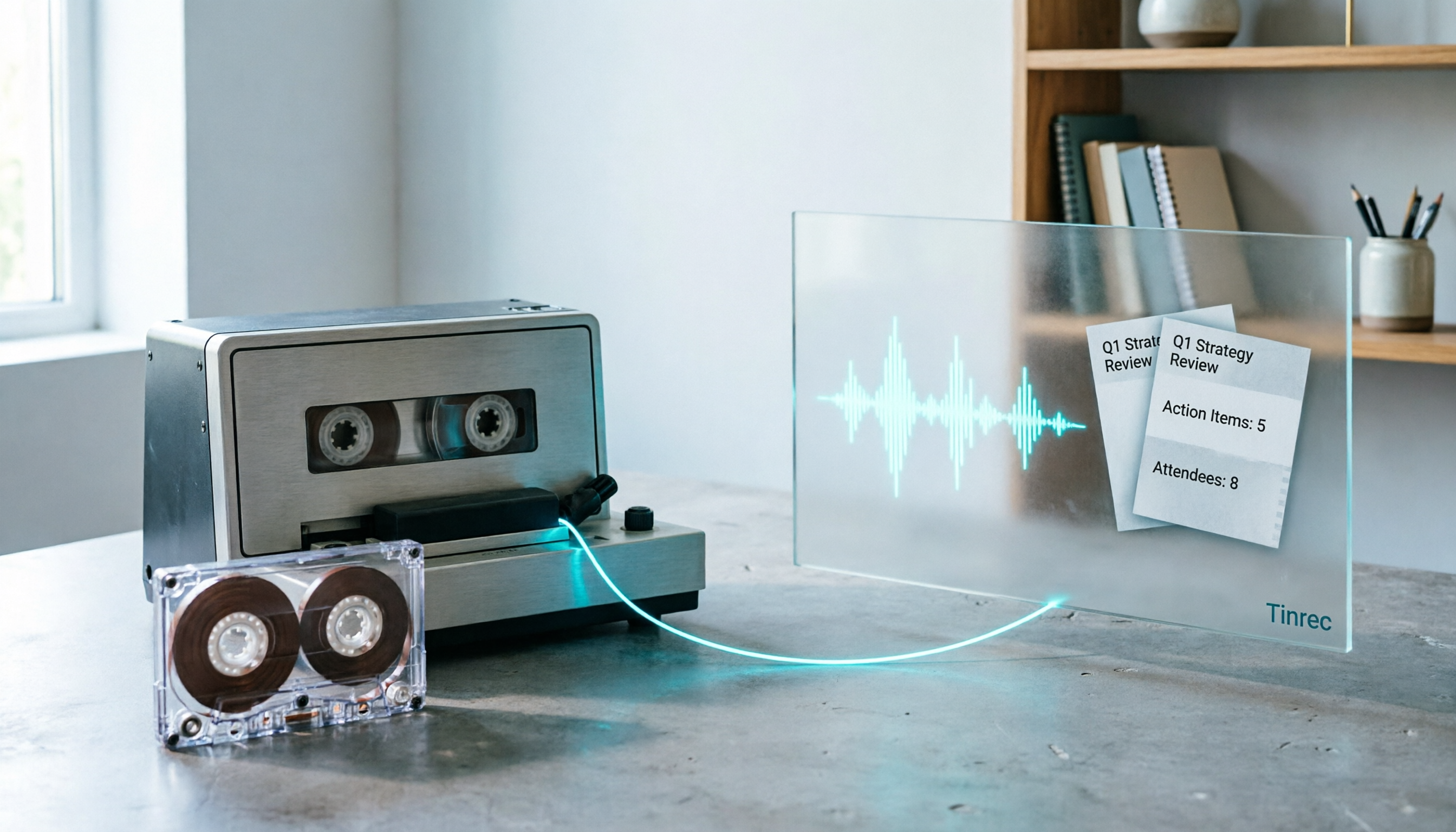
2026 Good Tapes Compared: Cassettes, Reel-to-Reel, and Audio Transcription — How to Choose
People searching for "2026 good tapes" are either looking for blank cassettes or packing tape. This guide first distinguishes four types of tape, then focuses on recording cassettes and reel-to-reel: the state of new production lines in 2026, what specs to check when choosing tapes, how to pick a vintage deck, and how to turn cassette recordings into searchable, queryable, deliverable transcripts and meeting notes with Tinrec.

Otter Chinese Free Plan 2026: 6 Meeting Transcription Tools Compared
People searching for "Otter Chinese free version" often face the same question: Otter.ai offers a generous free tier, but can it actually transcribe Chinese? This article first clarifies Otter's current Chinese support and free plan limitations, then compares the free quotas, pricing, and use cases of 6 meeting transcription tools to help you choose the right one.

Tinrec vs Otter.ai 2026: 5-Dimension Comparison for Chinese Meeting Scenarios
People searching for 'Otter.ai Chinese support' often face two different questions. This article helps you distinguish: for dictionary lookups, use a dictionary; for tool selection, read this comparison. Focusing on Chinese meeting scenarios, this article compares Tinrec and Otter.ai across 5 dimensions: transcription experience, meeting capture, post-meeting output, team governance, and pricing/quotas, and provides clear recommendations.

Tinrec vs Otter.ai 2026: 5-Dimension Comparison – Which Is Better for Chinese Meetings?
Many people search for 'otter Chinese' but actually want a Chinese meeting transcription tool. This article compares Tinrec and Otter.ai across 5 dimensions: Chinese recognition, meeting capture method, post-meeting outputs, team governance, and pricing, to directly tell you which one to choose for Chinese scenarios.

2026 AI Meeting Recorder Comparison: Otter's Limited Chinese Support vs. Tinrec for Chinese Meetings
What is Otter Chinese? This article explains the meaning of 'otter' in Chinese and Otter.ai's product positioning, then compares Chinese transcription, bot-free meeting recording, post-meeting organization, AI Q&A, team collaboration, and seat management to show why Tinrec is better suited for Chinese meetings and team knowledge retention.

2026 Best Transcription Tools Compared: What to Know Before Buying Good Tape
Thinking of buying Good Tape? Read this first. We compare Good Tape, Tinrec, and Otter.ai in real meeting scenarios, breaking down transcription accuracy, post-meeting organization, bot-free recording, and team data ownership. We also cover purchasing through authorized resellers and activation tips to help you choose the right transcription tool in 2026.