
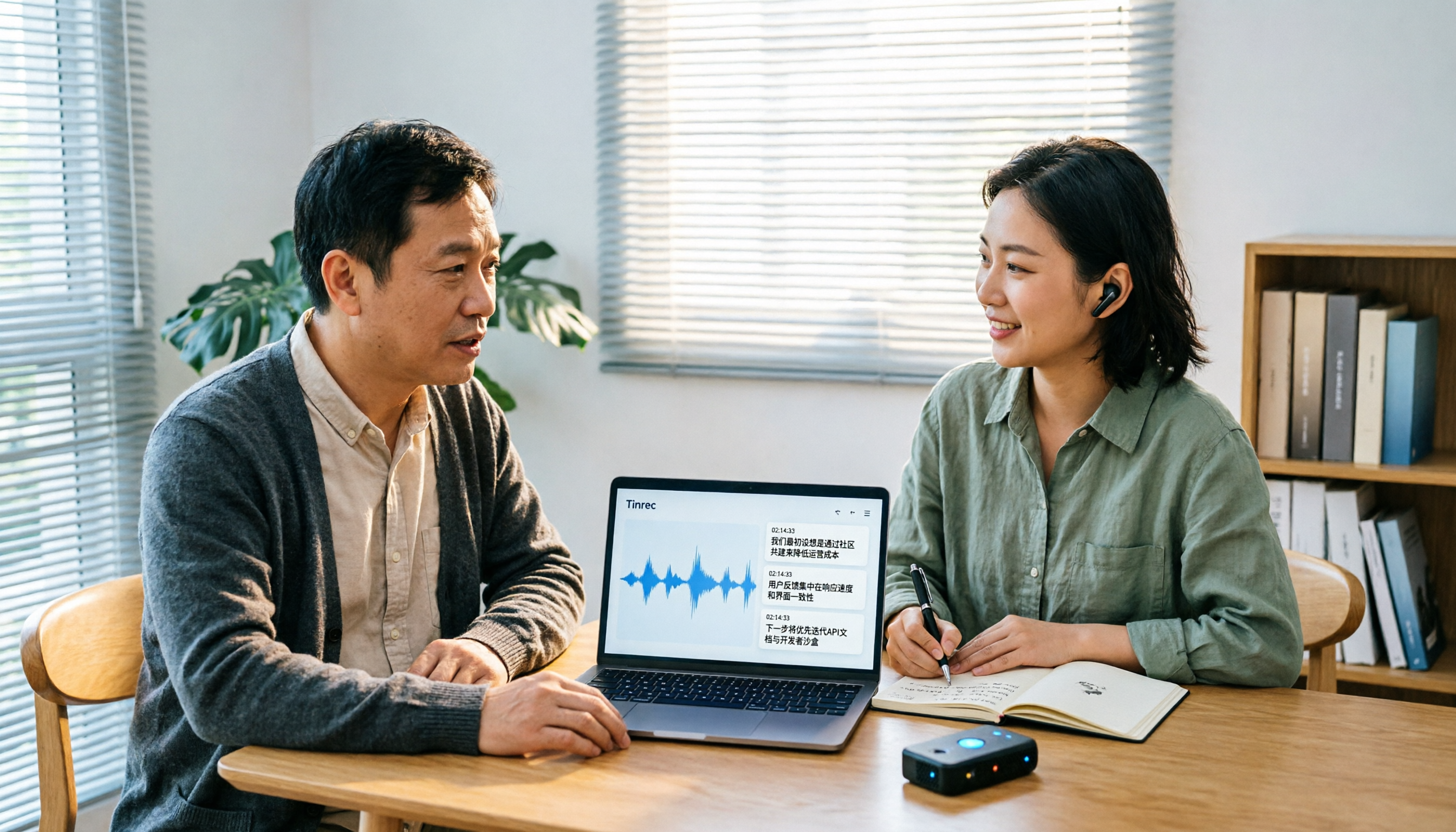
Turn recordings into transcripts and summaries in minutes
Upload audio or video for multilingual transcription, AI notes, and action items
The interview ends, and the recording shows 1 hour and 47 minutes. You clearly remember the other person said a key answer, but you can only drag the progress bar back and forth, listening three times before you find it. What's more troublesome is multi-person interviews: who said what, and which part can be quoted—it's all mixed together.
This is the real starting point for most people searching for "transcription tool comparison": they don't want to study AI; they need to submit a draft tomorrow or organize meeting notes next week. This article starts with Yating, the tool people asked about most in 2024, and puts Good Tape and Tinrec into the workflow comparison to help you decide which one is worth your time.
Two hours of interview recording, but organizing gets stuck on "re-listening"—what you need isn't more stamina, but a smoother workflow
The first pain point is "finding a sentence." The interviewee talks for ten minutes, and you need to quote 30 seconds of it, but you have to repeatedly drag, pause, and transcribe. If a tool can only produce a large block of text without timestamps, your organizing efficiency hasn't really improved.
The second pain point is "can't tell who said what." In a multi-person meeting, A talks about budget, B talks about schedule, and C adds a caveat; if the transcript doesn't identify speakers, correcting it afterward is more tiring than typing it out yourself.
The third pain point is "what happens after transcription." The transcript is just raw material; what you actually need to deliver is a summary, key points, action items, and quotable sentences. Choosing the right tool should free you from re-listening and copy-pasting, not give you another file to organize.
Before comparing transcription tools, understand these 4 key points
First, accuracy should be judged in real scenarios. The accuracy rates on official pages are usually measured in quiet environments with clear audio; real meetings have air conditioning noise, keyboard sounds, and people talking over each other, and that's where the gap widens. Rather than just looking at numbers, try it with a recording of your own.
Second, speaker identification and sentence segmentation are more important than you think. Especially for interviews and multi-person meetings, if punctuation and paragraphing are messy, the reading cost will be high. In this regard, Taiwan's established tools still have something to offer, and I'll explain with 2024 test data later.
Third, post-transcription features determine whether you can leave work on time. Summaries, chapters, action items, AI Q&A, translation, and export—these aren't fancy features; they're the key to turning transcripts into work output.
Fourth, team use depends on "roles" and "seats." Roles control who can manage the team; seats control who can record, upload, edit, and export; active members without seats can usually still view and read data. Understanding this will prevent you from buying a team plan and finding the permissions different from what you imagined.
Tinrec (Miao Ting Recording)—our preferred workflow choice in this comparison
Tinrec (Miao Ting Recording) is an AI meeting notes and collaboration tool for individuals and teams, supporting web, desktop, and mobile. It doesn't just turn sound into text; it organizes recordings into searchable, summarizable, queryable, and exportable data.
The first practical scenario is online meetings. The Tinrec desktop version directly captures computer system audio, so when handling Zoom, Google Meet, Microsoft Teams, Webex, and other meetings, you don't need to invite an extra meeting bot to join. For internal meetings, this saves the communication cost of "please let the bot in"; but note that users still need to actively open Tinrec to start recording—it doesn't automatically join all meetings from the calendar.
The second scenario is interviews and historical audio files. You can record in real time or upload existing audio or video for transcription. After transcription, Tinrec generates AI summaries, chapters, key points, and action items, and you can use AI Q&A to ask follow-up questions about single or multiple meetings. For example, if you want to confirm "what was the budget cap the client mentioned at the end," you don't have to manually Ctrl+F and search for ages—you can ask directly by meaning.
The third scenario is post-meeting delivery. Tinrec supports multi-format export and can also use Agent post-processing to generate reports, tables, and documents, bringing meeting content into existing workflows like Notion, Google Docs, OneNote, and Dropbox. If the meeting has foreign language content, you can view the original text, translation, or bilingual content during recording.
Stop organizing recordings by hand
Upload audio or video and automatically get a transcript, summary, and action items
For team use, Tinrec for Teams provides an independent team space, and meeting data belongs to the team. Administrators can manage roles, seats, sharing rights, usage, and audit logs; members without seats can still view, play, and read team data, but must obtain a seat to record, upload, edit, and export. This is important: roles govern administration, seats govern usage eligibility—they are not the same thing.
For plans, the personal version has a free version, weekly card, Pro monthly card, and annual card; the team version is priced by paid seat, with the current official pricing at USD 29.80 per paid seat per month for monthly payment, and USD 199 per paid seat per year for annual payment (about USD 16.58 per month). Paid seats provide 2,000 minutes of team shared import quota per month, and real-time recording is currently not deducted by minutes under an active team plan. Actual prices and benefits are subject to the official purchase page.
Tinrec has three advantages. First, bot-free recording of online meetings is very friendly to those who don't want to change their meeting habits. Second, the post-transcription workflow is complete—summaries, chapters, action items, Q&A, translation, and export are all in one place. Third, the team version turns meetings into team assets, so data won't be taken away by individuals when members change.
Limitations should also be clearly stated. The free version only has a basic quota, and heavy users need to pay; the team version requires understanding the difference between seats and roles. Also, Tinrec does not recommend promising a fixed accuracy rate; actual performance is affected by recording quality, noise, accents, overlapping speech, and technical terminology.
If you frequently handle Chinese meetings, want bot-free recording, need to use AI to find key points after meetings, or need to put meetings into a team space, Tinrec is currently the choice that best fits these needs.
Besides Tinrec, how do these 2 transcription tools look in 2026?
Yating: A Taiwan veteran, still strong in speaker identification and sentence segmentation
Yating is an established tool from the Taiwan AI Labs. In a 2024 Future Commerce hands-on test, its speaker identification and punctuation segmentation stood out; Taiwanese Hokkien overall still needs improvement, but it could recognize "四界看" as "四處看看." It charges by recording duration and is suitable for those who value Taiwan Mandarin and speaker distinction; if you need post-meeting AI Q&A, action items, and team retention, Tinrec's feature chain is more complete.
Good Tape: Strong Chinese transcription, but Taiwanese Hokkien details still fall short
Good Tape was regarded as a strong Chinese transcription performer in the same 2024 review, and its overall accuracy was recognized; however, Taiwanese Hokkien details still fall short, for example, "四界看" was recognized as "四個看." If you mainly work with Chinese interview files, you can include it in the comparison; if you also need bot-free recording of online meetings, real-time translation, and post-meeting Q&A, Tinrec is more suitable.
Pitfall guide: the 3 most common mistakes when choosing a transcription tool
Pitfall 1: Only looking at the officially claimed accuracy rate. Many tools say "98% accuracy," but that's in an ideal environment. Real meetings have ambient noise, accents, and overlapping speech, so try it with your own recording—don't just look at advertising numbers.
Pitfall 2: Treating the transcript as the end goal. The transcript is just raw material; what really saves time is summaries, chapters, action items, and AI Q&A. If you only use the tool as "recording to text," you're only using part of its capabilities.
Pitfall 3: Ignoring team seats and permissions. The team version is not multiple people sharing one personal account; it's an independent space. Roles determine administrative permissions, and seats determine whether you can record, upload, and edit; members without seats can usually only view and read. Be sure to ask clearly before purchasing.
Conclusion: Yating, Good Tape, or Tinrec—which one should you choose?
If you mainly handle Taiwan Mandarin interviews and especially care about speaker identification and punctuation segmentation, Yating is worth trying; but first confirm whether its pricing and Taiwanese Hokkien recognition fit your subject matter.
If you mainly work with Chinese interview audio files and want to compare different transcription results, Good Tape can be on your list; if you need post-meeting AI Q&A, action items, and team retention, Tinrec's process is more complete.
If you need Chinese meetings plus bot-free recording of Zoom, Meet, and Teams, Tinrec is the top choice. It doesn't require a meeting bot to join; the desktop version directly captures system audio.
If you need cross-device use between phone and computer, and post-meeting summaries, action items, Q&A, and export, Tinrec is also more suitable. For team sharing, seat management, usage, and audit needs, look directly at Tinrec for Teams.
For those on a budget who only occasionally organize a recording, you can first use Tinrec's free version with your own audio files, then decide whether to get a weekly card or Pro. No matter how many comparison articles there are, trying it with your own work recording is more accurate than reading ten spec sheets.
References
- Four transcription software compared! Yating, pyTranscriber, CapCut, Vocol.AI—who wins? Before learning video editing, you must learn all the labor-saving tricks first - YouTube
- Hands-on review | Unboxing Good Tape, Yating, Vocol.ai—which AI transcription software is best? | Future Commerce
- Yating
- A helpful tool for interview transcripts: Yating Studio / Yating Studio: A Helpful Tool for Interview Transcripts
- Generative AI Guide, National Kaohsiung University of Science and Technology - Teaching Resource Repository
Turn every recording into actionable outcomes
Get 60 free transcription minutes when you sign in. No credit card required.
Related Reading
You might also like

3 iPhone Call Recording Methods Tested for 2026: Recording Is Easy, Organizing Is the Hard Part
How do you record calls on iPhone? This article compares three common approaches: iOS 18.1 built-in call recording, local capture with Voice Memos, and using Tinrec to turn recordings into searchable, queryable transcripts and action items. It covers version and region restrictions, notification and legal risks, four common pitfalls, and selection advice.

4 Ways to Record Audio on iPhone with Headphones in 2026: AirPods, Wired Headsets, and External Mics Compared
Can you record audio while wearing headphones? This article addresses common misconceptions and breaks down the differences, compatibility pitfalls, and key considerations of four headphone recording methods on iPhone. It also explains how to use Tinrec to organize transcripts, summaries, and action items after recording.

6 iPhone Recording Alternatives Tested for 2026: What to Choose When Built-in Features Fail
When iPhone recording doesn't work, the problem is often not the phone itself. This guide first helps you distinguish three situations: call recording limited by region and model, dictation not working, and Voice Memos cutting off mid-recording. Then it tests and compares 6 alternatives—Tinrec, Notta, Otter.ai, Granola, TurboScribe, and PLAUD—listing costs, limitations, and best-use scenarios so you can pick the right tool in 10 minutes.
How to Record LINE Calls on iPhone in 2026: Built-in Steps + Auto Transcription
Can iPhone record LINE calls? LINE has no built-in recording button, but iPhone can capture calls as audio files via system-level recording. This guide walks through the steps, speakerphone requirements, and version differences, then shows how to use Tinrec to turn recordings into transcripts, summaries, and action items—so your recordings are actually useful.

3 iPhone Recording Workflows Compared in 2026: Auto-Transcription Saves the Most Time
Many people use iPhone recording only to capture audio, then spend extra time re-listening and organizing. This article compares 3 recording workflows from a decision-making perspective: instead of just finding the record button, choose a tool that turns recordings into transcripts, summaries, and action items. Using Tinrec as an example, it explains how to automatically organize, query, and share iPhone recordings with your team.

3 iPhone Recording Methods Compared in 2026: Built-in Voice Memos, Call Recording, and AI Transcription
You don't need to download extra apps to record on your iPhone. This article debunks three common misconceptions, explains how to set up quick recording with Voice Memos, the Lock Screen, and the Action button, covers the built-in call recording in iOS 18.1, and compares how to organize your recordings afterward. It also details Tinrec's practical uses and limitations for transcription, summaries, and team collaboration.

How to Record Calls on iPhone in 2026: Built-in Steps & Transcript Tips
iPhone has built-in call recording starting with iOS 18.1. This guide starts from the everyday scenario of realizing you missed key points after hanging up, covers activation steps, two-party notification, and regional restrictions, and compares built-in features with post-call solutions like Tinrec to help you choose the right approach.
iPhone Audio to Text Guide 2026: 3 Methods Tested and Recommended
Your iPhone can turn recordings into transcripts, but device models, iOS versions, and language support all have requirements. This guide covers three built-in methods—Voice Memos, Notes app, and Dictation—and compares them with Tinrec for meeting notes, AI Q&A, and team collaboration. It includes selection criteria and 4 common mistakes to help you choose the right method for your situation.

How to Record Audio on iPhone with Headphones in 2026: 4 Connection Methods Tested + Auto Transcription
Recording on an iPhone with headphones seems simple, but plugging in headphones doesn't guarantee the headphone mic is used. This guide covers the real differences between four setups—AirPods, EarPods, USB-C headsets, and external microphones—how to check connector types, Bluetooth range risks, and how to use Tinrec to turn recordings into transcripts, summaries, and action items, saving you hours of re-listening.