
Turn recordings into transcripts and summaries in minutes
Upload audio or video for multilingual transcription, AI notes, and action items
Taking notes from videos or organizing meeting replays is always exhausting? Want to find an accurate video summary app but don't know where to start? Here's the verdict: if you mainly watch Bilibili, go with BibiGPT or AI Lesson Representative; if you need to handle multiple document types and YouTube, NoteGPT shines; for business meetings, Tongyi Tingwu is a good fit; and if you need a complete workflow of "recording/video to text + auto extraction of action items + AI semantic search," Tinrec (Second Hearing) is a comprehensive solution worth evaluating. This article compares these 5 tools in terms of free credits, key features, and use cases, with a full step-by-step guide to save you hours of rewatching!
Why You Need a Good AI Video Summary App?
In learning and work, we consume a huge amount of audio-visual information daily. However, the traditional "listen from start to finish" approach has clear pain points:
- High time cost: A 1-hour tutorial or meeting record often takes 1.5 to 2 hours to transcribe into notes.
- Low information density: Audio and video cannot be scanned for key points like text; finding specific information means blindly dragging the progress bar.
- Lack of post-meeting action: After a long meeting, there are no structured action items, making discussions pointless.
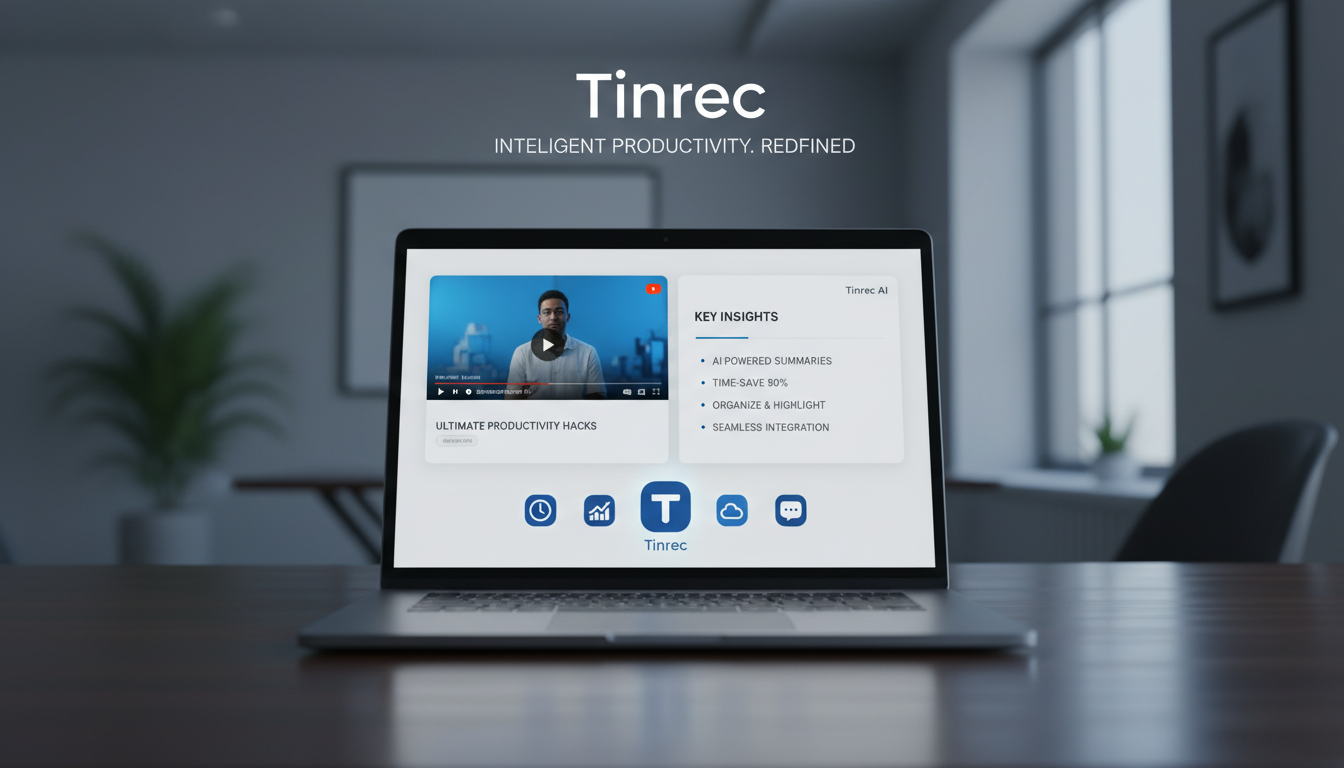
At times like these, an AI-powered video summary app or voice-to-text tool can instantly transform "time-based content" into "scannable, searchable, actionable structured text."
2024 Top 5 Popular AI Video Summary Apps: Recommendation List & Comparison Test
Based on market popularity and user feedback, here are 5 mainstream video summary and speech-to-text tools, along with their features.
1. BibiGPT: A Summary Assistant Dedicated to Bilibili and Douyin
As the name suggests, this tool is deeply optimized for Bilibili (Bilibili) video summarization.
- Key Features: Supports one-click summarization of Bilibili and Douyin videos, offers customizable AI Q&A, note integration, and a WeChat assistant feature. Also provides a browser extension for quick access.
- Target Users: Learners who heavily rely on Bilibili or Douyin for information.
- Limitations/Credits: New users get 1 hour of free usage; beyond that, a membership upgrade is required.
2. NoteGPT: A Summary Power Tool Supporting Multiple Platforms & Mind Maps
NoteGPT is a versatile summary note-taking tool, strong in supporting a wide variety of platforms and file formats.
- Key Features: Besides supporting YouTube and Bilibili, it can summarize audio, PDF, Word, and other files. It delivers video summaries in 30 seconds and automatically generates timestamps subtitles. A highlight is converting video content into mind maps, helping grasp knowledge structure.
- Target Users: Students, researchers, and self-learners who need cross-platform resources.
3. Tongyi Tingwu: Audio/Video Transcription Suitable for Meetings & Lectures
Developed by Alibaba, this AI audio/video recognition tool leans towards business meetings and lecture scenarios.
- Key Features: Supports real-time meeting recording, as well as uploading local audio/video files for analysis and summarization. Multi-device sync allows smooth switching between phone and computer.
- Target Users: Professionals who frequently record online/offline meetings.
- Limitations/Credits: Currently mostly limited-time free trials; users need to log in daily or invite friends to earn transcription time.
4. AI Lesson Representative: Simple and Easy-to-Use Bilibili/Douyin Video Summary
Formerly a summarization bot in Bilibili comments, it has evolved into a standalone web page and browser extension.
- Key Features: Supports Bilibili, Douyin, and Xigua Video. The interface is very simple and intuitive, supporting video summarization, subtitle search, and content Q&A. Compared to BibiGPT, many users find its operation smoother.
- Target Users: Users who prefer a minimal interface and mainly watch Bilibili.
- Limitations/Credits: 3 free summaries per day.
5. Tinrec (Second Hearing): A Complete Workflow from Recording to Action Items
Most tools only provide verbatim transcripts. Tinrec (Second Hearing) is a multi-device AI recording assistant focused on "post-use efficiency," supporting iOS, Android, and web.
Stop organizing recordings by hand
Upload audio or video and automatically get a transcript, summary, and action items
- Key Features: Automatically recognizes 10 languages including Chinese, Japanese, and English. Besides converting YouTube videos or audio to text, it not only provides summaries but also automatically generates meeting minutes and actionable items.
- Target Users: Cross-border teams and students dealing with foreign language content, and professionals who value post-meeting execution.

At a Glance: Core Feature Comparison Table of 5 Video Summary Apps
| Evaluation Dimension | BibiGPT | NoteGPT | Tongyi Tingwu | AI Lesson Representative | Tinrec (Second Hearing) |
|---|---|---|---|---|---|
| Supported Platforms/Formats | Bilibili, Douyin | YT, Bilibili, PDF, Audio | Meetings, local audio/video | Bilibili, Douyin, Xigua | Online videos, local audio, live recording |
| Multilingual Support | Mainly Chinese | Multilingual translation | Multilingual support | Mainly Chinese | Auto-recognizes 10 languages (CN, EN, JP, etc.) |
| Summary/Action Items | One-click summary | Summary + video to mind map | Meeting summary | Video summary | Auto-generates meeting minutes and actionable items |
| AI Chat Query | Supported | Supported | Supported | Supported | Semantic AI chat query |
| Multi-Device Support | Web, extension | Web, extension | Web, App | Web, extension | iOS, Android, Web |
| Price/Free Credits | 1 hour free for new users | Free + paid plans | Daily tasks earn time | 3 free summaries per day | Up to 100 minutes free per month |
Practical Tutorial: How to Efficiently Convert Videos and Recordings into Structured Notes
To truly boost efficiency, you need not only the right tool but also familiarity with the standard workflow. The following demonstrates how to use each tool's features to quickly turn audio-visual information into usable text.
Step 1: Convert Online Videos to Text and Summarize Quickly
When you find a valuable long video on YouTube or other platforms:
- Copy the video URL.
- Open a tool that supports URL parsing (e.g., Podcast/Online Video to Text feature).
- Paste the link; the system will automatically extract the audio track and produce a full transcript and AI summary within minutes.

Step 2: Real-Time Recording Transcription for Classes or Meetings
During live lectures or important meetings, handwritten notes often miss details:
- Open the app on your phone (e.g., Live Recording to Text).
- Tap to start recording; the system will transcribe speech to text in real time—no waiting.
- When the meeting ends, you already have a complete text draft.

Step 3: Import Existing Audio Files for Analysis
If you have audio files recorded with a voice recorder or past meeting recordings:
- Go to the Audio File to Text upload page.
- Upload common audio format files; the system will automatically differentiate speakers.
- After generating the transcript, use AI to extract key points and conclusions with one click.

Step 4: Use AI Chat for Precise Retrieval
Traditional transcripts only allow Ctrl+F for keyword search, but now you can directly "ask" the AI:
- Next to the transcript interface, open the AI Chat Query panel.
- Type a question such as: "What were the three marketing strategies mentioned by the speaker?" or "What next week tasks did the boss assign to Kevin?"
- The AI will accurately answer based on the recording content, as if you were asking an assistant who listened attentively throughout.

FAQ: Video Summary and Voice-to-Text Essentials
Q1: Can video summary apps be used on iPhone or Android phones?
Most tools that are web or browser-extension based (like BibiGPT, AI Lesson Representative) may be limited on phones. However, tools that offer dedicated multi-device apps (like Tongyi Tingwu, Tinrec) fully support iPhone and Android for real-time recording and browsing.
Q2: Can these tools transcribe online meetings (e.g., Teams, Google Meet, Zoom)?
Yes. Many users record locally through stereo mix on their computer and then upload the audio file to the tool for transcription; some tools also support directly recording system audio to capture Teams or Meet meetings.
Q3: How much free credit do free video-to-text tools usually have? Is it enough?
Policies vary. Some offer 1 hour free for the first month, others give 3 free summaries per day. For occasional short video summaries, it may suffice. But if you are a student recording several hours of classes weekly, or a professional with frequent meeting needs, choose a tool with stable free credits (e.g., 100 minutes per month) or subscribe to a paid plan for full functionality.
Q4: If a foreign video has no built-in subtitles, can the tool still summarize accurately?
Yes. Current mainstream AI video summary apps do not only grab existing subtitles; they also use speech recognition (ASR) to "listen" to the audio content and convert it to text, so even videos without subtitles can be summarized smoothly.
Q5: Do tools support multilingual translation for foreign videos or cross-border meetings?
Most advanced tools support multiple languages. For example, NoteGPT has robust translation features, while Tinrec supports automatic recognition of 10 languages including Chinese, Japanese, English, Korean, and German, effectively reducing cross-language learning and communication barriers.
Q6: What formats can the generated transcripts and summaries be exported to?
Usually, they can be exported as plain text (TXT) or Markdown for easy integration into Notion or Obsidian. Some tools also support export to Word (DOCX) or directly generate mind map images, convenient for further editing and presentations.
Turn every recording into actionable outcomes
Get 60 free transcription minutes when you sign in. No credit card required.
Related Reading
You might also like
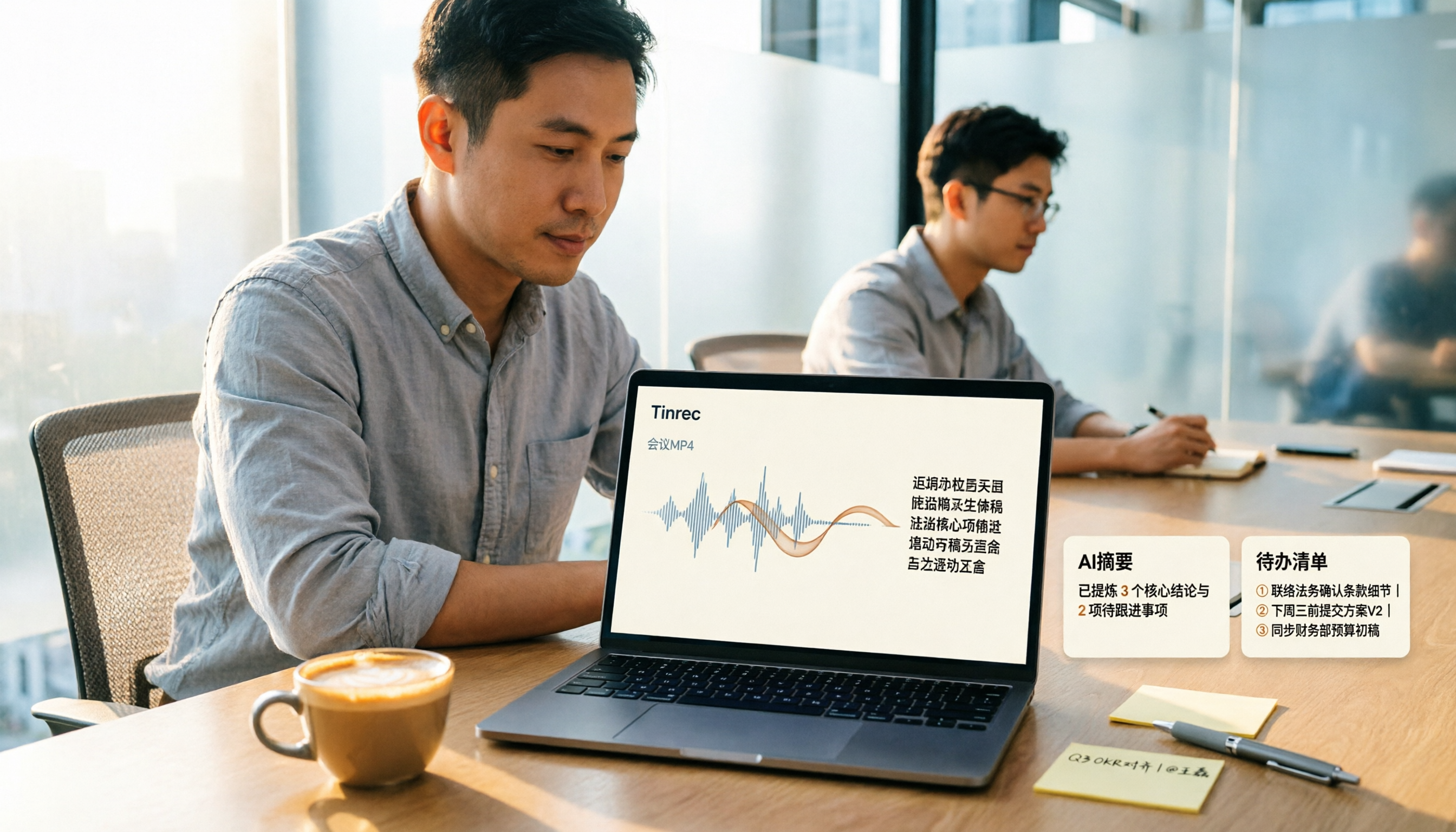
How to Convert MP4 to Text in 2026: Auto-Generate Transcripts + AI Summaries & Action Items
How do you choose an MP4-to-text tool? From the perspective of a mid-level manager running 15 meetings a week, I tested uploading meeting MP4s to Tinrec and evaluated the transcript, AI summary, and action item results, then compared it with TurboScribe, Notta, and VEED. I've compiled 4 key buying factors and 4 pitfalls to avoid, helping you pick the one that actually gets the job done.

4 Best Lecture Transcription Tools in 2026: Can a 3-Hour Lecture Really Become Usable Notes?
How do you choose a lecture transcription tool? This article covers four key factors: audio quality, file import, post-lecture organization, and team sharing. It compares Tinrec, Notta, TurboScribe, and PLAUD, with common pitfalls and selection advice to turn your lecture recordings into truly usable notes.

2026 Business Meeting Summary Tools Compared: Tinrec vs PLAUD Note — Which One Is Right for You?
Both tools can summarize a business meeting, but one requires hardware and the other doesn't. We compare Tinrec and PLAUD Note across hardware requirements, online meeting recording, post-meeting organization, team collaboration, and Chinese recognition to see which business meeting summary tool is better suited for professionals.

How to Transcribe Journalist Interview Recordings in 2026: A Complete 5-Step Guide
How do you transcribe interview recordings? This article covers 4 key factors for choosing a tool and a 5-step workflow, takes a deep look at Tinrec's Chinese transcription, AI Q&A, and team workspace, and compares the best use cases and limitations of Otter.ai, Granola, and Notta.

2026 Comparison of 4 Online Meeting Transcription Tools: Which One Turns Transcripts into Actionable Meeting Notes?
How to choose an online meeting transcription tool? This article compares Tinrec, Otter.ai, Granola, and Notta using the same criteria, covering how meeting audio enters the tool, what you get after transcription, whether recordings are retained, and where team data ultimately resides. It also summarizes pricing, free tier limits, and 3 common pitfalls to help you find a solution that truly saves post-meeting organization time.

2026 Product Meeting Notes Tools: 4 Tested + AI Action Item Auto-Organization
How to choose a meeting notes tool? This article addresses three common misconceptions, outlines 4 key selection criteria, and compares Tinrec, Otter.ai, Granola, and Notta on meeting recording methods, post-meeting organization capabilities, and pricing limits. It also includes a pitfalls guide and selection recommendations to help you find a solution that truly saves organization time.

6 Audio-to-Transcript Tools Tested and Compared for 2026: Which Saves the Most Time for Chinese Recognition and Post-Meeting Organization?
A review of 6 tools that generate transcripts from imported audio files, covering Tinrec's AI summaries, action items, AI Q&A, and team spaces, as well as the free and paid plans of Notta, cSubtitle, MyEdit, TurboScribe, and Yating Transcript. It also explains recording quality, export formats, and licensing issues to consider before importing.

2026 Comparison of 4 Audio/Video Transcription Tools: Which Saves the Most Time for Chinese Meeting Minutes?
Still typing transcripts after meetings? This article uses 5 key buying criteria to compare Tinrec, Notta, Otter.ai, and PLAUD Note in a hands-on test. From recording methods, post-meeting output, Chinese language experience, to team seat management, we cover it all, plus 4 common pitfalls to avoid.

5 WAV to Text Tools Tested for 2026: Which Saves the Most Time on Chinese Transcripts and Meeting Follow-Ups?
Have a WAV recording but dread listening to it from start to finish? This article examines real-world scenarios to explain what WAV-to-text can do, its core capabilities, and practical applications. Using Tinrec as an example, it covers a complete workflow for bot-free meeting recording, AI summaries, action item extraction, and team knowledge retention, plus 6 buying considerations and FAQs to help you decide which solution saves the most time.