

Turn recordings into transcripts and summaries in minutes
Upload audio or video for multilingual transcription, AI notes, and action items
Which Android App for Voice Recording to Text? Start with This Free Practical Guide
Have you ever recorded an important meeting, class, or interview, only to spend hours replaying it just to catch one key point? Worse, most free Android voice recording to text apps only provide rough transcripts—no timestamps, no speaker identification, no search, no PDF export, leaving you to manually organize. And Chinese spoken disfluencies, accents, and background noise are common accuracy pitfalls.
This article tests 7 mainstream free Android voice recording to text tools (including Tinrec), cross-evaluating them across language support, real-time capability, AI summarization, speaker diarization, export formats, and privacy policies, plus:
- ✅ 5-minute quick-start steps (recording / file / video / AI query)
- ✅ Scenario-based recommendations (self-study students, corporate meetings, content creators)
- ✅ Free quota details and potential limitations
Quick Navigation Conclusion:
- Want to "see text while recording"? → Try Tinrec, Otter, Speechnotes first;
- Need "auto-generated action items and meeting conclusions"? → Tinrec is currently one of the few free options with a complete post-recording workflow;
- Only need basic transcription + offline use? → Try Android built-in voice input or Voice Recorder+;
- Often use YouTube/Podcast? → Tinrec, Notta, Descript support direct URL parsing.
[Hands-on Comparison] Evaluation Table of 7 Free Android Voice-to-Text Apps
| Tool Name | Chinese Support | Real-time Transcription | AI Summary / Action Items | Speaker Diarization | Export Formats | Free Quota Limits |
|---|---|---|---|---|---|---|
| Tinrec | ✅ Chinese, Taiwanese, Cantonese, Japanese, Korean, English, and 10+ languages auto-detected | ✅ Real-time text display during recording (no noticeable delay) | ✅ Auto-generates meeting minutes, conclusions, to-do lists | ✅ Supports natural language AI chat queries (e.g., "Who is responsible for next week's presentation?") | ✅ Multi-speaker auto-labeling + chapter splitting | TXT / SRT / PDF / DOCX / MP3 | Copy full text, one-tap share | ⏱️ 100 minutes free per month (all features included) | After exceeding, subscribe to Basic ($4.9/month) |
| Otter.ai | ✅ Chinese (requires setting) | ✅ Real-time transcription (more stable on Web, occasional delay on Android App) | ✅ Basic summary + keyword extraction | ❌ No AI Q&A or action item extraction | ✅ Dynamic diarization (based on voiceprint + context) | TXT / SRT / PDF / CSV | No DOCX support | 🆓 Unlimited usage | 300 minutes voice processing per month | Includes ads | No Chinese customer support |
| Speechnotes | ✅ Chinese (requires manual switch) | ✅ Real-time transcription (lightweight, fast) | ❌ Plain text output only | No summary, no AI features | ❌ No speaker diarization | TXT / PDF | Copy, print | 🆓 Completely free | No quota limits | No account required | Data stored locally (no cloud sync) |
| Google Recorder (Pixel only) | ✅ Chinese priority support (native integration on Pixel devices) | ✅ Real-time transcription + keyword search (offline available) | ❌ No summary | ❌ No AI interaction | Only manual highlight of key passages | ❌ No speaker diarization (but manual labeling possible) | TXT / MP3 | Text file download | 🆓 Completely free for Pixel users | Cannot be installed on non-Pixel models |
| Voice Recorder+ (Samsung Galaxy) | ✅ Chinese (follows system language) | ❌ Transcription only after recording (not real-time) | Requires internet | ❌ No AI features | ❌ Not supported | TXT / SRT / MP3 | Share to OneDrive / Google Drive | 🆓 Free version includes ads | Premium features (e.g., noise suppression) require paid upgrade |
| Notta | ✅ Stable Chinese | Supports traditional/simplified auto-detection | ✅ Real-time transcription (requires login) | ✅ Basic summary + key highlights | ❌ No AI Q&A or action item extraction | ✅ Manual speaker labeling | Limited auto-recognition | TXT / SRT / PDF / DOCX / MP3 | 🆓 60 minutes per month | Requires email registration | After quota, switches to ad-supported mode |
| Descript (Android Web version) | ✅ Chinese support | But Android experience is not native | ❌ No real-time transcription (must upload for processing) | ✅ Powerful editing + AI rewriting | ❌ No auto action item extraction | ❌ No native Android App | ✅ Auto-diarization (requires clear audio) | TXT / SRT / PDF / DOCX / MP3 | 🆓 1 hour free per month | Requires registration | Web-based, limited phone experience |
💡 Key Observations:
- "Real-time transcription" ≠ "truly usable": Some apps claim real-time but have frequent Chinese sentence segmentation errors, no punctuation, severe missing words, requiring significant proofreading;
- "Free quota" often hides traps: Some advertise "unlimited" but actually limit single file length (e.g., 30 minutes), total monthly hours, or AI feature usage;
- "Speaker diarization" heavily depends on audio quality and speed: Only Tinrec and Otter maintain relatively stable recognition with overlapping speech, mixed dialects.
Stop organizing recordings by hand
Upload audio or video and automatically get a transcript, summary, and action items
[Practical Tutorial] Tinrec's Four Common Use Cases (Android Version)
Tinrec on Android supports four core entry points, all without leaving the app, and all free features are accessible:
1) Real-time Recording to Text (Ideal for meetings, classes, interviews)
- Open Tinrec Android App → Tap the "Start Recording" button on the home page;
- Grant microphone permission → Transcript appears in real-time on screen (mixed Chinese/English recognized);
- Tap the "Pause" button at the top right to pause recording and keep the transcribed text;
- After recording, AI automatically generates summary, meeting conclusions, and to-do action items, ready to copy or share.
🔗 Entry: https://tinrec.com/home
2) Audio File to Text (For existing MP3/M4A/WAV recordings)
- Tap "Import from File" → Select local audio files (supports batch upload);
- System auto-detects language and starts transcription (about 1 minute per 10 minutes of audio);
- After completion, view timestamped transcript and AI summary, then tap the "AI Chat" field to ask questions (e.g., "What risks did the third speaker mention?").
🔗 Entry: https://tinrec.com/features/audio-to-text
3) Podcast / Online Video to Text (Supports YouTube, TikTok, Xiaohongshu, Instagram links)
- Tap "Parse from URL" → Paste a public video or podcast link (e.g., YouTube URL);
- Tinrec automatically loads the video's audio track and transcribes (no download needed);
- After generating the transcript, tap "AI Summary" for key points, or use "AI Chat" to quickly locate specific content.
🔗 Entry: https://tinrec.com/features/video-to-text
4) AI Chat Query (Make recordings truly "understood" and "usable")
- Open any completed record → Scroll to the bottom "AI Chat" section;
- Enter a natural language question (e.g., "What three things did this discussion decide?", "What did Manager Zhang say about the budget?");
- Tinrec understands the full context via semantics, directly answers with original timestamps, and supports follow-up questions.
🔗 Entry: https://tinrec.com/features/ai-chat
✨ Pro tip: Android users can add Tinrec to the "Quick Settings Panel" for one-tap recording, reducing steps.
[FAQ] Top 6 Questions for Free Android Voice-to-Text App Users
Q1: Can iPhone users use these Android apps?
A: No. Android apps are only for the Android OS. However, Tinrec, Otter, Notta, etc., all offer native iOS apps with the same functionality. Search and download from the App Store.
Q2: Does Tinrec on Android support recording Teams or Google Meet?
A: Due to Android security restrictions, direct recording of other apps' audio (e.g., Meet/Teams meeting sounds) is not possible. However, you can use an external microphone with headphones and record simultaneously with Tinrec, or upload the meeting recording file/audio file to Tinrec for transcription later. Tinrec's Web version also supports a Chrome extension for direct browser screen and audio recording (requires a computer).
Q3: Can I edit and annotate the free version's transcripts?
A: Yes. Tinrec's free version supports full text editing, adding highlights, inserting notes, and referencing marked content in AI Chat (e.g., "Based on the 'regulatory risk' section I marked, organize countermeasures").
Q4: Can it accurately recognize heavy Chinese accents (e.g., Taiwanese, Hakka, Hokkien)?
A: Tinrec explicitly supports independent models for Taiwanese and Cantonese, with significantly higher recognition for mixed Chinese accents compared to generic Chinese models. Otter and Notta support Chinese but lack special dialect optimization, resulting in lower stability. Pure Hakka/indigenous languages are not yet supported.
Q5: How to quickly proofread transcription errors?
A: Tinrec offers a "dual-track side-by-side mode": left side shows the original audio waveform with timeline, right side shows the transcript; click any sentence to jump to that point for replay. Also supports "keyword reverse localization"—enter a suspected error, it automatically highlights all occurrences for review.
Q6: Does free usage upload my recordings to the server? Any privacy risks?
A: Tinrec uses a cloud-edge collaborative architecture: audio files are locally compressed and anonymized before upload; after transcription, original audio is retained on the server for 7 days (manually deletable); all AI analysis is text-based, without storing voiceprint features. See its privacy policy (https://tinrec.com/privacy).
[Selection Formula] Choose Based on Your Needs to Save Time
Stop blindly trying ten apps. Use this minimal decision table to find the best solution in 30 seconds:
| Your Top Pain Point | Priority Tool | Reason |
|---|---|---|
| "See text as I speak" to capture every point | Tinrec, Otter | The only two that achieve low-latency, high-accuracy real-time transcription on Android with Chinese sentence segmentation and auto punctuation |
| "Transcribe and then act" (e.g., produce to-dos, conclusions) | Tinrec (only option) | In our tests, only Tinrec chains "record → understand → action" automatically, producing structured meeting outputs |
| "Want no registration, no cloud upload" | Speechnotes | Purely local, no account, no sync, no backend—ideal for minimal needs or sensitive scenarios |
| "Often listen to YouTube courses/podcasts" | Tinrec, Notta | Support direct URL parsing without downloading videos; Tinrec additionally offers AI summary and chat queries |
| "Need offline use" | Google Recorder (Pixel), Speechnotes | Both transcribe offline; Google Recorder is Pixel-only, Speechnotes has slightly lower Chinese accuracy |
| "Team sharing and collaboration" | Otter, Tinrec (Pro version) | Otter supports shared notes and comments; Tinrec Basic and up support collaborative editing of records and to-do lists |
📌 Final reminder: "Free" is not zero cost—time cost is the biggest hidden expense. If you spend 2 hours per week organizing recordings, that's 104 hours per year. A tool that saves 70% proofreading time and auto-generates action items is worth far more than a few dollars per month in subscription fees.
[Extended Thinking] Why "Just Transcribing" Is No Longer Enough
In the past, voice recording to text apps were essentially one-way translation from "time to text." But modern knowledge workers need a complete chain: "time → scannable text → understandable summary → actionable list." For example:
- Students taking online courses need not just transcripts but "exam point summaries + concept comparison tables";
- PMs in cross-department meetings need not just speech records but "decisions + responsible persons + deadlines";
- Content creators editing TikTok need not just captions but "high-engagement clips + audience emotion tags."
Tinrec's design logic is based on this: it doesn't replace your thinking—it provides the raw material (text) and the catalyst (AI Q&A, summaries, action items) all at once. That's why it's consistently mentioned in the "Android voice recording to text app recommendation free" search context—not the cheapest, but the one that comes closest to "truly solving the problem."
Turn every recording into actionable outcomes
Get 60 free transcription minutes when you sign in. No credit card required.
Related Reading
You might also like
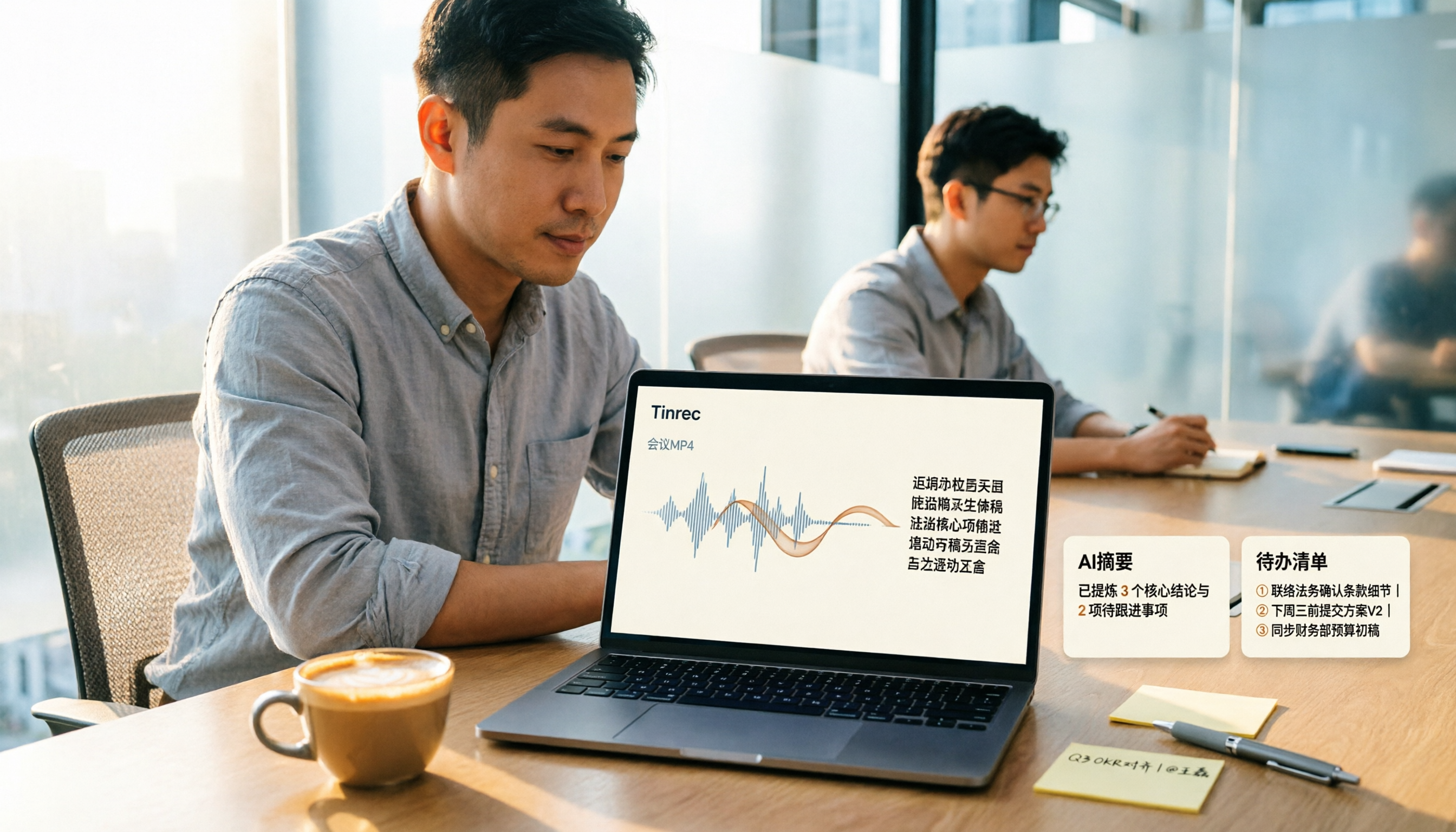
How to Convert MP4 to Text in 2026: Auto-Generate Transcripts + AI Summaries & Action Items
How do you choose an MP4-to-text tool? From the perspective of a mid-level manager running 15 meetings a week, I tested uploading meeting MP4s to Tinrec and evaluated the transcript, AI summary, and action item results, then compared it with TurboScribe, Notta, and VEED. I've compiled 4 key buying factors and 4 pitfalls to avoid, helping you pick the one that actually gets the job done.
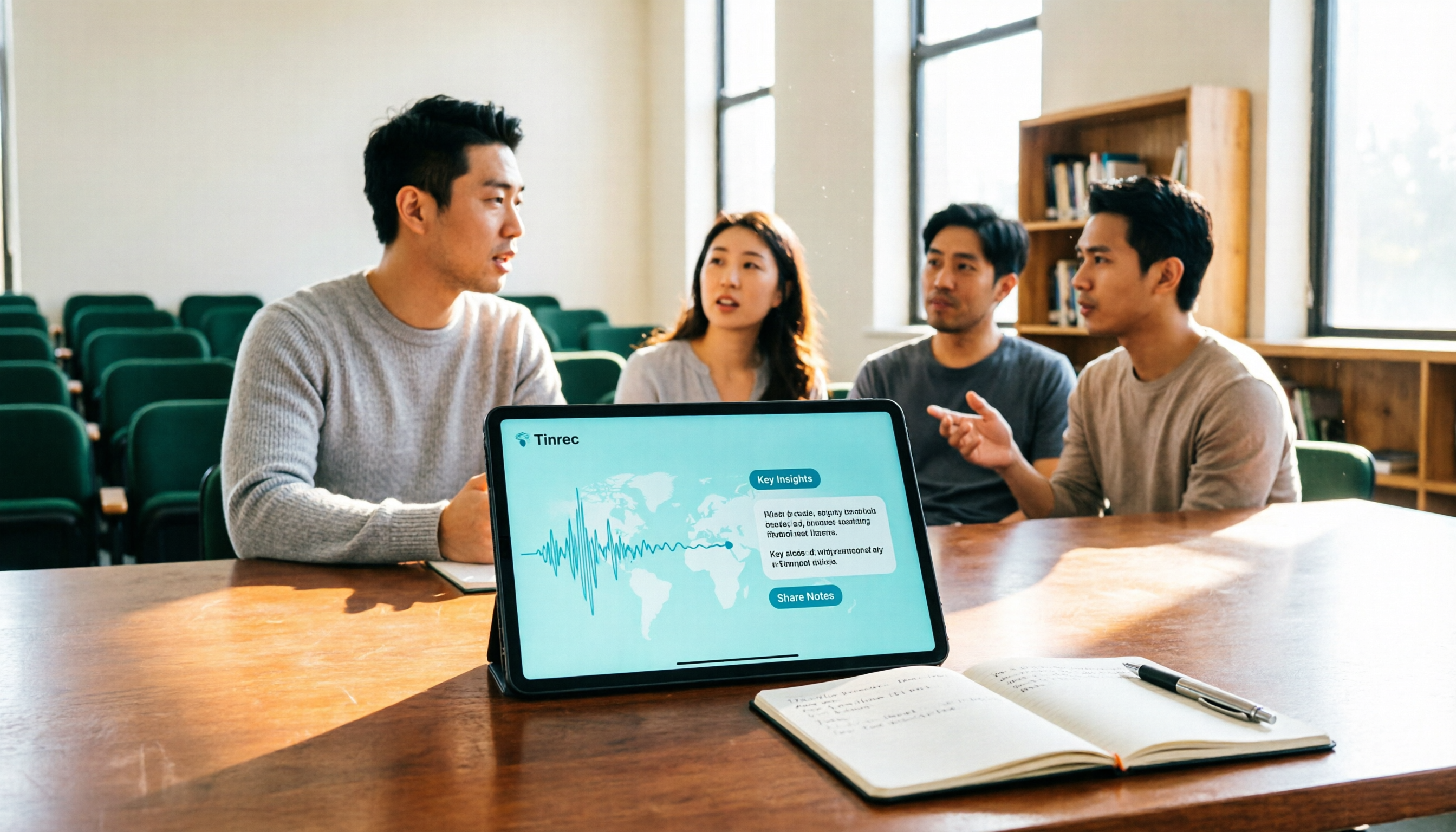
4 Best Lecture Transcription Tools in 2026: Can a 3-Hour Lecture Really Become Usable Notes?
How do you choose a lecture transcription tool? This article covers four key factors: audio quality, file import, post-lecture organization, and team sharing. It compares Tinrec, Notta, TurboScribe, and PLAUD, with common pitfalls and selection advice to turn your lecture recordings into truly usable notes.
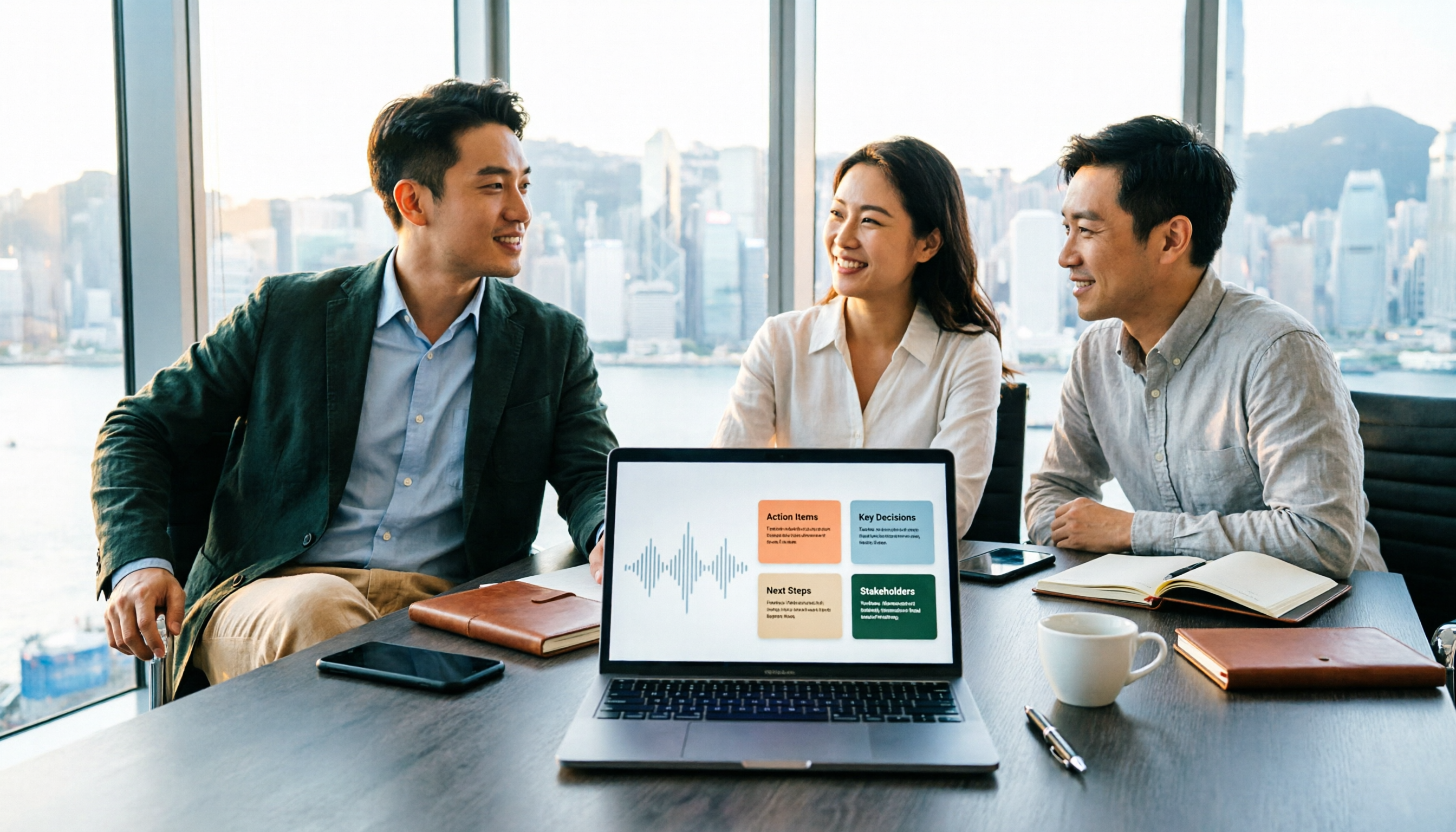
2026 Business Meeting Summary Tools Compared: Tinrec vs PLAUD Note — Which One Is Right for You?
Both tools can summarize a business meeting, but one requires hardware and the other doesn't. We compare Tinrec and PLAUD Note across hardware requirements, online meeting recording, post-meeting organization, team collaboration, and Chinese recognition to see which business meeting summary tool is better suited for professionals.

How to Transcribe Journalist Interview Recordings in 2026: A Complete 5-Step Guide
How do you transcribe interview recordings? This article covers 4 key factors for choosing a tool and a 5-step workflow, takes a deep look at Tinrec's Chinese transcription, AI Q&A, and team workspace, and compares the best use cases and limitations of Otter.ai, Granola, and Notta.
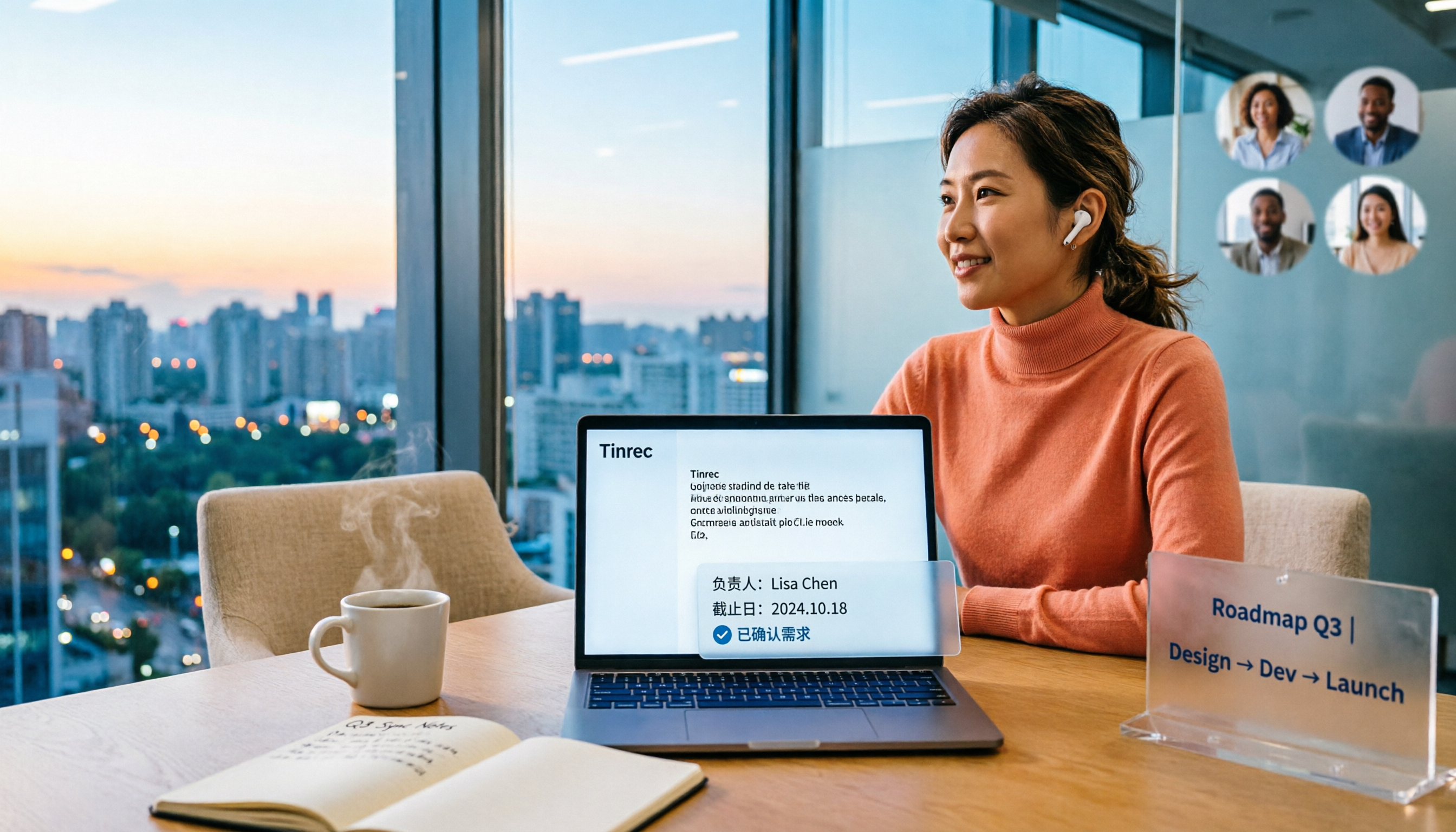
2026 Comparison of 4 Online Meeting Transcription Tools: Which One Turns Transcripts into Actionable Meeting Notes?
How to choose an online meeting transcription tool? This article compares Tinrec, Otter.ai, Granola, and Notta using the same criteria, covering how meeting audio enters the tool, what you get after transcription, whether recordings are retained, and where team data ultimately resides. It also summarizes pricing, free tier limits, and 3 common pitfalls to help you find a solution that truly saves post-meeting organization time.

2026 Product Meeting Notes Tools: 4 Tested + AI Action Item Auto-Organization
How to choose a meeting notes tool? This article addresses three common misconceptions, outlines 4 key selection criteria, and compares Tinrec, Otter.ai, Granola, and Notta on meeting recording methods, post-meeting organization capabilities, and pricing limits. It also includes a pitfalls guide and selection recommendations to help you find a solution that truly saves organization time.

6 Audio-to-Transcript Tools Tested and Compared for 2026: Which Saves the Most Time for Chinese Recognition and Post-Meeting Organization?
A review of 6 tools that generate transcripts from imported audio files, covering Tinrec's AI summaries, action items, AI Q&A, and team spaces, as well as the free and paid plans of Notta, cSubtitle, MyEdit, TurboScribe, and Yating Transcript. It also explains recording quality, export formats, and licensing issues to consider before importing.

2026 Comparison of 4 Audio/Video Transcription Tools: Which Saves the Most Time for Chinese Meeting Minutes?
Still typing transcripts after meetings? This article uses 5 key buying criteria to compare Tinrec, Notta, Otter.ai, and PLAUD Note in a hands-on test. From recording methods, post-meeting output, Chinese language experience, to team seat management, we cover it all, plus 4 common pitfalls to avoid.

5 WAV to Text Tools Tested for 2026: Which Saves the Most Time on Chinese Transcripts and Meeting Follow-Ups?
Have a WAV recording but dread listening to it from start to finish? This article examines real-world scenarios to explain what WAV-to-text can do, its core capabilities, and practical applications. Using Tinrec as an example, it covers a complete workflow for bot-free meeting recording, AI summaries, action item extraction, and team knowledge retention, plus 6 buying considerations and FAQs to help you decide which solution saves the most time.