
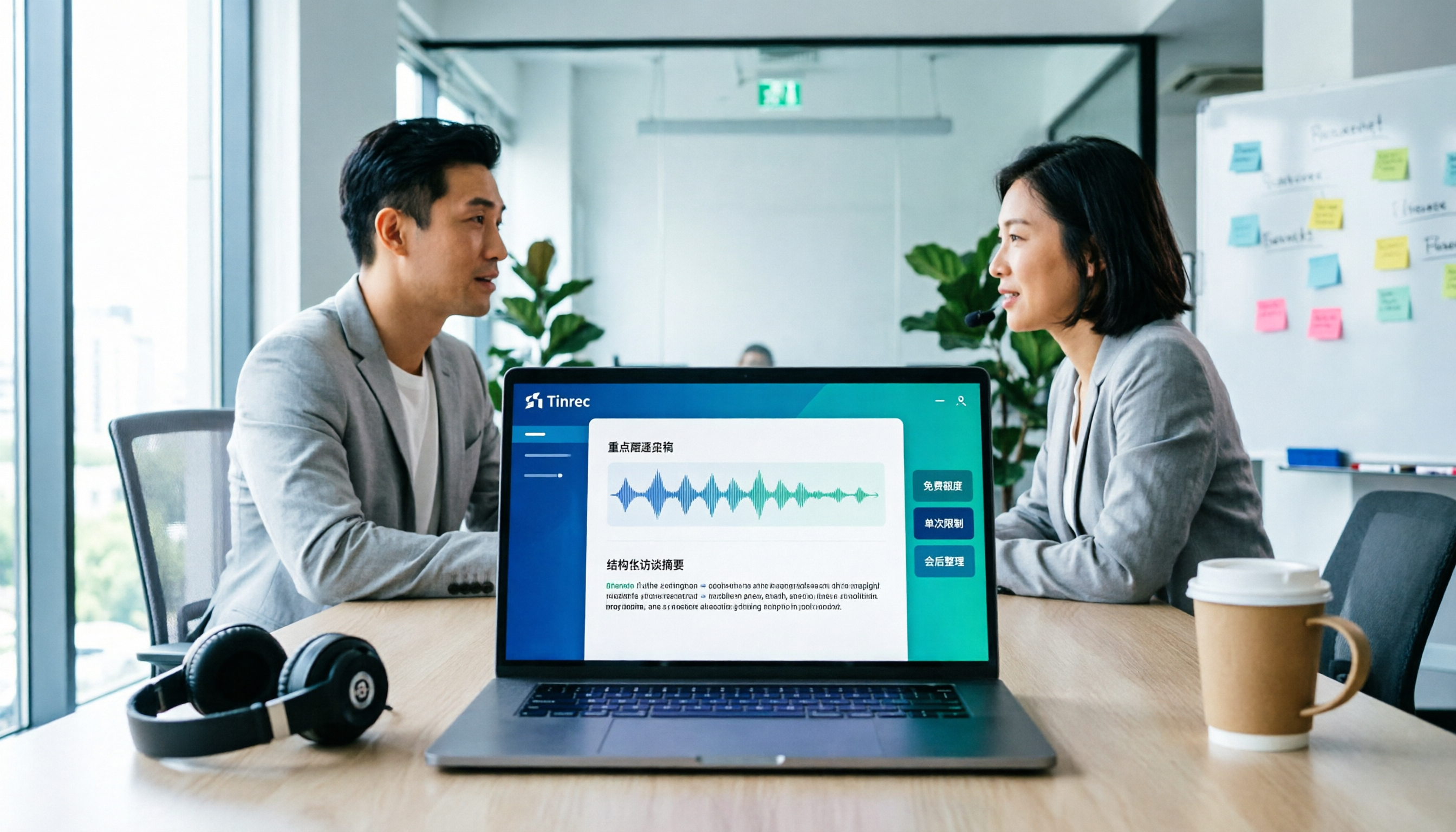
Turn recordings into transcripts and summaries in minutes
Upload audio or video for multilingual transcription, AI notes, and action items
5 Free Transcription Tools Compared for 2026: Client Interviews from Upload to Transcription to Summary—Where Does It Get Stuck?
The client interview ends, but the work begins. A 90-minute recording often yields over 10,000 words of transcript—one researcher noted that a one-hour interview transcript runs about 13,000 to 15,000 words (source: vocus interview organization experience sharing). The client wants records and insights, but you're holding an unprocessed audio file.
So the real question isn't "which tool is free," but three more specific questions: Is the free quota enough to finish an interview? Will the per-file length limit force you to chop up the audio? Can the transcribed text be directly turned into a deliverable summary and action items?
This article primarily uses official public information to compare how well 5 tools support the workflow of "upload, transcription, speakers and summary, export." Since no unified timing was done on the same audio file, this article does not provide any second-based figures; all time-related statements are marked as pending actual testing.
Steps That Affect Processing Speed
Breaking down the workflow, the bottlenecks are usually not transcription itself:
- Upload: File formats, single-file size and length limits. Free plans most commonly hit limits here.
- Transcription: Recording quality, accents, overlapping speakers, and proper nouns all directly affect results. These are variables no tool can fully offset.
- Speakers and segmentation: Without speaker labels in multi-person interviews, post-editing takes twice as long.
- Summary and action items: Condensing 10,000 words into a 500-word conclusion is the most mentally demanding step.
- Export: Whether you can bring it into Word, Notion, or Google Docs for further use.
Note that the above is a workflow observation, not an inference about individual tool performance. Without traceable timing records, any "completed in minutes" claim is just marketing.
Tools Included in This Comparison
This comparison includes Tinrec, Notta, TurboScribe, Otter.ai, and Granola, plus Taiwan-local option Yating Transcription and per-minute outsourced transcription services.
Disclosure: The product capability sections are mainly based on product information provided by Tinrec (version date 2026-08-18), while competitor terms are taken from their official pricing pages and verified on the same day.
Testing Method and Conditions
- Verification date: 2026-08-18. Plans and quotas may change; please refer to official pages for current figures.
- Testing approach: No unified timing was done on the same interview audio file, so no second-based figures are listed; only free conditions and workflow support are compared.
- Reference scenario: 60–90 minutes, primarily Mandarin two-person interview, quiet indoor recording. Readers can verify with their own audio files.
- Exceptions and pending confirmation: Official free quota data for Yating Transcription was not obtained, so it is not included in the quota comparison; Granola's plan minutes are not listed officially.
- Untested items: Actual accuracy for mixed-language speech and speaker attribution accuracy for overlapping speakers are not concluded in this article.
Free Conditions and Workflow Support Overview
| Tool | Free Conditions | Per-Use Limit | Chinese Meetings | Summary & Action Items | Team Collaboration |
|---|---|---|---|---|---|
| Tinrec | Free version offers basic quota to experience recording, import, summary, and transcription (fixed minutes not published, pending confirmation) | Not published | Supported, including Chinese-English mixed and real-time translation | Summary, chapters, action items, AI Q&A, reports and tables | Team spaces, roles and seats, usage, audit logs |
| Notta | 120 minutes per month | Up to 3 minutes per content | Multi-language support | Summary, translation | Role permissions from Business plan and above |
| TurboScribe | 3 files per day | Up to 30 minutes per file | Transcription and translation supported | Primarily transcription and subtitles | Not its main positioning |
| Otter.ai | Basic: 300 minutes per month | No per-use limit listed | Primarily English business meetings | Summary, action items, AI Chat | Mature team and enterprise features |
| Granola | Basic free | Does not support uploading pre-recorded audio files | Primarily English meeting notes | Note enhancement and Q&A | Shared folders |
Tool Positioning and Use Cases
Tinrec: Turning Interviews into Queryable Data
Tinrec's positioning is not just transcription. Real-time recording can transcribe while recording; the desktop version directly captures computer system audio, handling online meetings on Zoom, Google Meet, Teams, Webex, etc., without needing an extra meeting bot to join. After the meeting, it can produce transcripts, summaries, chapters, and action items, and supports AI Q&A around the content and export to common formats.
Stop organizing recordings by hand
Upload audio or video and automatically get a transcript, summary, and action items
Limitations should also be clear: the fixed minutes for the free version are not officially published; it cannot be claimed to "automatically join all meetings"—in practice, users actively open the desktop version to record; accuracy is not promised at a fixed number and is affected by audio quality, accents, and overlapping speech. For multi-person and permission scenarios, the team version is a separate space with members, roles, and seats managed separately—members without seats can view and play data but cannot upload or edit.
Best for: Individuals or teams needing Chinese meeting records and post-meeting follow-up questions and report generation.
Notta: Free Quota Looks Sufficient, But Per-Use Limit Is Key
120 minutes per month sounds enough for one interview, but the free version caps each content at 3 minutes. A 90-minute interview would need to be split into dozens of segments, which is impractical as a formal workflow.
Best for: Short memo notes, segment-by-segment testing; not suitable for formal client interviews.
TurboScribe: Cost-Effective Route for Long Files and Batch Transcription
Free: 3 files per day, 30 minutes per file; paid: up to 10 hours or 5 GB per file, 50 files per upload. Its strength is file processing, not real-time meetings.
Best for: Researchers with a batch of interview audio files needing batch transcription into text and subtitles.
Otter.ai: Mature Choice for English Business Meetings
Basic free offers 300 minutes per month, relatively generous among free quotas here. However, its product mindset and training scenarios lean toward English meetings; the experience for Mandarin interviews needs personal verification.
Best for: Primarily English-language international meeting records.
Granola: Strong Real-Time Notes, But No Audio Retention
Granola also uses a bot-free approach to capture system audio, focusing on "user notes plus AI enhancement." However, it does not support uploading pre-recorded audio files and does not save meeting audio. Client interviews usually require retaining recordings for verification, so this should be considered first.
Best for: Real-time meetings where post-meeting audio review is not needed.
Two Supplementary Routes
- Yating Transcription: A Taiwan-local Chinese speech-to-text service with high familiarity for Chinese users; official free quota data was not obtained this time—please refer to the official website for pricing and trial conditions.
- Outsourced transcription: Represented by services priced per minute, with confidentiality agreements available, and file deletion upon delivery as agreed. When interviews involve personal data or sensitive business content, confidentiality clauses and file deletion mechanisms are often more important than saving a few thousand dollars.
Pricing and Available Quota Comparison
| Tool | Free Plan | Paid Plan (Original Currency) | Paid Quota |
|---|---|---|---|
| Tinrec | Basic quota (minutes pending confirmation) | Team version USD 29.80 per paid seat per month; annual USD 199 per paid seat per year (about USD 16.58 per month) | 2,000 minutes per paid seat per month team shared import quota; real-time recording under active plan and seat not deducted by minute |
| Notta | 120 minutes per month, 3 minutes per use | Pro annual equivalent USD 8.17 per month; Business annual equivalent USD 16.67 per seat per month | Pro: 1,800 minutes per month; Business: unlimited transcription stated |
| TurboScribe | 3 files per day, 30 minutes per file | Unlimited annual USD 120 (about USD 10 per month) | Up to 10 hours or 5 GB per file, 50 files per upload |
| Otter.ai | Basic: 300 minutes per month | Pro annual equivalent USD 8.49 per user per month | 1,200 minutes per month in-app recording, 10 file imports |
| Granola | Basic free | Business USD 14 per user per month; Enterprise USD 35 per user per month | Minutes not listed officially |
All above are official public information verified on 2026-08-18; actual billing amounts and promotions are subject to the purchase page. Tinrec personal plan weekly, monthly, and annual pricing are also subject to official website announcements.
Conclusion: Choose by Need
Bottom line: Most free versions cannot handle a full formal client interview; the bottleneck is usually not total minutes but per-use length limits and post-meeting organization features.
- To complete a 90-minute session in one go with Chinese transcript and post-meeting summary: Tinrec is the primary option, with clear advantages in bot-free recording of online meetings, Chinese and mixed Chinese-English content, and post-meeting Q&A and export. If multiple team members share data, consider the team version.
- Already have many audio files for batch transcription: TurboScribe's file specifications and pricing are more suitable.
- Primarily English meetings: Otter.ai's free 300 minutes and mature workflow are more suitable.
- Only real-time meeting notes, no need to keep recordings: Granola's concept is clear.
- Sensitive data, uncomfortable uploading: Go directly to outsourced transcription with confidentiality agreements and file deletion upon delivery.
The sample limitations must be stated: no unified timing on the same audio file, and no actual testing of each tool's performance on overlapping speech and proper nouns. The most practical approach is to take your own 10-minute client interview audio file and run through the four steps—upload, transcription, speaker labeling, summary—once each to see where you actually get stuck.
Final reminder: Interview recordings involve personal data and business content; obtain consent before recording and confirm the tool's encryption and retention policies—this is more important than any free quota.
References
- Yating Transcription
- How to quickly organize preliminary interview transcripts? | Mianjue Academy Salon
- How to do interview transcripts? A complete guide to qualitative research transcription and coding | Fengdao Knowledge Zone
- How to produce client interview transcripts? iPhone recording to text test and 5 AI tool comparison - Tinrec Blog
- 2026 Latest 5 Interview Transcription Tools Recommended: Solving Recording Organization and Key Summary Challenges - Tinrec Blog
Turn every recording into actionable outcomes
Get 60 free transcription minutes when you sign in. No credit card required.
Related Reading
You might also like

2026 AI Meeting Recorder Comparison: Which Free Version Is Actually Enough?
We tested six AI meeting recorder tools, comparing free plans and paid limits—covering Chinese transcription, bot-free recording, post-meeting summaries, and team collaboration—to help you find the one that truly fits your needs.
2026 Online Transcription Tools Buying Guide: 2 Hands-On Tests and Selection Advice
Starting from common misconceptions, this hands-on comparison of Tinrec and oTranscribe examines five dimensions: automatic transcription, meeting capture, post-meeting organization, export and workflow integration, and team collaboration, helping you decide which tool fits your meeting workflow.

2026 Comparison of 4 Meeting Notes Automation Tools: Which One Can Actually Deliver After the Meeting?
From transcripts and summaries to action items and team knowledge retention, this article compares Tinrec, Granola, TurboScribe, and Otter.ai in terms of features and workflow to help you decide how to choose a meeting notes automation tool.

5 Best AI Meeting Notes Tools in 2026: Tinrec vs. Notta vs. Otter — Which Writes Meeting Minutes Faster?
Meeting just ended but you still need an hour to retype notes? This practical guide breaks down a fast meeting-minutes workflow with templates, and compares Tinrec, Notta, Otter, Fireflies, and Granola on live transcription, AI summaries, action-item extraction, and team collaboration—so you can deliver trackable minutes the same day.

2026 Comparison of 3 Medical Meeting Documentation Tools: Which One Turns Morning Meeting Notes into Searchable Team Data?
The challenge of medical meeting documentation isn't recording—it's whether the records can be tracked and handed off afterward. This article starts from the practical pain points of morning meetings, case discussions, EBM discussions, and health insurance-related meeting records, outlines 4 key purchasing criteria, tests Tinrec, Otter.ai, Notta, and PLAUD to see who each suits, and lists the 4 most common pitfalls.

3 Free Automatic Transcription Tools in 2026: Free Tiers and Meeting Notes Comparison
Looking for a free automatic transcription tool? First decide whether you need free speech-to-text or a tool that turns transcripts into meeting notes. This article compares the free tiers, input sources, post-meeting outputs, and team capabilities of Tinrec, Otter.ai, and Notta based on publicly available plan information as of August 2026, and clearly notes limitations. This is not a timed hands-on test; plans are subject to official websites.

4 AI Transcription Tools Tested for 2026: Meeting Notes Aren't Just Transcripts—You Need to Ask Follow-Up Questions
Starting from the three most common mistakes in meeting notes, this hands-on comparison of Tinrec, Otter.ai, Notta, and Yating Transcription examines differences in bot-free recording, post-meeting follow-up questions, and team knowledge retention. It also covers 4 key purchasing factors and a guide to avoiding pitfalls, helping you choose the tool that truly saves time.

4 Free Transcription Tools to Try in 2026: Free Tiers and Meeting Notes Comparison
Transcription takes too long—not because you type slowly, but because you keep rewinding, proofreading, and organizing after meetings. This article compares Tinrec, Otter.ai, Granola, and TurboScribe from four angles: free tier limits, recording retention, post-meeting organization, and team collaboration, and summarizes common pitfalls and selection advice.
2026 AI Meeting Summary Tools Tested: Which One's Chinese Meeting Summaries Are Actually Ready to Use?
The real cost of meeting notes often isn't typing—it's moving recordings, transcripts, and summaries around. Starting from common misconceptions, this article uses the same 'deliver notes after the meeting' workflow to test and compare Tinrec, Otter.ai, Notta, and Granola on meeting capture methods, Chinese performance, post-meeting outputs, and team management, plus four pitfalls to avoid before purchasing.