

Turn recordings into transcripts and summaries in minutes
Upload audio or video for multilingual transcription, AI notes, and action items
How to Transcribe Audio Files to Text in 2026: 5-Step Guide and ChatGPT Limitations
"Just drop your audio file into ChatGPT and it'll give you a transcript"—this is the first pitfall most people encounter.
The reality is: ChatGPT's free plan only supports real-time voice dictation through a microphone; it cannot upload existing audio files. To process pre-recorded meetings or interviews, you need to go through ChatGPT Record (macOS desktop version, requires Plus, Pro, or Enterprise) or the Whisper API (apply for your own key, 25MB per file limit). The functionality does exist, but with quite a few conditions.
Another common misconception is treating an "AI assistant" as a "transcription tool." When most people ask "Can ChatGPT transcribe audio to text?" what they really want to know is: how can I turn this recording I have into usable text as quickly as possible? The answers to these two questions are different.
Below, we compare Tinrec and ChatGPT across 6 dimensions, and finish with a 5-step process you can follow directly. Features and plans in this article are based on product descriptions and official documentation; actual transcription results will be affected by recording quality, noise, accents, and overlapping speakers.
Tinrec vs ChatGPT | Quick Overview
Tinrec is an AI meeting notes and collaboration tool for individuals and teams; ChatGPT is a general-purpose AI assistant, and transcription is just one of its incidental capabilities.
| Item | Tinrec | ChatGPT |
|---|---|---|
| Core positioning | Meeting notes, organization, and team collaboration | General-purpose AI assistant |
| Audio file transcription | Supports uploading audio and video files | Audio can be attached in chat; requires selected model to support transcription; free version does not support uploads |
| Online meetings | Desktop version captures system audio; no bot needs to join | Not a meeting recording tool; audio source must be handled separately |
| Post-meeting output | Summaries, chapters, action items, mind maps, AI Q&A, multi-format export | Summaries, rewriting, follow-up questions (depending on plan and features) |
| Team capabilities | Team spaces, roles, seats, usage, audit, recycle bin | Primarily individual accounts |
| Pricing structure | Personal version has free and paid plans; team version USD 29.80 per paid seat per month | Free version has limited features; recording and API require paid plans |
Dimensions compared in this article: file processing, Chinese transcripts, post-meeting organization, online meeting recording, team collaboration, quotas and costs.
5 Steps to Transcribe Audio to Text: From File to Usable Transcript
Step 1: Check format and size first. The Whisper API only accepts audio formats such as MP3, M4A, WAV, and FLAC, and each file must be under 25MB. A 60-minute MP3 at 128 kbps is about 57.6MB, so it usually needs to be split first.
Step 2: Choose the right path. For an occasional short recording when you already have a paid plan, you can attach audio in a ChatGPT conversation (requires model support for transcription); if you need a transcript and can handle the API, use the Whisper API; if you have frequent meetings and need long-term data retention, choose a dedicated tool that combines transcription with post-meeting organization, such as Tinrec.
Step 3: Upload or import to generate a transcript. Tinrec lets you directly upload audio and video files, or use real-time recording to transcribe as you record.
Step 4: Proofread. Always double-check names, technical terms, and overlapping speech; for important content, it's recommended to cross-reference timestamps and re-listen to the original audio.
Step 5: Organize and export. Turn the transcript into summaries, chapters, and action items, then export to your existing workflow instead of leaving it in the chat box.
Dimension 1 | Can You Directly Upload Audio Files for Transcription?
ChatGPT allows attaching audio in conversations; official documentation states that transcription only occurs if the selected model and tools support it; even if transcription isn't possible, the file may still be attachable or previewable. "Work" and Codex currently do not support transcribing uploaded audio. If no transcript is generated after upload, the official recommendation is to convert to WAV and try again; longer recordings may be processed in segments, and the system will do its best but does not guarantee success—excessively long files may cause timeouts. ChatGPT Record relies on real-time microphone input and cannot directly read existing files.
Tinrec directly uploads audio and video files and converts them into text data, with no need to set up an API key or manually convert video to audio tracks; once transcription is done, you can continue organizing in the same workspace.
→ This dimension: For processing existing audio files, Tinrec's workflow is shorter.
Dimension 2 | Practicality of Chinese and Multilingual Transcripts
ChatGPT has strong multilingual capabilities, but its transcription is not a product line tuned for Chinese meetings; with mixed Chinese-English, technical terms, and overlapping speakers, extensive manual proofreading is still required, and the official documentation makes no guarantees about transcription quality.
Stop organizing recordings by hand
Upload audio or video and automatically get a transcript, summary, and action items
Tinrec's design focus is specifically on Chinese meetings: it supports transcription of Chinese, Traditional Chinese, and multilingual meetings, can organize mixed Chinese-English content, and during recording you can view the original text, translation, or bilingual content; the team version also has a hotwords feature for maintaining commonly used terminology. The official stance likewise does not promise a fixed accuracy rate; results depend on recording conditions.
→ This dimension: For Chinese meeting scenarios, Tinrec is more focused; we do not recommend either side compare accuracy numbers.
Dimension 3 | After Transcription, Can You Directly Produce Meeting Notes?
ChatGPT's strength is downstream processing: once you have a transcript, you can ask it to rewrite it into an email, project plan, or even code skeleton—text processing is its home turf. But the prerequisite is that you already have a transcript, and you need to add paragraphs, speakers, and timelines yourself.
Tinrec turns this into a workflow: after transcription, it automatically generates summaries, chapters, key points, and action items; you can ask AI questions about the meeting content, and use Agent post-processing to produce reports, tables, and documents, then export to tools like Notion, Google Docs, OneNote, and Dropbox.
→ This dimension: From recording to deliverable meeting notes, Tinrec eliminates manual transfer steps.
Dimension 4 | How to Record Online Meetings?
ChatGPT is not a meeting recording tool. To use it for Zoom, Google Meet, or Teams meetings, you must first obtain the audio through other means, then deal with format and 25MB limits; it also does not accept YouTube URLs as audio input, and the Whisper API likewise does not support video formats like MP4 or MOV.
Tinrec's desktop version directly captures computer system audio, handling online meetings on Zoom, Google Meet, Microsoft Teams, Webex, and others, without requiring an extra bot to join as a participant. Note that this does not mean "automatically join all meetings"—users still need to actively open Tinrec to start recording.
→ This dimension: Meeting recording is Tinrec's home turf; ChatGPT requires assembling a workflow yourself.
Dimension 5 | Team Collaboration and Data Retention
ChatGPT is centered on individual accounts; conversations and files stay in personal workspaces, and teams usually have to copy-paste into shared documents to share meeting data.
Tinrec's team version is a separate team space: you can create multiple teams, invite members via join links, distinguish owners, admins, and regular members, and manage seats. Roles determine who can manage the team and audit; seats determine whether one can record, upload, edit, and export; effective members without seats can still view, play, and read team data. There are also team usage trends, member rankings, audit logs, and an audio recycle bin (currently retained for 30 days; action items are not included in the recycle bin). When a member leaves or loses a seat, resources need to be handed over to other effective members, and data belongs to the team.
→ This dimension: When multiple people need to share meeting assets, Tinrec's governance capabilities are clearly more complete.
Dimension 6 | Quotas, File Limits, and Pricing Structure
ChatGPT's free version only supports real-time voice dictation and cannot upload audio files; ChatGPT Record and the Whisper API both require paid plans. The Whisper API also requires applying for a key and splitting files yourself—the prep work itself is a cost.
Tinrec's personal version has a free version, weekly card, Pro monthly card, and Pro annual card, choose based on usage frequency; the team version's first eligible trial is 7 days, 1 free seat, and 300 minutes of team shared import quota; the paid plan is USD 29.80 per paid seat per month, or USD 199 per paid seat per year, with 2,000 minutes of team shared import quota per seat per month; real-time recording under an active team plan and seat is currently not deducted by minutes. Prices and promotions are subject to the official purchase page.
→ This dimension: For short-term, low-volume use, ChatGPT is sufficient; for regular meetings and team sharing, Tinrec's quota structure makes budgeting easier.
What Unique Advantages Does Each Have?
Tinrec's unique advantages
- No-bot recording: The desktop version captures system audio, so no extra account needs to be invited to the meeting—especially useful for external client meetings.
- End-to-end post-meeting: Summaries, chapters, action items, mind maps, AI Q&A, and Agent post-processing all in one place.
- Team governance: Roles, seats, usage, audit, and recycle bin are managed separately, so data isn't taken away when members leave.
- Multilingual meetings with real-time translation and team hotwords—no need for separate tools for cross-language communication.
ChatGPT's unique advantages
- If you're already a paid subscriber, processing one or two short recordings is zero extra cost, and asking for key points directly in the chat is convenient.
- Strong general text and coding capabilities; once you have a transcript, rewriting, translation, and generating code skeletons offer high flexibility.
Conclusion: Which Should You Choose?
- If you only occasionally turn a short recording into text and already have a paid plan → ChatGPT is enough.
- If you need to process existing meeting audio or video files and don't want to split or convert first → Tinrec.
- If you need Chinese meeting transcripts, summaries, and action items all at once → Tinrec.
- If you want to record Zoom, Meet, or Teams without adding a bot to the meeting → Tinrec desktop version.
- If meeting data needs to be searchable and handed over to the whole team → Tinrec team version.
In one sentence: ChatGPT is a great general assistant, but audio-to-text is a side job for it; for people who need to process meetings regularly, a dedicated tool like Tinrec is the main job. You can first use the free version quota to test with your own recordings, then decide whether to pay.
FAQ
Can ChatGPT's free version upload audio files for transcription? No. The free version only supports real-time voice dictation and cannot upload existing audio files.
Why is there no transcript after uploading an audio file? It may be that the selected model or tool does not support transcription, or the recording is too long and caused a processing timeout. The official recommendation is to convert to WAV format and re-upload.
Can ChatGPT directly transcribe YouTube videos? No. ChatGPT does not accept YouTube URLs as audio input, and the Whisper API does not support MP4 or MOV either; you need to extract the audio track first.
Does Tinrec have a free trial? The personal version offers a free version; the team version's first eligible trial includes 7 days, 1 free seat, and 300 minutes of team shared import quota; actual benefits are subject to the purchase page.
References
- Is ChatGPT voice-to-text feasible? 3 methods and real limitations (2026)
- Audio to text: did you choose the right tool? | Jun's Salon
- ChatGPT Record | OpenAI Help Center
- Uploading files and audio to ChatGPT | OpenAI Help Center
- How to turn meeting recordings into transcripts? Throw it to ChatGPT Work, even Whisper installs itself | BusinessNext
Turn every recording into actionable outcomes
Get 60 free transcription minutes when you sign in. No credit card required.
Related Reading
You might also like

4 iPhone Text-to-Speech Methods Tested: Which Is Best for Commuting and Meeting Review?
iPhone has built-in text-to-speech capabilities, from Speak Selection and Speak Screen to Live Speech and the Shortcuts app's "Make Audio from Text." Each works differently and suits different situations. This article compares four methods and shows how to use Tinrec to generate meeting transcripts and summaries, then have iPhone read them aloud—creating a review workflow you can use during your commute.

2026 AI Transcription Tools Comparison: Free Tiers, Chinese Recognition, and Post-Meeting Workflows
How to choose among 4 AI transcription tools in 2026? This article compares Tinrec, Yating Transcription, Notta, and Granola based on free tiers, Chinese recognition, bot-free recording, and post-meeting organization to help you find a tool that generates transcripts and saves cleanup time.

2026 Vocal AI Complete Guide: Distinguish AI Voice Generation from Meeting Transcription and Choose the Right Tool
From a student's hands-on perspective, this guide answers 'Is vocal AI useful?' by first separating AI voice generation from real speech transcription—two completely different paths. It then offers 5 key buying criteria, a semester-long Tinrec review, a trial order for Whisper/Notta/Otter.ai, and 5 pitfalls to avoid, with tool recommendations for class recordings, project interviews, and group collaboration.

5 AI Tools Compared in 2026: Is Gemini's Free Version Enough, and When Should You Pay?
Gemini has a free version, but its quotas and feature tiers often confuse users. This article starts from the decision point of 'should you pay?' and breaks down the differences between Gemini's free version and AI Plus, AI Pro, and AI Ultra. It then compares which tools to use for meeting notes scenarios, helping you decide where to spend your money.

Can Word Record Video in 2026? 3 Free Audio-to-Text Alternatives and Quota Comparison
Word does not have screen recording. Its built-in features are only dictation and transcription. This article first clarifies what Word can actually do, the eligibility and monthly quota limits of the transcription feature, and then compares Tinrec, Otter.ai, and Notta from three angles: free quota, Chinese recognition, and post-meeting organization, to help you decide whether to stay with Word or switch tools.

ChatGPT Record Mode vs. Tinrec in 2026: 3 Advantages for Chinese-Language Meetings
Can ChatGPT record audio? Yes, but its Record Mode is currently limited to the macOS desktop app, requires a paid subscription, and auto-join only works with Google Meet links. This article starts from real-world pain points and compares ChatGPT's Record Mode with Tinrec on platform coverage, Chinese meeting handling, post-meeting outputs, and team knowledge retention—so you can decide which is better for your daily meetings.
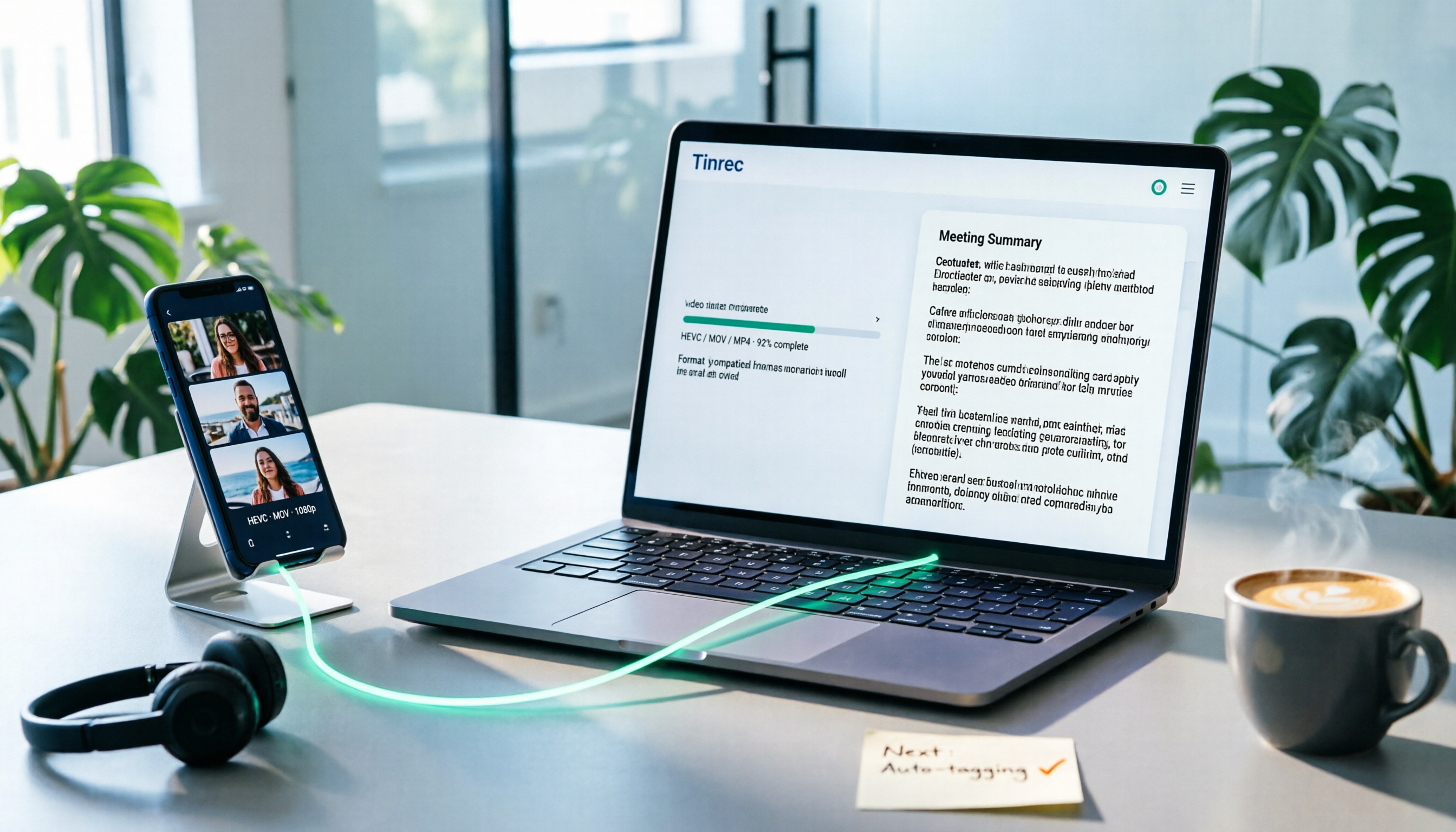
How to Convert iPhone Videos to MP4 in 2026: 5 Methods Compared + No-Install Workflow
iPhone records video in HEVC/MOV by default, which often causes black screens, audio-only playback, or unsupported format errors when transferred to Windows PCs or uploaded to platforms. This article compares 5 conversion methods: changing camera settings, USB auto-conversion, iOS Shortcuts, online converters, and desktop software, explaining the limitations and use cases for each, plus a workflow for turning video content into text after conversion.

Who Made Yating Transcription in 2026? 2 AI Transcription Tools Compared
Yating Transcription is a speech-to-text service developed by Taiwan AI Labs. This article directly answers who the development team is and uses Tinrec as an example to compare AI transcription tools in meeting notes, summaries, action items, and team collaboration, helping you choose the right tool.

5 iPhone Speech-to-Text Methods Tested for 2026: Which Saves the Most Time?
How do you convert speech to text on iPhone? This guide covers 5 practical methods: keyboard dictation, Voice Memos transcripts, one-tap dictation via Shortcuts, third-party transcription apps, and AI meeting tools like Tinrec. From real-time text to post-meeting summaries, action items, and AI follow-up questions, we explain each method's best use cases, limitations, and common pitfalls to help you choose the one that truly saves time.