

Turn recordings into transcripts and summaries in minutes
Upload audio or video for multilingual transcription, AI notes, and action items
2026 Vocal AI Complete Guide: Distinguish AI Voice Generation from Meeting Transcription and Choose the Right Tool
Last semester, I took on a graduation project and was responsible for interviews. I recorded over six hours of audio in total. I thought I'd find a tool to generate transcripts, so I typed "Is vocal AI useful?" into the search bar—and half of the first few pages were teaching people to use AI for cover songs or turn their voice into an AI singer, while the other half was about meeting notes.
I figured "it's all voice AI anyway," so I threw the first interview file into a free tool for vocal separation. It ran fast, but it only split the audio into vocals and backing track. It wouldn't give me a transcript or tell me what key points the interviewee made. That's when I understood: behind this keyword are two completely different paths, and if you choose the wrong direction, even the strongest tool won't be useful.
This article is based on my hands-on experience this semester, written for people like me who want to turn classes and group discussions into usable data.
Why is "Is vocal AI useful?" so easy to ask wrong?—You don't need a tool, you need a solution
Let me start with a few of my own disasters—see if any sound familiar:
- Two-hour classes where the professor talks fast and flips slides even faster. When I open my handwritten notes before midterms, I can't even read them myself.
- Before finals, I want to review, but playing the recording from start to finish, I can't find the minute where they said "this will be on the exam."
- Group discussions where everyone talks over each other, and afterward no one in the group chat remembers the conclusions or who's supposed to submit what.
- One-hour graduation project interviews that take four hours to transcribe by hand, and then I still have to figure out how to summarize.
The common thread: what you're missing isn't "turning voice into text," but "turning voice into data you can read, search, and act on." If a tool only transcribes, you're using just one-third of its capabilities.
Before buying, understand these 5 key points
1. First distinguish "generating voice" from "processing real speech." The former creates something from nothing—like ElevenLabs for narration, Audimee for cover song voice changes, or AI singing apps like TopMediai and MagicMic. The latter preserves conversations that actually happened. If you need meeting notes but buy a singing tool, neither will work well. Also, many tools named Vocal focus only on English or music—be sure to confirm stable Chinese support first.
2. Chinese and mixed Chinese-English recognition matters more than advertised accuracy. Many tools claim "98% accuracy," but that's usually tested in quiet environments with English. Real classrooms have air conditioning noise, people interrupting, and professors mixing Chinese and English—that's when the differences between tools show. I recommend testing the free version with one of your own recordings.
3. Can it produce something usable right after transcription? With only a transcript, you still have to read it from the beginning. Summaries, chapters, action items, and even the ability to ask follow-up questions about the content—that's what truly saves time.
4. How free quotas are calculated. Don't just look at "minutes per month"—check single-session limits and locked features. Some free versions only process a few minutes per session, which can't even cover one class recording.
5. Cross-device and multi-person collaboration. Recording on phone and organizing on computer is the norm; if your graduation project involves shared group data, check whether it has team spaces and seat concepts.
Tinrec—My top choice after a full semester
Tinrec is an AI meeting notes and collaboration tool for individuals and teams, available on iOS, Android, desktop, and web. I initially treated it as just "audio to text," but after two weeks I realized its real strength is what happens after transcription.
During classes or interviews, I open real-time recording and it generates transcripts as it records. When my group meets on Google Meet, I switch to the desktop version, which captures the computer's system audio directly—no need to invite a meeting bot. This matters for us: if we have to wait for a bot to join an impromptu discussion, we usually end up not recording at all.
After meetings or interviews, AI automatically generates summaries, chapters, and action items. My most-used feature is AI Q&A: after recording a one-hour project interview, I directly ask "What implementation barriers did the interviewee mention?" It answers based on meaning, rather than just throwing keywords and making me Ctrl+F through thirty pages of transcript. Among Chinese tools at the same price point, this feature is rare. It also handles mixed Chinese-English paragraphs well, and when cross-language is needed, real-time translation lets you view original, translated, or bilingual side by side.
My own test conditions: quiet classroom, phone recording, a roughly 60-minute mixed Chinese-English interview. General conversation segments were captured accurately; when the interviewee used English technical terms and department abbreviations, I had to manually correct a few words—but compared to typing for four hours, that's nothing.
Three reasons I think it's worth it:
Stop organizing recordings by hand
Upload audio or video and automatically get a transcript, summary, and action items
- Mixed Chinese-English Chinese meetings are its home turf—transcripts are readable without major edits.
- You can ask follow-up questions right after recording, which makes finding key points much faster.
- Phone, computer, and web share the same data—record on the commute, organize on the computer back in the dorm.
Honest limitations:
- The free version is a basic quota—fine for "occasionally organizing a recording," but if you record every class and organize project interviews weekly, consider a weekly pass or Pro plan. My approach: use it free for a month, then pay once I'm sure I'll actually use it.
- It's not a bot that automatically joins all meetings on your calendar—you have to open the desktop version and start recording yourself.
- Technical terms and multiple people talking over each other will still cause errors; for important numbers, cross-check with the recording playback.
Who it's for: People who need Chinese and mixed Chinese-English transcripts, want to ask key questions right after recording, and need it on both phone and computer.
If your group or department team wants to use it: Tinrec's team version is a separate team space, not "several people sharing one account." You can create multiple teams, invite members via link, set owner/admin/member roles, and allocate seats. One easily confused point: roles govern governance (who can manage members, view usage and audit), while seats govern usage eligibility (whether one can record, upload, edit). Members without seats can still view, play, and read team data. Also, team data belongs to the team—when a member leaves or is removed, their resources are handed over to others rather than taken away; accidentally deleted audio can be recovered from the recycle bin.
The team version is currently USD 29.80 per paid seat per month, or USD 199 per paid seat per year (about USD 16.58/month), with each paid seat providing 2,000 minutes of shared team import quota per month; eligible teams get a 7-day first trial with 1 free seat and 300 minutes of shared import quota. Real-time recording under an active plan and seat is currently not deducted by minutes. Prices and benefits are subject to the official purchase page.
Besides Tinrec, what else did I try this semester?
In chronological order: I started with Whisper, then a roommate recommended Notta, and finally I went back to try Otter.ai.
Whisper is OpenAI's open-source speech recognition model. Accuracy is good and it's completely free—not too hard for an information management major like me. But it has no ready-made app or web interface; you have to set up the environment and run code yourself, and the output is just a transcript—no summary, no Q&A. During finals week I had no time to wrestle with it. Suitable for people with technical backgrounds who want completely free DIY.
Notta has a smooth interface and supports multiple languages, with 120 free minutes per month. What tripped me up most was the single-session limit: the free version processes at most 3 minutes per session, so a two-hour class means over forty files—just splitting files is exhausting. Pro annual billing works out to about USD 8.17/month with 1,800 minutes per month. If you just need plain transcription and don't need to ask follow-up questions right after recording, it's still a reasonable choice.
Otter.ai is a veteran for English meetings, with Basic free at 300 minutes per month—a generous quota. But my interviews were Chinese mixed with English, and Chinese isn't its strong suit. If all your courses are in English and you only need English transcripts, it's actually more cost-effective than Tinrec—this is the only scenario in this article where I genuinely recommend another brand.
Pitfall guide: The 5 most common mistakes when choosing vocal AI
Pitfall 1: Confusing "generating voice" with "processing real speech." I actually know people who used AI cover song tools on meeting files and got backing tracks. Ask yourself first: do I want to "create a voice that doesn't exist" or "preserve a conversation that happened"?
Pitfall 2: Only looking at monthly minutes, not single-session limits. 120 free minutes per month sounds enough, but if each session is only 3 minutes, your two-hour class recording will take forever to split. When testing, throw in a complete file first.
Pitfall 3: Treating the tool as just a transcriber. If all you get after recording is a transcript, you're using only one-third of its capabilities. Some hands-on articles estimate AI can currently handle 80-90% of basic transcription and summarization, but technical terms and complex contexts still need human proofreading—so choose a tool that's "easy to proofread," not one that "claims no proofreading needed."
Pitfall 4: Sharing one account for the group. Cheap, but trouble: whose account holds the data, everything disappears when someone graduates, no one knows when the quota is exceeded. For multi-person use, look at team versions with seat and role management; student teams can start with a 1-free-seat trial.
Pitfall 5: Not getting consent before recording. Classes, interviews, meetings—always ask "Is it okay if I record this?" It's not a tool issue; it's courtesy and legal.
Conclusion: Which one should you choose?
- Need Chinese and mixed Chinese-English transcripts, recording both classes and interviews → Tinrec
- Want to ask "What's the conclusion?" or "Who said what?" right after recording → Tinrec (AI Q&A is its biggest difference from most transcription tools)
- Switch between phone, computer, and web → Tinrec (same data across devices)
- Graduation project group needs shared meeting data, member and usage management → Tinrec team version
- Want to run models on your own computer, completely free → Whisper
- Only record all-English courses, only need transcripts → Otter.ai
My advice: don't rush to pay. Use the free version with an interview or class you actually need to organize—see if the transcript needs major edits, whether summaries are accurate, and whether you'd dare use it directly for a report. If it still feels smooth after a week or two, consider a weekly pass or Pro; if your group needs shared data, then look at how team seats are allocated.
Tools are meant to save time, not to study how to use them. That's something I've felt strongly this semester.
References
- Is Vocal AI useful? 2026 audio-to-text tool hands-on: Tinrec, Notta, and open-source comparison guide - Tinrec Blog
- 2026 comparison of 4 Vocal AI tools: From music making to meeting notes - Tinrec Blog
- 2026 hands-on comparison of 4 audio-to-text tools: Chinese meetings and course organization - Tinrec Blog
- Making AI singing with your own voice is super easy! 3 popular AI cover platforms explained | Lena's Salon
- [AI Singing] With these 5 intuitive AI singing apps, you'll never worry about being tone-deaf again!
Turn every recording into actionable outcomes
Get 60 free transcription minutes when you sign in. No credit card required.
Related Reading
You might also like

4 iPhone Text-to-Speech Methods Tested: Which Is Best for Commuting and Meeting Review?
iPhone has built-in text-to-speech capabilities, from Speak Selection and Speak Screen to Live Speech and the Shortcuts app's "Make Audio from Text." Each works differently and suits different situations. This article compares four methods and shows how to use Tinrec to generate meeting transcripts and summaries, then have iPhone read them aloud—creating a review workflow you can use during your commute.

2026 AI Transcription Tools Comparison: Free Tiers, Chinese Recognition, and Post-Meeting Workflows
How to choose among 4 AI transcription tools in 2026? This article compares Tinrec, Yating Transcription, Notta, and Granola based on free tiers, Chinese recognition, bot-free recording, and post-meeting organization to help you find a tool that generates transcripts and saves cleanup time.

5 AI Tools Compared in 2026: Is Gemini's Free Version Enough, and When Should You Pay?
Gemini has a free version, but its quotas and feature tiers often confuse users. This article starts from the decision point of 'should you pay?' and breaks down the differences between Gemini's free version and AI Plus, AI Pro, and AI Ultra. It then compares which tools to use for meeting notes scenarios, helping you decide where to spend your money.

How to Transcribe Audio Files to Text in 2026: 5-Step Guide and ChatGPT Limitations
Can ChatGPT really transcribe audio files into text? This article breaks down the actual limitations of the free version, ChatGPT Record, and the Whisper API, then compares Tinrec and ChatGPT across 6 dimensions for audio transcription, post-meeting organization, and team collaboration, with a 5-step implementation guide.

Can Word Record Video in 2026? 3 Free Audio-to-Text Alternatives and Quota Comparison
Word does not have screen recording. Its built-in features are only dictation and transcription. This article first clarifies what Word can actually do, the eligibility and monthly quota limits of the transcription feature, and then compares Tinrec, Otter.ai, and Notta from three angles: free quota, Chinese recognition, and post-meeting organization, to help you decide whether to stay with Word or switch tools.

ChatGPT Record Mode vs. Tinrec in 2026: 3 Advantages for Chinese-Language Meetings
Can ChatGPT record audio? Yes, but its Record Mode is currently limited to the macOS desktop app, requires a paid subscription, and auto-join only works with Google Meet links. This article starts from real-world pain points and compares ChatGPT's Record Mode with Tinrec on platform coverage, Chinese meeting handling, post-meeting outputs, and team knowledge retention—so you can decide which is better for your daily meetings.
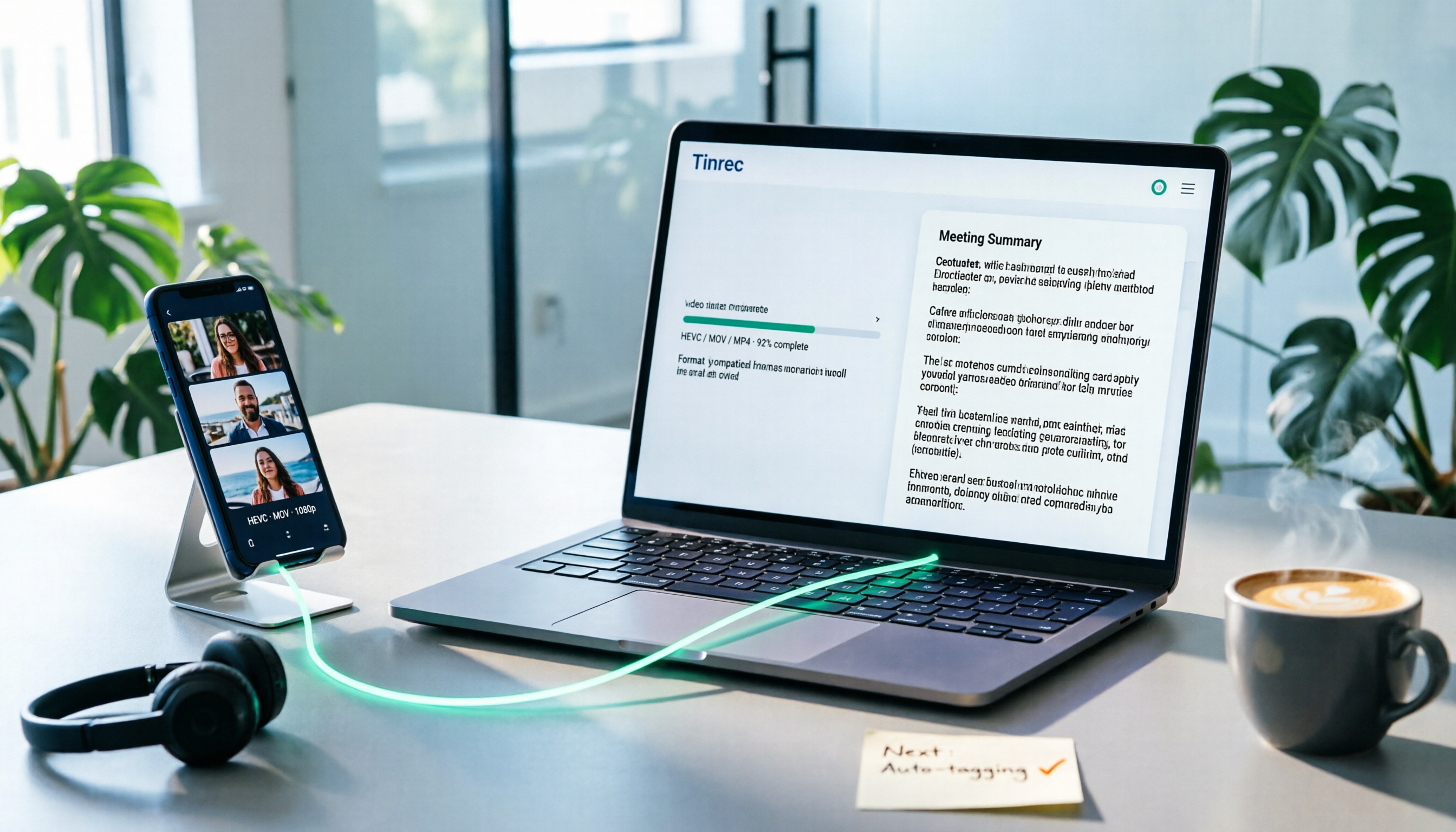
How to Convert iPhone Videos to MP4 in 2026: 5 Methods Compared + No-Install Workflow
iPhone records video in HEVC/MOV by default, which often causes black screens, audio-only playback, or unsupported format errors when transferred to Windows PCs or uploaded to platforms. This article compares 5 conversion methods: changing camera settings, USB auto-conversion, iOS Shortcuts, online converters, and desktop software, explaining the limitations and use cases for each, plus a workflow for turning video content into text after conversion.

Who Made Yating Transcription in 2026? 2 AI Transcription Tools Compared
Yating Transcription is a speech-to-text service developed by Taiwan AI Labs. This article directly answers who the development team is and uses Tinrec as an example to compare AI transcription tools in meeting notes, summaries, action items, and team collaboration, helping you choose the right tool.

5 iPhone Speech-to-Text Methods Tested for 2026: Which Saves the Most Time?
How do you convert speech to text on iPhone? This guide covers 5 practical methods: keyboard dictation, Voice Memos transcripts, one-tap dictation via Shortcuts, third-party transcription apps, and AI meeting tools like Tinrec. From real-time text to post-meeting summaries, action items, and AI follow-up questions, we explain each method's best use cases, limitations, and common pitfalls to help you choose the one that truly saves time.