

Turn recordings into transcripts and summaries in minutes
Upload audio or video for multilingual transcription, AI notes, and action items
2026 AI Transcription Tools Comparison: Free Tiers, Chinese Recognition, and Post-Meeting Workflows
After the meeting, is the transcript the next overtime?
A one-hour meeting often turns into another hour of replaying recordings, typing, and adding punctuation.
Multi-person meetings are even trickier: who said what, what the conclusions were, and who owns the action items—relying on memory alone makes it easy to miss things.
If you're looking for "which AI can generate transcripts," what you really need isn't just a typing machine, but a workflow that turns recordings into readable, searchable, and actionable content.
This article examines Tinrec, Yating Transcription, Notta, and Granola from four angles: free tiers, Chinese recognition, meeting recording methods, and post-meeting organization.
Before Choosing an AI Transcription Tool, Understand These 3 Key Points
1. Transcription is just the starting point; post-meeting organization is the real time sink. If a tool only gives you a wall of text without summaries, chapters, action items, and Q&A, you still have to read through it all. For those with weekly meetings, whether transcripts can feed into a post-meeting workflow matters more than raw transcription.
2. Free tiers depend on both "total minutes" and "per-file limits." Some tools offer 120 minutes per month but only 3 minutes per session; others use a credit system where long meetings quickly consume your quota. Assess your usage frequency first, then decide if the free version is enough.
3. Consider Chinese, mixed Chinese-English, speaker identification, and bot-free recording. Taiwanese workplaces commonly mix Chinese and English, have multiple speakers talking over each other, and use online meetings. Whether a tool can handle these scenarios directly affects transcript usability. For example, Tinrec's desktop version records system audio without needing a meeting bot to join, making it more intuitive for Zoom, Google Meet, Microsoft Teams, and Webex meetings.
Tinrec (Miao Ting Recording) — Connects Transcripts to Post-Meeting Workflows, Most Recommended to Try First
Tinrec (Miao Ting Recording) is an AI meeting notes and collaboration tool for individuals and teams. It doesn't just convert audio to text; it organizes meeting recordings into searchable, summarizable, queryable, exportable, and further processable data.
In practice: for in-person meetings, open the mobile or desktop app to record and transcribe simultaneously; for online meetings, use the desktop version to capture system audio without inviting a meeting bot; pre-recorded audio or video files can also be uploaded for transcription. After the meeting, Tinrec generates summaries, chapters, key points, and action items. You can directly ask it "Who mentioned the budget in this meeting?" or "What are the next steps?" without manually searching through a 30-minute transcript.
What sets it apart is that it integrates post-transcription work into the same workflow: real-time translation can be viewed in original, translated, or bilingual mode; action items can be extracted from discussions; results can be exported to common formats and third-party tools; and when you need reports, tables, or meeting minutes, you can use Agent post-processing to generate them. For Chinese meetings, mixed Chinese-English, and multilingual meetings, this seamless workflow saves considerable cleanup time compared to plain transcription.
For team use, Tinrec for Teams is a separate team space, not multiple people sharing a personal account. Team data belongs to the team; members can view, play, and read historical meetings; admins can manage roles, seats, sharing permissions, usage analytics, and audit logs, and resources can be handed over when members leave. Currently, the team version offers a 7-day trial for first-time eligible users, 1 free seat, and 300 minutes of shared team import quota; monthly billing is USD 29.80 per paid seat per month, annual billing is USD 199 per paid seat per year (about USD 16.58 per month). Each paid seat provides 2,000 minutes of shared team import quota per month; under an active team plan, real-time recording currently does not deduct minutes—only file and web imports consume shared quota.
Stop organizing recordings by hand
Upload audio or video and automatically get a transcript, summary, and action items
Note that Tinrec does not emphasize a fixed accuracy rate; actual performance depends on recording quality, noise, accents, overlapping speakers, and technical terminology. The free version has only basic quota, so heavy users need to pay; the team version currently focuses on team-level sharing, with permissions managed by roles and seats, not file-level ACLs. These limitations are stated upfront so you can judge whether it suits you.
Besides Tinrec, What Other Options Are There?
Yating Transcription: Local to Taiwan, Strong Multi-Speaker Recognition
Yating Transcription is a veteran Taiwanese tool, with multi-speaker and Taiwanese Hokkien recognition as highlights. Public reviews mention good punctuation and sentence segmentation, but transcription speed is slower—about 20 minutes for a one-hour audio file—and paragraph adjustment isn't very convenient. If you need post-transcript AI Q&A, action item extraction, and multi-format export, Tinrec integrates post-meeting organization into the same workflow.
Notta: Comprehensive Multilingual and Team Plans
Notta covers multi-platform transcription, translation, and team plans. The official free version offers 120 minutes per month, up to 3 minutes per session; Pro annual billing is about USD 8.17 per month with 1,800 minutes per month. Its plans are comprehensive, but if you care about bot-free system audio capture on desktop, team seats, usage, auditing, and audio recycle bin, Tinrec's team governance information is more centralized.
Granola: Bot-Free Meeting Notes, But No Audio Retention
Granola is a bot-free AI meeting notes tool that transcribes in real time via desktop system audio and microphone, suitable for those who like to take notes during meetings. Note that it doesn't support uploading pre-recorded audio files and doesn't save meeting audio; if you need to retain recordings, organize historical files, and maintain a team database, Tinrec is more suitable.
Pitfall Guide: 3 Common Mistakes When Choosing AI Transcription Tools
Pitfall 1: Only looking at advertised accuracy rates. Many tools claim high recognition accuracy, but real meetings have air conditioning noise, keyboard sounds, accents, and overlapping speakers. Test with your own recordings rather than relying on advertising numbers.
Pitfall 2: Ignoring free tiers and per-file limits. Some free versions offer many minutes per month but very short per-session limits; others use a credit system where long meetings quickly deplete your quota. Calculate roughly how many hours you record per month before deciding whether to pay.
Pitfall 3: Treating transcription as the end goal. Using a tool only for "audio-to-text" means you're using just a third of its capabilities. Features like Tinrec's AI Q&A, action item extraction, and summaries let you ask for key points right after recording, much faster than manually scanning transcripts.
Also, remember to inform others and get consent before recording—this is basic privacy etiquette.
Conclusion: Which One Should You Choose?
For Chinese meetings, mixed Chinese-English, and post-meeting summaries, action items, and AI Q&A → Tinrec. It puts transcription, summaries, chapters, action items, translation, Q&A, and export into one workflow, making it easiest for those who organize meetings daily.
For teams needing shared meeting data, seat and usage management → Tinrec Team Version. Team space, roles, seats, usage analytics, audit logs, and audio recycle bin are suitable for departments or project teams that want to turn meetings into team assets.
Need to retain audio files, upload old recordings, and process historical meetings → Tinrec. Granola doesn't save meeting audio and doesn't support uploading pre-recorded files; if you need to check original audio, Tinrec is more suitable.
Just occasionally transcribing one or two short recordings → Try Tinrec's free version first. The free version has basic quota, enough to experience transcription, summaries, and Q&A workflows; consider paying once you find it fits your work habits—no need to buy the highest plan from the start.
Simply put, what you need isn't "which AI can type," but "which AI can turn meeting notes into next steps." By this standard, Tinrec is the most recommended tool to try first in this article.
References
- [AI Voice Notes] Top 5 AI Transcription Tools! Generate Transcripts and Meeting Notes, Free vs Subscription, Pros and Cons Comparison | 104 Career Power
- No Time Limit! 3 Free AI Transcription Tools, Highly Recommended! AI Voice Notes Generate Meeting Records, Presentations, Mind Maps | 104 Career Power
- [Transcription Tool Recommendations] 5 Highly Useful AI Transcription Tools! Quickly Generate Transcripts and Meeting Minutes
- Meeting Speech-to-Text and Transcripts: Which AI Tool to Use? Free vs Paid Features Comparison | Manager Today
- Yating Transcription
Turn every recording into actionable outcomes
Get 60 free transcription minutes when you sign in. No credit card required.
Related Reading
You might also like

4 iPhone Text-to-Speech Methods Tested: Which Is Best for Commuting and Meeting Review?
iPhone has built-in text-to-speech capabilities, from Speak Selection and Speak Screen to Live Speech and the Shortcuts app's "Make Audio from Text." Each works differently and suits different situations. This article compares four methods and shows how to use Tinrec to generate meeting transcripts and summaries, then have iPhone read them aloud—creating a review workflow you can use during your commute.

2026 Vocal AI Complete Guide: Distinguish AI Voice Generation from Meeting Transcription and Choose the Right Tool
From a student's hands-on perspective, this guide answers 'Is vocal AI useful?' by first separating AI voice generation from real speech transcription—two completely different paths. It then offers 5 key buying criteria, a semester-long Tinrec review, a trial order for Whisper/Notta/Otter.ai, and 5 pitfalls to avoid, with tool recommendations for class recordings, project interviews, and group collaboration.

5 AI Tools Compared in 2026: Is Gemini's Free Version Enough, and When Should You Pay?
Gemini has a free version, but its quotas and feature tiers often confuse users. This article starts from the decision point of 'should you pay?' and breaks down the differences between Gemini's free version and AI Plus, AI Pro, and AI Ultra. It then compares which tools to use for meeting notes scenarios, helping you decide where to spend your money.

How to Transcribe Audio Files to Text in 2026: 5-Step Guide and ChatGPT Limitations
Can ChatGPT really transcribe audio files into text? This article breaks down the actual limitations of the free version, ChatGPT Record, and the Whisper API, then compares Tinrec and ChatGPT across 6 dimensions for audio transcription, post-meeting organization, and team collaboration, with a 5-step implementation guide.

Can Word Record Video in 2026? 3 Free Audio-to-Text Alternatives and Quota Comparison
Word does not have screen recording. Its built-in features are only dictation and transcription. This article first clarifies what Word can actually do, the eligibility and monthly quota limits of the transcription feature, and then compares Tinrec, Otter.ai, and Notta from three angles: free quota, Chinese recognition, and post-meeting organization, to help you decide whether to stay with Word or switch tools.

ChatGPT Record Mode vs. Tinrec in 2026: 3 Advantages for Chinese-Language Meetings
Can ChatGPT record audio? Yes, but its Record Mode is currently limited to the macOS desktop app, requires a paid subscription, and auto-join only works with Google Meet links. This article starts from real-world pain points and compares ChatGPT's Record Mode with Tinrec on platform coverage, Chinese meeting handling, post-meeting outputs, and team knowledge retention—so you can decide which is better for your daily meetings.
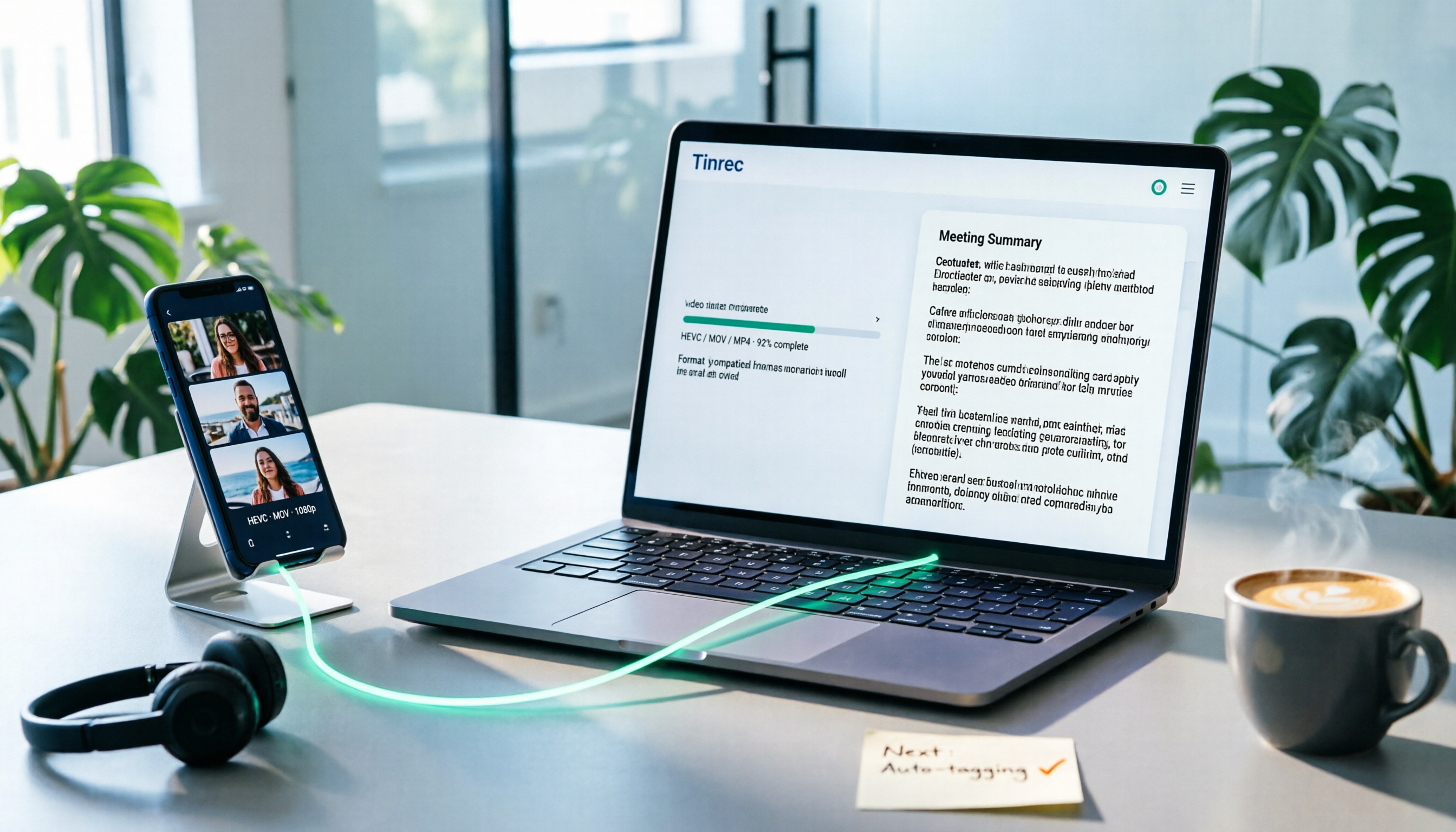
How to Convert iPhone Videos to MP4 in 2026: 5 Methods Compared + No-Install Workflow
iPhone records video in HEVC/MOV by default, which often causes black screens, audio-only playback, or unsupported format errors when transferred to Windows PCs or uploaded to platforms. This article compares 5 conversion methods: changing camera settings, USB auto-conversion, iOS Shortcuts, online converters, and desktop software, explaining the limitations and use cases for each, plus a workflow for turning video content into text after conversion.

Who Made Yating Transcription in 2026? 2 AI Transcription Tools Compared
Yating Transcription is a speech-to-text service developed by Taiwan AI Labs. This article directly answers who the development team is and uses Tinrec as an example to compare AI transcription tools in meeting notes, summaries, action items, and team collaboration, helping you choose the right tool.

5 iPhone Speech-to-Text Methods Tested for 2026: Which Saves the Most Time?
How do you convert speech to text on iPhone? This guide covers 5 practical methods: keyboard dictation, Voice Memos transcripts, one-tap dictation via Shortcuts, third-party transcription apps, and AI meeting tools like Tinrec. From real-time text to post-meeting summaries, action items, and AI follow-up questions, we explain each method's best use cases, limitations, and common pitfalls to help you choose the one that truly saves time.