
Turn recordings into transcripts and summaries in minutes
Upload audio or video for multilingual transcription, AI notes, and action items
In the era of digital offices, voice-to-text has become a key technology for boosting productivity. Whether it's lengthy business meetings, academic lectures, or sudden phone interviews, relying on manual transcription is not only time-consuming and labor-intensive but also prone to missing important information. With the leap in AI technology, many speech-to-text tools have emerged on the market, but which one is truly the game-changer that solves real pain points?
This article will break down the key criteria for choosing a voice-to-text tool in 2026 and provide an in-depth review of a highly acclaimed all-in-one tool—TinRec (MiaoTing Voice Recorder).
Why Do You Need an AI Voice-to-Text Tool? The Pain Points of Traditional Manual Transcription
According to statistics, the average human speaking speed is about 150-200 words per minute, while the average typing speed is only 40-80 words per minute. This huge gap leads to several fatal flaws in traditional note-taking:
- Information loss: To keep up with the speech, you often only capture fragments, missing details.
- Lack of focus: Putting all attention on typing causes you to miss logical thinking and interaction during the conversation.
- Time-consuming revision: An hour of recording often takes three to four hours of repeated listening and editing to produce a clean transcript.
Therefore, an excellent AI voice-to-text tool should not merely be a dictation machine—it should have the ability to "understand" and "summarize."
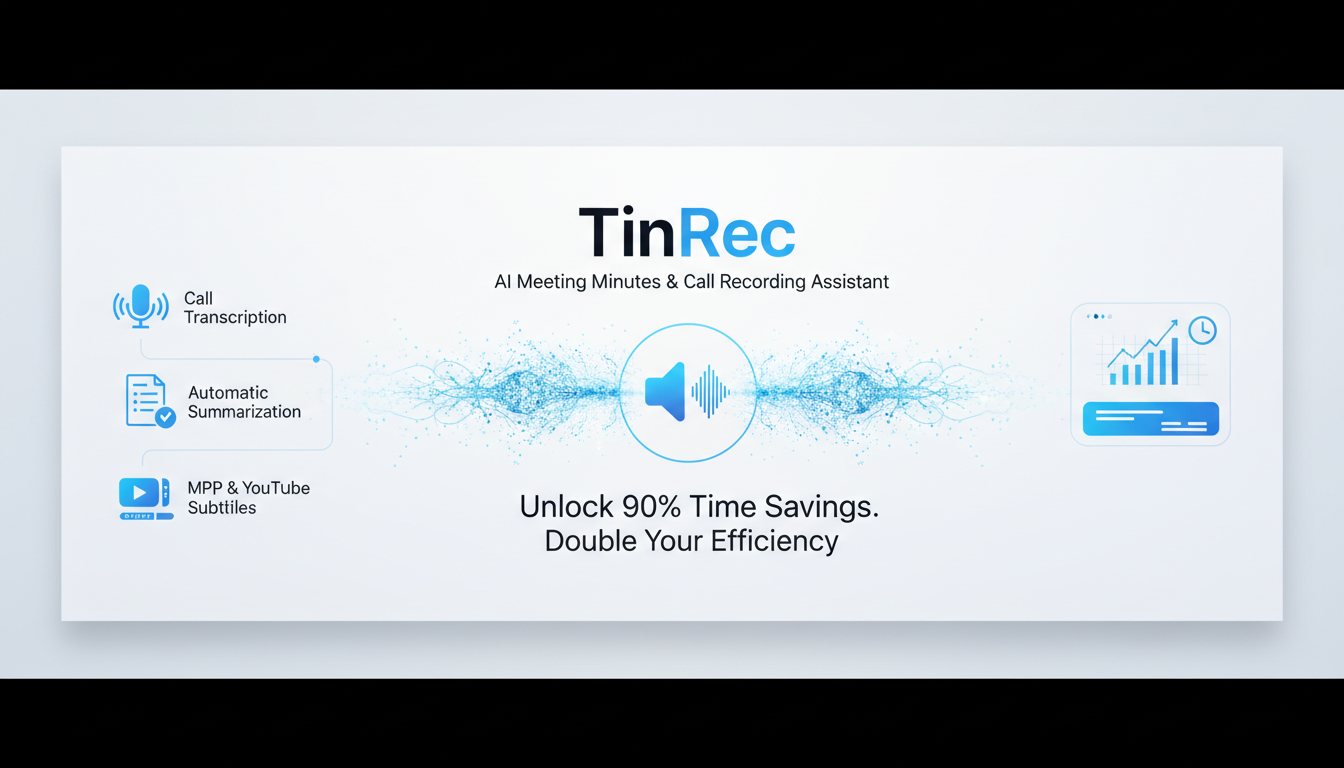
4 Golden Standards for Choosing a Voice-to-Text Tool in 2026
When selecting a tool, keep an eye on these key features:
- Accuracy: Can it accurately recognize Chinese (including dialects) and English, and handle proper nouns?
- Comprehensiveness: Does it support call recording to text? This is a must-have for many salespeople and interviewers, but most tools on the market don't offer it.
- AI-powered analysis: Can it automatically distinguish speakers (Speaker Diarization) and generate AI meeting summaries and action items?
- Multi-format support: Besides live recording, does it support importing MP3 to text or processing video links (e.g., YouTube)?
Stop organizing recordings by hand
Upload audio or video and automatically get a transcript, summary, and action items
Product Recommendation: TinRec (MiaoTing Voice Recorder) – Your All-in-One AI Voice Assistant
Among many competitors, TinRec (MiaoTing Voice Recorder) stands out with its powerful core features. It not only boasts high accuracy but also solves scenarios that many similar products cannot handle.
Key Feature Breakdown:
1. Unique Strength: Call Recording to Text
This is one of TinRec's most competitive features. For journalists, lawyers, or salespeople, many important pieces of information occur over the phone. TinRec quickly converts the recording into a clear transcript after the call ends, ensuring you never miss a key commitment or data point.
2. Efficient MP3 to Text & File Processing
Have old voice recorder files or MP3 audio files on hand? Simply upload them to TinRec, and the system completes transcription in a very short time. In tests, a one-hour audio file is processed in just a few minutes, and you can export in multiple formats.
3. AI Meeting Summary & Minutes
TinRec goes beyond transcription—its built-in advanced AI model acts as your "meeting secretary." It automatically analyzes the entire text, extracting meeting summaries, key decisions, and action items. No more reading through tens of thousands of words of raw text—just check the AI summary to grasp the key points.
4. Content Creator's Dream: YouTube Subtitle Generation
For those running self-media channels, TinRec supports inputting YouTube video links, automatically capturing the audio track, and generating subtitles with timestamps. This dramatically reduces the time spent on post-production subtitles and is a great help for video SEO.
Practical Application Scenarios: How TinRec Transforms Your Workflow
- Business meetings: Start TinRec recording, and after the meeting, one-click generate meeting minutes to send to your team, ensuring everyone is aligned on decisions.
- Academic research: Students record lectures, convert them to text, then use AI summaries to quickly review exam key points.
- In-depth interviews: Journalists use the call recording to text feature to get a first draft the moment the interview ends, allowing more time for polishing the article.
Conclusion: Free Your Hands with AI, Focus on Value Creation
The value of a tool lies in saving time, allowing us to focus on more creative work. TinRec (MiaoTing Voice Recorder), with its comprehensive features covering call, meeting, and video transcription, is a productivity powerhouse worth recommending in 2026.
If you want to experience the efficiency of "listening to an hour of recording in a second," why not give it a try now?
👉 Experience the All-in-One Voice-to-Text Power Tool Now: https://tinrec.com/
Turn every recording into actionable outcomes
Get 60 free transcription minutes when you sign in. No credit card required.
Related Reading
You might also like
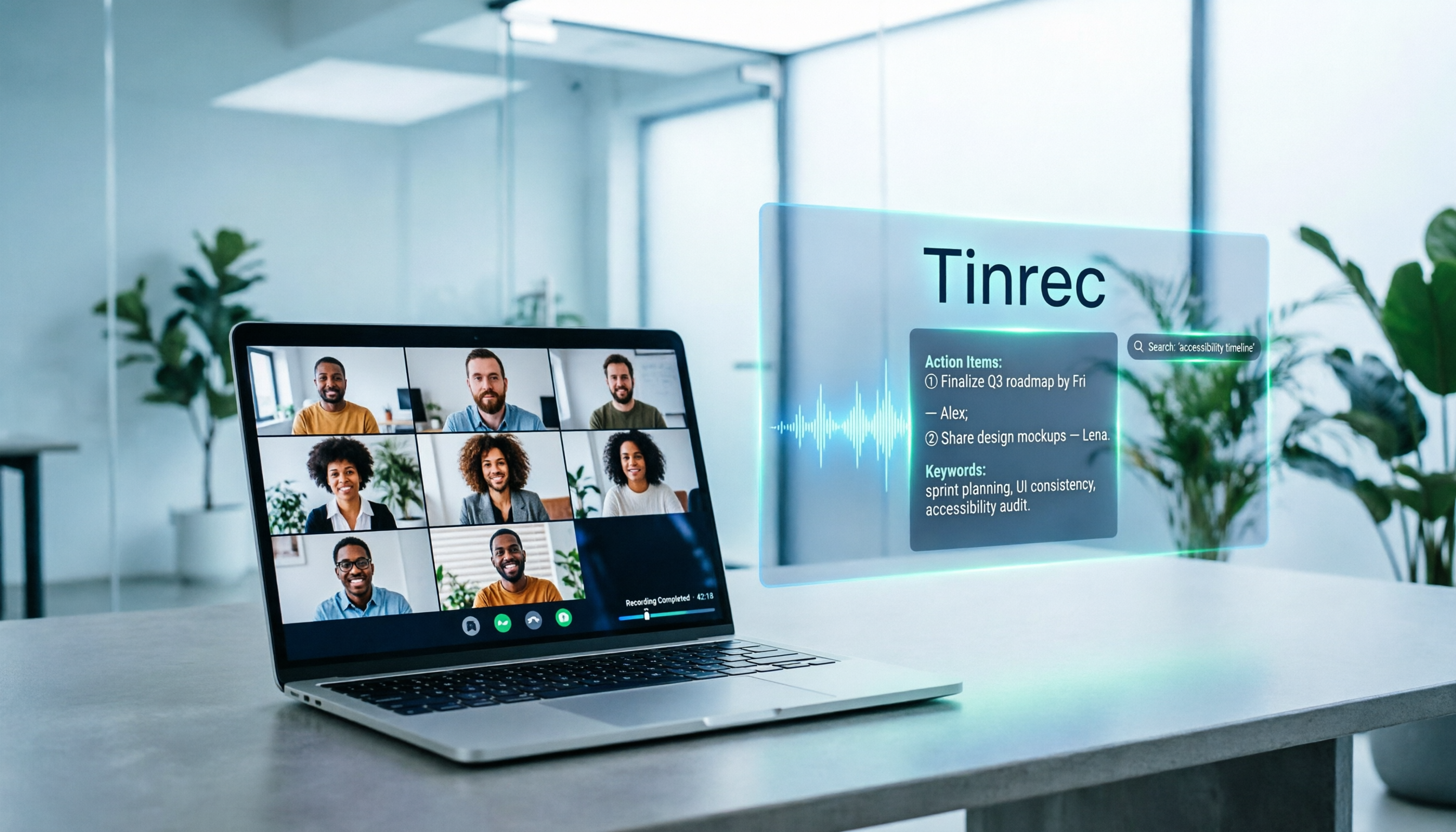
5 Google Meet Note-Taking Tools Tested and Compared for 2026: How to Keep Meeting Records After Downloading
Downloading Google Meet takes only 30 seconds, but the real challenge is keeping meeting content after the download. This article covers three ways to download Google Meet on Android, iOS, and computer, then compares 5 tools that turn meetings into usable data, including Tinrec with bot-free recording and AI chat queries, Google Meet built-in transcription, Otter.ai, Notta, Granola, and TurboScribe. Finally, it provides clear recommendations based on budget and use cases.

Google Meet India Pricing in 2026: 4 Plans Compared — Costs, Limits, and How to Choose Meeting Notes
Google Meet in India isn't a standalone subscription — it comes with Google Workspace plans. This article breaks down the price differences, participant limits, and meeting notes restrictions across Free, Base, Starter, Standard, and Enterprise, and explains how Tinrec fills the gap for post-meeting transcripts, summaries, action items, and team knowledge retention.

Tinrec Download Review 2026: 3 AI Meeting Recorders Compared — Which One Is Worth Installing?
Many people search for "tenrec download" but end up finding recommendation system datasets and animation models. This article first clarifies the difference between Tenrec and Tinrec, then compares Tinrec, Otter.ai, Notta, and Granola in terms of recording methods, post-meeting organization, Chinese language support, and team collaboration, with a guide to avoiding pitfalls and purchasing advice.

2026 Google Meet Note-Taking Tools Compared: Is the Free Version Enough?
Google Meet's free version and Google Workspace paid plans each have trade-offs, but what most people really lack is post-meeting organization. This article first breaks down 4 key points to understand before buying a Google Meet plan, then compares four note-taking tools: Tinrec, Otter.ai, Granola, and Notta, to help you decide whether to pay and who to pay.

4 Google Meet Call Recording Tools Tested for 2026: Tinrec's Bot-Free Recording Saves the Most Time
How do you find recent Google Meet calls? This article covers practical methods for personal accounts, Workspace, admin console, and Tinrec, helping you understand call history entry points, limitations, and post-meeting workflows so your Google Meet meetings aren't just timestamps—they're searchable, summarized, queryable, and shareable with your team.

2026 Google Meet Note-Taking Tools Compared: Tinrec Leads for Chinese Transcription
Google Meet can't be purchased separately; business use requires a Google Workspace subscription. This article breaks down the differences between Google Meet free and paid versions, and compares Tinrec, Otter.ai, and Notta to help you find the best post-meeting solution for Chinese meetings.

Google Meet 2026 Update Review: Built-in Notes vs. Tinrec — Which Saves More Time?
We break down Google Meet's 2026 updates and compare its built-in meeting notes with Tinrec's AI recorder across recording methods, Chinese transcription, post-meeting organization, export, and team collaboration to help you decide which fits your meeting workflow.

Tinrec vs Notta 2026: 5-Dimension Comparison for Chinese Meeting Notes
Searching for Tenrec App brings up unrelated results. The real comparison is between meeting transcription tools. This article uses Tinrec as an example to walk through 5 steps from recording to meeting minutes, and compares Tinrec and Notta across 5 dimensions to help you decide which is better for your Chinese meeting scenarios.

2026 Comparison of 4 Google Meet Meeting Note Solutions: How Tinrec Turns Transcripts into Actionable Data
Google has never separately disclosed Google Meet revenue; 2024 figures are hidden within Workspace subscriptions and cloud business. This article compiles verifiable revenue context and compares the practical differences among four types of meeting note solutions, explaining how Tinrec uses bot-free desktop recording to turn meeting content from Google Meet, Teams, and Zoom into searchable, actionable team data.