
Turn recordings into transcripts and summaries in minutes
Upload audio or video for multilingual transcription, AI notes, and action items
In an era of short-form videos and online meetings, video subtitle generation is no longer just for professional editors—it's an essential skill for content creators, marketers, and professionals alike. According to a late 2025 market survey, over 85% of social media videos are viewed without sound, meaning videos without subtitles miss out on a huge chunk of traffic. As we enter 2026, how is AI technology further revolutionizing the subtitle creation process? And how do you choose the best tool for your needs? This article breaks it all down.
3 Major Trends in Video Subtitle Generation for 2026
In the past, auto-captioning tools were often plagued by poor recognition, misaligned timestamps, or lack of support for traditional characters. However, with the integration of large language models (LLMs), the 2026 subtitle tool market is seeing three major trends:
- Semantic Understanding Replaces Simple Dictation: New-generation AI doesn't just convert speech to text; it corrects homophones based on context, significantly boosting accuracy for proper nouns and mixed-language sentences (e.g., English and Chinese).
- Automated Styling and Aesthetic Upgrades: Tools no longer just output plain SRT files—they can automatically generate stylish captions, highlight keywords in color, and even mimic the subtitle style of popular YouTubers.
- One-Stop "Content Assetization" Service: This is the biggest shift this year. Users no longer just want subtitles—they also want AI to turn video content into blog posts, social media snippets, or meeting summaries. Tools must be able to “understand” and “organize” content.
Top AI Auto-Captioning Tools Compared
With so many options on the market, we've selected the best-performing tools this year for different needs:
- CapCut (Jianying): The go-to for short-form creators. Free and loaded with popular templates, perfect for quick TikTok or Reels output. However, its long-video transcript export features are limited.
- Adobe Premiere Pro (Speech to Text): The standard for professional editors, with deep integration. But subscription costs are high and it demands powerful hardware.
- Whisper AI-based Tools: Open-source tools based on OpenAI's model, offering extremely high accuracy. However, interfaces are often bare-bones, making them better suited for tech-savvy users.
But if you need more than just video subtitles—like meeting recordings, YouTube-to-notes conversion, or accurate transcripts for writing—the next tool might be your best bet.
Productivity Dark Horse: TinRec (Instant Audio Transcription) In-Depth
In our 2026 productivity tool review, a software called TinRec (Instant Audio Transcription) stands out for its powerful integration. It's not just a subtitle generator—it's a full-fledged voice content management hub.
Stop organizing recordings by hand
Upload audio or video and automatically get a transcript, summary, and action items
Product Name: TinRec (Instant Audio Transcription)
Website: https://tinrec.com/
TinRec's biggest strength is that it perfectly solves the problem of "voice content being unsearchable and unorganizable." For users dealing with large amounts of interviews, meetings, or video material, its core features cover the entire workflow:
- Call Recording to Text: Sales reps or journalists can instantly convert phone interview recordings into highly accurate transcripts—no more pausing and typing.
- MP3 to Text: Supports multiple audio formats, quickly generates transcripts, and can export as SRT subtitles for video editing.
- AI Meeting Summary & AI Meeting Minutes: This is TinRec's biggest differentiator from traditional subtitle software. While generating transcripts, it uses AI to automatically extract meeting highlights, action items, and decisions—saving post-meeting organization time.
- YouTube Subtitle Generation: For learners or content curators, simply paste a YouTube link, and TinRec quickly grabs the content and generates subtitles and summaries—a powerhouse for learning and repurposing.
Tutorial: How to Quickly Generate YouTube Subtitles and Articles with AI
Suppose you want to turn a 20-minute YouTube industry analysis video into your own blog post or add bilingual subtitles. The traditional method might take 3 hours, but with modern tools it takes just 10 minutes:
- Get the Link/File: Copy the YouTube video link, or prepare your recorded video file.
- Import into TinRec: Open TinRec, select "YouTube Link to Text" or upload the file. The AI engine will transcribe it rapidly in the cloud.
- Proofread and Export: Once transcription is complete, you'll see a timestamped transcript. Make minor corrections online, then export the SRT subtitle file with one click—ready to import into Premiere or CapCut.
- Repurpose Content: Click "AI Summary," and the software will automatically generate a summary and key points. You can then rewrite it into social media posts or article drafts.
How to Choose the Right Subtitle Generation Tool?
When choosing a tool, consider these three dimensions:
- Use Case: If you need visual effects and short-form video flair, CapCut is the top choice. For data organization, meeting notes, or long-form subtitle creation, TinRec's transcript management and summary features are more suitable.
- Language Support: Be sure to test recognition accuracy for Traditional Chinese, and whether it handles Taiwanese Hokkien or mixed Chinese-English scenarios.
- Export Formats: Confirm that the software supports SRT, VTT, or TXT formats for cross-platform use.
Conclusion
By 2026, video subtitle generation technology has evolved from simple "speech-to-text" to "content intelligence." Using AI tools wisely not only makes your videos accessible to more viewers but also transforms fleeting voice into permanent digital assets. Whether you need accurate YouTube subtitles or efficient meeting minutes, choosing the right tool can double your productivity.
Ready to experience the AI efficiency revolution?
👉 Try TinRec (Instant Audio Transcription) for free now: https://tinrec.com/
Turn every recording into actionable outcomes
Get 60 free transcription minutes when you sign in. No credit card required.
Related Reading
You might also like

Tinrec vs Notta 2026: 5-Dimension Comparison — Which Writes Meeting Minutes Faster?
Struggling to finish meeting minutes? The problem is usually the process, not your writing. This article compares Tinrec and Notta across 5 dimensions: audio capture method, Chinese and mixed Chinese-English recognition, recording retention, post-meeting outputs, and team sharing. It explains how to use tools to get transcripts, summaries, and action items done in one go, with a pitfalls guide and selection advice.

3 Legal Meeting Transcription Methods Tested in 2026: How Tinrec Helps You Avoid Common Pitfalls
Transcribing legal meeting recordings isn't as simple as dropping audio into a tool. This article explores common pitfalls and explains how Tinrec turns pre-trial meetings, client interviews, and internal discussions into searchable, queryable, and actionable transcripts and meeting materials. It also covers 5 key factors to consider when choosing a transcription tool.

4 Customer Interview Transcription Tools Tested in 2026: Which One Actually Saves You Cleanup Time?
Tired of spending hours on customer interview transcripts? We tested 4 tools, covering selection criteria, an in-depth look at Tinrec, and pitfalls to avoid, to help you find a transcription solution that truly saves you cleanup time.

2026 M4A to Text: 5 Tools Tested + AI Summaries and Action Items in One Go
M4A is the most common audio recording format, but converting it to text is just the first step. This article starts with common pitfalls, breaks down 5 key factors for choosing an M4A-to-text tool, tests how Tinrec turns an M4A file into a transcript, summary, action items, and queryable meeting data, and briefly reviews TurboScribe, Notta, and Granola for their use cases and things to watch out for.
4 Podcast Transcription Tools Tested in 2026: Which Saves More Time—Transcripts or AI Summaries?
The same podcast audio file yields completely different results when run through four tools. This hands-on test compares Tinrec, Apple Podcasts' built-in transcripts, Notta, and TurboScribe, covering transcript readability, AI summaries and Q&A, export formats, and team collaboration. We also highlight common pitfalls around free quotas and per-file limits to help you find the most time-saving podcast transcription workflow.
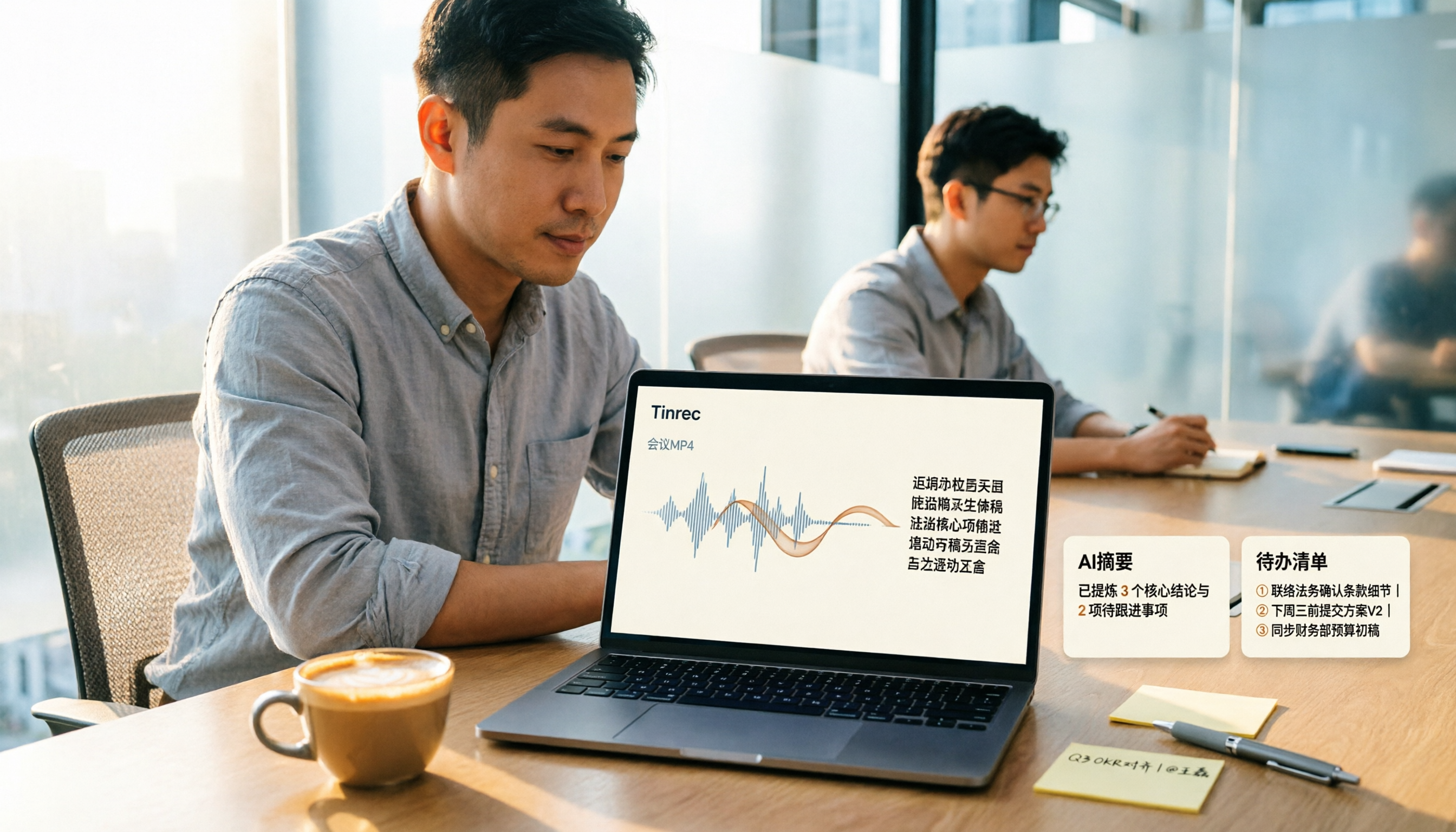
How to Convert MP4 to Text in 2026: Auto-Generate Transcripts + AI Summaries & Action Items
How do you choose an MP4-to-text tool? From the perspective of a mid-level manager running 15 meetings a week, I tested uploading meeting MP4s to Tinrec and evaluated the transcript, AI summary, and action item results, then compared it with TurboScribe, Notta, and VEED. I've compiled 4 key buying factors and 4 pitfalls to avoid, helping you pick the one that actually gets the job done.

4 Best Lecture Transcription Tools in 2026: Can a 3-Hour Lecture Really Become Usable Notes?
How do you choose a lecture transcription tool? This article covers four key factors: audio quality, file import, post-lecture organization, and team sharing. It compares Tinrec, Notta, TurboScribe, and PLAUD, with common pitfalls and selection advice to turn your lecture recordings into truly usable notes.

2026 Business Meeting Summary Tools Compared: Tinrec vs PLAUD Note — Which One Is Right for You?
Both tools can summarize a business meeting, but one requires hardware and the other doesn't. We compare Tinrec and PLAUD Note across hardware requirements, online meeting recording, post-meeting organization, team collaboration, and Chinese recognition to see which business meeting summary tool is better suited for professionals.

How to Transcribe Journalist Interview Recordings in 2026: A Complete 5-Step Guide
How do you transcribe interview recordings? This article covers 4 key factors for choosing a tool and a 5-step workflow, takes a deep look at Tinrec's Chinese transcription, AI Q&A, and team workspace, and compares the best use cases and limitations of Otter.ai, Granola, and Notta.