

Turn recordings into transcripts and summaries in minutes
Upload audio or video for multilingual transcription, AI notes, and action items
As 2025 draws to a close, the AI technology battlefield of 2026 has shifted from sheer 'computing power' to 'applied power.' In the field of Traditional Chinese speech recognition, we are witnessing a huge leap from 'understanding words' to 'understanding meaning.' For Traditional Chinese users in Taiwan, Hong Kong, and around the world, today's tools need to not only accurately recognize mixed Chinese-English speech but also serve as capable work assistants. This article will give you an overview of the latest market trends and introduce a standout new tool that has recently caught attention.
2026 Speech Recognition Trends: Localization and the Rise of Agentic AI
In recent years, OpenAI's Whisper model, while powerful, often struggled with Taiwanese accents, Cantonese, or specialized terminology, showing a lack of localization. Entering 2026, the mainstream market trend has shifted toward high localization and Agentic AI.
'Localization' means AI models have been deeply optimized for the Taiwanese Traditional Chinese context, accurately recognizing local terms like 'Costco' or 'LINE you.' Agentic AI, on the other hand, means AI no longer passively transcribes text but actively analyzes meaning, automatically extracts action items, and even drafts replies or meeting summaries. This solves the pain point of 'having transcripts but no time to read them,' turning voice data into actionable tasks.
Why Simple Transcription Is No Longer Enough
Imagine a 60-minute cross-department meeting – the resulting transcript could be over 10,000 words. Without AI-assisted summarization, reading through it is time-consuming. Modern professionals need:
- Instant: Summaries generated immediately after recording ends.
- Multi-function integration: Not just meetings, but also phone calls and online videos need transcription.
- Cross-platform support: Record on phone, edit on computer, seamless transition.
This is precisely the opportunity for a new generation of AI tools that combine 'recording,' 'transcription,' and 'summarization' into one, acting as your personal all-in-one assistant.
Stop organizing recordings by hand
Upload audio or video and automatically get a transcript, summary, and action items
All-in-One Productivity Powerhouse: TinRec (Instant Voice Recorder)
Among the many emerging tools, one product stands out for its comprehensive features and excellent support for Traditional Chinese: Product Name: TinRec (Instant Voice Recorder).
TinRec is not just a recording app; it's an AI workstation designed for business professionals and content creators. Its core advantage lies in solving the single-functionality problem of most apps:
- Call recording to text: A pain point for many iPhone users. TinRec offers stable two-way call recording and instantly transcribes call content, crucial for business negotiations and interview notes.
- MP3 to text: Have old voice recorder files or course recordings? Simply import them into TinRec to quickly get high-accuracy transcripts.
- AI meeting summary & minutes AI: The most popular feature among enterprise users. The system automatically analyzes meeting content, generating structured meeting minutes including key takeaways, decisions, and to-do lists, so you can send the meeting record right after the meeting ends.
- YouTube subtitle generation: For video creators, TinRec supports pasting YouTube links to directly generate subtitle files (SRT), significantly reducing the tedious work of adding subtitles.
If you are interested in this tool, visit Official Website: https://tinrec.com/ for more details.

How to Choose the Best AI Voice Tool for You
With so many tools on the market, consider three dimensions when choosing:
- Recognition Accuracy: Does it support your commonly used languages (e.g., Taiwanese Traditional Chinese, Cantonese) and mixed Chinese-English recognition?
- Feature Breadth: Do you need call recording? Video file processing? Single-function apps may require installing multiple software to meet your needs.
- Privacy & Security: Meeting records often involve trade secrets. Choose a service provider with a good reputation and emphasis on data security.
Overall, if you are looking for an 'all-in-one' solution to handle everything from phone recording to meeting notes with a single tool, TinRec (Instant Voice Recorder) is undoubtedly one of the most worthy options to try in 2026.
Conclusion: Free Your Hands and Mind with AI
The ultimate goal of speech recognition technology is to unleash human creativity. By handing over tedious transcription and organization tasks to AI, we can devote more time to decision-making and communication. In this era of rapid AI iteration, embracing efficient tools like TinRec is a key step to enhancing workplace competitiveness.
Experience TinRec Instant Voice Recorder now and boost your productivity
Turn every recording into actionable outcomes
Get 60 free transcription minutes when you sign in. No credit card required.
Related Reading
You might also like
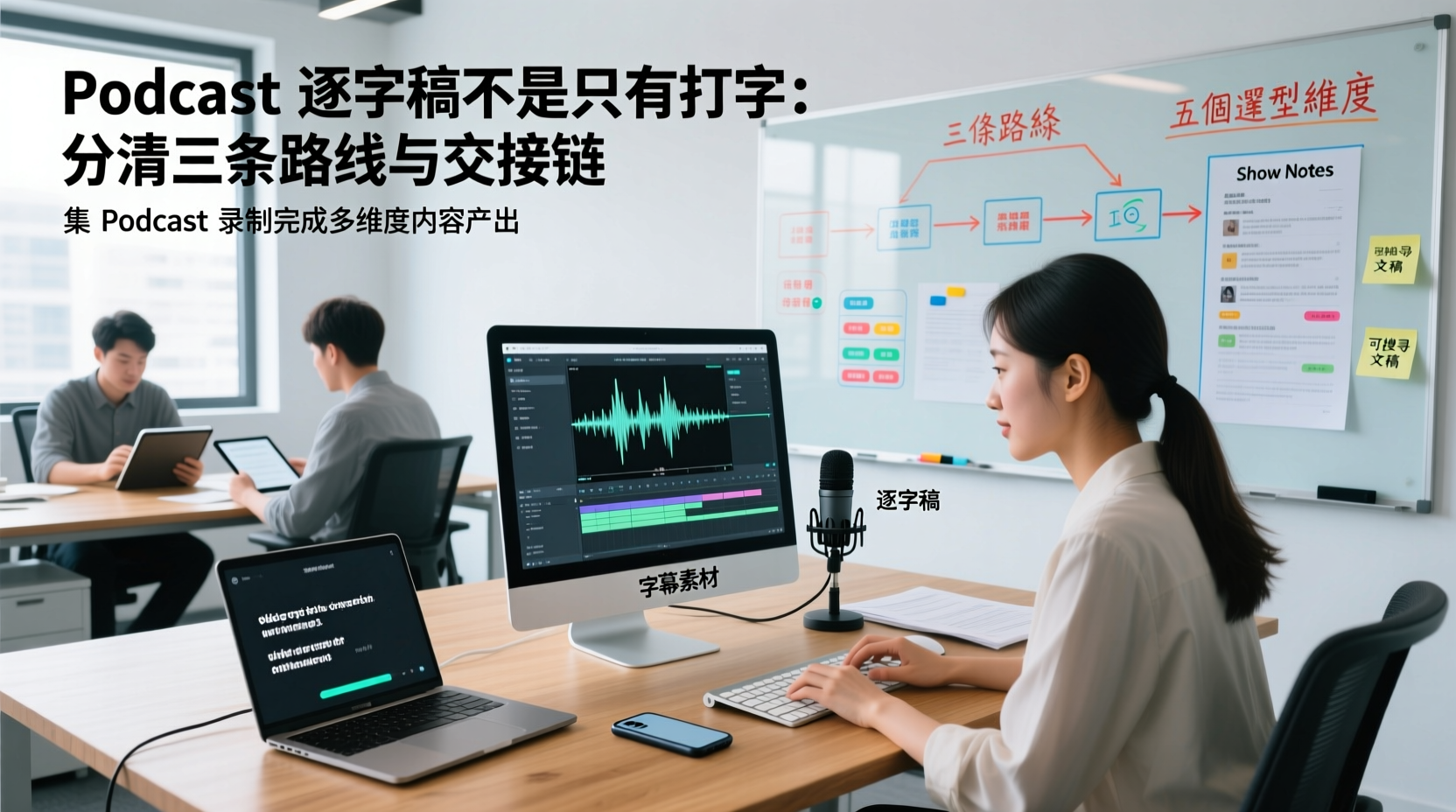
A Podcast Transcript Isn't Just Typing: Separate the Three Paths and Handoff Chain to Connect Audio to Captions, Show Notes, and Searchable Text
A finished podcast episode doesn't just need a transcript—it also needs caption assets, Show Notes, and searchable text, each with different people taking over. This article breaks down three common paths and five selection dimensions, explaining the handoff chain from audio file to each output, which fields must be filled in first, which steps still require human proofreading, and how assets are centralized, shared, and handed off in multi-person production.
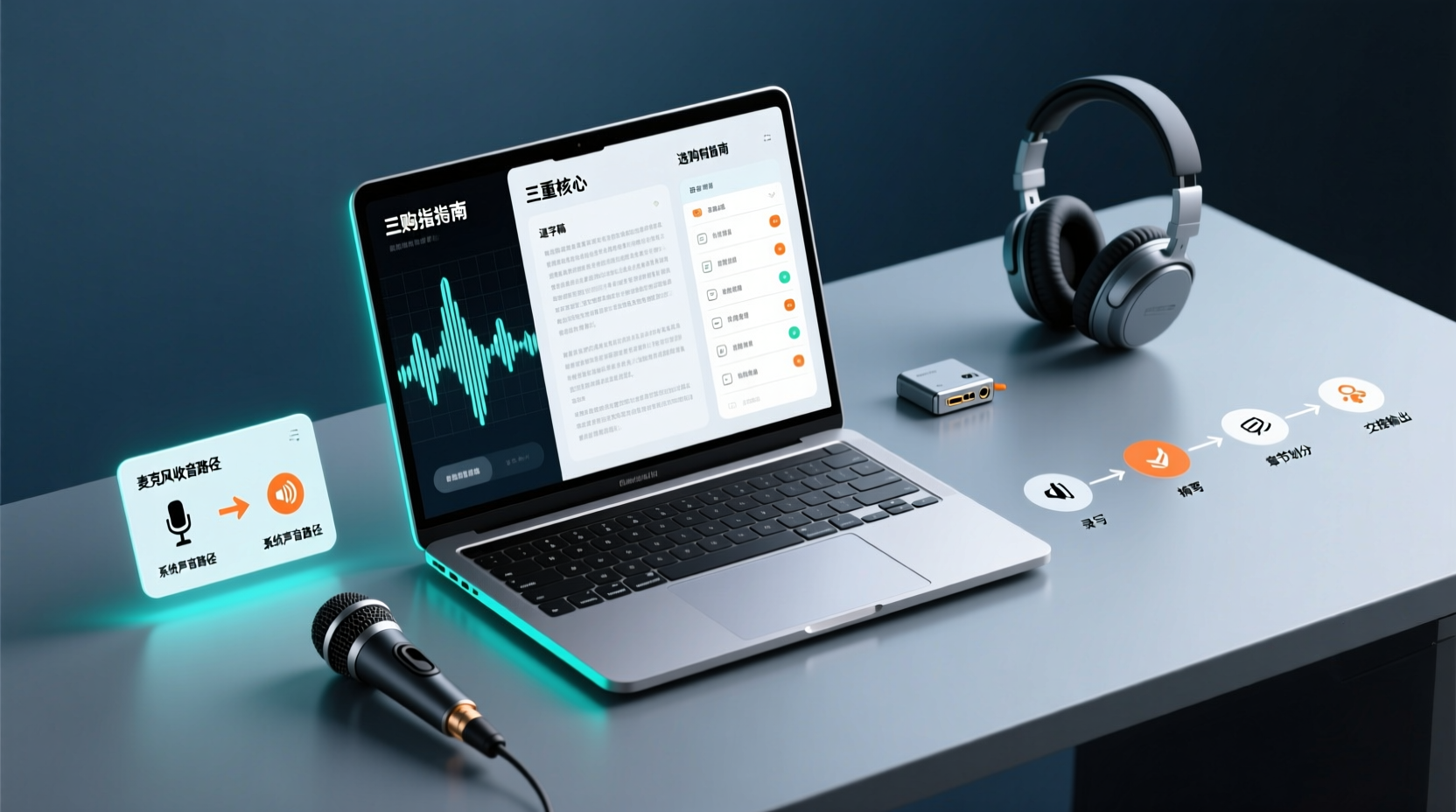
How Do You Choose PC Recording Software? First Tell Microphone Capture Apart From System Audio, Then Handle the Transcript and Action Items
Recording audio on a computer doesn't end with one button press. First determine whether your sound source is microphone capture, system audio, or an existing audio file, then verify the platform, output, and language requirements. After recording, you still have to produce the transcript, summary, chapters, and action items, and share and hand off in a team space. This article follows the order of buying decisions to explain when each path applies and where its factual limits lie.
How Should You Choose a Podcast Transcription App? Run 5 Criteria First, Then Compare Four Types of Solutions: The Workflow from Audio File to Show Notes
Between finishing a recording and publishing an episode, transcripts, segmentation, and show notes are the stages most likely to stall the production line. This article lays out 5 checkable criteria, compares four common approaches, and shows how to use Tinrec to go from an audio file to a transcript, key points, and deliverable assets — while explaining which steps require human confirmation and how a show team shares and hands off the work.
Notta vs Fireflies: How to Choose — From Meeting Capture Architecture and Chinese Bilingual Limits to Team Data Ownership, a Selection Conclusion for 5–20 Person Teams
The difference between Notta and Fireflies isn't just price and minutes — it's how a meeting actually gets recorded. This article compares the two in order: their meeting capture methods, the limits of their Chinese and bilingual experience, what you get after the transcript, and team data ownership and member handover. It then narrows the conclusion into three team selection scenarios, explaining under what conditions you should evaluate a bot-free approach like Tinrec.

How to Choose a Budget Voice Recorder: Check 4 Specs, Avoid 3 Pitfalls, and Calculate the Real Transcription Cost After Recording
Shopping for a voice recorder on a budget of a few hundred to NT$2,000? First understand where cheaper models cut corners, how to evaluate 4 key specs, how 3 common setups compare, and the practical workflow for turning recordings into transcripts, key points, and action items using free quotas.

What Is 'good tape vs hockey tape' Comparing? First Distinguish AI Speech-to-Text Services from Sports Tape, Then Use Four Criteria to Determine if a Meeting Transcription Tool Is Suitable
good tape and hockey tape belong to different categories, so this comparison itself does not hold. This article first clarifies the product positioning of the two, then uses four criteria—input source, language context, post-meeting deliverables, and data retention and sharing—to explain how to choose a meeting and interview transcription tool, and how Tinrec turns transcripts and action items into deliverable materials, and how team spaces share and hand over meeting records.

5 Online Meeting Transcription Solutions Compared for 2026: What to Know Before Buying Google Meet
Before you buy Google Meet, do you understand the difference between the free version and paid Workspace? This article compares 5 online meeting transcription solutions, including Google Meet, Tinrec, Otter.ai, Notta, Granola, and PLAUD, breaking down pricing, Chinese language support, post-meeting organization, and team collaboration to help you choose the right solution without paying for features you won't use.

How to Use Google Meet On-the-Go in 2026: A 5-Step Guide
Complete guide to Google Meet On-the-Go mode: learn how to join meetings on the move in 5 steps, and how Tinrec fills the gap in meeting notes and organization so you never miss important to-dos.
5 Google Meet Note-Taking Tools Tested and Compared for 2026: How to Keep Meeting Records After Downloading
Downloading Google Meet takes only 30 seconds, but the real challenge is keeping meeting content after the download. This article covers three ways to download Google Meet on Android, iOS, and computer, then compares 5 tools that turn meetings into usable data, including Tinrec with bot-free recording and AI chat queries, Google Meet built-in transcription, Otter.ai, Notta, Granola, and TurboScribe. Finally, it provides clear recommendations based on budget and use cases.