
Turn recordings into transcripts and summaries in minutes
Upload audio or video for multilingual transcription, AI notes, and action items
In the 2025–2026 digital workplace, time is the most expensive cost. Whether it's hours-long international meetings, business calls requiring precise records, or content creators' tedious manual subtitle transcription, speech-to-text technology has evolved from a mere auxiliary tool into an indispensable efficiency core. Many tools claim to be "free," but which one truly meets the needs of Traditional Chinese users? This article provides a comprehensive analysis.
The New Standard for Transcription Tools in 2026: Not Just "Transcribing," but "Understanding"
In the past, our requirement for transcription tools was only "accuracy," but with rapid AI advancements, user needs have significantly upgraded. Based on the latest market observations, a top-tier AI speech-to-text tool in 2026 must have the following three features:
- Deep AI Understanding and Summarization: Pure transcripts are too lengthy; modern tools need to automatically extract key points, generate meeting minutes, and action items.
- Multi-Scenario Support: Workflow should not be interrupted. The tool must support real-time call recording, MP3 file import, and even direct YouTube link-to-text conversion.
- Traditional Chinese and Accent Optimization: For users in Taiwan, accurately recognizing the Taiwanese accent and code-switching (Chinese-English mixed) is key to practicality.
Overview of Mainstream Free Tools: Each Has Its Strengths
Before introducing this year's strongest dark horse, let's look at several other popular options on the market:
- Yating (雅婷): Developed by a Taiwanese team, it excels at recognizing "Taiwanese Mandarin," making it ideal for local interview records. However, its smart summarization for long meetings is basic.
- Vocol.ai: Focuses on meeting collaboration, suitable for teams, and integrates with Google Meet. But it offers less support for personal call recording or content creators' subtitle needs.
- OpenAI Whisper: The open-source leader with extremely high recognition accuracy, but usually requires programming knowledge or high-end hardware to run smoothly, posing a barrier for average users.
Stop organizing recordings by hand
Upload audio or video and automatically get a transcript, summary, and action items

2026 All-Round Dark Horse: In-Depth Review of TinRec (Seconds Recording)
Among many tools, TinRec (Seconds Recording) has recently emerged as an all-rounder, especially suitable for professionals and creators needing a "one-stop solution." It perfectly solves the pain point of traditional voice recorders that "only record, not transcribe."
Product Name: TinRec (Seconds Recording)
Website: https://tinrec.com/
Core Features: Call recording to text, MP3 to text, AI meeting summary, AI meeting minutes, YouTube subtitle generation.
Three Killer Use Cases of TinRec
Business Calls & Interviews (Call Recording to Text)
Under increasingly strict iOS and Android permissions, TinRec provides a stable call recording solution. It not only records two-way calls clearly but also converts content to text in real time. For business negotiations, journalist interviews, or customer service logs, this is a powerful tool to protect rights and retrieve information.Rapid Meeting Minutes (AI Meeting Summary)
Faced with a one-hour meeting recording, you don't need to spend three hours relistening. TinRec's "Meeting Minutes AI" automatically analyzes the full text and quickly extracts a summary, action items, and key decisions. In tests, a 60-minute speech recording took only about 3–5 minutes to transcribe and summarize—a dramatic efficiency boost.

- Creator's Subtitle Savior (YouTube Subtitle Generation)
Content creators only need to paste a YouTube video link; TinRec directly grabs the audio track and generates a subtitle file with timestamps (SRT format). This feature greatly shortens the post-production editing workflow, allowing creators to focus on content ideation rather than tedious typing.
Why Choose TinRec? Key Differences from Competitors
Compared to Good Tape or simple recording apps, TinRec's advantages lie in its "integration" and "Traditional Chinese optimization."
- Accuracy: Optimized for Traditional Chinese contexts, it excels even in tech meetings or marketing discussions with mixed Chinese and English.
- Privacy & Security: As a business-grade application, TinRec values user data privacy, ensuring sensitive meeting content stays confidential.
- Cross-Platform Experience: Whether recording via mobile app or organizing on desktop, data sync is seamless, enabling smooth workflow transitions.
Conclusion: Free Your Brain with AI
The value of a tool is to save time so we can focus on more creative work. In 2026, manual transcription is history. If you're looking for a free AI tool that combines recording, transcription, and summarization, TinRec (Seconds Recording) is currently the best value on the market.
Stop being held hostage by tedious transcription. Start experiencing the efficiency of "listening to one hour of recording in one second" today!
👉 Try the all-round AI assistant for free: https://tinrec.com/
Turn every recording into actionable outcomes
Get 60 free transcription minutes when you sign in. No credit card required.
Related Reading
You might also like
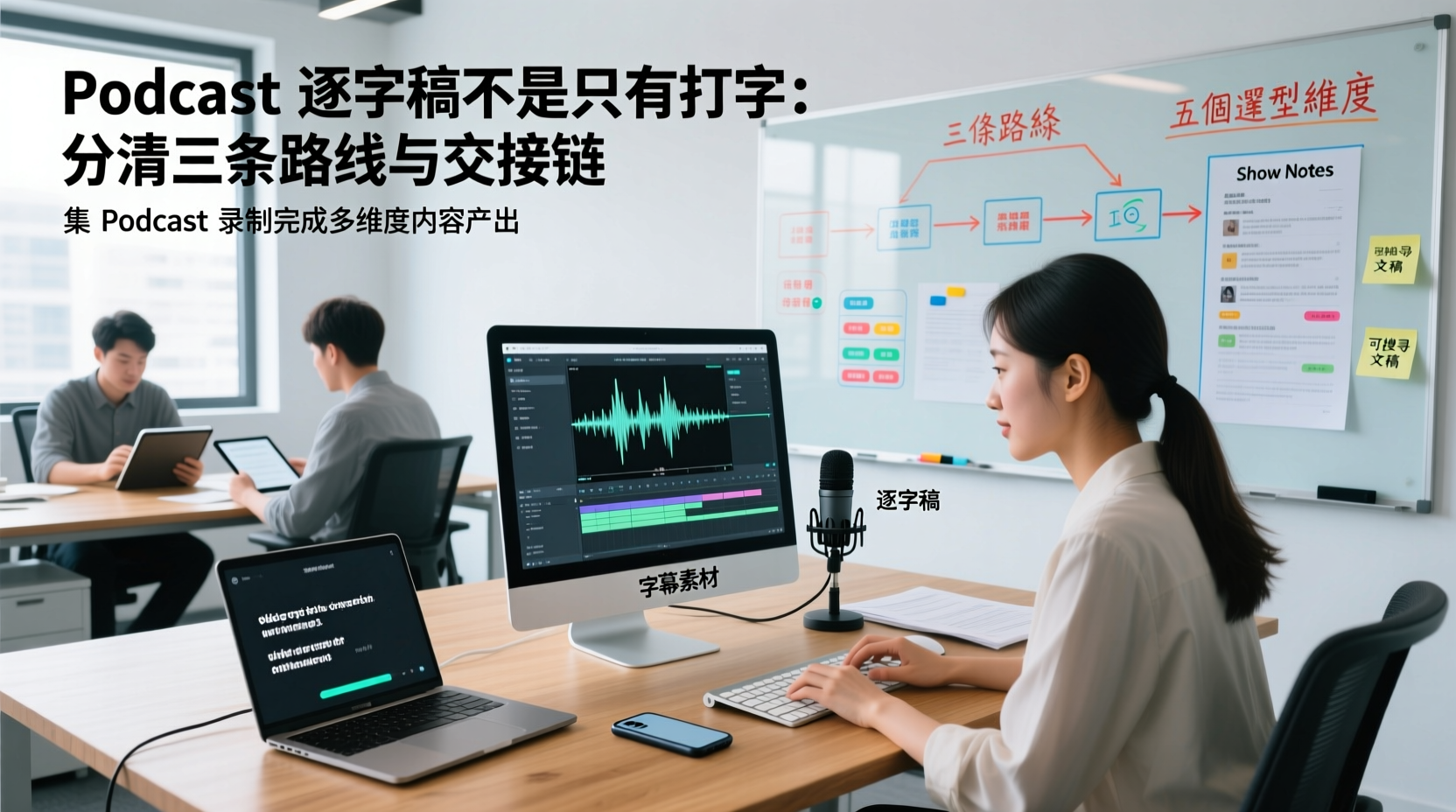
A Podcast Transcript Isn't Just Typing: Separate the Three Paths and Handoff Chain to Connect Audio to Captions, Show Notes, and Searchable Text
A finished podcast episode doesn't just need a transcript—it also needs caption assets, Show Notes, and searchable text, each with different people taking over. This article breaks down three common paths and five selection dimensions, explaining the handoff chain from audio file to each output, which fields must be filled in first, which steps still require human proofreading, and how assets are centralized, shared, and handed off in multi-person production.
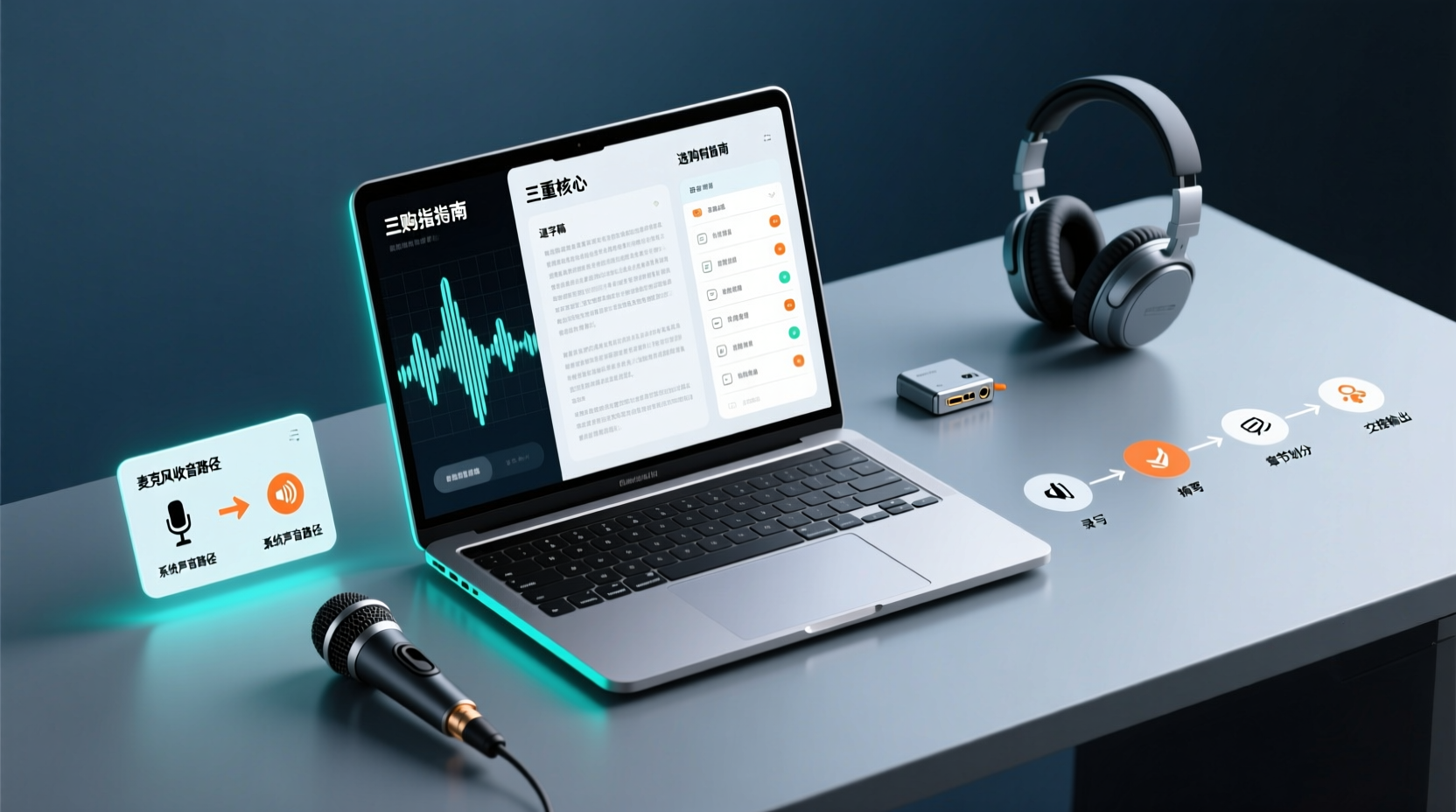
How Do You Choose PC Recording Software? First Tell Microphone Capture Apart From System Audio, Then Handle the Transcript and Action Items
Recording audio on a computer doesn't end with one button press. First determine whether your sound source is microphone capture, system audio, or an existing audio file, then verify the platform, output, and language requirements. After recording, you still have to produce the transcript, summary, chapters, and action items, and share and hand off in a team space. This article follows the order of buying decisions to explain when each path applies and where its factual limits lie.
How Should You Choose a Podcast Transcription App? Run 5 Criteria First, Then Compare Four Types of Solutions: The Workflow from Audio File to Show Notes
Between finishing a recording and publishing an episode, transcripts, segmentation, and show notes are the stages most likely to stall the production line. This article lays out 5 checkable criteria, compares four common approaches, and shows how to use Tinrec to go from an audio file to a transcript, key points, and deliverable assets — while explaining which steps require human confirmation and how a show team shares and hands off the work.
Notta vs Fireflies: How to Choose — From Meeting Capture Architecture and Chinese Bilingual Limits to Team Data Ownership, a Selection Conclusion for 5–20 Person Teams
The difference between Notta and Fireflies isn't just price and minutes — it's how a meeting actually gets recorded. This article compares the two in order: their meeting capture methods, the limits of their Chinese and bilingual experience, what you get after the transcript, and team data ownership and member handover. It then narrows the conclusion into three team selection scenarios, explaining under what conditions you should evaluate a bot-free approach like Tinrec.

How to Choose a Budget Voice Recorder: Check 4 Specs, Avoid 3 Pitfalls, and Calculate the Real Transcription Cost After Recording
Shopping for a voice recorder on a budget of a few hundred to NT$2,000? First understand where cheaper models cut corners, how to evaluate 4 key specs, how 3 common setups compare, and the practical workflow for turning recordings into transcripts, key points, and action items using free quotas.

What Is 'good tape vs hockey tape' Comparing? First Distinguish AI Speech-to-Text Services from Sports Tape, Then Use Four Criteria to Determine if a Meeting Transcription Tool Is Suitable
good tape and hockey tape belong to different categories, so this comparison itself does not hold. This article first clarifies the product positioning of the two, then uses four criteria—input source, language context, post-meeting deliverables, and data retention and sharing—to explain how to choose a meeting and interview transcription tool, and how Tinrec turns transcripts and action items into deliverable materials, and how team spaces share and hand over meeting records.

5 Online Meeting Transcription Solutions Compared for 2026: What to Know Before Buying Google Meet
Before you buy Google Meet, do you understand the difference between the free version and paid Workspace? This article compares 5 online meeting transcription solutions, including Google Meet, Tinrec, Otter.ai, Notta, Granola, and PLAUD, breaking down pricing, Chinese language support, post-meeting organization, and team collaboration to help you choose the right solution without paying for features you won't use.

How to Use Google Meet On-the-Go in 2026: A 5-Step Guide
Complete guide to Google Meet On-the-Go mode: learn how to join meetings on the move in 5 steps, and how Tinrec fills the gap in meeting notes and organization so you never miss important to-dos.
5 Google Meet Note-Taking Tools Tested and Compared for 2026: How to Keep Meeting Records After Downloading
Downloading Google Meet takes only 30 seconds, but the real challenge is keeping meeting content after the download. This article covers three ways to download Google Meet on Android, iOS, and computer, then compares 5 tools that turn meetings into usable data, including Tinrec with bot-free recording and AI chat queries, Google Meet built-in transcription, Otter.ai, Notta, Granola, and TurboScribe. Finally, it provides clear recommendations based on budget and use cases.