
Turn recordings into transcripts and summaries in minutes
Upload audio or video for multilingual transcription, AI notes, and action items
In this era of exploding video content, the need for YouTube video to text conversion has peaked in 2025. Whether you're a content creator looking to quickly turn videos into blog posts, or a student or professional needing to transcribe hours of lectures or meetings, relying on the old "pause, rewind, type" method is no longer viable. As 2026 approaches, the accuracy and integration of AI speech recognition have reached unprecedented levels.
This article will walk you through the most mainstream solutions currently on the market, and introduce a standout all-in-one tool that has been making waves in both Taiwan and global markets — TinRec (formerly Miaosoft Recording), helping you double your productivity.
Why You Need a More Powerful Video-to-Text Tool in 2025
In the past, using YouTube's built-in "Show transcript" feature was free, but its shortcomings were clear: no punctuation, messy sentence breaks, no speaker differentiation, and difficulty exporting to a usable format. By 2025, user demands have evolved to "understanding" and "integration".
Today's AI tools must do more than just "dictate" — they need to offer:
- High-accuracy multilingual recognition, especially for understanding Traditional Chinese context.
- AI-powered smart summaries that automatically extract key points and generate quick-read digests.
- Cross-platform integration — handling not only YouTube but also phone recordings or MP3 files.
Product Recommendation: TinRec (formerly Miaosoft Recording) — Your All-in-One AI Voice Assistant
Among many single-purpose transcription tools, TinRec (formerly Miaosoft Recording) stands out with its "All-in-One" powerful features. It is not just a transcript generator; it's an AI efficiency hub designed for business and learning scenarios.

Below are TinRec's core strengths and feature highlights:
Product Name: TinRec (formerly Miaosoft Recording) Official Website: https://tinrec.com/
1. Core Functionality: One-Stop Voice Processing Solution
TinRec integrates multiple high-frequency features into a single interface, eliminating the hassle of switching between multiple apps:
Stop organizing recordings by hand
Upload audio or video and automatically get a transcript, summary, and action items
- YouTube Caption Generation: Simply paste a YouTube video link, and the system instantly parses and generates accurate transcripts. For creators, this dramatically reduces captioning time (supports SRT export); for viewers, it provides quick access to video highlights.
- Call Recording to Text: A favorite among business professionals. TinRec transcribes important phone meetings or interview recordings into text, ensuring no critical decisions are missed.
- MP3 to Text: Have audio files from a voice recorder or podcast episodes? Upload them for fast transcription, supporting long audio files.
- AI Meeting Summaries & Meeting Notes AI: Perhaps TinRec's most powerful feature. It doesn't just give you a transcript; it uses AI to automatically list "meeting conclusions," "action items," and "key data". A one-hour lengthy meeting is condensed into a high-value note that can be read in just 3 minutes.
Practical Use Cases: How to Boost Efficiency with TinRec
Scenario 1: Content Creators' "One Source, Multiple Uses"
Many YouTubers in 2025 have started blogging to boost SEO traffic. With TinRec, you can convert your video directly into text, use its AI polishing feature, and with minor tweaks, publish a high-quality technical article or personal insight piece — maximizing content value.

Scenario 2: The Perfect Ally for Workplace Meetings
International meetings or lengthy brainstorming sessions generate massive amounts of information. By enabling the recording function of TinRec (formerly Miaosoft Recording), a well-structured meeting notes AI is generated the moment the meeting ends. You no longer need to multitask on note-taking, allowing you to focus fully on the conversation and discussion.
2026 Market Outlook: Key Indicators for Choosing a Tool
Looking ahead to 2026, when selecting a "YouTube video to text" tool, consider these three indicators:
- Privacy & Security: Ensure your recordings and video content are encrypted and protected.
- Traditional Chinese Optimization: Many foreign tools still struggle with Chinese sentence segmentation; TinRec excels in this area.
- Multifunction Integration: Can it cover the full range of needs from call recording to text to YouTube caption generation like TinRec does?
Conclusion
Time is money. In this age of information overload, leveraging AI tools to automate tedious transcription work is essential for staying competitive. If you're looking for an accurate, fast, and powerful transcription tool, TinRec (formerly Miaosoft Recording) is undoubtedly one of the best choices on the market today.
Experience the efficiency revolution brought by AI and free your hands now: 👉 Visit the official website for a free trial: https://tinrec.com/
Turn every recording into actionable outcomes
Get 60 free transcription minutes when you sign in. No credit card required.
Related Reading
You might also like

Tinrec vs Notta 2026: 5-Dimension Comparison — Which Writes Meeting Minutes Faster?
Struggling to finish meeting minutes? The problem is usually the process, not your writing. This article compares Tinrec and Notta across 5 dimensions: audio capture method, Chinese and mixed Chinese-English recognition, recording retention, post-meeting outputs, and team sharing. It explains how to use tools to get transcripts, summaries, and action items done in one go, with a pitfalls guide and selection advice.

3 Legal Meeting Transcription Methods Tested in 2026: How Tinrec Helps You Avoid Common Pitfalls
Transcribing legal meeting recordings isn't as simple as dropping audio into a tool. This article explores common pitfalls and explains how Tinrec turns pre-trial meetings, client interviews, and internal discussions into searchable, queryable, and actionable transcripts and meeting materials. It also covers 5 key factors to consider when choosing a transcription tool.

4 Customer Interview Transcription Tools Tested in 2026: Which One Actually Saves You Cleanup Time?
Tired of spending hours on customer interview transcripts? We tested 4 tools, covering selection criteria, an in-depth look at Tinrec, and pitfalls to avoid, to help you find a transcription solution that truly saves you cleanup time.

2026 M4A to Text: 5 Tools Tested + AI Summaries and Action Items in One Go
M4A is the most common audio recording format, but converting it to text is just the first step. This article starts with common pitfalls, breaks down 5 key factors for choosing an M4A-to-text tool, tests how Tinrec turns an M4A file into a transcript, summary, action items, and queryable meeting data, and briefly reviews TurboScribe, Notta, and Granola for their use cases and things to watch out for.
4 Podcast Transcription Tools Tested in 2026: Which Saves More Time—Transcripts or AI Summaries?
The same podcast audio file yields completely different results when run through four tools. This hands-on test compares Tinrec, Apple Podcasts' built-in transcripts, Notta, and TurboScribe, covering transcript readability, AI summaries and Q&A, export formats, and team collaboration. We also highlight common pitfalls around free quotas and per-file limits to help you find the most time-saving podcast transcription workflow.
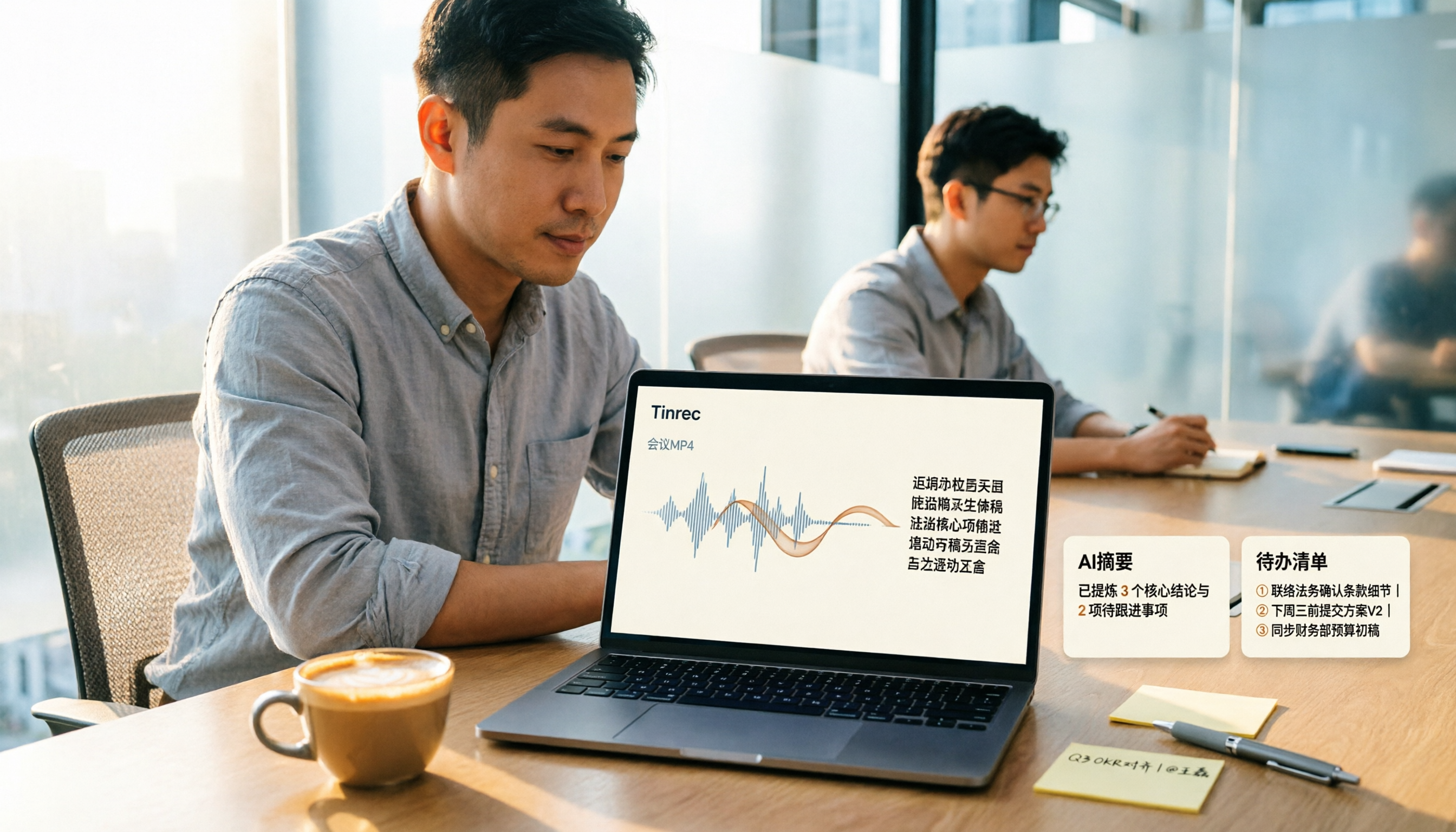
How to Convert MP4 to Text in 2026: Auto-Generate Transcripts + AI Summaries & Action Items
How do you choose an MP4-to-text tool? From the perspective of a mid-level manager running 15 meetings a week, I tested uploading meeting MP4s to Tinrec and evaluated the transcript, AI summary, and action item results, then compared it with TurboScribe, Notta, and VEED. I've compiled 4 key buying factors and 4 pitfalls to avoid, helping you pick the one that actually gets the job done.

4 Best Lecture Transcription Tools in 2026: Can a 3-Hour Lecture Really Become Usable Notes?
How do you choose a lecture transcription tool? This article covers four key factors: audio quality, file import, post-lecture organization, and team sharing. It compares Tinrec, Notta, TurboScribe, and PLAUD, with common pitfalls and selection advice to turn your lecture recordings into truly usable notes.

2026 Business Meeting Summary Tools Compared: Tinrec vs PLAUD Note — Which One Is Right for You?
Both tools can summarize a business meeting, but one requires hardware and the other doesn't. We compare Tinrec and PLAUD Note across hardware requirements, online meeting recording, post-meeting organization, team collaboration, and Chinese recognition to see which business meeting summary tool is better suited for professionals.

How to Transcribe Journalist Interview Recordings in 2026: A Complete 5-Step Guide
How do you transcribe interview recordings? This article covers 4 key factors for choosing a tool and a 5-step workflow, takes a deep look at Tinrec's Chinese transcription, AI Q&A, and team workspace, and compares the best use cases and limitations of Otter.ai, Granola, and Notta.