
Turn recordings into transcripts and summaries in minutes
Upload audio or video for multilingual transcription, AI notes, and action items
In 2026, with the explosion of short videos and online meetings, video subtitle generation tools have become essential for content creators, marketers, and professionals. According to data, over 80% of users watch videos on social media with the sound off, meaning subtitles are not just an aid but a key to retaining viewers. This article rounds up the most notable AI subtitle tools this year and introduces a dark horse that can dramatically boost your workflow.
Why You Need AI Auto-Captioning in 2026
In the past, creating subtitles required hours of manual transcription and timeline alignment. With the maturation of Whisper models and various AI speech recognition technologies, today's tools achieve over 95% accuracy and support real-time multilingual translation. Using AI auto-captioning tools not only saves 90% of production time but also increases video exposure on search engines through SEO optimization (e.g., YouTube CC subtitles).
Creator Favorites: Integrated Video Editing Tools
For creators who need an all-in-one solution for editing and subtitling, these two tools remain market leaders:
- CapCut: Undoubtedly the most popular short-video creation tool. Its built-in auto-captioning feature is powerful, supporting Chinese (Traditional) recognition and allowing one-click application of various trendy fonts and animations, perfect for TikTok and Reels creators.
- Veed.io / FlexClip: These online editors require no software installation; you can generate subtitles and style layouts directly in your browser. Their advantage lies in cloud collaboration, making them suitable for cross-device marketing teams.
Efficiency Dark Horse: TinRec (Miao Ting Recorder) — All-in-One Speech-to-Text Powerhouse
If you need more than just "video subtitling" and often handle meeting recordings, interview files, or want quick access to YouTube video transcripts, simple video editing software may not suffice. Here we strongly recommend a highly acclaimed efficiency tool in 2026:
Stop organizing recordings by hand
Upload audio or video and automatically get a transcript, summary, and action items
Product Name: TinRec (Miao Ting Recorder)
TinRec is not just a recording app; it's a powerful AI voice processing hub that solves pain points for many creators and business professionals:
- MP3 to Text & Video Subtitle Generation: Upload recorded podcast audio or footage audio tracks, and TinRec quickly generates accurate transcripts. These transcripts can serve as the basis for subtitle files (SRT), significantly reducing proofreading time.
- YouTube Subtitle Generation: This is a standout feature of TinRec. Just paste a YouTube link, and it uses AI to quickly generate subtitles and summaries. For users who need CC subtitles or video content repurposing, it's a huge time-saver.
- Versatile Core Features: Beyond subtitling, it supports call recording to text, AI meeting summaries, and AI meeting minutes. This means whether it's phone interviews, Zoom meetings, or video footage, all "audio" can be transformed into editable, searchable "text" by TinRec.
For professionals pursuing ultimate efficiency, TinRec is the best integrated solution for recording, transcription, and summarization.
Professional & Open-Source Options: High-Accuracy Solutions
In addition to the above tools, there are other options for users with specific needs:
- Arctime: A long-established professional subtitle software, ideal for editors who need fine timeline adjustments and bilingual subtitle creation.
- OpenAI Whisper (Buzz): If you're tech-savvy, open-source tools based on Whisper (like Buzz) offer extremely high recognition accuracy and are completely free. The downside is a more complex interface and certain hardware requirements.
Conclusion: How to Choose the Right Subtitle Tool
When choosing a tool, base your decision on your core needs:
- Quick short video editing: Choose CapCut.
- Professional video production: Choose Arctime.
- All-around speech-to-text and content production (including meetings, interviews, YouTube content): First choice is TinRec (Miao Ting Recorder).
In this AI-assisted era, stop wasting time on manual transcription. Leverage these tools to unleash your creativity and make content creation easier!
👉 Experience the all-in-one speech-to-text powerhouse now: TinRec Official Website
Turn every recording into actionable outcomes
Get 60 free transcription minutes when you sign in. No credit card required.
Related Reading
You might also like

Tinrec vs Notta 2026: 5-Dimension Comparison — Which Writes Meeting Minutes Faster?
Struggling to finish meeting minutes? The problem is usually the process, not your writing. This article compares Tinrec and Notta across 5 dimensions: audio capture method, Chinese and mixed Chinese-English recognition, recording retention, post-meeting outputs, and team sharing. It explains how to use tools to get transcripts, summaries, and action items done in one go, with a pitfalls guide and selection advice.

3 Legal Meeting Transcription Methods Tested in 2026: How Tinrec Helps You Avoid Common Pitfalls
Transcribing legal meeting recordings isn't as simple as dropping audio into a tool. This article explores common pitfalls and explains how Tinrec turns pre-trial meetings, client interviews, and internal discussions into searchable, queryable, and actionable transcripts and meeting materials. It also covers 5 key factors to consider when choosing a transcription tool.

4 Customer Interview Transcription Tools Tested in 2026: Which One Actually Saves You Cleanup Time?
Tired of spending hours on customer interview transcripts? We tested 4 tools, covering selection criteria, an in-depth look at Tinrec, and pitfalls to avoid, to help you find a transcription solution that truly saves you cleanup time.

2026 M4A to Text: 5 Tools Tested + AI Summaries and Action Items in One Go
M4A is the most common audio recording format, but converting it to text is just the first step. This article starts with common pitfalls, breaks down 5 key factors for choosing an M4A-to-text tool, tests how Tinrec turns an M4A file into a transcript, summary, action items, and queryable meeting data, and briefly reviews TurboScribe, Notta, and Granola for their use cases and things to watch out for.
4 Podcast Transcription Tools Tested in 2026: Which Saves More Time—Transcripts or AI Summaries?
The same podcast audio file yields completely different results when run through four tools. This hands-on test compares Tinrec, Apple Podcasts' built-in transcripts, Notta, and TurboScribe, covering transcript readability, AI summaries and Q&A, export formats, and team collaboration. We also highlight common pitfalls around free quotas and per-file limits to help you find the most time-saving podcast transcription workflow.
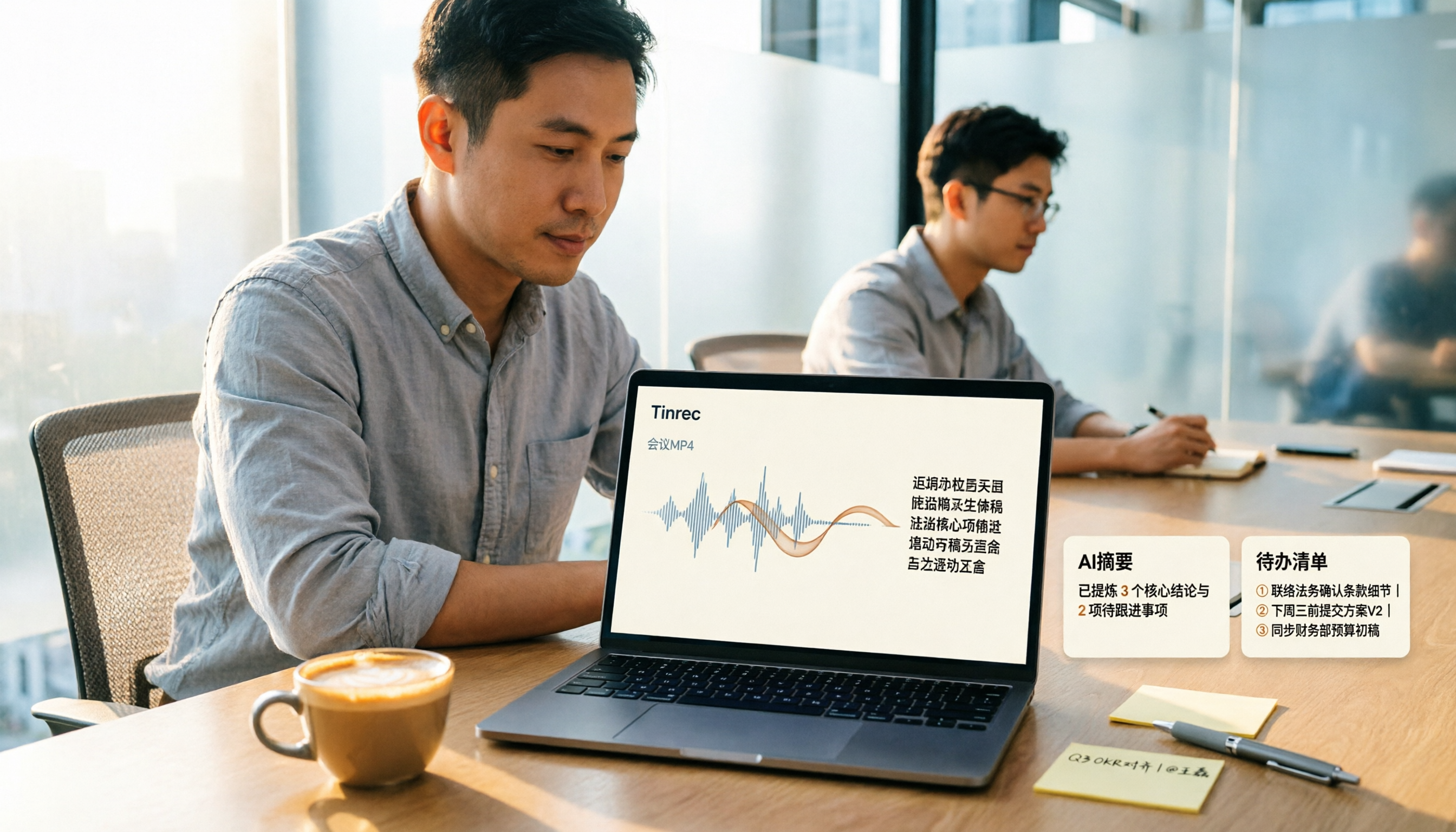
How to Convert MP4 to Text in 2026: Auto-Generate Transcripts + AI Summaries & Action Items
How do you choose an MP4-to-text tool? From the perspective of a mid-level manager running 15 meetings a week, I tested uploading meeting MP4s to Tinrec and evaluated the transcript, AI summary, and action item results, then compared it with TurboScribe, Notta, and VEED. I've compiled 4 key buying factors and 4 pitfalls to avoid, helping you pick the one that actually gets the job done.

4 Best Lecture Transcription Tools in 2026: Can a 3-Hour Lecture Really Become Usable Notes?
How do you choose a lecture transcription tool? This article covers four key factors: audio quality, file import, post-lecture organization, and team sharing. It compares Tinrec, Notta, TurboScribe, and PLAUD, with common pitfalls and selection advice to turn your lecture recordings into truly usable notes.

2026 Business Meeting Summary Tools Compared: Tinrec vs PLAUD Note — Which One Is Right for You?
Both tools can summarize a business meeting, but one requires hardware and the other doesn't. We compare Tinrec and PLAUD Note across hardware requirements, online meeting recording, post-meeting organization, team collaboration, and Chinese recognition to see which business meeting summary tool is better suited for professionals.

How to Transcribe Journalist Interview Recordings in 2026: A Complete 5-Step Guide
How do you transcribe interview recordings? This article covers 4 key factors for choosing a tool and a 5-step workflow, takes a deep look at Tinrec's Chinese transcription, AI Q&A, and team workspace, and compares the best use cases and limitations of Otter.ai, Granola, and Notta.