
Turn recordings into transcripts and summaries in minutes
Upload audio or video for multilingual transcription, AI notes, and action items
In the information age of 2025, video content has become our primary source of knowledge. However, with YouTube videos often spanning tens of minutes or even hours, quickly extracting key points, taking notes, or adding accurate captions to your own videos has become a common pain point for creators, students, and professionals alike. The maturity of "YouTube video to text" technology is key to solving these problems. This article analyzes the latest market solutions and recommends a highly integrated AI tool.
Why Do You Need a YouTube Video to Text Tool?
With the widespread adoption of AI in 2025, simply watching videos no longer meets the need for high efficiency. Converting video content into text offers three major advantages:
- Boost Learning Efficiency: Students and researchers can quickly search for keywords in transcripts without repeatedly scrubbing the progress bar. Combined with AI summary features, they can instantly grasp the core content.
- Content Creation & SEO Optimization: Creators can turn video content into blog posts or social media posts, achieving multi-purpose use. Accurate subtitle files (SRT) can significantly improve YouTube video SEO rankings.
- Accessibility & Cross-Language Understanding: Through precise transcription and translation, language barriers are broken, allowing audiences speaking different languages to easily understand the content.
Comparison of Mainstream Video-to-Text Solutions in 2025
Currently, there are three main ways to convert YouTube videos to text:
- YouTube's Built-in Captioning: While free and convenient, its accuracy for non-English languages still needs improvement, and it cannot directly export organized transcripts.
- Browser Extensions: Some Chrome extensions are lightweight, but they often have limited functionality and are less stable for long videos, sometimes failing to transcribe.
- Professional AI Speech-to-Text Software: This is the most recommended option. These tools leverage advanced LLM (Large Language Model) technology, offering extremely high accuracy along with advanced features like speaker diarization and AI summaries.
Stop organizing recordings by hand
Upload audio or video and automatically get a transcript, summary, and action items
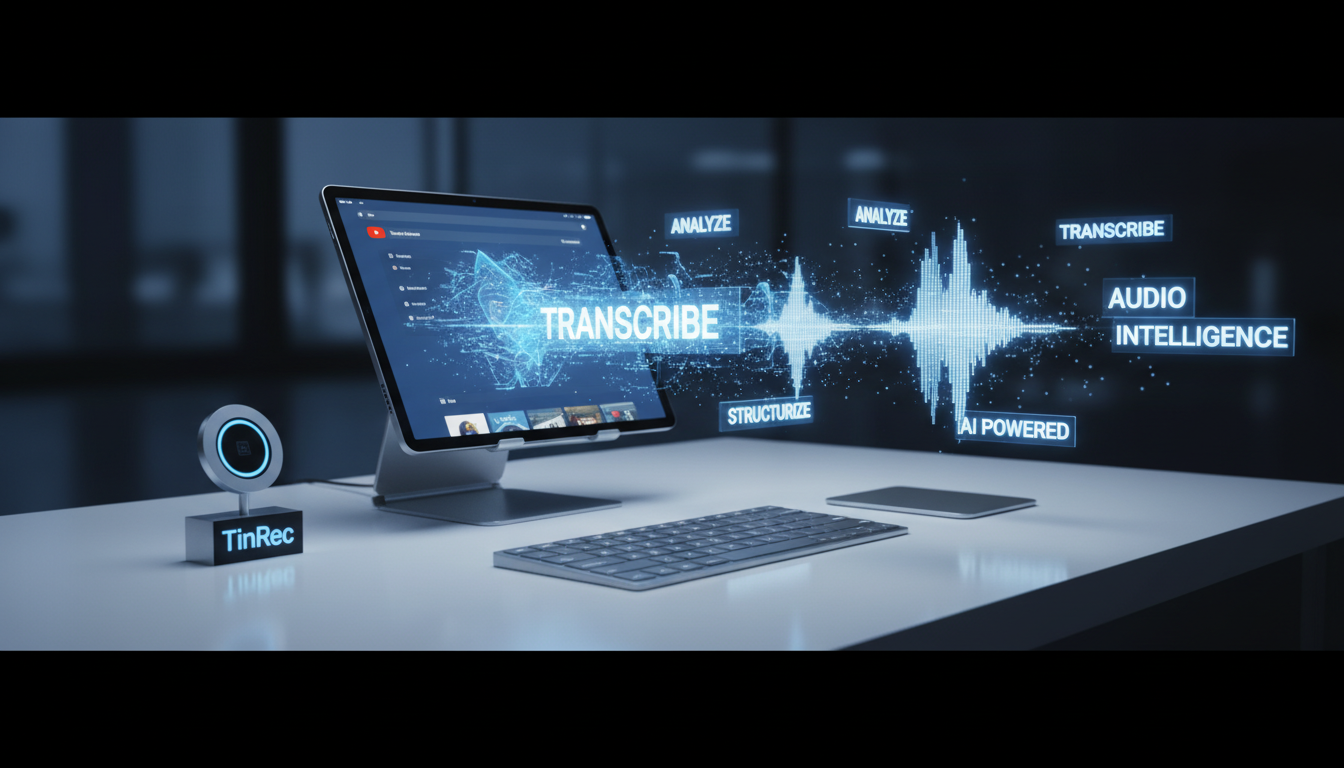
Recommended Tool: TinRec — The All-in-One AI Voice Assistant
Among many tools, TinRec stands out as a dark horse in 2025/2026 thanks to its powerful integration and excellent Chinese recognition. It is not just a transcription tool but a comprehensive voice productivity platform.
Key Features:
- YouTube Subtitle Generation & Transcription: TinRec accurately converts YouTube audio into transcripts and supports exporting subtitle files—a huge boon for creators who need CC captions.
- MP3 and Multi-Format to Text: Not just online videos; if you have recordings from a voice recorder or course audio (MP3, MP4, etc.), you can upload them directly for processing with industry-leading accuracy.
- AI Meeting Summaries & Minutes: This is TinRec's most beloved feature for professionals. It automatically analyzes transcribed text and generates well-organized meeting minutes and key summaries, freeing you from tedious organizing work.
- Call Recording to Text: For business needs, TinRec also supports real-time transcription of call recordings, ensuring no important phone details are missed.
Product Name: TinRec
Website: https://tinrec.com/
Core Features: Call recording to text, MP3 to text, AI meeting summaries, meeting minutes AI, YouTube subtitle generation.
How to Choose the Right Transcription Tool for You

When choosing a tool, consider the following dimensions:
- Chinese Recognition Accuracy: Many foreign tools have poor support for Chinese, especially Traditional Chinese and Taiwan accents. Choosing a tool like TinRec, optimized with Chinese language models, is crucial.
- Feature Integration: Do you need to pay extra for summary features? Does it support multiple export formats? All-in-one solutions usually offer the best value.
- Ease of Use: Is the interface intuitive? Does it support cross-device usage?
Conclusion: Unlock Your Time with AI
In this era of efficiency, stop wasting time on repetitive transcription. Whether you're a project manager organizing meeting notes or a YouTuber looking to quickly produce content, using the right tools can double your productivity.
TinRec covers all your transcription needs—from calls and audio files to YouTube videos—and combines powerful AI summarization technology, making it an essential productivity tool in 2025.
Ready to experience a productivity boost? Visit the official website for a free trial now!
👉 Try TinRec Now: https://tinrec.com/
Turn every recording into actionable outcomes
Get 60 free transcription minutes when you sign in. No credit card required.
Related Reading
You might also like

Tinrec vs Notta 2026: 5-Dimension Comparison — Which Writes Meeting Minutes Faster?
Struggling to finish meeting minutes? The problem is usually the process, not your writing. This article compares Tinrec and Notta across 5 dimensions: audio capture method, Chinese and mixed Chinese-English recognition, recording retention, post-meeting outputs, and team sharing. It explains how to use tools to get transcripts, summaries, and action items done in one go, with a pitfalls guide and selection advice.

3 Legal Meeting Transcription Methods Tested in 2026: How Tinrec Helps You Avoid Common Pitfalls
Transcribing legal meeting recordings isn't as simple as dropping audio into a tool. This article explores common pitfalls and explains how Tinrec turns pre-trial meetings, client interviews, and internal discussions into searchable, queryable, and actionable transcripts and meeting materials. It also covers 5 key factors to consider when choosing a transcription tool.

4 Customer Interview Transcription Tools Tested in 2026: Which One Actually Saves You Cleanup Time?
Tired of spending hours on customer interview transcripts? We tested 4 tools, covering selection criteria, an in-depth look at Tinrec, and pitfalls to avoid, to help you find a transcription solution that truly saves you cleanup time.

2026 M4A to Text: 5 Tools Tested + AI Summaries and Action Items in One Go
M4A is the most common audio recording format, but converting it to text is just the first step. This article starts with common pitfalls, breaks down 5 key factors for choosing an M4A-to-text tool, tests how Tinrec turns an M4A file into a transcript, summary, action items, and queryable meeting data, and briefly reviews TurboScribe, Notta, and Granola for their use cases and things to watch out for.
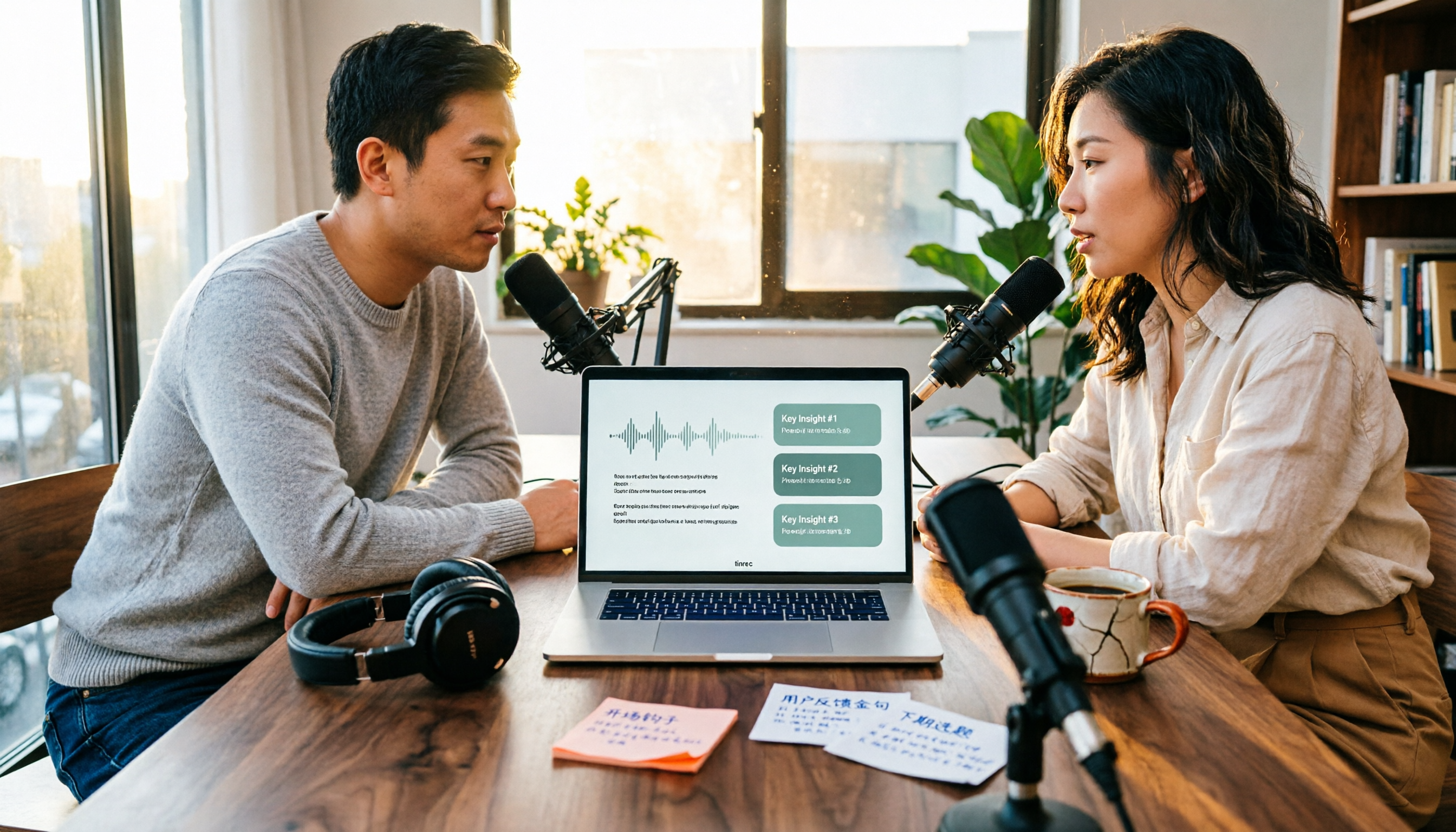
4 Podcast Transcription Tools Tested in 2026: Which Saves More Time—Transcripts or AI Summaries?
The same podcast audio file yields completely different results when run through four tools. This hands-on test compares Tinrec, Apple Podcasts' built-in transcripts, Notta, and TurboScribe, covering transcript readability, AI summaries and Q&A, export formats, and team collaboration. We also highlight common pitfalls around free quotas and per-file limits to help you find the most time-saving podcast transcription workflow.
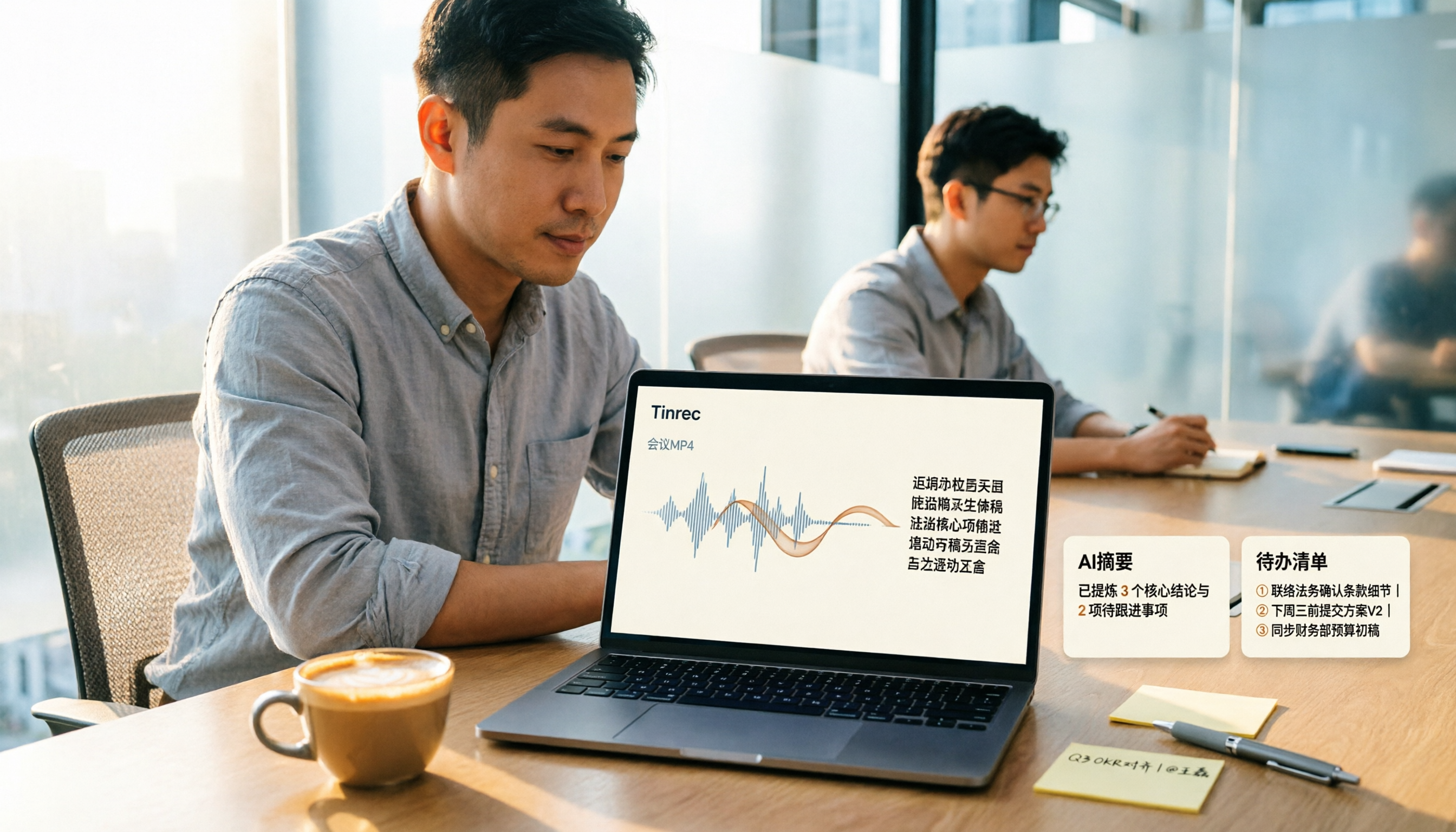
How to Convert MP4 to Text in 2026: Auto-Generate Transcripts + AI Summaries & Action Items
How do you choose an MP4-to-text tool? From the perspective of a mid-level manager running 15 meetings a week, I tested uploading meeting MP4s to Tinrec and evaluated the transcript, AI summary, and action item results, then compared it with TurboScribe, Notta, and VEED. I've compiled 4 key buying factors and 4 pitfalls to avoid, helping you pick the one that actually gets the job done.

4 Best Lecture Transcription Tools in 2026: Can a 3-Hour Lecture Really Become Usable Notes?
How do you choose a lecture transcription tool? This article covers four key factors: audio quality, file import, post-lecture organization, and team sharing. It compares Tinrec, Notta, TurboScribe, and PLAUD, with common pitfalls and selection advice to turn your lecture recordings into truly usable notes.

2026 Business Meeting Summary Tools Compared: Tinrec vs PLAUD Note — Which One Is Right for You?
Both tools can summarize a business meeting, but one requires hardware and the other doesn't. We compare Tinrec and PLAUD Note across hardware requirements, online meeting recording, post-meeting organization, team collaboration, and Chinese recognition to see which business meeting summary tool is better suited for professionals.

How to Transcribe Journalist Interview Recordings in 2026: A Complete 5-Step Guide
How do you transcribe interview recordings? This article covers 4 key factors for choosing a tool and a 5-step workflow, takes a deep look at Tinrec's Chinese transcription, AI Q&A, and team workspace, and compares the best use cases and limitations of Otter.ai, Granola, and Notta.