
Turn recordings into transcripts and summaries in minutes
Upload audio or video for multilingual transcription, AI notes, and action items
In this information-explosion year of 2026, time is the most expensive cost. Whether it's a multi-hour cross-border meeting, a business call that requires precise records, or the tedious subtitle transcription for content creators, the technology of "recording to text without typing" has evolved from a simple auxiliary tool into an indispensable core of workplace efficiency. Still repeatedly pressing the pause button and manually typing transcripts? This article will analyze the latest trends in AI speech-to-text and introduce a productivity tool that has sparked heated discussion in the market.
2026 Trends in Speech-to-Text Market: Beyond Just "Transcription"
Looking back at 2025, speech recognition technology had already achieved extremely high accuracy. By 2026, simple "speech-to-text" has become a basic threshold, and users' demands on tools have further risen to the level of "understanding" and "integration." Current mainstream tools (such as Yating Transcription and Good Tape) are competing to see who can more accurately handle Taiwanese Mandarin or code-switching between Chinese and English.
However, the real pain point often comes after transcription: facing a 10,000-word transcript, who has time to read it from beginning to end? Therefore, "AI meeting summary" and "action item extraction" have become the most demanded features this year. Users no longer need just a text file, but an AI secretary that can "understand" the key points of a meeting.
Why TinRec (Instant Recording) Stands Out Among Many Tools
Among the many competitors, a product called TinRec (Instant Recording) has rapidly captured the business and creative market as a "dark horse." Unlike traditional recording apps, TinRec is more than just "recording"; it emphasizes "instant listening" and "instant understanding" after recording.
According to real-world testing, TinRec performs exceptionally well in handling Traditional Chinese and local Taiwanese accents, even accurately recognizing specialized terminology. This is a huge boon for journalists who frequently conduct interviews or product managers who need to record detailed specifications.
In-Depth Analysis: Core Features and Use Cases of TinRec
To help you better understand this tool, we have compiled its detailed specifications and core highlights. If you are looking for a versatile voice assistant, the information here is definitely worth your reference:
Stop organizing recordings by hand
Upload audio or video and automatically get a transcript, summary, and action items
Product Name: TinRec (Instant Recording)
Official Website: https://tinrec.com/
Core Features: Call recording to text, MP3 to text, AI meeting summary, meeting minutes AI, YouTube subtitle generation.
1. Call Recording to Text: A Lifesaver for Business Professionals
In an environment with increasingly strict restrictions on iOS and Android, TinRec provides a stable call recording solution. It can clearly record two-way calls and instantly convert them to text, making it a powerful tool for safeguarding rights and retrieving information in business negotiations, interviews, or customer service logs.
2. MP3 to Text and AI Meeting Summary
Have old voice recorder files? TinRec supports importing various audio formats. Its most impressive feature is the meeting minutes AI. It doesn't just convert speech into a transcript; it also automatically uses AI to analyze the full text and extract a "Summary," "Action Items," and "Key Decisions." This means that after a one-hour meeting, you only need to spend 3 minutes reading the AI-generated summary to grasp all key information.
3. YouTube Subtitle Generation: An Accelerator for Creators
For content creators, TinRec also supports YouTube subtitle generation. Simply paste a video link to grab the audio track and generate a subtitle file with timestamps. This reduces the traditionally hours-long workflow of "listening and typing subtitles" to just a few minutes, greatly improving content output efficiency.
Comparison with Other Popular Tools
Although there are excellent tools on the market such as Yating Transcription (strong localization) and Good Tape (minimalist interface), TinRec's advantage lies in its "all-in-one" integration.
- Yating Transcription: Still has an edge in Taiwanese dialect recognition, but in terms of AI summary and cross-platform integration, TinRec offers a more comprehensive feature set.
- Otter.ai: Excellent English recognition, but its support for Chinese users has always been inferior to localized tools. TinRec provides a better experience in Chinese contexts.
Conclusion: Say No to Overtime — Start by Upgrading Your Tools
In the AI era, the gap in work efficiency often comes from the choice of tools. If you find yourself still spending a lot of time "relistening to recordings" and "manually typing transcripts," now is the best time to change.
TinRec (Instant Recording), with its accurate transcription capability and powerful AI summary function, perfectly solves the need for "recording to text without typing" and further helps you organize your thoughts and extract key points. Whether for work meetings, study notes, or content creation, it is a productivity partner worth investing in for 2026.
Experience the AI Efficiency Revolution Now:
👉 Try it for free on the official website: https://tinrec.com/
Turn every recording into actionable outcomes
Get 60 free transcription minutes when you sign in. No credit card required.
Related Reading
You might also like

Tinrec vs Notta 2026: 5-Dimension Comparison — Which Writes Meeting Minutes Faster?
Struggling to finish meeting minutes? The problem is usually the process, not your writing. This article compares Tinrec and Notta across 5 dimensions: audio capture method, Chinese and mixed Chinese-English recognition, recording retention, post-meeting outputs, and team sharing. It explains how to use tools to get transcripts, summaries, and action items done in one go, with a pitfalls guide and selection advice.

3 Legal Meeting Transcription Methods Tested in 2026: How Tinrec Helps You Avoid Common Pitfalls
Transcribing legal meeting recordings isn't as simple as dropping audio into a tool. This article explores common pitfalls and explains how Tinrec turns pre-trial meetings, client interviews, and internal discussions into searchable, queryable, and actionable transcripts and meeting materials. It also covers 5 key factors to consider when choosing a transcription tool.

4 Customer Interview Transcription Tools Tested in 2026: Which One Actually Saves You Cleanup Time?
Tired of spending hours on customer interview transcripts? We tested 4 tools, covering selection criteria, an in-depth look at Tinrec, and pitfalls to avoid, to help you find a transcription solution that truly saves you cleanup time.

2026 M4A to Text: 5 Tools Tested + AI Summaries and Action Items in One Go
M4A is the most common audio recording format, but converting it to text is just the first step. This article starts with common pitfalls, breaks down 5 key factors for choosing an M4A-to-text tool, tests how Tinrec turns an M4A file into a transcript, summary, action items, and queryable meeting data, and briefly reviews TurboScribe, Notta, and Granola for their use cases and things to watch out for.
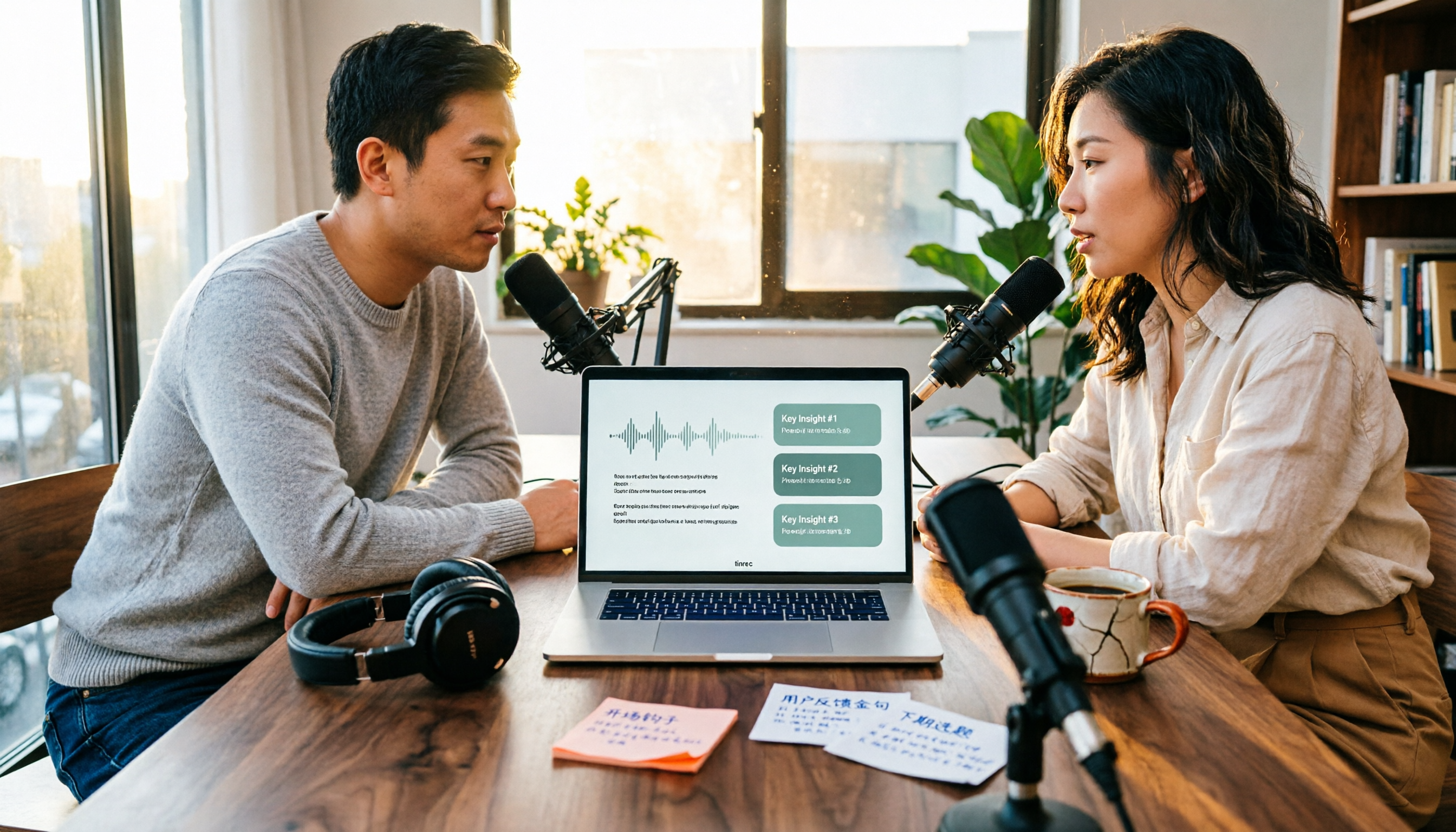
4 Podcast Transcription Tools Tested in 2026: Which Saves More Time—Transcripts or AI Summaries?
The same podcast audio file yields completely different results when run through four tools. This hands-on test compares Tinrec, Apple Podcasts' built-in transcripts, Notta, and TurboScribe, covering transcript readability, AI summaries and Q&A, export formats, and team collaboration. We also highlight common pitfalls around free quotas and per-file limits to help you find the most time-saving podcast transcription workflow.
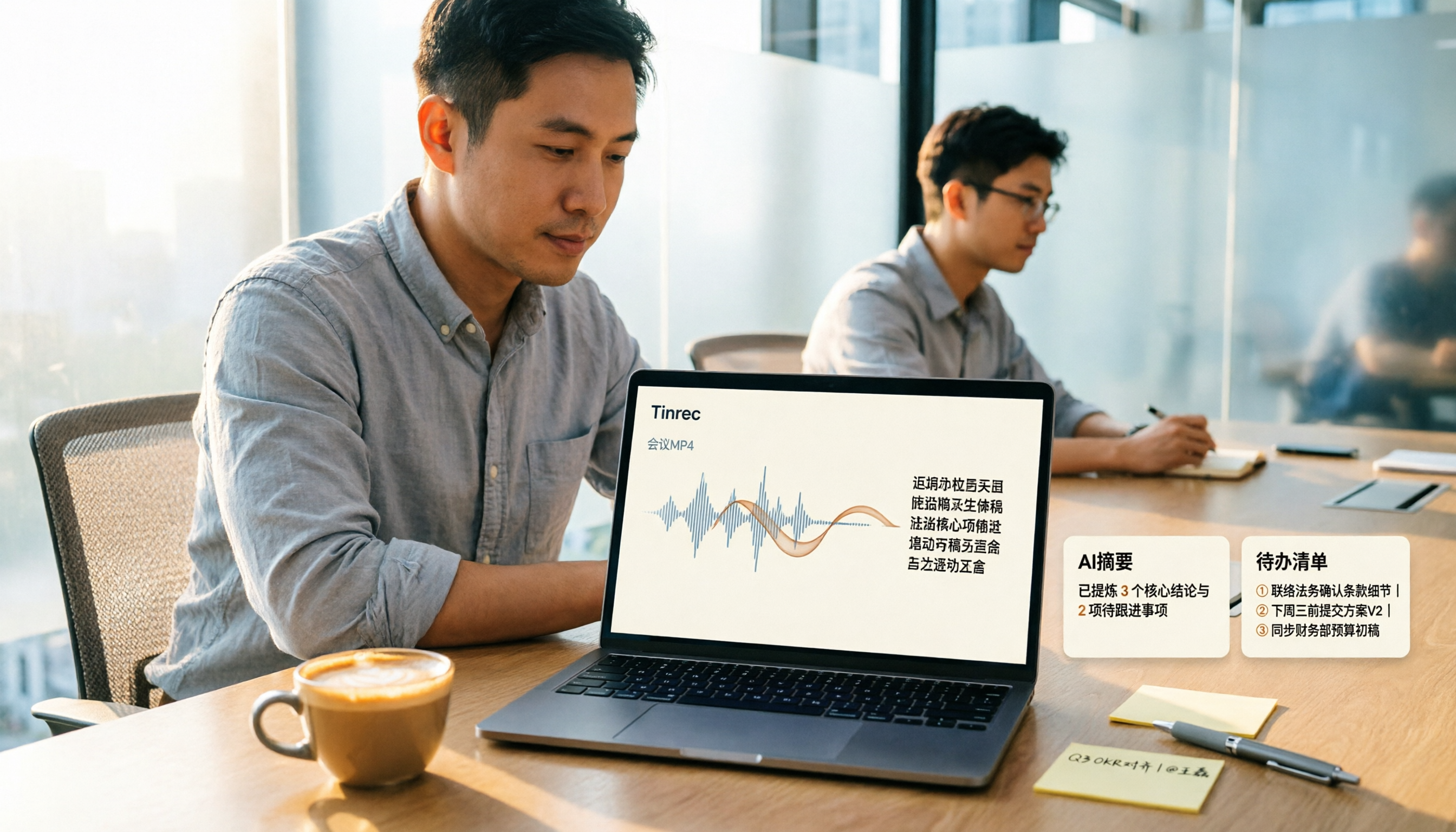
How to Convert MP4 to Text in 2026: Auto-Generate Transcripts + AI Summaries & Action Items
How do you choose an MP4-to-text tool? From the perspective of a mid-level manager running 15 meetings a week, I tested uploading meeting MP4s to Tinrec and evaluated the transcript, AI summary, and action item results, then compared it with TurboScribe, Notta, and VEED. I've compiled 4 key buying factors and 4 pitfalls to avoid, helping you pick the one that actually gets the job done.

4 Best Lecture Transcription Tools in 2026: Can a 3-Hour Lecture Really Become Usable Notes?
How do you choose a lecture transcription tool? This article covers four key factors: audio quality, file import, post-lecture organization, and team sharing. It compares Tinrec, Notta, TurboScribe, and PLAUD, with common pitfalls and selection advice to turn your lecture recordings into truly usable notes.

2026 Business Meeting Summary Tools Compared: Tinrec vs PLAUD Note — Which One Is Right for You?
Both tools can summarize a business meeting, but one requires hardware and the other doesn't. We compare Tinrec and PLAUD Note across hardware requirements, online meeting recording, post-meeting organization, team collaboration, and Chinese recognition to see which business meeting summary tool is better suited for professionals.

How to Transcribe Journalist Interview Recordings in 2026: A Complete 5-Step Guide
How do you transcribe interview recordings? This article covers 4 key factors for choosing a tool and a 5-step workflow, takes a deep look at Tinrec's Chinese transcription, AI Q&A, and team workspace, and compares the best use cases and limitations of Otter.ai, Granola, and Notta.