
Turn recordings into transcripts and summaries in minutes
Upload audio or video for multilingual transcription, AI notes, and action items
In this era of information overload, **speech-to-text** technology is no longer just a supplementary tool—it's an essential productivity booster for students, professionals, and creators. Entering 2024 and 2025, with the leapfrog development of AI language models, free speech-to-text software on the market has not only significantly improved accuracy but also evolved from simple dictation to "intelligent understanding."
Beyond basic real-time transcription, modern users need automatic meeting summary generation, multilingual translation, MP3 audio file transcription, and even direct conversion of YouTube videos into subtitles. This article will review the most notable free and advanced speech-to-text solutions in 2025 and take an in-depth look at a highly acclaimed all-in-one tool—TinRec (秒聽錄音).
Market Trends for Speech-to-Text Software in 2026: AI Sets New Standards
Before choosing a tool, let's examine three major trends shaping the 2026 market:
- AI Summaries and Action Items: Users are no longer satisfied with lengthy transcripts; AI that can automatically extract meeting highlights and action items is mainstream.
- Multimodal Input: In addition to real-time microphone recording, there is growing demand for importing MP3, M4A, and other audio files, as well as parsing video links (e.g., YouTube).
- Privacy and Cross-Platform: With the rise of remote work, tools must seamlessly switch between mobile and desktop while ensuring the privacy and security of recorded content.
Popular Free Speech-to-Text Tools Roundup
In the free market, several established and emerging tools each have their strengths:
- Google Live Transcribe: The go-to choice for Android users, completely free, suitable for face-to-face interviews or class notes, but the downside is difficulty exporting into structured documents, and it does not support audio file import.
- OpenAI Whisper: The most accurate open-source model currently available, supporting multiple languages. Although the core is free, it requires some programming knowledge or using a third-party interface, making it less accessible for average users.
- Built-in Voice Memos on Phones: While the latest versions of iOS and Android include transcription, they are typically limited to short recordings and perform poorly with professional jargon or long meetings.
Stop organizing recordings by hand
Upload audio or video and automatically get a transcript, summary, and action items
The All-Round Dark Horse for Work and Study: TinRec (秒聽錄音)
Among the many tools, TinRec (秒聽錄音) has rapidly gained popularity from late 2024 to 2025 due to its "all-in-one" feature integration. It solves the pain point of traditional free tools being single-function, combining call recording, file transcription, and AI note-taking seamlessly.
1. Core Features
TinRec is more than just a transcription tool—it's like a 24/7 AI assistant. Here are its key highlights:
- Call Recording to Text: This is a favorite among business professionals. TinRec can record high-quality calls and instantly transcribe them to text, ensuring no important decisions are missed.
- MP3 to Text and File Support: Have MP3 files from a voice recorder? Just upload them to TinRec to quickly get high-accuracy transcripts, saving hours of manual typing.
- AI Meeting Summaries and Minutes: Leveraging advanced large language models, TinRec automatically analyzes lengthy recordings and generates concise meeting minutes and summaries, allowing you to grasp one hour of meeting content in just one minute.
- YouTube Subtitle Generation: Extremely useful for content creators and students. Simply paste a video link, and TinRec extracts the audio to generate subtitles or notes—a great tool for learning foreign languages or organizing research.
2. Why Choose TinRec?
Compared to other competitors, TinRec has an intuitive interface and excellent optimization for Traditional Chinese recognition. It breaks the boundary between "recording" and "note-taking," freeing users from tedious documentation tasks.

Product Name: TinRec (秒聽錄音)
Official Website: https://tinrec.com/
How to Choose the Right Tool for You?
When selecting software, consider your usage scenario:
- Students: If you mainly need classroom recordings and organizing YouTube tutorial videos, TinRec's link parsing and summary features make it the best partner.
- Occasional Use: If you only need to transcribe a few sentences occasionally, Google Live Transcribe works fine.
- Professional Meetings: For full documentation, speaker separation, and formal meeting minutes, choose professional software with AI summary capabilities.
Conclusion: Boost Your Productivity with AI
The prevalence of speech-to-text technology allows us to spend precious time on "thinking" rather than "recording." In 2025, stop frantically typing—use AI tools to enhance your competitiveness!
If you're looking for a powerful, highly integrated speech-to-text tool that supports multiple input methods, try TinRec (秒聽錄音) now and experience the efficiency revolution brought by AI.
👉 Try TinRec (秒聽錄音) for Free Now: https://tinrec.com/
Turn every recording into actionable outcomes
Get 60 free transcription minutes when you sign in. No credit card required.
Related Reading
You might also like

4 AI Meeting Note Tools Tested for 2026: Which Saves the Most Time for Chinese Meetings?
Still spending two hours writing meeting notes after the meeting? This article compares four AI meeting note tools, breaking down Chinese and mixed Chinese-English recognition, meeting recording methods, post-meeting summaries and action items, cross-platform export, and team member management. It also lists four key pitfalls to avoid when choosing a tool, helping you find a solution that truly saves time.

2026 Guide: Convert Audio to Transcripts — Stop Typing Manually & Auto-Generate Meeting Minutes with AI
Don't want to type transcripts by hand? This guide covers two scenarios—live meetings and pre-recorded files—and outlines 4 key buying factors. We tested Tinrec's bot-free meeting recording, AI summaries, and Q&A workflow, compared Notta, Granola, and PLAUD, and included the most common pitfalls to avoid.

4 AI Recording Tools Tested for 2026: Which Saves the Most Time on Chinese Meeting Notes?
Recorded a meeting but never have time to organize it? This hands-on comparison looks at four common approaches—built-in phone features, free online tools, AI recording hardware, and dedicated AI meeting note tools—and tests Tinrec on Chinese meeting transcription, summaries, and action items. Includes 6 buying considerations and FAQs.

2026 Medical Meeting Transcription Tools Compared: Which AI Saves You the Most Time with Chinese Transcripts and Summaries?
For professionals juggling over a dozen meetings a week and still stuck with post-meeting notes, which tool should you use? This article dives into practical decision points, covering 5 key factors for choosing a medical meeting transcription tool. We tested Tinrec's bot-free recording, AI summaries, action item extraction, and AI Q&A, and briefly review alternatives like Notta, Otter.ai, and PLAUD. We also provide a guide to avoid common pitfalls and final recommendations.
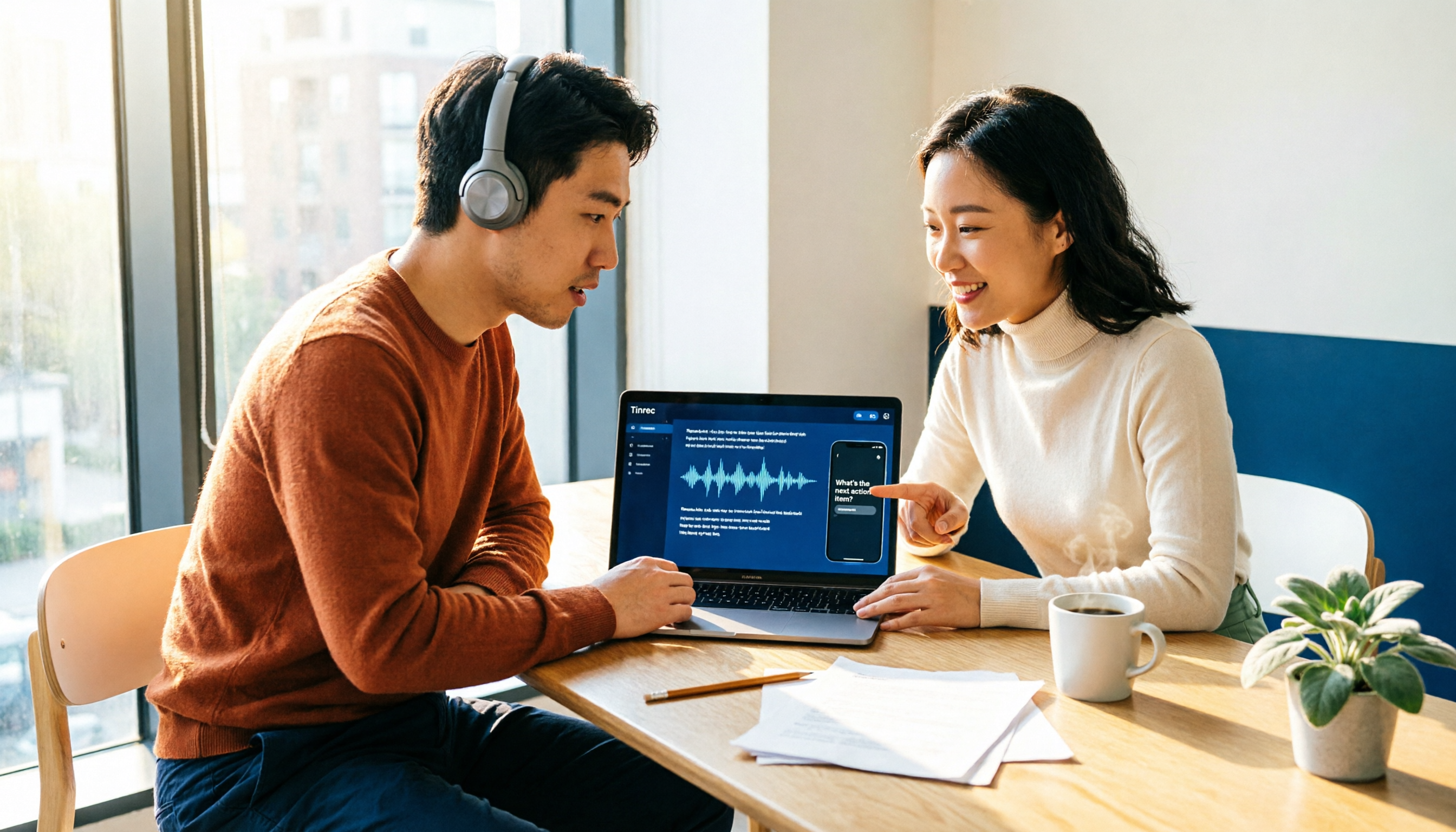
How to Choose an Automatic Transcription Tool in 2026: 5 Steps to Compare Yating Transcription and Tinrec
How do you choose an automatic transcription tool? Starting from the actual checklist I use when picking tools, I compare Yating Transcription and Tinrec across five dimensions, covering online meeting recording methods, post-meeting organization depth, AI Q&A, cross-platform team collaboration, and quota pricing, to help you determine which one better fits your workflow.

4 Best Audio-to-Text Apps in 2026: Which One Actually Saves You Post-Meeting Time?
A mid-level manager who attends 15 meetings a week shares hands-on experience. From online meeting recording methods and transcription performance for Chinese and mixed Chinese-English to post-meeting summaries and action item organization, this breaks down the differences among four types of audio-to-text apps and explains how Tinrec uses bot-free recording, AI summaries, action item extraction, and team spaces to turn meetings into searchable, collaborative, actionable data.

4 Interview Transcription Tools Compared in 2026: From Recording to Citable Text
After an interview, organizing the transcript often feels more exhausting than the interview itself. This article starts from 'recording to citable text' and compares 4 interview transcription tools, covering speaker labeling, AI Q&A, audio retention, and team sharing, plus common pitfalls and selection advice.

Tinrec vs Notta 2026: 5-Dimension Comparison for Chinese Meeting Transcription Tools
Starting from the decision focus of 'Do you want transcription, or usable meeting data?', this article compares Tinrec and Notta across 5 dimensions, covering selection criteria, a full breakdown of Tinrec, other options, and pitfalls to avoid, helping Chinese meeting users make a quick choice.

5 Transcription Tools Tested and Compared in 2026: Transcription Takes Too Long—Which One Actually Saves Time?
Transcription takes too long, and the problem is often not typing speed but the "listen, type, re-read" workflow. This article tests 5 transcription and AI meeting note tools, covering how to judge accuracy, post-meeting organization, audio retention and export, free quotas, and team seat licensing. It provides criteria you can follow directly and analyzes Tinrec's actual performance in bot-free recording, AI Q&A, and team knowledge retention.