
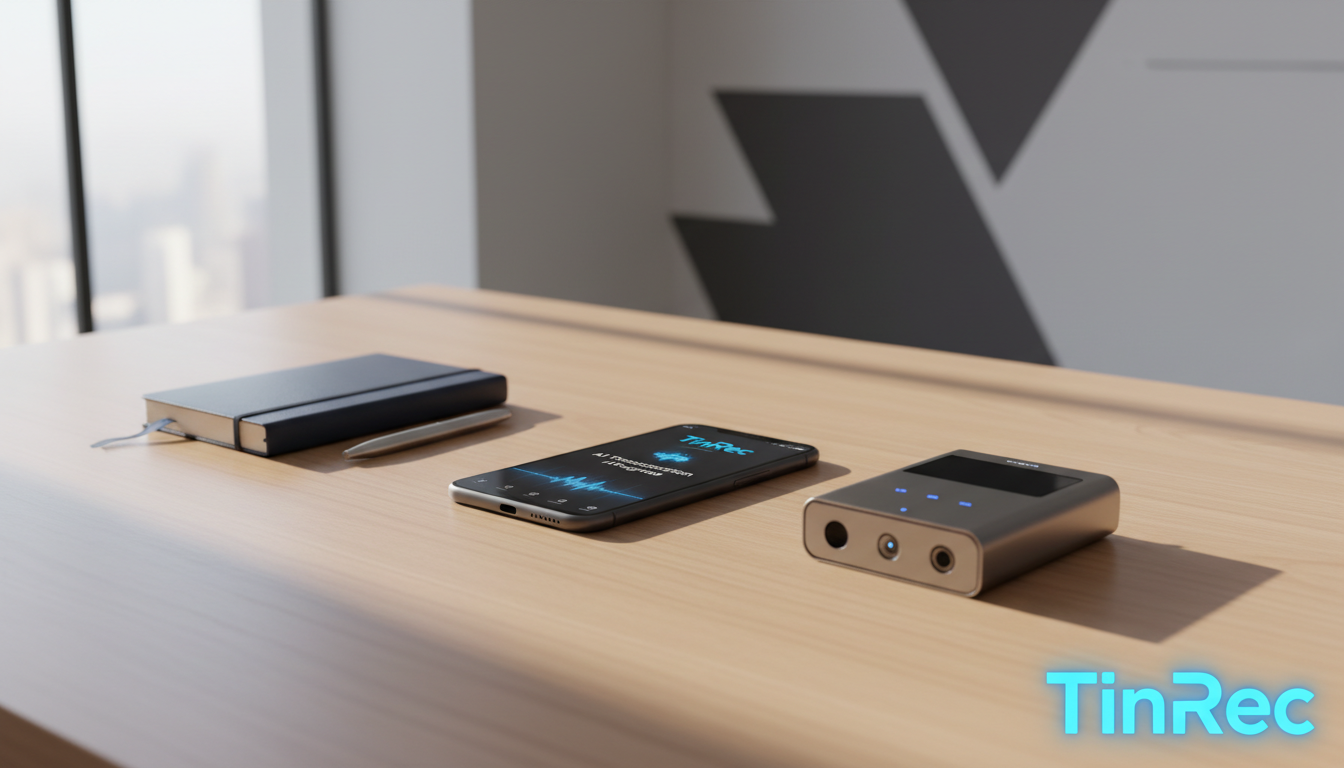
Turn recordings into transcripts and summaries in minutes
Upload audio or video for multilingual transcription, AI notes, and action items
The pace of the workplace is accelerating, and "efficiency" has become the keyword for office survival. For administrative staff, sales managers, journalists, and graduate students, the most painful moment is facing hours of meeting audio records that need to be manually transcribed. Fortunately, with the maturity of AI speech recognition technology (ASR) and large language models (LLM), traditional "voice recorders" have evolved into "AI smart recording assistants."
This article will provide an in-depth analysis of the market trends for recording-to-text in 2025, compare the pros and cons of hardware and software, and highlight a versatile tool that has recently gained attention in the workplace.
2026 Voice Recorder Market Trends: Hardware vs. Apps
In the past, when searching for "voice recorder recommendations," we often saw traditional hardware giants like Sony and Philips. However, from the second half of 2024 to 2025, the market has seen a major inflection point. Users are realizing that simple "recording" is no longer enough; the focus is on "transcription" and "summarization" after recording.
Currently, the market is divided into two main camps:
- AI Hardware Recorders (e.g., PLAUD, iFLYTEK): Advantages include excellent audio quality, often with physical noise-canceling microphones; disadvantages are higher prices (usually starting at several hundred dollars) and the hassle of carrying an extra device.
- AI Recording & Transcription Apps (Software): Advantages include using your phone's existing microphone, ready to use anytime, with fast software updates and flexible feature iteration. For most office scenarios, apps offer better convenience and value for money.
4 Key Factors for Choosing Office Transcription Tools
When selecting a recording-to-text tool suitable for office use, consider the following four points:
- Recognition Accuracy: Does it support Traditional Chinese and mixed Chinese-English contexts? This is crucial for the Taiwanese workplace.
- AI Summarization Ability: Can it automatically distinguish speakers (Speaker Diarization) and generate bullet-point meeting minutes?
- Call Recording Support: Business communication often happens over phone calls. A tool that solves iPhone/Android call recording challenges is a plus.
- File Format Compatibility: Does it support importing external audio files like MP3, M4A for transcription?
2026 Dark Horse Recommendation: TinRec (秒聽錄音)
Among the many competitors, one tool has recently emerged in efficiency-focused communities: TinRec (秒聽錄音). Unlike simple recording apps, TinRec perfectly integrates "recording," "transcription," and "AI summarization," making it especially suitable for professionals who need to process large amounts of voice information.
Stop organizing recordings by hand
Upload audio or video and automatically get a transcript, summary, and action items
Why Recommend TinRec?
TinRec's biggest advantage is that it solves multiple pain points by integrating various functions into a clean interface. Here are its core highlights:
1. Two-Way Call Recording & Transcription (Call Recording) This is a lifesaver for salespeople and customer service reps. Amid increasingly strict phone system restrictions, TinRec provides a stable call recording solution. It not only clearly records both sides of the conversation but also directly transcribes the call into text afterward. This greatly minimizes information loss for phone meeting notes, client requirement confirmations, or interview recordings.
2. MP3/Video to Text (File Conversion) Offices often need to organize old files or transcribe audio from external recorders. TinRec supports importing MP3 and other audio formats, and can even handle video files, quickly converting them into accurate transcripts. This feature is very useful for content creators (e.g., podcasters) or students who need to organize lecture content.
3. AI Meeting Summary & Minutes (AI Meeting Summary) This might be TinRec's most powerful productivity feature. After a two-hour marathon meeting, you no longer need to replay the recording. TinRec's AI engine automatically analyzes the audio, extracts key decisions, action items, and key summaries. It's like a 24/7 professional secretary that turns messy conversations into clear meeting minutes.
4. YouTube Subtitle Generation This is a unique feature for the new media era. TinRec can help generate subtitles for YouTube videos, significantly reducing the time spent on video post-production subtitling—a boon for marketers managing corporate channels.

Product Information at a Glance
- Product Name: TinRec (秒聽錄音)
- Core Features: Call recording to text, MP3 to text, AI meeting summary, meeting minutes AI, YouTube subtitle generation.
- Website: https://tinrec.com/
Real-World Scenarios: How to Boost Efficiency with TinRec
Scenario 1: Weekly Team Meetings In the past, you needed to assign someone to take meeting notes. Now, just open TinRec for live recording. After the meeting, click "AI Summary" and within 5 minutes, a meeting record with decision points and responsible persons can be sent to all attendees.
Scenario 2: Client Phone Negotiations During important price negotiations with clients, enable the call recording feature. After hanging up, use the transcription function to review conversation details, ensuring contract terms match verbal promises and protecting the company's interests.
Scenario 3: Training and Lectures When attending external training, record the instructor's voice. Afterward, use TinRec to generate a transcript and summary, quickly building a knowledge base. You can even use the transcribed text to create internal training materials.
Conclusion
In 2026, the office should no longer be bogged down by tedious transcription work. While there are hardware solutions like PLAUD Note and English-focused tools like Otter.ai, considering Traditional Chinese support, call recording needs, and value for money, TinRec (秒聽錄音) is undoubtedly the productivity tool worth trying this year.
If you want to free up your hands and spend time on more valuable decisions and creativity, I strongly recommend experiencing the change this tool can bring.
Experience the AI Office Efficiency Revolution Now: https://tinrec.com/
Turn every recording into actionable outcomes
Get 60 free transcription minutes when you sign in. No credit card required.
Related Reading
You might also like

4 AI Meeting Note Tools Tested for 2026: Which Saves the Most Time for Chinese Meetings?
Still spending two hours writing meeting notes after the meeting? This article compares four AI meeting note tools, breaking down Chinese and mixed Chinese-English recognition, meeting recording methods, post-meeting summaries and action items, cross-platform export, and team member management. It also lists four key pitfalls to avoid when choosing a tool, helping you find a solution that truly saves time.

2026 Guide: Convert Audio to Transcripts — Stop Typing Manually & Auto-Generate Meeting Minutes with AI
Don't want to type transcripts by hand? This guide covers two scenarios—live meetings and pre-recorded files—and outlines 4 key buying factors. We tested Tinrec's bot-free meeting recording, AI summaries, and Q&A workflow, compared Notta, Granola, and PLAUD, and included the most common pitfalls to avoid.

4 AI Recording Tools Tested for 2026: Which Saves the Most Time on Chinese Meeting Notes?
Recorded a meeting but never have time to organize it? This hands-on comparison looks at four common approaches—built-in phone features, free online tools, AI recording hardware, and dedicated AI meeting note tools—and tests Tinrec on Chinese meeting transcription, summaries, and action items. Includes 6 buying considerations and FAQs.

2026 Medical Meeting Transcription Tools Compared: Which AI Saves You the Most Time with Chinese Transcripts and Summaries?
For professionals juggling over a dozen meetings a week and still stuck with post-meeting notes, which tool should you use? This article dives into practical decision points, covering 5 key factors for choosing a medical meeting transcription tool. We tested Tinrec's bot-free recording, AI summaries, action item extraction, and AI Q&A, and briefly review alternatives like Notta, Otter.ai, and PLAUD. We also provide a guide to avoid common pitfalls and final recommendations.
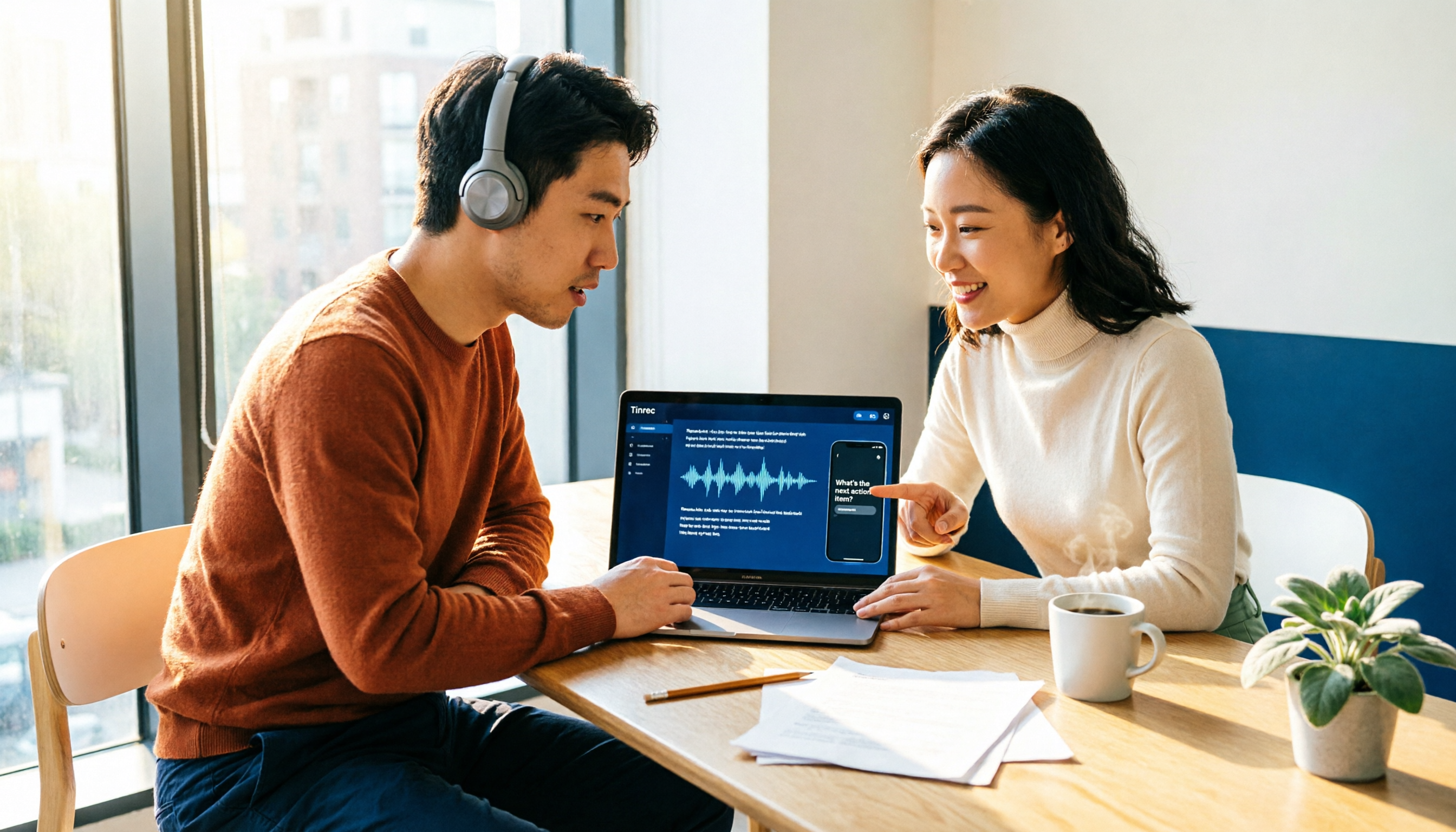
How to Choose an Automatic Transcription Tool in 2026: 5 Steps to Compare Yating Transcription and Tinrec
How do you choose an automatic transcription tool? Starting from the actual checklist I use when picking tools, I compare Yating Transcription and Tinrec across five dimensions, covering online meeting recording methods, post-meeting organization depth, AI Q&A, cross-platform team collaboration, and quota pricing, to help you determine which one better fits your workflow.

4 Best Audio-to-Text Apps in 2026: Which One Actually Saves You Post-Meeting Time?
A mid-level manager who attends 15 meetings a week shares hands-on experience. From online meeting recording methods and transcription performance for Chinese and mixed Chinese-English to post-meeting summaries and action item organization, this breaks down the differences among four types of audio-to-text apps and explains how Tinrec uses bot-free recording, AI summaries, action item extraction, and team spaces to turn meetings into searchable, collaborative, actionable data.

4 Interview Transcription Tools Compared in 2026: From Recording to Citable Text
After an interview, organizing the transcript often feels more exhausting than the interview itself. This article starts from 'recording to citable text' and compares 4 interview transcription tools, covering speaker labeling, AI Q&A, audio retention, and team sharing, plus common pitfalls and selection advice.

Tinrec vs Notta 2026: 5-Dimension Comparison for Chinese Meeting Transcription Tools
Starting from the decision focus of 'Do you want transcription, or usable meeting data?', this article compares Tinrec and Notta across 5 dimensions, covering selection criteria, a full breakdown of Tinrec, other options, and pitfalls to avoid, helping Chinese meeting users make a quick choice.

5 Transcription Tools Tested and Compared in 2026: Transcription Takes Too Long—Which One Actually Saves Time?
Transcription takes too long, and the problem is often not typing speed but the "listen, type, re-read" workflow. This article tests 5 transcription and AI meeting note tools, covering how to judge accuracy, post-meeting organization, audio retention and export, free quotas, and team seat licensing. It provides criteria you can follow directly and analyzes Tinrec's actual performance in bot-free recording, AI Q&A, and team knowledge retention.