
Turn recordings into transcripts and summaries in minutes
Upload audio or video for multilingual transcription, AI notes, and action items
According to hands-on observations by unwire.hk and major tech media in 2024-2025, phone "recording to text" has evolved beyond simple speech recognition into a productivity battle that combines AI summaries and action item extraction. Whether you’re a journalist, student, or business professional, facing lengthy interviews or meetings, mastering the latest transcription tools is key to boosting efficiency.
This article thoroughly updates the original tutorial, integrating the latest built-in features of iOS and Android, and introduces a versatile tool highly praised in the AI community—TinRec (TinRec Voice Recorder).
![[2025 Guide] How to Convert Phone Recordings to Text: From Built-in Features to AI Tool TinRec In-Depth Review](https://record-img.tos-accelerate.volces.com/images/2026/01/23/1769100494154292463.jpg)
2025 Recording-to-Text Trends: Native Features vs. Professional AI Tools
With AI becoming more accessible, native phone recording features are already quite powerful, but they typically only meet basic dictation needs. For professional users requiring deep organization, third-party AI tools offer more complete solutions.
1. iOS 18 and Android Native Evolution
- iOS Users: In the latest iOS 18, Apple finally strengthened the integration of "Voice Memos" and "Notes," supporting real-time recording-to-text. However, accuracy in Chinese contexts still has room for improvement and lacks structured summaries for long meetings.
- Android Users: The Google Pixel series "Recorder" app remains the benchmark, offering offline transcription. But for non-Pixel Android users, support is inconsistent, and features are often limited to plain text conversion, unable to handle MP3 file imports or cross-platform editing.
Pain Points: Why Aren’t Built-in Features Enough?
When using tools recommended by unwire.hk, many users encounter the following bottlenecks:
- File Format Limitations: Cannot import MP3 files from a computer or phone call recordings for transcription.
- Lack of Speaker Diarization: Cannot distinguish who is speaking, turning multi-person meeting notes into a mess.
- No Key Point Extraction: After getting a 10,000-word transcript, you still spend an hour extracting key points yourself.
- Cross-Language Barrier: Recognition rates drop significantly for technical meetings mixing Chinese and English.
If you identify with any of these, what you need is not just a "recorder" but an "AI recording secretary."
Stop organizing recordings by hand
Upload audio or video and automatically get a transcript, summary, and action items
Advanced AI Solution: TinRec (TinRec Voice Recorder) In-Depth Review
To address the above pain points, we tested a recently emerging AI tool—TinRec (TinRec Voice Recorder). It not only solves the limitations of native apps but also introduces a conversational AI similar to ChatGPT to handle recording content.
Product Overview
- Product Name: TinRec (TinRec Voice Recorder)
- Core Features: Call recording to text, MP3 to text, AI meeting summary, AI meeting minutes, YouTube subtitle generation
- Official Website: https://tinrec.com/
Why TinRec is the Top Choice in 2025
1. High Accuracy Call and Live Recording to Text
TinRec uses an advanced ASR model. In tests, it achieved extremely high recognition accuracy for Chinese (including Taiwanese accents) even in noisy environments. More importantly, it supports call recording to text, an indispensable feature for users who need to document phone interviews or business negotiations.
2. Smart AI Meeting Minutes
This goes beyond transcription. After recording, TinRec uses AI to auto-generate a structured meeting summary. It automatically extracts:
- Key Topics: What was discussed?
- Key Decisions: What consensus was reached?
- Action Items: Who needs to do what by when?
3. Universal File Processing: MP3 and YouTube Links
Unlike built-in features that only record "live" audio, TinRec allows you to upload existing MP3 recording files for transcription. Additionally, it has a killer feature: YouTube subtitle generation. Just paste a video link, and TinRec will fetch the content and generate a transcript and summary—perfect for studying online courses or organizing video notes.
4. Chat with Your Recording
TinRec includes an AI Chat feature. You can directly ask the AI: "What was said about the budget in this recording?" The AI will find the answer from a one-hour recording, saving you from repeated replays.
Hands-On Tutorial: How to Use TinRec to Boost Efficiency
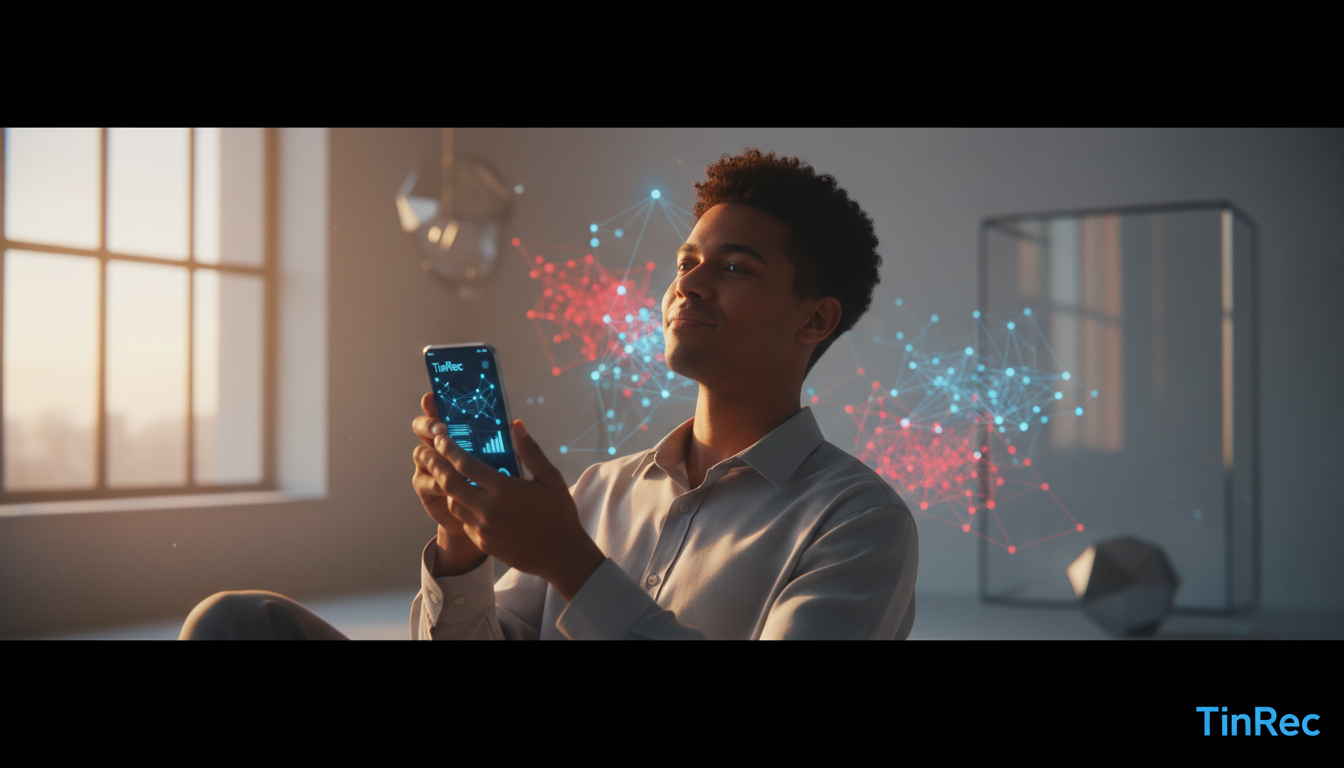
Step 1: Record or Upload Open TinRec. You can either start recording directly or tap the upload button to import a call recording or meeting MP3.
Step 2: Wait for AI Processing TinRec transcribes quickly—usually, a one-hour recording takes just minutes to complete transcription and speaker diarization.
Step 3: Get AI Summary After transcription, tap "AI Summary," and the system will instantly generate a complete report including a summary, keywords, and action items. You can copy this report directly to an email or Notion to share with your team.
Conclusion: Choose the Tool That Fits You
- If you only occasionally need to jot down a note: iOS or Android built-in features are sufficient.
- If you are a writer, project manager, or student: You handle numerous interviews, meetings, or lecture recordings, so a professional AI tool is a worthy investment.
In the 2025 AI tool battle, TinRec (TinRec Voice Recorder) stands out with its accurate Chinese recognition, powerful AI summaries, and full support for calls/YouTube—making it one of the most recommended productivity tools on the market.
Want to free your hands and stop typing transcripts manually?
👉 Experience the AI recording black tech now: https://tinrec.com/
Turn every recording into actionable outcomes
Get 60 free transcription minutes when you sign in. No credit card required.
Related Reading
You might also like

4 AI Meeting Note Tools Tested for 2026: Which Saves the Most Time for Chinese Meetings?
Still spending two hours writing meeting notes after the meeting? This article compares four AI meeting note tools, breaking down Chinese and mixed Chinese-English recognition, meeting recording methods, post-meeting summaries and action items, cross-platform export, and team member management. It also lists four key pitfalls to avoid when choosing a tool, helping you find a solution that truly saves time.

2026 Guide: Convert Audio to Transcripts — Stop Typing Manually & Auto-Generate Meeting Minutes with AI
Don't want to type transcripts by hand? This guide covers two scenarios—live meetings and pre-recorded files—and outlines 4 key buying factors. We tested Tinrec's bot-free meeting recording, AI summaries, and Q&A workflow, compared Notta, Granola, and PLAUD, and included the most common pitfalls to avoid.

4 AI Recording Tools Tested for 2026: Which Saves the Most Time on Chinese Meeting Notes?
Recorded a meeting but never have time to organize it? This hands-on comparison looks at four common approaches—built-in phone features, free online tools, AI recording hardware, and dedicated AI meeting note tools—and tests Tinrec on Chinese meeting transcription, summaries, and action items. Includes 6 buying considerations and FAQs.

2026 Medical Meeting Transcription Tools Compared: Which AI Saves You the Most Time with Chinese Transcripts and Summaries?
For professionals juggling over a dozen meetings a week and still stuck with post-meeting notes, which tool should you use? This article dives into practical decision points, covering 5 key factors for choosing a medical meeting transcription tool. We tested Tinrec's bot-free recording, AI summaries, action item extraction, and AI Q&A, and briefly review alternatives like Notta, Otter.ai, and PLAUD. We also provide a guide to avoid common pitfalls and final recommendations.
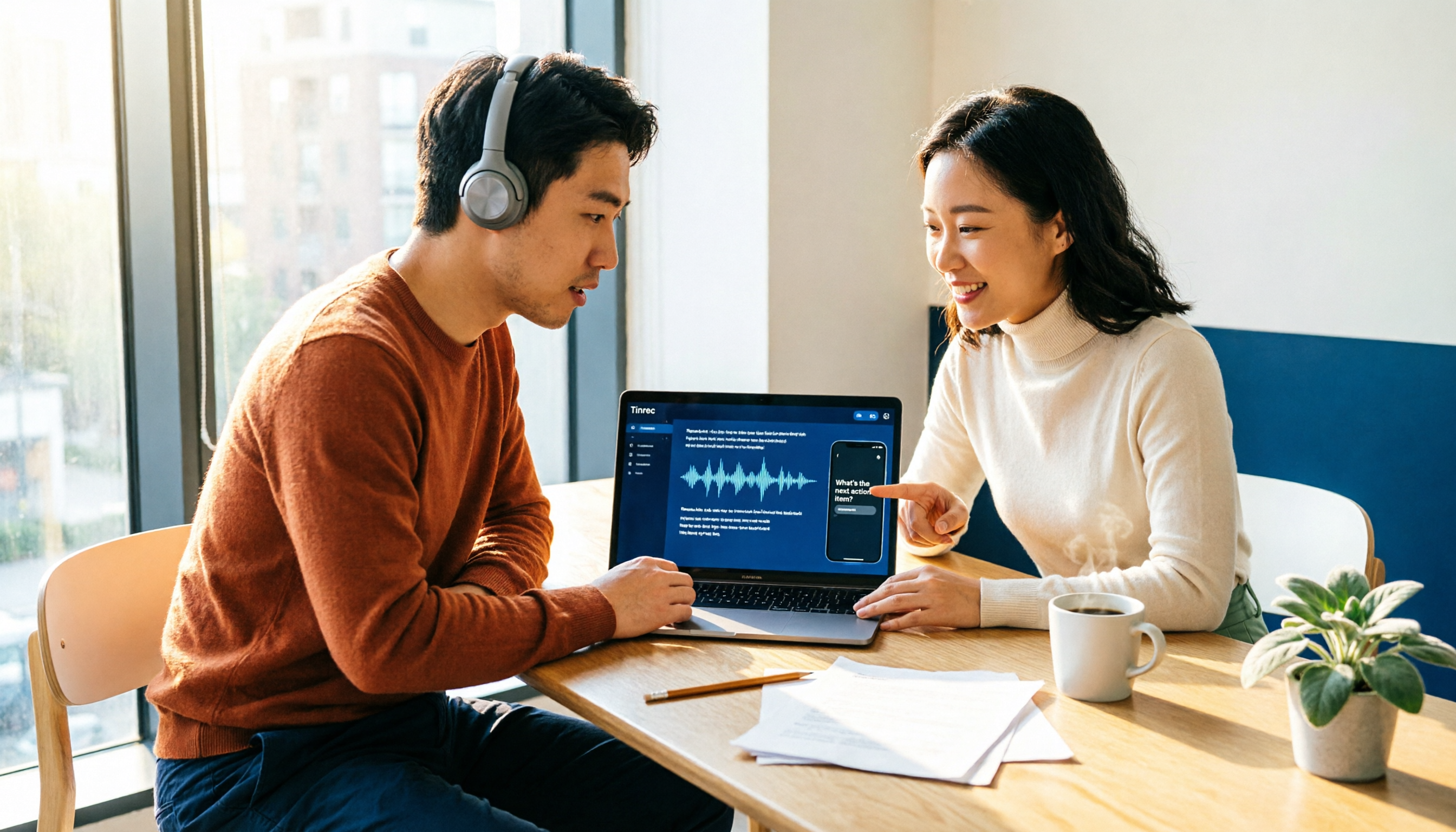
How to Choose an Automatic Transcription Tool in 2026: 5 Steps to Compare Yating Transcription and Tinrec
How do you choose an automatic transcription tool? Starting from the actual checklist I use when picking tools, I compare Yating Transcription and Tinrec across five dimensions, covering online meeting recording methods, post-meeting organization depth, AI Q&A, cross-platform team collaboration, and quota pricing, to help you determine which one better fits your workflow.

4 Best Audio-to-Text Apps in 2026: Which One Actually Saves You Post-Meeting Time?
A mid-level manager who attends 15 meetings a week shares hands-on experience. From online meeting recording methods and transcription performance for Chinese and mixed Chinese-English to post-meeting summaries and action item organization, this breaks down the differences among four types of audio-to-text apps and explains how Tinrec uses bot-free recording, AI summaries, action item extraction, and team spaces to turn meetings into searchable, collaborative, actionable data.

4 Interview Transcription Tools Compared in 2026: From Recording to Citable Text
After an interview, organizing the transcript often feels more exhausting than the interview itself. This article starts from 'recording to citable text' and compares 4 interview transcription tools, covering speaker labeling, AI Q&A, audio retention, and team sharing, plus common pitfalls and selection advice.

Tinrec vs Notta 2026: 5-Dimension Comparison for Chinese Meeting Transcription Tools
Starting from the decision focus of 'Do you want transcription, or usable meeting data?', this article compares Tinrec and Notta across 5 dimensions, covering selection criteria, a full breakdown of Tinrec, other options, and pitfalls to avoid, helping Chinese meeting users make a quick choice.

5 Transcription Tools Tested and Compared in 2026: Transcription Takes Too Long—Which One Actually Saves Time?
Transcription takes too long, and the problem is often not typing speed but the "listen, type, re-read" workflow. This article tests 5 transcription and AI meeting note tools, covering how to judge accuracy, post-meeting organization, audio retention and export, free quotas, and team seat licensing. It provides criteria you can follow directly and analyzes Tinrec's actual performance in bot-free recording, AI Q&A, and team knowledge retention.