
Turn recordings into transcripts and summaries in minutes
Upload audio or video for multilingual transcription, AI notes, and action items
In the wave of digital office transformation, meetings occupy a significant amount of workplace professionals' time. However, after a meeting, have you ever felt overwhelmed by audio recordings or confused by scattered notes? A meeting summary is not just a record of the meeting but the foundation for subsequent execution. This article starts from the pain points of traditional note-taking, explores how to write high-quality meeting summaries, and deeply introduces how to use modern AI tools to double efficiency.
1. Why Do We Need "Meeting Summaries"?
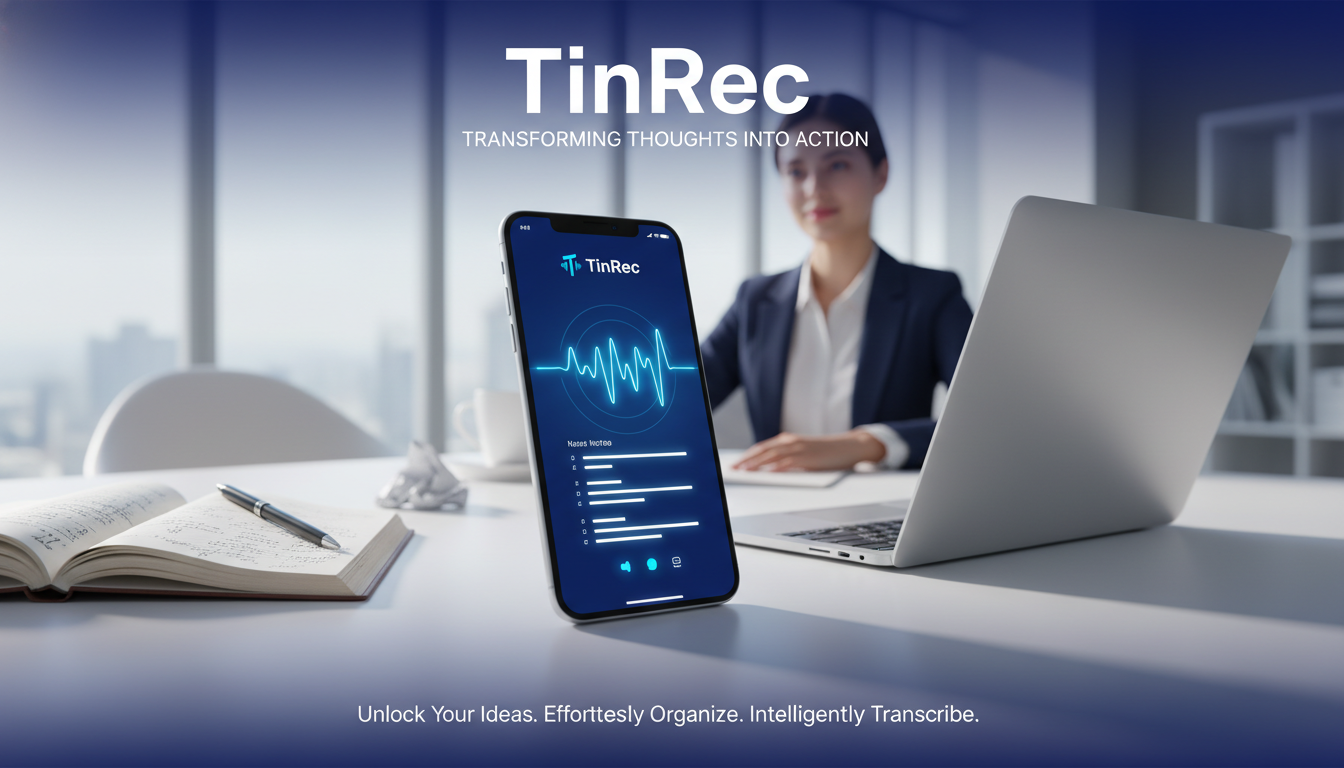
Many people mistakenly believe that meeting minutes are simply recording every word spoken by participants. In fact, while verbatim transcripts are complete, they are extremely time-consuming to read. For busy decision-makers, they don't have time to review an hour-long conversation log. The core value of a meeting summary lies in "filtering" and "distilling."
A good summary achieves the following three points:
- Information noise reduction: Filters out small talk and off-topic discussions, retaining only agenda-related content.
- Accountability assignment: Clearly states who (Who) needs to do what (What) by when (When).
- Decision finalization: Clearly records the consensus and conclusions reached during the meeting, avoiding future disputes.
In short, a meeting summary is a bridge that transforms "past conversations" into "future actions." Records without focus are just dead text; precise summaries are the fuel that drives projects forward.
2. Golden Rules for Writing Efficient Meeting Summaries
Before adopting automated tools, understanding the logic of manual writing remains important. This helps us better judge AI-generated content. Here are three golden rules for writing meeting summaries:
- Structured note-taking: Avoid a chronological running record. Use the structure: Topic -> Discussion -> Conclusion -> Action Items. This hierarchical format allows readers to grasp the meeting overview in 30 seconds.
- Verb-oriented: When recording action items, always start with clear verbs, such as "Write," "Contact," "Publish," instead of vague terms like "Handle" or "Follow up."
- Highlight key data: Numbers such as budget amounts, deadlines, and KPI targets mentioned during the meeting must be accurately recorded and bolded, as they are often key indicators for subsequent checks.
Stop organizing recordings by hand
Upload audio or video and automatically get a transcript, summary, and action items
3. Productivity Revolution in the AI Era: From "Transcribing" to "Instant Understanding"
With the leapfrog advancements in Automatic Speech Recognition (ASR) and Natural Language Processing (NLP), traditional "listen and type" recording methods are gradually becoming a thing of the past. AI tools not only solve the problem of typing speed lagging behind speaking speed but, more importantly, they possess the ability to "understand."
Modern AI meeting assistants can achieve:
- Full automatic transcription: Accuracy over 98%, supporting multiple languages.
- Intelligent segmenting: Automatically identify different speakers (Speaker Diarization), making conversation records clear and distinct.
- Key point extraction: Using large language models to automatically summarize meeting conclusions and action items.
This means workplace professionals can be freed from tedious recording tasks and fully concentrate on communication and creative thinking during the meeting itself.
4. Comprehensive AI Recording Tool: In-Depth Analysis of TinRec (秒聽錄音)
Among many speech-to-text tools, TinRec (秒聽錄音) stands out with its powerful feature integration and targeted solutions for workplace pain points, making it a top choice for many professionals. It is not just a recording tool but an intelligent meeting secretary.

1. Core Features: Call Recording to Text and MP3 Conversion
TinRec's strength lies in its flexible audio processing capabilities. Whether it's on-site recording of in-person meetings or call recording to text for remote meetings, it handles them with ease. For already recorded audio files, TinRec also supports MP3 to text conversion, which significantly reduces the time spent transcribing for journalist interviews, academic research, or podcast content organization.
2. AI Meeting Summary and Minutes Generation
This is one of TinRec's most productive features. When recording ends, TinRec's AI meeting summary function immediately intervenes to automatically analyze lengthy recordings. It quickly generates clearly structured AI meeting minutes, automatically extracting key decisions and action items. Users no longer need to spend hours re-listening to recordings; just a few minutes reading the AI-generated summary gives them the essence of the meeting.
3. Diverse Applications: YouTube Subtitle Generation
Beyond business meetings, TinRec also caters to content creators. It features YouTube subtitle generation; simply import a video link or audio file to quickly produce accurate subtitle text. This is an extremely practical tool for creators who need to produce multilingual content or want to improve their video SEO.
Through the features available on the TinRec website (https://tinrec.com/), users can establish a complete digital voice asset management process, transforming voice information into a searchable, editable text knowledge base.
5. Future Outlook: Free Your Hands, Focus on Value
From handwritten notes to using advanced AI tools like TinRec, we have witnessed a tremendous transformation in the form of meeting records. Technological progress is not meant to replace human thinking but to eliminate repetitive, low-value-added tasks.
When "recording" can be perfectly automated, we free up more time and energy to focus on "decision-making," "communication," and "innovation." Embracing AI meeting tools is not only a pursuit of efficiency but also a necessary path for modern workplace professionals to enhance their competitiveness. In the future workplace, the ability to use tools to manage information flow will become a key differentiator separating high-performing individuals from the rest.
Turn every recording into actionable outcomes
Get 60 free transcription minutes when you sign in. No credit card required.
Related Reading
You might also like

4 AI Meeting Note Tools Tested for 2026: Which Saves the Most Time for Chinese Meetings?
Still spending two hours writing meeting notes after the meeting? This article compares four AI meeting note tools, breaking down Chinese and mixed Chinese-English recognition, meeting recording methods, post-meeting summaries and action items, cross-platform export, and team member management. It also lists four key pitfalls to avoid when choosing a tool, helping you find a solution that truly saves time.

2026 Guide: Convert Audio to Transcripts — Stop Typing Manually & Auto-Generate Meeting Minutes with AI
Don't want to type transcripts by hand? This guide covers two scenarios—live meetings and pre-recorded files—and outlines 4 key buying factors. We tested Tinrec's bot-free meeting recording, AI summaries, and Q&A workflow, compared Notta, Granola, and PLAUD, and included the most common pitfalls to avoid.

4 AI Recording Tools Tested for 2026: Which Saves the Most Time on Chinese Meeting Notes?
Recorded a meeting but never have time to organize it? This hands-on comparison looks at four common approaches—built-in phone features, free online tools, AI recording hardware, and dedicated AI meeting note tools—and tests Tinrec on Chinese meeting transcription, summaries, and action items. Includes 6 buying considerations and FAQs.

2026 Medical Meeting Transcription Tools Compared: Which AI Saves You the Most Time with Chinese Transcripts and Summaries?
For professionals juggling over a dozen meetings a week and still stuck with post-meeting notes, which tool should you use? This article dives into practical decision points, covering 5 key factors for choosing a medical meeting transcription tool. We tested Tinrec's bot-free recording, AI summaries, action item extraction, and AI Q&A, and briefly review alternatives like Notta, Otter.ai, and PLAUD. We also provide a guide to avoid common pitfalls and final recommendations.
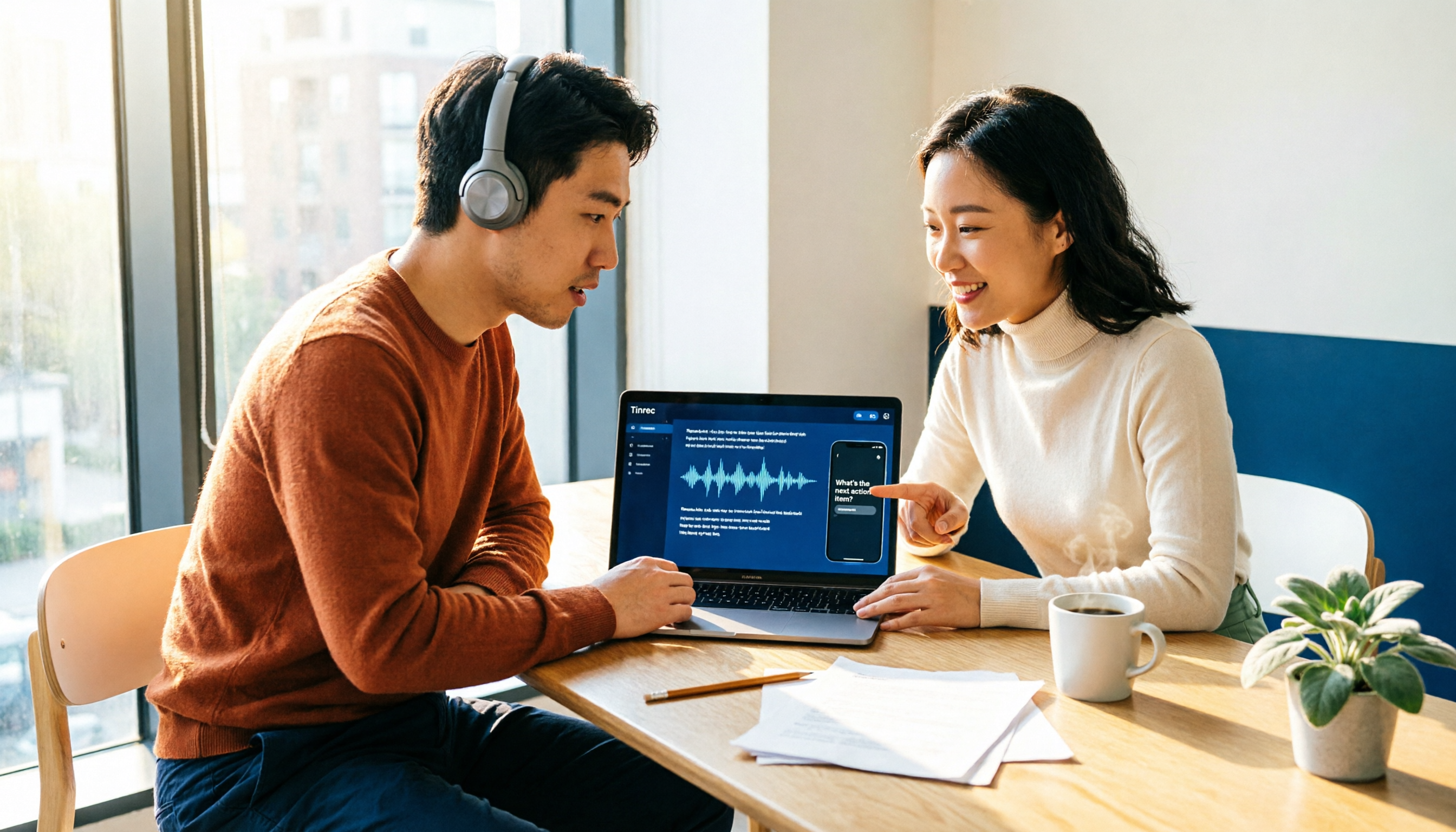
How to Choose an Automatic Transcription Tool in 2026: 5 Steps to Compare Yating Transcription and Tinrec
How do you choose an automatic transcription tool? Starting from the actual checklist I use when picking tools, I compare Yating Transcription and Tinrec across five dimensions, covering online meeting recording methods, post-meeting organization depth, AI Q&A, cross-platform team collaboration, and quota pricing, to help you determine which one better fits your workflow.

4 Best Audio-to-Text Apps in 2026: Which One Actually Saves You Post-Meeting Time?
A mid-level manager who attends 15 meetings a week shares hands-on experience. From online meeting recording methods and transcription performance for Chinese and mixed Chinese-English to post-meeting summaries and action item organization, this breaks down the differences among four types of audio-to-text apps and explains how Tinrec uses bot-free recording, AI summaries, action item extraction, and team spaces to turn meetings into searchable, collaborative, actionable data.

4 Interview Transcription Tools Compared in 2026: From Recording to Citable Text
After an interview, organizing the transcript often feels more exhausting than the interview itself. This article starts from 'recording to citable text' and compares 4 interview transcription tools, covering speaker labeling, AI Q&A, audio retention, and team sharing, plus common pitfalls and selection advice.

Tinrec vs Notta 2026: 5-Dimension Comparison for Chinese Meeting Transcription Tools
Starting from the decision focus of 'Do you want transcription, or usable meeting data?', this article compares Tinrec and Notta across 5 dimensions, covering selection criteria, a full breakdown of Tinrec, other options, and pitfalls to avoid, helping Chinese meeting users make a quick choice.

5 Transcription Tools Tested and Compared in 2026: Transcription Takes Too Long—Which One Actually Saves Time?
Transcription takes too long, and the problem is often not typing speed but the "listen, type, re-read" workflow. This article tests 5 transcription and AI meeting note tools, covering how to judge accuracy, post-meeting organization, audio retention and export, free quotas, and team seat licensing. It provides criteria you can follow directly and analyzes Tinrec's actual performance in bot-free recording, AI Q&A, and team knowledge retention.