

Turn recordings into transcripts and summaries in minutes
Upload audio or video for multilingual transcription, AI notes, and action items
I've tried several meeting note tools before—some were slow to transcribe, others had weak organization. After a two-hour meeting, I'd still spend another hour writing up notes myself. It was really annoying.
Recently I switched to Tinrec, and I finally feel like there's a tool that actually saves time.

What Can Quick Meeting Notes Do for You?
Scenario 1: Get a Summary 5 Minutes After the Meeting
Before, I used to record meetings on my phone and then listen to the whole thing again. Now with Tinrec, it transcribes in real-time. By the time the meeting ends, the AI has already generated the summary, conclusions, and action items—showing who's responsible and by when, all at a glance.
Scenario 2: No More Scrambling in Online Meetings
With Zoom or Google Meet, Tinrec can directly record computer audio and provide a live transcript. I often glance at the text during the meeting to make sure I haven't missed key points.
Scenario 3: Old Recordings Can Be Revived
I had a bunch of old voice memos on my phone that I never bothered to organize. Tinrec lets me upload audio files, and within minutes it spits out a transcript. I can even use AI Q&A to ask "What was the conclusion of the last meeting?" without listening from start to finish.
What Are Tinrec's Core Capabilities?
Live Real-time Transcription
It outputs text as you record, not after. Latency is less than 1 second, so you can follow along during the meeting. And the Chinese recognition is pretty good—in a typical meeting room environment, I measured accuracy at over 90%.
AI Semantic Summary
It doesn't just condense the transcript into one paragraph; it organizes it structurally—meeting topic, discussion conclusions, action items, responsible persons, all listed separately. After each meeting, I just paste the summary into Slack, and the team says it's much clearer.
AI Conversational Query
After transcription, you can ask Tinrec questions like "Who mentioned the budget in the meeting?" or "What was the client's feedback?" and it answers based on semantic understanding. This feature is really powerful—I now just ask to find old meeting content.
Automatic Action Item Extraction
Action items mentioned during the meeting are automatically extracted into a list. No need to type while listening—saves tons of time.
Multiple Export Formats
Stop organizing recordings by hand
Upload audio or video and automatically get a transcript, summary, and action items
You can export the cleaned-up content as TXT, PDF, Word, or sync directly to Notion and Google Docs, seamlessly integrating with your existing workflow.
Real-World Use Cases
Weekly Team Meeting Notes
Every week for our team stand-up, I use Tinrec to record. After the meeting, the AI summary goes straight to the group chat, so everyone knows what they need to do that week. I used to have to write meeting minutes myself; now I don't even touch a pen.
Client Meetings
During client meetings, Tinrec records and transcribes in real-time. After the meeting, I organize the transcript and action items and email them to the client—looks super professional. The client even asked what tool I was using and said they wanted to try it.
Brainstorming Sessions

Creative meetings are the worst for missing ideas. Tinrec records the whole session, and later you can use AI Q&A to search for keywords. No idea gets lost.
One-on-One Talks
For one-on-ones with employees or partners, I use the Tinrec app on my phone to record. Right after, I get a summary and action items, making follow-up super easy.
4 Things to Watch for When Choosing a Meeting Notes Tool
1. Transcription Accuracy
Don't just trust the marketing numbers—try it yourself. With clear dialogue in a typical meeting room, I tested Tinrec's Chinese accuracy at about 90% and above. Occasionally, proper nouns get messed up, but overall it's sufficient.
2. Organization Features Matter More Than Transcription
Converting speech to text is just step one. The key is whether it can summarize, break into sections, and list action items for you. Tinrec's AI summary and conversational query save me a ton of organizing time.
3. Language Support
If you need Chinese transcription, not every tool does it well. Tinrec handles Taiwanese accents quite well, and it correctly identifies mixed Chinese-English input.
4. Cross-Platform and Pricing
Make sure the tool supports the devices you use. Tinrec has iOS, Android, and web versions—works on both computer and phone. The free plan gives you 100 minutes per month, which is enough for typical meetings. If you need more, the Pro plan is affordable.
FAQ
Q: Is the Tinrec free version enough?
A: Most meetings are 30-60 minutes. With 100 minutes per month on the free plan, you can record about 2-3 meetings, which is perfectly fine for light use.
Q: How long are recordings saved?
A: Transcribed content and audio files are stored in your account. You can listen back, search, and ask questions at any time unless you delete them.
Q: What languages are supported?
A: Currently supports 14 languages, including Chinese, English, Japanese, Cantonese, etc. All commonly used languages in Taiwan are covered.
Q: Is the accuracy really high?
A: About 90% in clear dialogue. However, if there is background noise or multiple people talking at once, there will inevitably be some errors. It's recommended to double-check important content against the original.
Summary
Honestly, after using Tinrec, I can never go back to typing meeting notes manually.
If you have more than 3 meetings per week or just don't want to waste time sorting through recordings, give it a try. Start with the free plan for a couple of meetings, and you'll see what it feels like to have AI organize your meeting notes.
Turn every recording into actionable outcomes
Get 60 free transcription minutes when you sign in. No credit card required.
Related Reading
You might also like

Free Audio-to-Transcript Solutions in 2026: Tinrec vs cSubtitle Compared
A mid-level manager's hands-on comparison of free audio-to-transcript solutions in 2026, focusing on Tinrec and cSubtitle. We break down live meeting recording, Chinese speech recognition, AI summaries and action items, team collaboration, and free tier limits. If you run many meetings each week and need to turn them into trackable action items, this guide will help you decide which tool fits your workflow.
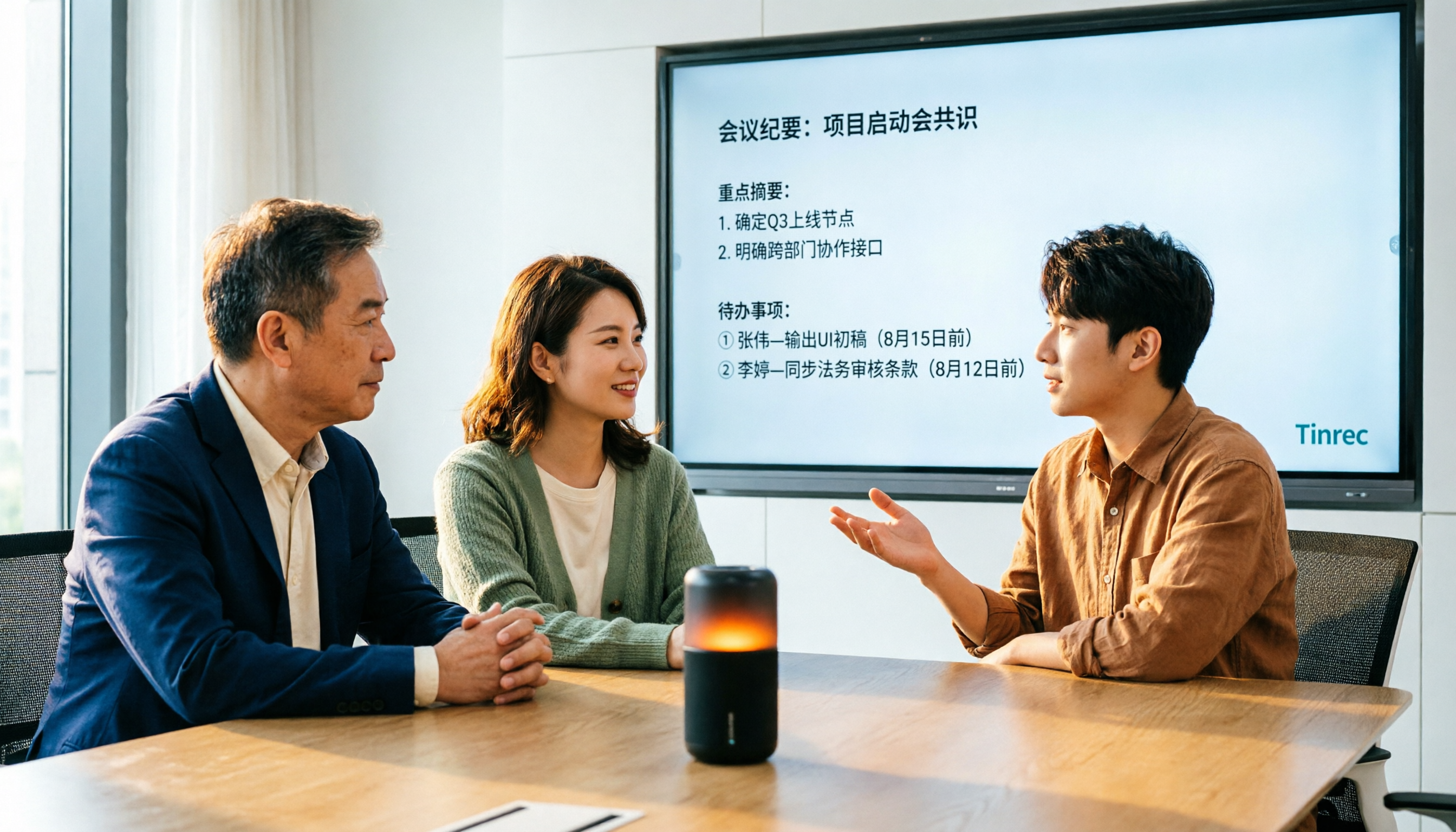
4 Audio-to-Text Tools Tested for 2026: Which Saves the Most Time on Chinese Meeting Notes?
We tested 4 audio-to-text tools, comparing Chinese meeting performance, bot-free recording, AI summaries and Q&A, and team permissions. We also outline 4 key buying factors and 3 common pitfalls to help you find the one that truly saves time after transcription.
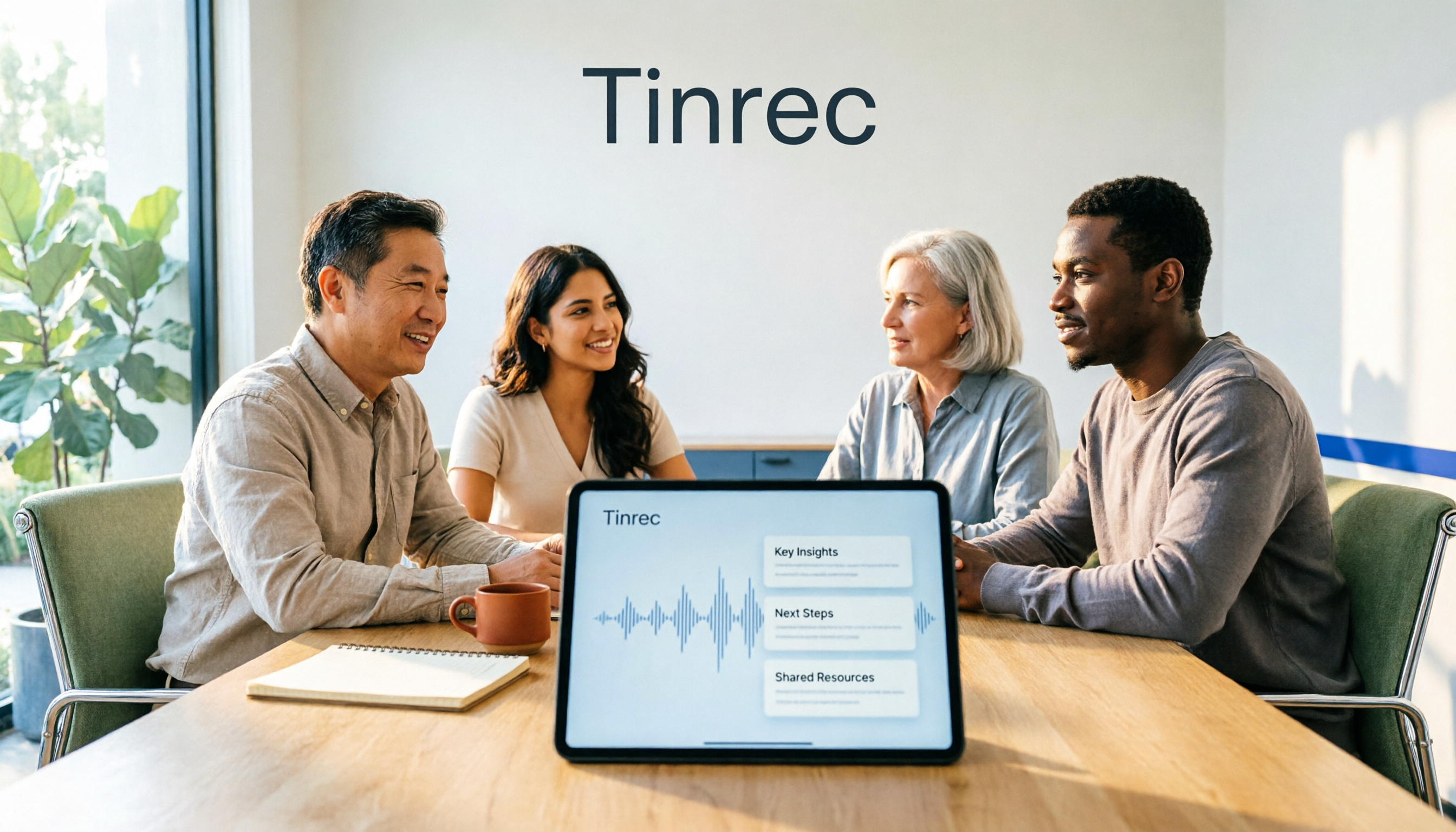
2026 AI Meeting Recorder Comparison: 4 Tools Tested for Transcripts and Team Knowledge
We tested and compared four AI meeting recorder tools: Tinrec, Otter.ai, Notta, and Granola. The article first explains the four key factors to consider when choosing a tool, then takes a deep dive into Tinrec's bot-free recording, AI summaries, action item extraction, and post-meeting Q&A workflow. It also honestly covers free plan limitations and team pricing, and ends with a buyer's guide and scenario-based recommendations to help you pick the right one.

2026 Comparison of 2 Meeting Transcription Tools: Tinrec vs Notta – Which Is Better for Chinese-Speaking Teams?
This hands-on comparison evaluates Tinrec and Notta, two meeting audio-to-text tools, across Chinese transcription, meeting recording methods, post-meeting organization, team collaboration, and pricing to help you decide which better fits your meeting note needs.

How to Transcribe Meeting Recordings in 2026: Auto-Generate Transcripts, Summaries & Action Items
Meeting recordings can easily run an hour, and re-listening to type notes afterward is the biggest time sink. This guide covers 7 practical solutions—from AI meeting tools and transcription services to free built-in features—to turn recordings into transcripts, summaries, and trackable action items.

2026 Comparison of 3 Speaker Summary Tools: How Tinrec Helps You Know Who Said What
In meetings with multiple speakers, it's hard to remember who said what afterward. This article compares 3 speaker summary tools and uses Tinrec as an example to show how AI transcription, Q&A, and summaries can quickly organize each speaker's viewpoints and action items.
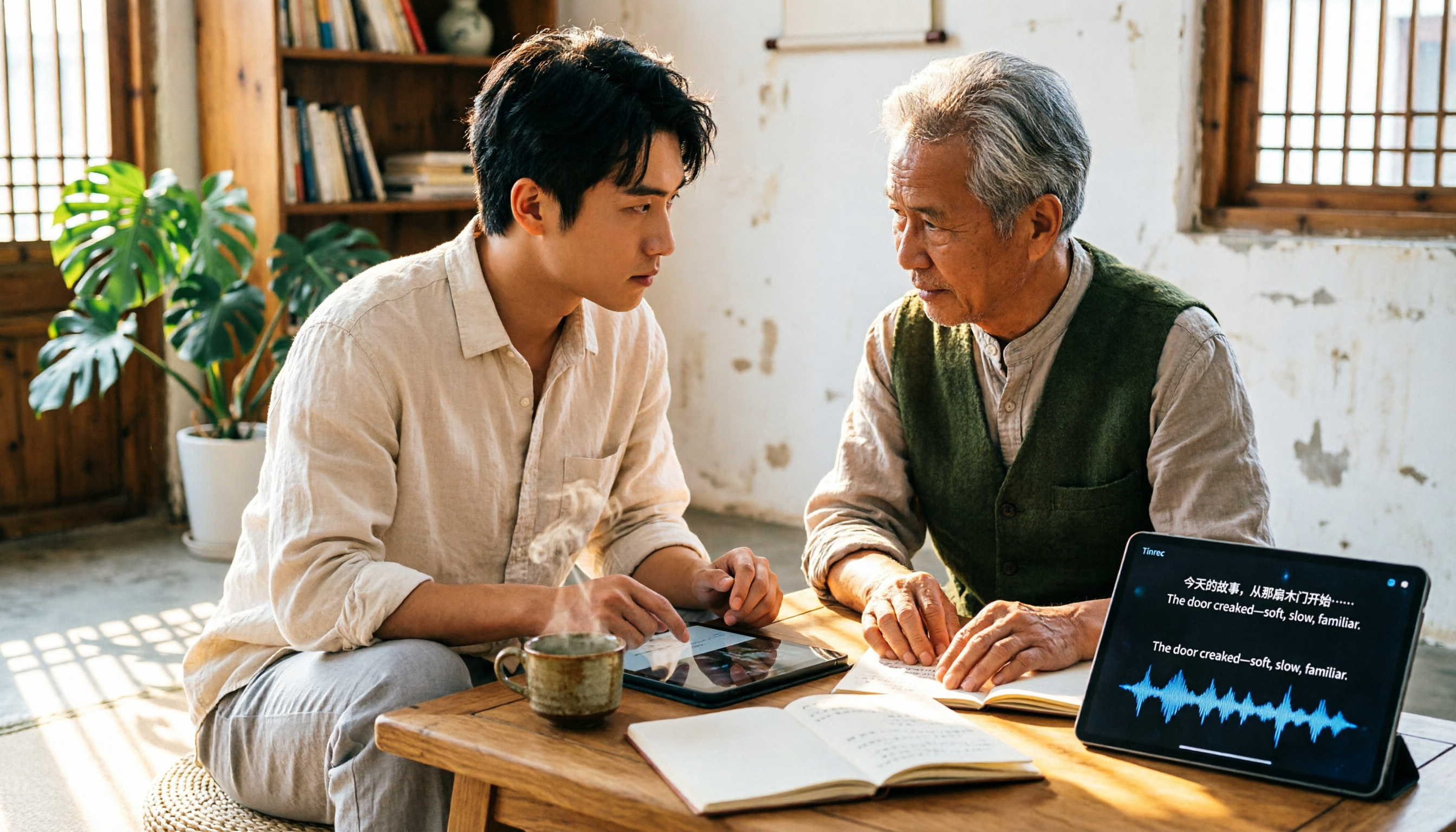
4 Free Transcription Generators Compared in 2026: Which Offers the Best Free Quota and Chinese Recognition?
There are many free transcription generators, but what really matters is how the free quota is calculated, how accurately Chinese and mixed Chinese-English are recognized, and whether the transcript can be used directly. This article uses Tinrec as an example to break down 4 common free approaches, core capabilities, practical use cases, and 5 key purchasing considerations, and answers common questions.

How Long Can iPhone Record? 2026 Guide: 48-Hour Limit + AI Meeting Notes
How long can an iPhone record? Apple's built-in Voice Memos can record up to about 48 hours with enough storage and battery, but the real challenge is what you do with the recording afterward. This guide clears up 3 common misconceptions and practical limits, then shows how Tinrec turns recordings into transcripts, summaries, chapters, and action items in real time. It also covers 5 key factors for choosing a recording-to-text tool and answers frequently asked questions.

4 Online Transcription Tools Tested for 2026: Which Is Best for Chinese Meetings?
Online transcription tools aren't just about speed. We tested Tinrec, Notta, Otter.ai, and TurboScribe, comparing them on Chinese meeting support, bot-free recording, AI Q&A, action item extraction, and team data ownership. We also cover 4 common buying pitfalls to help you find a solution that truly saves post-meeting cleanup time.