

Turn recordings into transcripts and summaries in minutes
Upload audio or video for multilingual transcription, AI notes, and action items
6 AI Meeting Assistants Tested for 2026: Which Saves the Most Time on Chinese Meeting Minutes?
Why Do You Need an AI Meeting Assistant?
It's 4 PM on a Wednesday, and a 90-minute cross-department meeting just ended. Your manager is already asking in the group chat, "Who's responsible for those three conclusions?" You open the recording file, but all you hear is a blur of voices—no key points, no action items.
This is exactly what AI meeting assistants are designed to solve. They don't just convert speech to text; they further organize the transcript into summaries, chapters, action items, and a searchable database you can query.
This article reviews 6 AI meeting assistants that are relatively easy for Taiwanese users to access, listing free quotas and paid pricing all at once, and finally explains how to choose based on different scenarios.
Tinrec | Turning Meetings into Searchable, Actionable Team Data
Positioning: An AI meeting recording and collaboration tool for individuals and teams.
Core Highlights
- No-bot online meeting recording: The desktop version directly captures your computer's system audio, compatible with Zoom, Google Meet, Microsoft Teams, and Webex, without inviting an extra bot into the meeting.
- More than just a transcript: Automatically generates summaries, chapters, key points, action items, and mind maps. For a two-hour meeting, you can just read the chapters to grasp the key points.
- AI Q&A: You can continue asking questions about a single meeting or across multiple meetings, such as "What are the three most common concerns clients mentioned this quarter?"
- Export and Agent post-processing: Results can be exported to Notion, Google Docs, OneNote, Dropbox, and further used to generate reports, tables, and documents.
Pricing: The free version offers basic quota to experience recording, importing, summaries, and transcription; there are also weekly passes, Pro monthly, and Pro annual plans, depending on usage frequency. The team version offers a 7-day trial for first-time eligible users, 1 free seat, and 300 minutes of shared team import quota; team monthly is USD 29.80 per paid seat per month, annual is USD 199 per paid seat per year (about USD 16.58 per month), with each paid seat getting 2,000 minutes of shared team import quota per month. Under an active team plan and seats, live recording currently does not deduct minutes.
Who it's for: Those who need Chinese meeting notes and don't want an extra bot in the meeting; also suitable for departments and project teams that want to turn meeting data into shared team assets.
Granola | No-bot AI Meeting Notes
Positioning: Also uses a no-bot approach, transcribing in real-time via desktop system audio and microphone, then combining with your own handwritten notes to generate meeting content that better fits your needs.
The difference from Tinrec is that Granola emphasizes "your notes + AI enhancement," but does not support uploading pre-recorded audio files, nor does it save meeting audio; Tinrec retains recordings, supports file import, and offers a Chinese experience and team data management. Its live transcript can be viewed, copied, and searched, and cross-meeting context understanding is suitable for long-term personal accumulation.
Pricing: Basic free; Business USD 14 per user per month; Enterprise USD 35 per user per month.
Who it's for: Individual users who are used to taking notes during meetings and primarily have English meetings.
Otter.ai | A Mature AI Assistant for English Business Meetings
Positioning: A mature AI meeting assistant covering Zoom, Microsoft Teams, and Google Meet, offering real-time transcription, speaker identification, AI Chat, workflows, and team management. It now also offers desktop capabilities, no longer limited to just a meeting bot.
Pricing: Basic free, 300 minutes per month; Pro annual equivalent to USD 8.49 per user per month, including 1,200 minutes of in-app recording per month and 10 file imports; Business offers unlimited meetings and in-app recording plus more management capabilities, actual pricing and promotions subject to the official page.
Who it's for: Companies that primarily have English meetings and need mature team and enterprise management mechanisms.
Notta | Multilingual Transcription and Meeting Notes
Positioning: A multi-platform transcription tool covering meeting notes, file import, translation, and team plans, with high overlap with Tinrec.
Pricing: Free 120 minutes per month, max 3 minutes per single content; Pro annual equivalent to USD 8.17 per month, 1,800 minutes per month; Business annual equivalent to USD 16.67 per seat per month, offering unlimited transcription, role permissions, and usage reports.
Stop organizing recordings by hand
Upload audio or video and automatically get a transcript, summary, and action items
Who it's for: Users who need multilingual transcription but don't require extensive post-meeting processing workflows.
PLAUD Note | Portable AI Recording Hardware
Positioning: A representative of AI recording hardware, you're buying the experience of a standalone device, portable recording, and phone call recording.
Pricing: NotePin USD 159, Note Pro USD 189; membership Starter 300 minutes per month, Pro USD 99.99 per year (1,200 minutes per month), Unlimited USD 239.99 per year.
Who it's for: People who are often on the go, need to quickly record physical conversations, and are willing to carry an extra device.
TurboScribe | A Cost-effective File Transcription Option
Positioning: A transcription tool leaning towards long files and batch processing, focusing on subtitles and translation.
Pricing: Free 3 files per day, max 30 minutes per file; Unlimited annual USD 120 (equivalent to USD 10 per month), paid version supports up to 10 hours or 5 GB per file, and can upload 50 files at once.
Who it's for: Those with a limited budget who only need to occasionally transcribe existing audio files.
With So Many Options, How Should You Choose?
- Want the most complete post-meeting workflow (transcription + AI Q&A + automatic summary + action items + export) → Tinrec, this entire process is completed within one tool.
- Need Chinese, mixed Chinese-English, or cross-language meetings → Tinrec, supports multilingual transcription, real-time translation, and bilingual viewing, and can maintain professional terminology with team hotwords.
- Don't want an extra bot joining the meeting → Tinrec, the desktop version captures system audio for recording.
- Want to turn meeting data into shared team assets → Tinrec team version, with team space, member and seat management, usage analytics, and audit logs.
- Zero budget, only need occasional transcription → TurboScribe free version, 3 files per day is enough for basic needs.
- Only use iPhone, used to handwriting notes during meetings → Granola, but note it does not save meeting audio nor support uploading pre-recorded audio files.
- Often on the go, need to record physical conversations → PLAUD Note, but requires purchasing an additional device.
4 Things to Know Before Using an AI Meeting Assistant
- First confirm if recording is legal. In most regions, recording requires consent from participants. For important meetings, it's advisable to explain the purpose and subsequent storage method beforehand.
- Transcripts don't automatically become clean. Multiple people talking over each other, accents, and technical jargon all affect results. It's recommended to use team hotwords, or tools like Tinrec that retain recordings and timestamps for later verification.
- Choose the right tool for Chinese meetings. Many tools excel in English business meetings. When choosing, first confirm the actual performance in Chinese and mixed Chinese-English.
- Don't just compare minutes. Free quotas, import limits, export capabilities, and team management all affect long-term usability.
Summary
The value of an AI meeting assistant is not just saving typing time, but making meeting content searchable, queryable, and followable after the meeting. Before choosing, think clearly about three things: what language the meeting is in, whether you need to keep recordings, and whether the data should be kept for the team.
If you want a complete process from recording, summary, action items, Q&A to team accumulation, Tinrec is the one most worth trying first on this list.
FAQ
Q1: What's the difference between an AI meeting assistant and a regular recording app?
A recording app only saves the audio. An AI meeting assistant further converts it into a transcript, organizes summaries, chapters, and action items, and supports Q&A, translation, and export.
Q2: Does Tinrec need to invite a bot into the meeting?
No. The Tinrec desktop version directly captures computer system audio, compatible with Zoom, Google Meet, Microsoft Teams, Webex, and other online meetings. Note that users need to actively open Tinrec to start recording; it currently does not automatically join calendar meetings.
Q3: Is the free version enough?
If you only occasionally organize a recording, the free version is a good start. Tinrec also offers weekly passes, Pro monthly, and annual plans; TurboScribe free version offers 3 files per day, 30 minutes per file; Otter free version offers 300 minutes per month; Notta free version offers 120 minutes per month with a max of 3 minutes per session. For regular use, consider a paid plan.
Q4: What's the difference between the team version and the personal version?
Personal version data is managed under your personal account. Tinrec team version provides an independent team space where meeting data belongs to the team, and adds members, roles, seats, shared benefits, usage analytics, audit logs, and audio recycle bin. Note that "role" and "seat" are two different things: members without a seat can still view, play, and read team data, but need a seat to record, upload, edit, and export.
Q5: Can transcription accuracy be guaranteed?
It's not recommended to expect that. Actual results are affected by recording quality, noise, accents, overlapping speech, and technical jargon. For important content, it's recommended to verify with transcript timestamps and recording playback.
Q6: What else should I pay attention to when using it?
Recording and transcription must comply with local regulations, and obtain participant consent when necessary; for confidential meetings, consider data storage methods and team permission management when choosing a tool.
References
Turn every recording into actionable outcomes
Get 60 free transcription minutes when you sign in. No credit card required.
Related Reading
You might also like

2026 Complete Guide to Turning Meeting Decisions into Action Plans: Using Tinrec to Convert Meeting Conclusions into To-Dos
Two-hour meetings, piles of conclusions, but a week later no one remembers who's responsible for what? Starting from the real pain points of student group projects, this article breaks down the four most common misconceptions about 'turning meeting decisions into action plans,' and uses Tinrec alongside common tools like Notta to explain how to turn decisions into to-do lists with owners, deadlines, and trackability.

2026 AI Meeting Action Plan Free Options: 4 Tools Compared
2026 AI meeting action plan free options compared: hands-on testing of Tinrec, Otter.ai, Notta, and Granola, covering Chinese meeting recognition, bot-free recording, to-do extraction, and team collaboration to help you find the best meeting action plan solution.
2026 Meeting AI Agents Compared: Which One Actually Saves You from Overtime?
How to choose a meeting AI agent in 2026? This article starts with common pitfalls, breaks down core capabilities like live transcription, AI summaries, action item extraction, AI Q&A, and team spaces, and demonstrates a real workflow using Tinrec for bot-free recording of Zoom, Meet, and Teams meetings, plus 5 buying tips and FAQs.
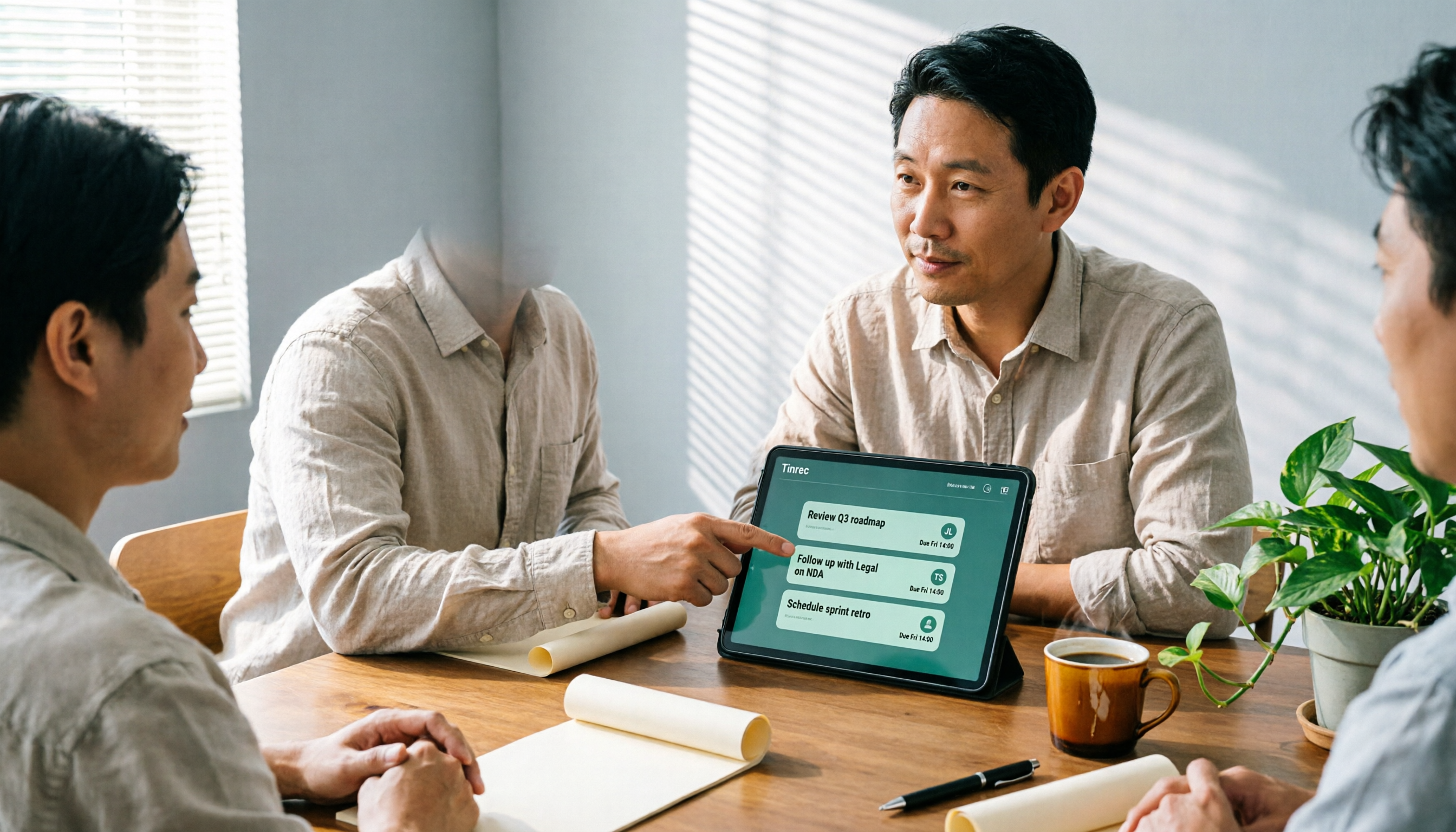
How Tinrec's AI Meeting Agent Auto-Generates Action Items in 2026: Summaries + Task Tracking in One Go
Meeting's over, but nobody remembers the action items? Drawing from a mid-level manager's real-world experience, this article explains how an AI meeting agent automatically generates action items, summaries, and meeting minutes. Using Tinrec as an example, it breaks down core capabilities, practical use cases, and 5 key purchasing considerations.

2026 AI Meeting Agent Comparison: 4 Tools Tested for Post-Meeting Workflows — Which One Turns Meetings into Actionable To-Dos?
The real pain point of meeting notes isn't recording — it's post-meeting organization and follow-up. This article approaches the problem from the post-meeting processing angle, explains 5 key criteria for choosing an AI meeting agent, tests Tinrec's full workflow from transcript to summary to action items to AI Q&A and export, and briefly reviews Granola, Otter.ai, and Notta for use cases, pricing limits, and pitfalls to avoid.

5 Client Meeting Follow-Up Tools Compared for 2026: Templates, AI Q&A, and Team Knowledge
Starting from common client meeting follow-up mistakes, we cover 4 key template selection criteria, test Tinrec's AI summaries, action items, and Q&A, compare Notta, Granola, Otter.ai, and TurboScribe, and provide a guide to avoid pitfalls and choose the right tool.

2026 Best Meeting Software for Sales Teams: 4 Tools Tested Without a Bot
Can't find that one client comment after your weekly sales meeting? We tested Tinrec for bot-free recording, post-meeting organization, and team knowledge retention, and reviewed Otter.ai, Fireflies.ai, and Granola for different use cases. Includes 3 common pitfalls to avoid.

2026 Client Visit Record Template Comparison: Tinrec vs Granola on 5 Key Dimensions — Which Is Better for Sales Follow-Up?
What should you keep after a client visit? This article uses a client visit record template as the framework to compare Tinrec and Granola across 5 dimensions: audio retention, Chinese recognition, to-do follow-up, team knowledge retention, and pricing — helping sales and customer success teams choose the right recording method.

3 Sales Meeting Review Tools Tested for 2026: How AI Meeting Notes Help You Find Lost Deals
Sales meeting done but not sure why the deal didn't close? This article covers review methods and tool selection, testing Tinrec, Otter.ai, Fireflies.ai, and Notta. It outlines key steps for sales meeting reviews, selection criteria, and pitfalls to avoid, helping you turn every customer conversation into searchable, actionable team data.