

Turn recordings into transcripts and summaries in minutes
Upload audio or video for multilingual transcription, AI notes, and action items
Tinrec vs Otter.ai | Quick Overview
After the meeting ends, the workday really begins. I attend about 15 meetings a week, and the most common situation used to be this: at 8 PM I'm still typing decisions from the whiteboard into meeting notes, and the next day when my boss asks "What was the conclusion on that thing last time?" I have to dig through three documents to find it.
This time I compared Tinrec and Otter.ai using the same standard: which one can actually auto-generate "post-meeting documents" instead of just giving you a transcript.
- Tinrec (秒听录音): An AI meeting notes and collaboration tool for individuals and teams, emphasizing Chinese meetings, bot-free recording, post-meeting output, and team data retention.
- Otter.ai: A mature English-language business AI meeting assistant covering meeting transcription, summaries, AI Chat, and team management.
- Main differences: meeting capture method, post-meeting document generation, team data governance, pricing and quota flexibility.
Let's look at 5 dimensions.
Dimension 1 | Quality of Post-Meeting Documents for Chinese Meetings
Otter.ai's strength is English business meetings; its summary logic and meeting structure are very mature. But if, like me, your team mainly meets in Chinese and occasionally mixes in English product names, Chinese sentence segmentation, names, and proper nouns still require manual proofreading, and you still have to spend time fixing a round after the meeting.
Tinrec lists Chinese, Traditional Chinese, and mixed Chinese-English meetings as its main scenarios, and supports team hotwords to maintain commonly used terminology, reducing the chance of professional terms being written incorrectly. Actual results are still affected by recording quality, accents, and overlapping speakers, but for teams that mainly meet in Chinese, the subsequent proofreading cost is relatively low.
→ This dimension: For Chinese meeting scenarios, Tinrec is more suitable.
Dimension 2 | Can Post-Meeting Documents Be Handed Over Directly?
Transcription is only the first step. Otter produces summaries and action items, which is enough for online meeting notes; however, turning them into a report or table you can deliver directly usually requires additional processing on your own.
Beyond the transcript, Tinrec automatically generates summaries, chapters, key points, and to-dos. It also supports AI Q&A around meeting content, and through Agent post-processing it can further generate reports, tables, and documents from meeting content, finally exporting to Notion, Google Docs, OneNote, Dropbox, and other tools for continued use.
→ This dimension: Tinrec wins; its post-meeting output is closer to "ready to use."
Dimension 3 | How Meetings Are Recorded
Otter's common approach is to join online meetings with a meeting bot, and it also provides desktop capabilities, supporting platforms such as Zoom, Microsoft Teams, and Google Meet.
Tinrec's desktop version directly captures computer system audio, without adding an extra bot to the meeting participant list. For external client meetings, or occasions where you don't want an extra bot in the attendee list, this is less awkward. Note that the user still needs to manually start recording; it does not automatically join all calendar meetings.
Stop organizing recordings by hand
Upload audio or video and automatically get a transcript, summary, and action items
→ This dimension: Tinrec is even or slightly ahead; the difference is "no extra participant."
Dimension 4 | Team Data Retention and Governance
Otter's team and enterprise capabilities are mature, suitable for standardized English meeting workflows.
Tinrec's team version is an independent team space: data belongs to the team, you can create and switch between multiple spaces, invite members via link, set Owner/Admin/Member roles, and assign and reclaim seats; when a member is removed or loses a seat, resources need to be handed over to other valid members. Administrators can also view usage trends, member rankings, audit logs, and the audio recycle bin. Note that roles and seats are two different things: a valid member without a seat can view and play, but cannot upload, edit, or export.
→ This dimension: If you need Chinese meetings plus team asset management, Tinrec fits better.
Dimension 5 | Pricing and Quota Flexibility
Otter's official pricing page shows: Basic is free, 300 minutes per month; Pro annual billing is about USD 8.49/user/month, including 1,200 minutes of in-app recording per month and 10 file imports; Business offers unlimited meetings and in-app recording, and pricing may be affected by promotions.
Tinrec's personal version has a free version, weekly card, Pro monthly card, and annual card; choose based on usage frequency. The team version offers a 7-day trial for first-time eligible users, 1 free seat, and 300 minutes of team shared import quota. Monthly billing is USD 29.80/paid seat/month, annual billing is USD 199/paid seat/year (about USD 16.58/month). Each paid seat provides 2,000 minutes of team shared import quota per month. Real-time recording within team packages is currently not deducted by minutes. Actual prices and benefits are subject to the official purchase page.
→ This dimension: If you value Chinese post-meeting output and team shared quota, Tinrec's combination is more practical; if it's purely English personal meetings, Otter's entry price is still attractive.
What Unique Advantages Does Each Have?
Tinrec's unique advantages:
- Bot-free desktop recording; no extra participant in the meeting list.
- Complete post-meeting output: summaries, chapters, to-dos, mind maps, AI Q&A, reports, and tables.
- Supports real-time translation and bilingual viewing, making cross-language meetings easier to handle.
Otter's unique advantages:
- Mature summary and collaboration workflows for English business meetings.
- Rich workflow integrations, suitable for all-English teams.
Conclusion: Which One Should You Choose?
• Meetings mainly in Chinese/mixed Chinese-English, and you need to hand over documents after the meeting → Tinrec
• Need to turn meetings into reports, tables, and other next work outputs → Tinrec
• Don't want a meeting bot to appear in the participant list → Tinrec
• Need team spaces, seats, usage, and audit management → Tinrec team version
• Team is all English and only needs basic meeting summaries and action items → Otter.ai is enough
In one sentence: For most teams that mainly meet in Chinese, Tinrec goes further on the path of "automatic post-meeting document generation." It's recommended to first use the free version with one of your own meetings to see whether the generated minutes can be handed over directly. Before recording and transcribing, remember to comply with local regulations and obtain participants' consent.
References
Turn every recording into actionable outcomes
Get 60 free transcription minutes when you sign in. No credit card required.
Related Reading
You might also like

2026年4款会后报告自动生成工具实测对比:哪款真的省时间?
会议开完才是苦工的开始。本文从「会后报告自动生成」这个需求出发,先带你判断自己到底要逐字稿、摘要还是能直接交出去的报告,再实测比较 Tinrec、Otter.ai、Granola、Notta 四款工具在会议采集方式、中文表现、会后产物与团队共用上的差异,并整理 3 个最常见的选购误区。

2026年4款会后行动计划工具实测对比:AI待办谁真的不漏接?
会议开完才是工作开始。本文从会后整理最常见的误区切入,说明会后行动计划工具该看哪4个关键点,并以中层主管实测角度深拆 Tinrec 的无机器人录制、AI 待办提取与对话追问,再简评 Otter.ai、Granola、Notta 的适用场景与限制,最后给出依需求分流的选型建议。

2026 Comparison of 4 Meeting Minutes Tools: From Transcripts to Action Plans, Which One Actually Drives Progress?
The key to turning meeting minutes into action plans isn't typing out every word spoken, but breaking decisions into to-dos with owners and deadlines. This article first highlights the most common inefficient practices, then compares Tinrec, Otter.ai, Notta, and Granola across five dimensions: capture method, post-meeting output, Chinese language experience, data ownership, and pricing structure, and summarizes four common pitfalls to watch out for.

4 Post-Meeting Delivery Tools Tested: Which One Really Helps You Finish on Time?
Tired of overtime after meetings writing up notes? We tested and compared four post-meeting delivery tools—Tinrec, Otter.ai, Granola, and Notta—breaking down transcription, AI summaries, action item extraction, export options, and team data retention to tell you which one truly delivers and helps you finish on time.

2026 Complete Guide to Turning Meeting Decisions into Action Plans: Using Tinrec to Convert Meeting Conclusions into To-Dos
Two-hour meetings, piles of conclusions, but a week later no one remembers who's responsible for what? Starting from the real pain points of student group projects, this article breaks down the four most common misconceptions about 'turning meeting decisions into action plans,' and uses Tinrec alongside common tools like Notta to explain how to turn decisions into to-do lists with owners, deadlines, and trackability.

2026 AI Meeting Action Plan Free Options: 4 Tools Compared
2026 AI meeting action plan free options compared: hands-on testing of Tinrec, Otter.ai, Notta, and Granola, covering Chinese meeting recognition, bot-free recording, to-do extraction, and team collaboration to help you find the best meeting action plan solution.
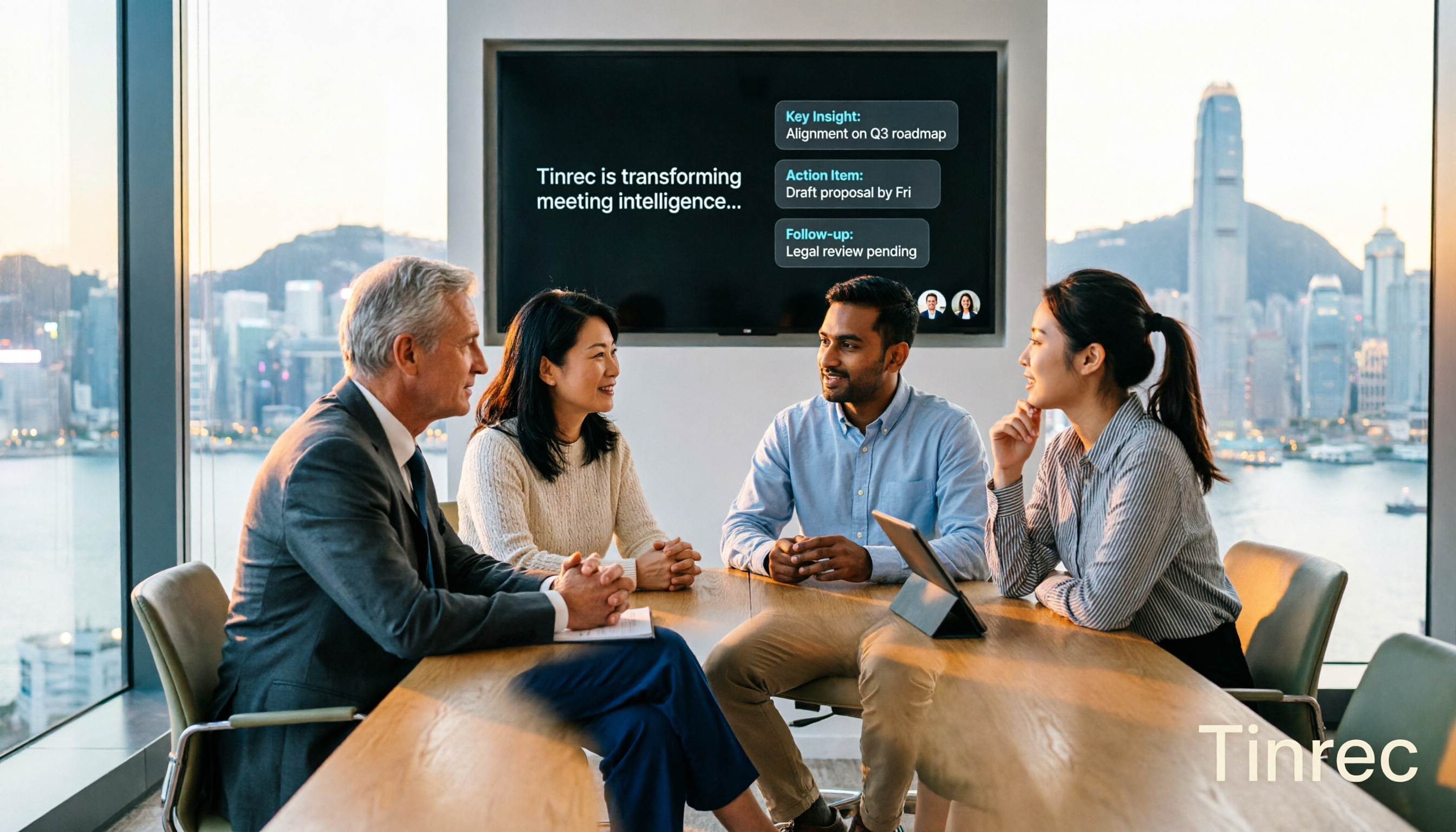
2026 Meeting AI Agents Compared: Which One Actually Saves You from Overtime?
How to choose a meeting AI agent in 2026? This article starts with common pitfalls, breaks down core capabilities like live transcription, AI summaries, action item extraction, AI Q&A, and team spaces, and demonstrates a real workflow using Tinrec for bot-free recording of Zoom, Meet, and Teams meetings, plus 5 buying tips and FAQs.
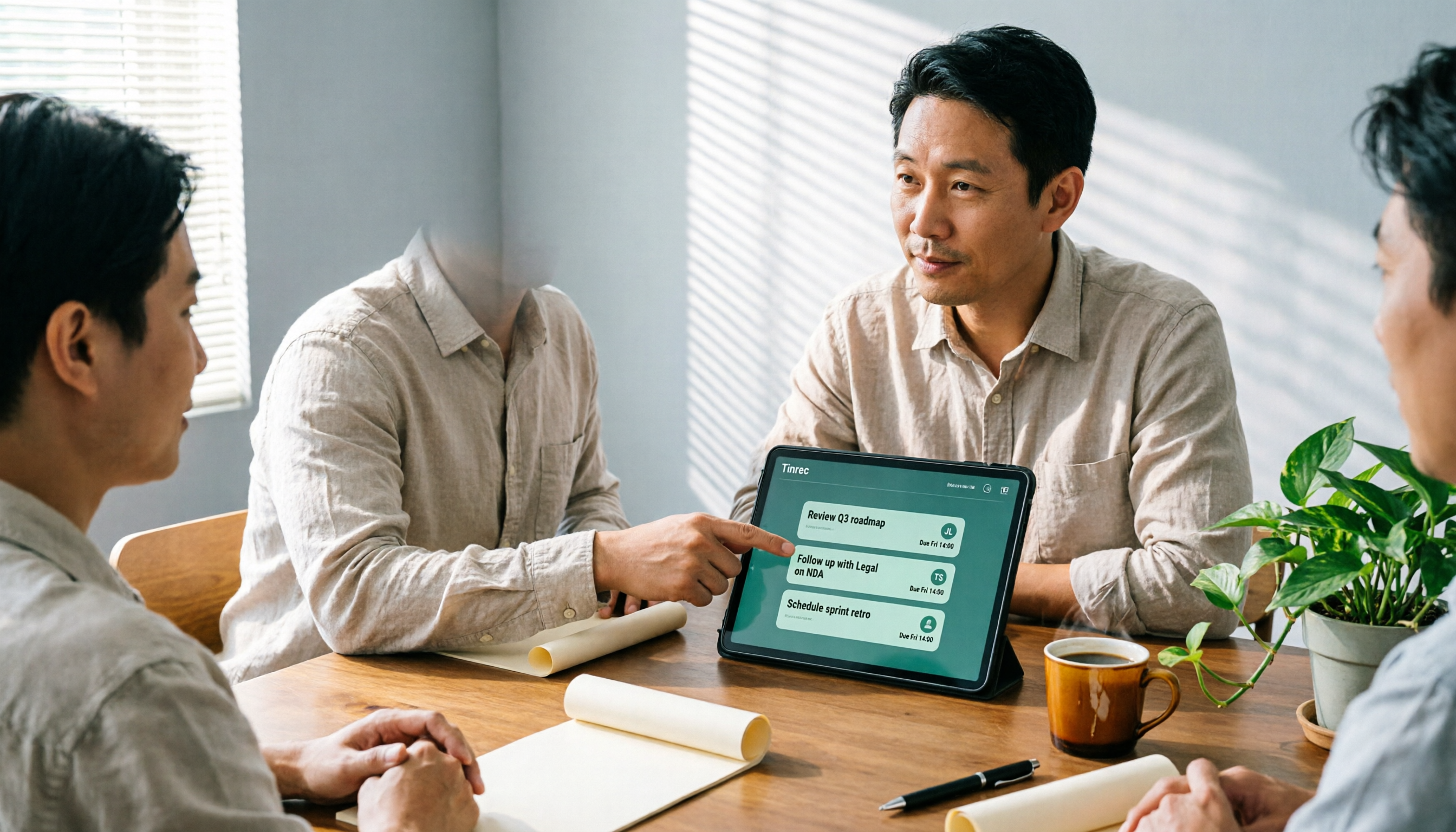
How Tinrec's AI Meeting Agent Auto-Generates Action Items in 2026: Summaries + Task Tracking in One Go
Meeting's over, but nobody remembers the action items? Drawing from a mid-level manager's real-world experience, this article explains how an AI meeting agent automatically generates action items, summaries, and meeting minutes. Using Tinrec as an example, it breaks down core capabilities, practical use cases, and 5 key purchasing considerations.

2026 AI Meeting Agent Comparison: 4 Tools Tested for Post-Meeting Workflows — Which One Turns Meetings into Actionable To-Dos?
The real pain point of meeting notes isn't recording — it's post-meeting organization and follow-up. This article approaches the problem from the post-meeting processing angle, explains 5 key criteria for choosing an AI meeting agent, tests Tinrec's full workflow from transcript to summary to action items to AI Q&A and export, and briefly reviews Granola, Otter.ai, and Notta for use cases, pricing limits, and pitfalls to avoid.