
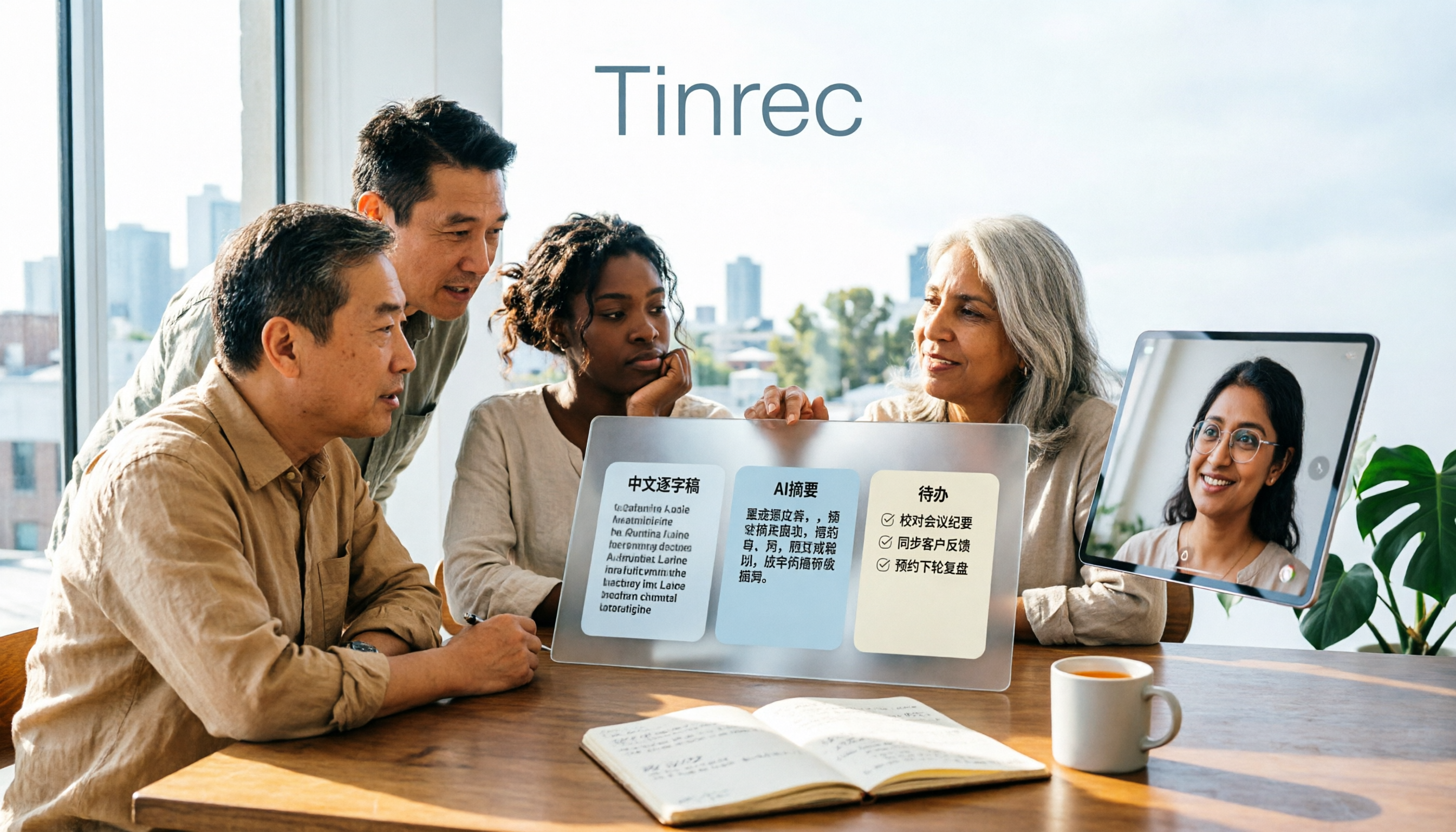
Turn recordings into transcripts and summaries in minutes
Upload audio or video for multilingual transcription, AI notes, and action items
5 Best Speech-to-Text Tools in 2026: Which Saves More Time on Chinese Transcripts and Meeting Notes?
This is the question I get asked most often by readers: "There are so many speech-to-text tools out there—how do I choose?"
Honestly, most people think they just want to "turn recordings into text," but after using a few tools, they realize the real pain point comes later—you have the text, but nobody wants to read through a two-hour transcript again, and nobody remembers the action items that were agreed upon in the meeting.
So I usually ask a question first: Besides transcripts, do you also need summaries, action items, translation, or even team collaboration?
If you only occasionally convert a recording to text, free tools are more than enough. But if you're in meetings, interviews, or classes every week, and you want the output to be directly usable, then what you need to compare isn't just "accuracy"—it's "what can it help you do after the transcription is done."
This time I tested 5 common speech-to-text tools. This article uses Tinrec as the main example to show you what these tools can do now and what you really need to pay attention to when choosing one.
What Can Speech-to-Text Do for You?
Scenario 1: Get meeting notes 5 minutes after the meeting ends
In the past, after a two-hour meeting, you might spend another hour organizing notes. With Tinrec, for example, a transcript is generated in real time during the meeting, and after it ends, it automatically organizes a summary, chapters, key points, and action items—who's responsible for what and what's next, all listed for you.
Scenario 2: No need to re-listen to a two-hour interview
The most annoying part of interview recordings is going back to find that one sentence. Tinrec can upload audio or video files for transcription, and the transcript retains timestamps. You can search for keywords directly and click back to the corresponding section when you need to verify.
Scenario 3: Keep up with cross-language meetings
If there's foreign language content in the meeting, Tinrec supports real-time translation. You can switch between original text, translation, or bilingual view, so you can understand what the other person is saying during the meeting.
Scenario 4: Turn meetings into shared team data
After using it personally for a while, you'll run into a problem: all the data stays in your own account. Tinrec's team version provides an independent team space where meeting data is stored for the team, and new members can also view past meeting records.
What Are the Core Capabilities of Speech-to-Text?
Real-time recording to text: words appear as you record
It's not about transcribing after recording—the text appears synchronously during the meeting. Tinrec's desktop version captures computer system audio to handle online meetings, without inviting a meeting bot to join. It works for Zoom, Google Meet, Microsoft Teams, Webex, and similar platforms.
Bot-free online meeting recording: one less participant
Traditional meeting bots join the meeting as a participant. Tinrec takes a different approach—you actively open the desktop version and start recording, and no bot appears in the meeting. Note that this doesn't mean it automatically joins every meeting on your calendar.
AI summary and chapters: see the structure of long meetings first
Tinrec breaks long meetings into chapters and key points. You can grasp the discussion flow by looking at the summary first, and go back to the transcript for details.
Action item extraction: turn "let's discuss next time" into a list
The most commonly missed thing in meetings is action items. Tinrec organizes action items from the discussion, which is especially useful for project meetings and client meetings.
AI Q&A: ask questions directly about meeting content
After transcription is complete, you can ask Tinrec questions directly, such as "Who mentioned the budget in the meeting?" or "What were the client's concerns about pricing?" It answers based on the meeting content, so you don't have to dig through the transcript yourself.
Multi-format export and post-processing
Tinrec supports exporting results to Notion, Google Docs, OneNote, Dropbox, and other tools. It can also generate reports, tables, and documents based on meeting content.
Real-World Use Cases
Meeting notes and follow-up
For weekly stand-ups, project meetings, and cross-department discussions, the most common situation is "the meeting ended, but nobody remembers the conclusion." Use Tinrec to transcribe in real time during the meeting, then look at the summary and action items right after. Decisions and owners are all recorded. For team use, meeting data is centralized in the team space, so you don't have to ask around to find a past decision.
Class and lecture notes
Stop organizing recordings by hand
Upload audio or video and automatically get a transcript, summary, and action items
When taking notes in class or listening to a lecture, it's easy to miss content while writing. Use Tinrec to record and transcribe simultaneously, then search keywords directly for review after class—much faster than re-listening to the recording.
Interview and research organization
For researchers doing interviews, the biggest cost is transcription. Give the interview audio to Tinrec for transcription, get a timestamped transcript first, then pull key points from the summary. When you need to quote exact words, go back to the corresponding section—saving a lot of time on repeated playback.
Content creation and media organization
When converting podcasts, videos, or live stream archives into articles or subtitles, Tinrec can process uploaded audio and video files, organize transcripts and structured content, and export them to writing or editing workflows.
5 Things to Pay Attention to When Choosing a Speech-to-Text Tool
1. Accuracy depends on your own recordings, not just promotional numbers
Everyone's meeting environment is different—air conditioning noise, multiple people talking at once, and accents all affect results. Tinrec covers Chinese, Traditional Chinese, and multilingual meeting scenarios, and provides team hotwords so you can add your company's commonly used terms. But actual performance is still affected by recording quality, and no fixed accuracy rate should be taken as a guarantee.
2. Can it help you organize after transcription?
A transcript is just raw material. Tinrec's difference is that after transcription, it also provides summaries, chapters, action items, translation, AI Q&A, and Agent post-processing—essentially doing both "recording" and "organizing" at once.
3. How does it record online meetings?
If a tool requires a meeting bot to join the meeting, then every meeting has an extra bot, and participants may notice it. Tinrec's desktop version uses system audio capture, so no extra participant is needed—suitable for those who don't want to change their meeting process.
4. Check quota and file limits carefully
Quota rules vary greatly between plans. Tinrec's team version currently provides 2,000 minutes of team shared import quota per paid seat per month. Under a valid team plan and valid seats, real-time recording is currently not deducted by minutes, while file and web link imports use the team shared quota. The personal version has a free plan, weekly pass, Pro monthly, and Pro annual options—just choose based on your usage frequency.
5. For team use, look at governance capabilities
The difference between personal and team tools isn't just the number of people. Tinrec's team version distinguishes member roles and seats, allows you to view team usage trends, member rankings, and usage details, and also provides audit logs, audio recycle bin, and team hotwords. When a member leaves the team, team data doesn't leave with them—it's transferred to other valid members.
Frequently Asked Questions
Q1: Is Tinrec's free version enough?
The free version provides basic quota to experience recording, importing, summaries, and transcription. If you only occasionally organize a recording, the free version is fine. If you have intensive meetings or interviews in the short term, consider the weekly pass. If you have regular needs every week, the Pro plan is more suitable. If you need to accumulate recording data long-term, the annual plan has a lower monthly equivalent. For teams, there's a 7-day trial for first-time eligible users, including 1 free seat and 300 minutes of team shared import quota.
Q2: Which online meeting platforms does Tinrec support?
Tinrec's desktop version captures computer system audio, so it can handle meeting audio played on the computer, including Zoom, Google Meet, Microsoft Teams, Webex, and other common platforms. Note that this is recording via system audio, which doesn't mean official partnerships with these platforms, nor does it automatically join all meetings.
Q3: What accuracy can speech-to-text achieve?
It's not recommended to judge by a single number. Actual results are affected by recording quality, background noise, accents, overlapping speech, and technical terminology. A more practical approach is to try it with a recording of your most common meeting scenario and see if the transcript output is acceptable to you.
Q4: How is the team version priced? Can all members use it?
Tinrec's team version is currently USD 29.80 per paid seat per month, or USD 199 per paid seat per year (about USD 16.58 per month). The team version distinguishes between "roles" and "seats": roles determine who can manage the team, members, and audits; seats determine who can record, upload, edit, import, and export. Valid members without a seat can still view, play, and read team data. Actual prices and benefits are subject to the official purchase page.
Q5: Do I need consent for recording and transcription?
Yes. Recording and transcription involve personal data and local legal regulations. You should inform participants and obtain necessary consent before the meeting, especially when sensitive content such as client, medical, legal, or financial information is involved—be sure to confirm compliance requirements.
Conclusion
Speech-to-text tools have improved a lot in recent years, but the real question when choosing isn't "which one is most popular"—it's "after transcription, can this text be directly used by you?"
If you only need to occasionally turn recordings into text, free tools can solve that. But if you want a summary immediately after the meeting, trackable action items, content you can query, and data you can leave for the team, then a tool like Tinrec that combines transcription, organization, and collaboration will be closer to what you really want. Try a meeting with the free version first and see how much time you can save after AI organizes your meeting notes.
References
- Online AI speech, video, audio file auto transcription - Free trial - cSubtitle
- Convert audio to text - Instant AI transcription - VEED.IO
- Audio to text - Free speech-to-text tool
- Speech-to-Text: AI voice input and transcription | Google Cloud
- Real-time speech-to-text app recommendations - 1. iPhone/iPad Notes app - Supports real-time text conversion - Cost: Free - Supports Chinese, English
Turn every recording into actionable outcomes
Get 60 free transcription minutes when you sign in. No credit card required.
Related Reading
You might also like

Best One-Click Video Link Extraction Tools in 2026: Testing 3 Options, Tinrec Offers the Most Complete Chinese Support
Many people think one-click video link extraction means downloading video files, but what's really needed is turning video content into transcripts, summaries, and action items. This article uses Tinrec as an example to explain link import transcription, AI summaries, Q&A, export, and team collaboration, plus 5 key buying considerations and FAQs.

2026 AI Audio Transcription Guide: From Transcripts to Meeting Minutes
How to choose an AI audio transcription tool? This guide starts from real meeting scenarios for mid-level managers, breaks down 4 key selection factors, tests Tinrec's bot-free online meeting recording, AI Q&A, and team spaces, compares Otter.ai, Granola, and PLAUD, and concludes with 5 common pitfalls and selection advice.
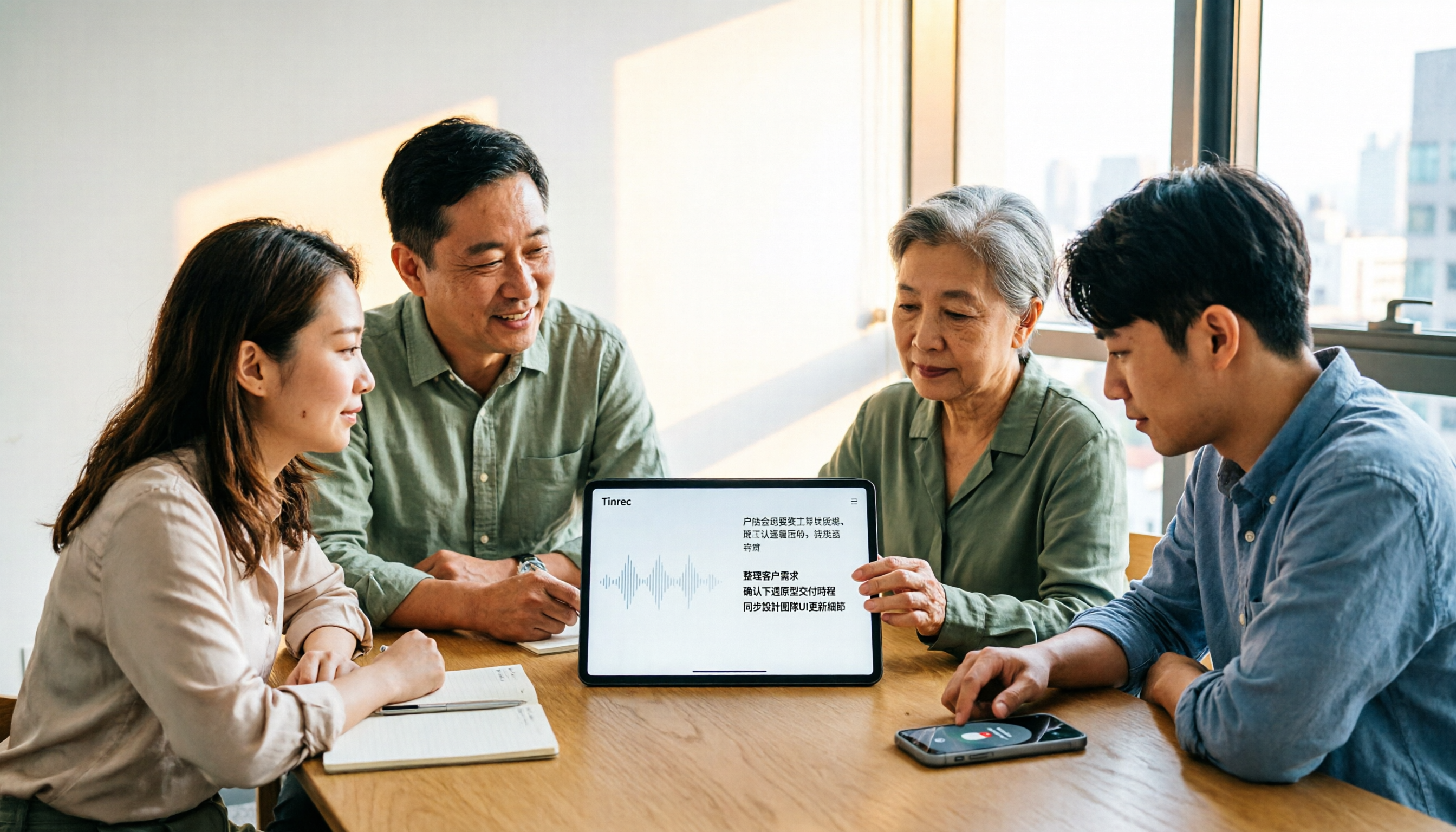
4 AI Meeting Note Takers Tested for 2026: Which Handles Chinese Meetings and Team Collaboration Best?
Spending too much time on meeting notes? We tested 4 recording-to-meeting-minutes tools, comparing Chinese recognition, bot-free recording, post-meeting AI Q&A, and team collaboration to help you find the best fit for your workplace.

How to Transcribe Phone Recordings in 2026: Real-Time Transcripts + AI Summaries
How do you turn phone recordings into text? Starting from the real-world scenario of needing text right after recording on your phone, this article compares Tinrec and Otter.ai across 5 dimensions, covering Chinese and mixed Chinese-English recognition, post-recording summaries and action items, team knowledge retention, free tiers and pricing, and tells you directly which one to choose.

2026 Comparison of 3 Free Video Summarization Tools: Is Tinrec or Monica Better for Chinese Videos?
Looking for a free video summarization tool? This hands-on comparison of Tinrec and Monica covers input sources, language support, summary output, and free quotas to help you understand why Tinrec is better suited for users who need to organize Chinese videos, online courses, and meeting recordings.

3 Short Video Transcription Tools Tested in 2026: Which One Turns Transcripts into Queryable Notes?
Forget short videos as soon as you watch them? Want to quote but have to type by hand? This article takes a methodological approach, testing 3 short video transcription tools, from transcripts and AI summaries to conversational queries, helping you build a reusable organization workflow, and explains why Tinrec is more convenient for Chinese short videos and team knowledge retention scenarios.

4 Best AI Video Summarizers in 2026: Which Free Version Is Enough?
Can't finish long videos? We tested 4 AI video summarizers, comparing timestamp accuracy, source support, AI follow-up questions, free tiers, and team seat costs. Plus 3 common mistakes to avoid, so you can pick the one that truly saves time.
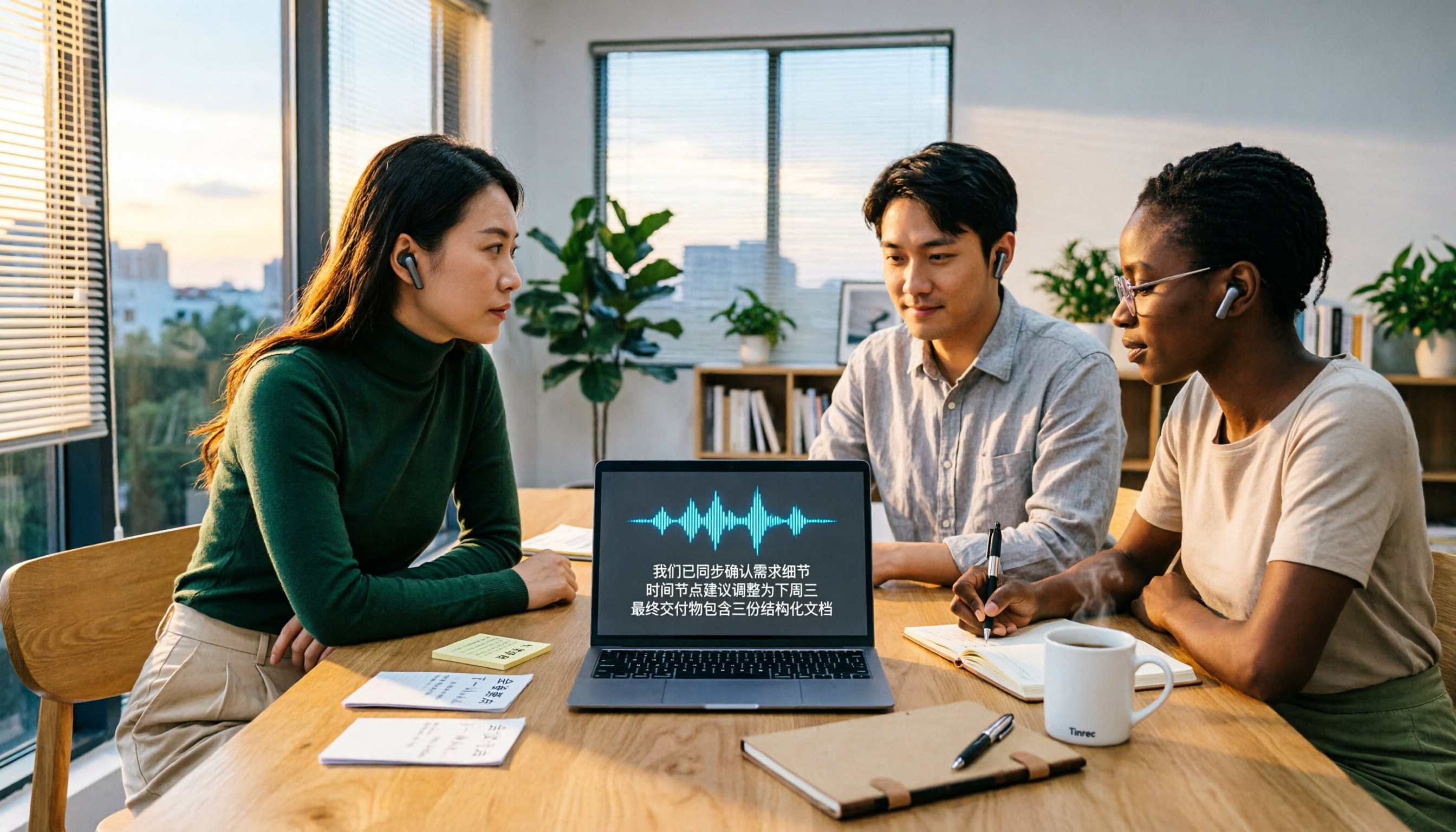
2026 Video-to-Text AI Comparison: Which Saves More Time for Chinese Transcripts and Post-Meeting Summaries?
How to choose a video-to-text AI tool? This article compares Tinrec, TurboScribe, cSubtitle, and Vidnoz from four angles: file formats, output content, Chinese recognition, and pricing. It also highlights common pitfalls and selection tips to help you decide which tool truly saves time on organizing.

Best Video Highlight Tools in 2026: 5 Tested, This One Wins for Chinese Videos and Meetings
Can't find the key points in a long video? We tested 5 video highlight tools, comparing transcription, AI summaries, and the ability to ask follow-up questions. We also cover selection criteria and common pitfalls to help you find the most convenient tool.