
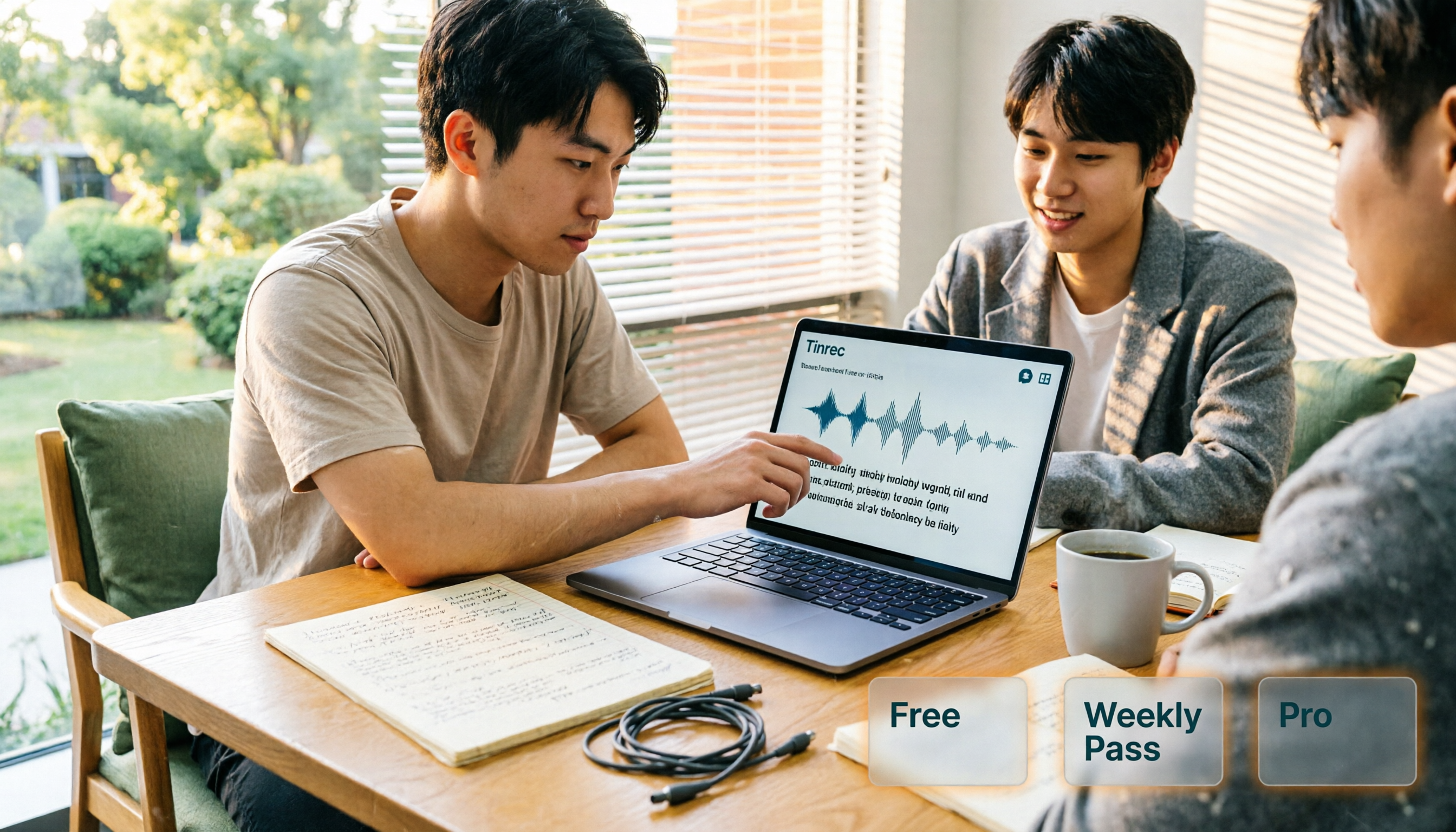
Turn recordings into transcripts and summaries in minutes
Upload audio or video for multilingual transcription, AI notes, and action items
AI Personal Assistant Free Plans in 2026: 3 Options Compared
Last semester I took a three-credit course where the professor spoke fast and flipped through slides even faster. I gave up on handwritten notes by page three, thinking I had the recording anyway—but when I opened that two-hour audio file before finals, I listened from start to finish and still couldn't find the exam question the professor had mentioned. That's when I realized: a recording isn't a set of notes, and an AI personal assistant isn't just a chatbot.
There are many AI assistants out there. Some focus on connecting your email and photo library, others emphasize privacy encryption. But for students, what really matters is: can it quickly turn the audio from classes, group discussions, and interviews into searchable, queryable, and exportable material? I used Tinrec for an entire semester, from class recordings to graduation project interviews. This article will clearly explain the free version, weekly pass, and Pro plan, and help you figure out which is the best value for students.
What Can an AI Personal Assistant Do for You?
Scenario 1: Can't take notes fast enough in class
Before: record two hours, re-listen for two hours. Now: with Tinrec, for example, open the app in class for real-time recording and transcription. After class, you have a transcript and can search keywords like "final exam scope" or "assignment deadline" without listening from the beginning.
Scenario 2: No one remembers the conclusion of group discussions
Our group always had chaotic discussions, and afterward we'd ask in the group chat, "So what are we supposed to do?" Later, I used Tinrec to record our discussions. Afterward, it automatically generated a summary and to-dos—who's responsible for what, when the next meeting is—and I'd paste it directly into the group chat, saving half an hour of back-and-forth.
Scenario 3: Organizing graduation project interviews
For my project, I had to interview alumni. A one-hour recording would take about three hours to transcribe manually. Tinrec can upload audio files and convert them to transcripts, and you can use AI Q&A to directly ask, "What suggestions did the interviewee have for the department's courses?" It finds answers from the semantics, much faster than flipping through the transcript yourself.
Scenario 4: Online courses and internship meetings
For remote classes or internship meetings, Tinrec's desktop version can record computer system audio without a bot, so you don't need to invite a bot into the meeting. After the meeting, summaries, chapters, and to-dos are generated at once, making it super convenient for organizing internship weekly reports.
What Are the Core Capabilities of an AI Personal Assistant?
1. Real-time audio to text
Transcribes as it records, with low latency. Tinrec's real-time transcription lets you check for missed key points during class without waiting until the recording is done.
2. Bot-free online meeting recording
Tinrec's desktop version directly captures system audio, no need to add a bot to Zoom, Google Meet, Teams, or Webex. For students, remote group meetings no longer require frantic setup.
3. AI summaries and chapters
Tinrec automatically segments long content and highlights key points, turning a two-hour class into structured notes you can scan in minutes.
4. To-do extraction
Pulls action items from discussions. Tinrec lists who should do what and by when, so group tasks don't slip through the cracks.
5. AI Q&A
After transcription, you can directly ask Tinrec, "What was the report format the professor mentioned?" It answers based on the content, no need to search yourself.
6. Multi-format export
Tinrec supports export to Notion, Google Docs, OneNote, Dropbox, etc. I usually put transcripts into Notion for review notes.
7. Real-time translation
If you have English online courses, Tinrec can show original text, translation, or bilingual side by side while recording—a lifesaver for slow readers.
Practical Use Cases
Class Notes
I took a course taught entirely in English, with a fast-speaking professor and lots of technical terms. I used Tinrec for real-time recording and translation in class, then reviewed with bilingual transcripts after class—twice as fast as just listening to recordings. The free version has a basic monthly quota; if you only record key subjects, it's enough. If you want to record every class, consider Pro.
Stop organizing recordings by hand
Upload audio or video and automatically get a transcript, summary, and action items
Group Discussions
Our project group met once a week. Previously, someone had to spend time typing meeting minutes afterward, often not delivered until the next meeting. Now I record with Tinrec, and five minutes after the meeting, it generates a summary and to-dos that I paste into the group chat—everyone sees clearly. If the group needs long-term sharing, the team version centralizes meeting data in a team space, so new members can view past discussions.
Interviews and Research
For my graduation project, I needed to interview three industry professionals. I uploaded interview audio to Tinrec, converted to transcripts, and used AI Q&A to search keywords like "the most important skill according to the interviewee," finding the relevant section directly. This saved hours compared to manual tagging, and transcripts can be exported as tables for the thesis appendix.
Internship Meetings
During my internship, there was a weekly department meeting where the manager gave instructions quickly. I used Tinrec's desktop version to record online meetings without a bot, then organized to-dos into a list afterward. When reporting progress, I could cite directly, reducing the risk of missing assignments. Interns fear missing things most; this method earned me praise from my manager for "complete records."
5 Things to Consider When Choosing an AI Personal Assistant Tool
1. Is the free quota enough for you?
Many tools have very limited free quotas or single-session length limits. Tinrec's free version offers a basic quota to experience recording, importing, summaries, and transcription. For college students, if you only record key subjects, it's usually enough for a month; if you record every class, consider the Pro plan.
2. How accurate is Chinese recognition?
Taiwanese students often mix Chinese and English in class, and some tools have weak Chinese support. Tinrec covers Chinese, Traditional Chinese, and multilingual scenarios, and has team hotwords for custom terminology. Actual performance depends on recording quality, accent, and background noise—test with your own recordings.
3. Does it keep audio files?
Some tools only provide transcripts and don't keep audio; later, if you want to verify original statements, it's a hassle. Tinrec supports keeping recordings for playback verification, and the team version has an audio recycle bin for accidental deletions (currently 30-day retention).
4. Are post-meeting organization features sufficient?
Transcription is just the first step. The key is whether it can automatically summarize, extract to-dos, and let you ask questions. Besides transcripts, Tinrec offers AI summaries, chapters, to-dos, Q&A, mind maps, and Agent post-processing—essentially completing the "organization" for you.
5. Cross-platform and team collaboration?
Make sure the tool supports your commonly used devices. Tinrec has iOS, Android, and web versions, and the desktop version handles online meetings. If group projects need shared data, the team version provides team spaces, member roles, seat management, and usage analytics, turning meeting data into a team asset rather than staying on individual phones.
Frequently Asked Questions
Q1: What's the difference between an AI personal assistant and a regular recording app?
A1: A regular recording app only records. An AI personal assistant like Tinrec goes further: it transcribes, generates summaries, chapters, to-dos, and offers AI Q&A, translation, and export. For students, the difference is whether you can search keywords directly before finals instead of re-listening to the whole class.
Q2: Is Tinrec's free version enough for students?
A2: Depends on how you use it. If you only record key subjects and occasionally organize interviews, the free version's basic quota is usually enough. If you record every class and have weekly group meetings, consider the weekly pass or Pro plan. Refer to the official purchase page for details.
Q3: Do I need to tell the professor before recording class?
A3: Respect class rules and local laws. When recording others, it's best to get consent and follow school regulations. Tinrec is a tool; always pay attention to privacy and authorization.
Q4: Which online meeting platforms does Tinrec support?
A4: Tinrec's desktop version captures computer system audio, so it can handle meeting audio from Zoom, Google Meet, Microsoft Teams, Webex, etc., without inviting a bot. Actual support is subject to the product page.
Q5: Is the team version suitable for group projects?
A5: If the group needs long-term sharing of meeting notes, interview transcripts, and to-dos, the team version is more convenient than the personal version. It offers independent team spaces, member roles and seat management, usage analytics, and audit logs, so data belongs to the team and can be handed over when members change.
Conclusion
An AI personal assistant isn't future tech—it's a tool that can save you time now. From only using a recording app as a freshman to using Tinrec to organize classes, discussions, and interviews, the biggest difference is: data becomes searchable, queryable, reusable notes, not files sitting on your phone taking up space.
If you're a student on a budget, start with Tinrec's free version and try real-time transcription and summaries for a class or two. If it feels right, consider the weekly pass or Pro. If your group project needs sharing, look into the team version. You don't need many tools—just one that can accompany you from midterms to finals.
References
Turn every recording into actionable outcomes
Get 60 free transcription minutes when you sign in. No credit card required.
Related Reading
You might also like
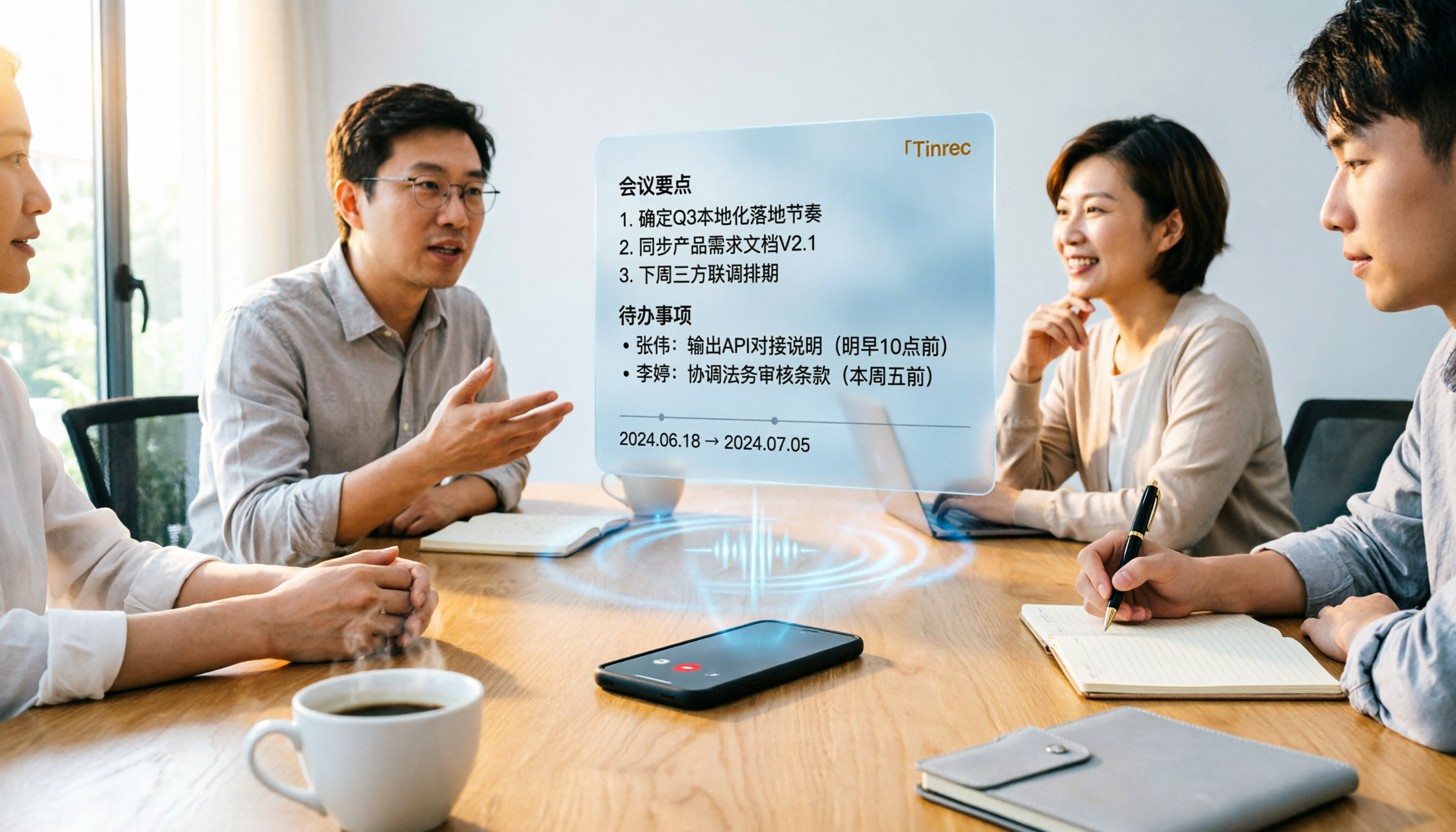
Tinrec vs Word Transcription: Which Is Better for Chinese Meetings in 2026?
Recording meetings and turning them into minutes isn't about the tool—it's about the workflow. This article compares Tinrec and Word's built-in transcription on a single workflow, covering Chinese recognition, online meeting recording, post-meeting organization, team collaboration, and Word export, with a copy-paste prompt template for meeting minutes.

4 AI Meeting Notes Tools Compared for 2026: From Transcripts to Team Knowledge
What is an AI Agent meeting notes tool, and how is it different from simple audio-to-text transcription? This side-by-side comparison of four common approaches in 2026 covers how meeting audio is captured, Chinese and mixed Chinese-English performance, post-meeting summaries and AI Q&A, team data ownership, and pricing—so you can see how to choose at a glance. It also outlines the four most common pitfalls.

How to Export Audio to Excel in 2026: AI Transcription + Auto-Generated To-Dos
Tired of spending hours transcribing meeting recordings into Excel? This guide breaks down the 4 key factors for choosing an audio-to-Excel tool, tests Tinrec's live transcription, AI Q&A, and multi-format export, and compares Otter.ai, Notta, and PLAUD to help you pick the right tool before your next meeting.

2026 Comparison of 4 Audio-to-Report Tools: From Transcript to PPT Outline, Which Saves the Most Time?
Turning meeting recordings into reports and PPTs often gets stuck not at transcription, but at post-transcription organization. This article breaks down the differences among 4 audio-to-report tools, covering summary sections, AI Q&A, export formats, and team seats, and explains how to connect meeting content into a PPT outline.
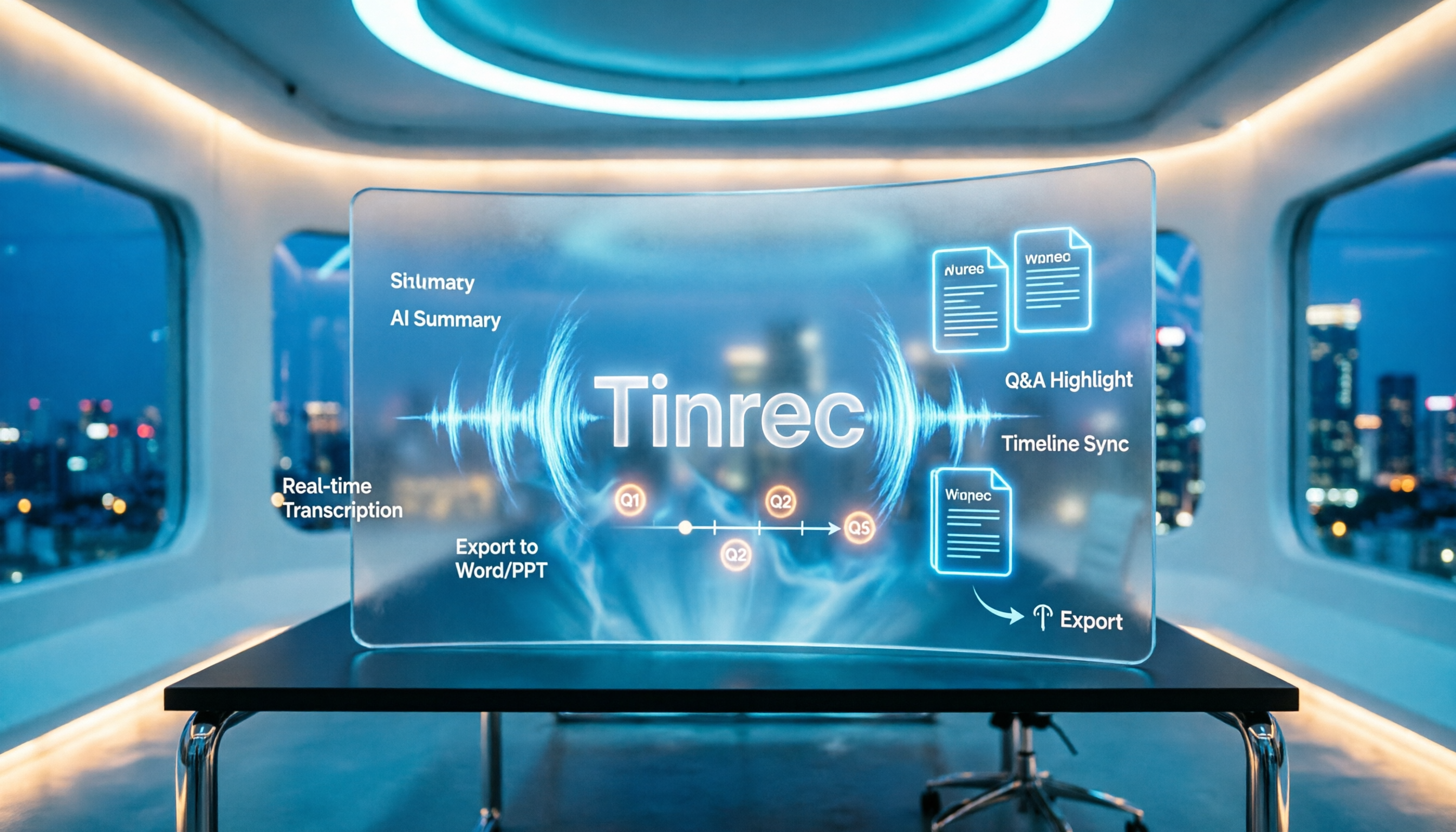
2026 AI Meeting Minutes Tools Compared: How to Use Word Templates Most Efficiently
Taking manual Word meeting minutes after a meeting is a common pain point for many office workers. This article compares four AI meeting transcription tools—Tinrec, Notta, Granola, and Otter.ai—covering transcript organization, mixed Chinese-English recognition, AI Q&A, and export to Word templates. It also summarizes 5 key selection criteria and 4 common pitfalls to help you find a truly time-saving approach.

2026 AI Meeting Notes Tools Compared: Which Handles Chinese Transcripts and Action Items Best?
Tired of replaying recordings and typing transcripts after meetings? We tested 4 AI meeting note tools, comparing recording methods, Chinese and mixed-language recognition, summary and action item generation, team sharing, and seat management. We also highlight 3 common pitfalls to help you find a tool that turns meetings into usable documents.

4 AI Agent Meeting Tools Tested in 2026: Which One Actually Gets the Post-Meeting Work Done?
Still spending time organizing after meetings? This article uses the same mixed Chinese-English meeting recording to compare 4 AI Agent meeting tools on bot-free recording, Chinese transcription, post-meeting output, and team data management. It also covers key buying factors, common pitfalls, and scenario-based recommendations to help you decide which tool best fits your workflow.

Which AI Meeting Minutes Tool Is Best? 2026 Hands-On Test of 4 Tools: Tinrec Beats Word Copilot for Chinese Meetings
Meeting minutes aren't just about format—they need to flow smoothly from recording to final output. This article breaks down the fields a standard meeting minutes should have, compares Word's built-in Copilot and Tinrec in terms of source materials, Chinese meetings, post-meeting output, and team knowledge retention, and highlights key considerations when choosing an AI meeting minutes tool, along with Tinrec's personal and team plan pricing.
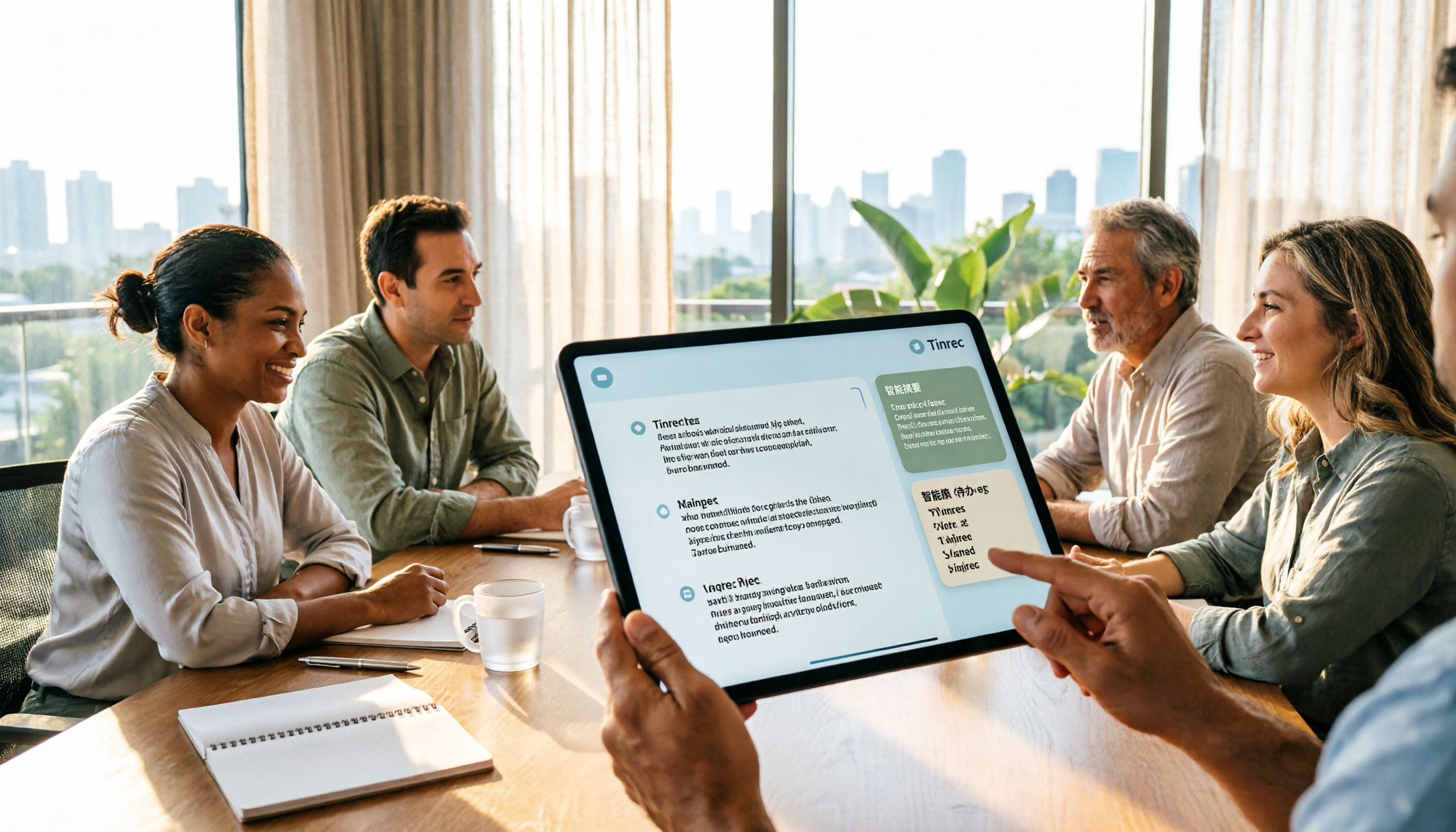
2026 AI Meeting Notes Showdown: Tinrec vs Plaud Note — Which Fits You Best Across 5 Key Dimensions?
AI Agent meeting notes: which one to choose? This article compares software-based Tinrec (Miao Ting Lu Yin) and hardware-based Plaud Note across 5 dimensions, breaking down audio capture, mixed Chinese-English meetings, post-meeting summaries and action items, export workflows, and team seat governance. It concludes with clear guidance on which work scenario suits which tool.