
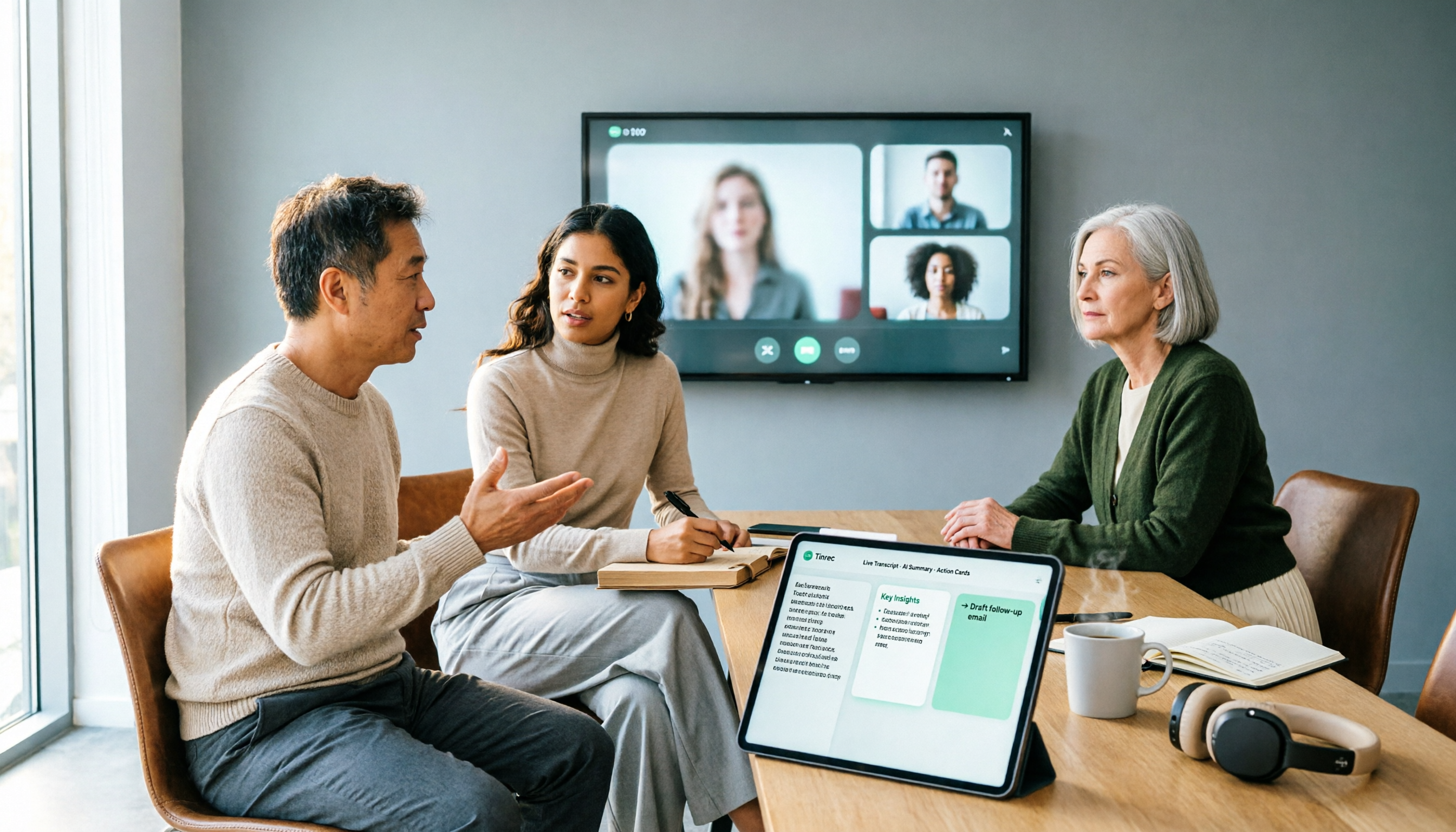
Turn recordings into transcripts and summaries in minutes
Upload audio or video for multilingual transcription, AI notes, and action items
The Complete Guide to Google Meet Meeting Notes in 2026: From Licensing to Transcripts in Practice
"Didn't you buy a Google Meet license? So where are the conclusions from last meeting?"
Last year my boss asked me that. At the time, I thought paying for that meeting room license would take care of meetings, notes, and archiving all at once. Instead, I searched through three folders, two emails, and half a page of a colleague's handwritten notes just to piece together last week's decisions—those 15 minutes were more exhausting than running the meeting itself.
If you're currently searching for "buy google meet license," let me first help you confirm one thing: are you buying the "ability to meet," or "data you can use right after the meeting"? In 2026, these are still two separate things, and most people put their budget on the wrong side.
Three Pitfalls I've Fallen Into—All of Them
Pitfall 1: Assuming a Google Workspace subscription lets you use meeting rooms directly. A subscription lets people in your organization meet via Google Meet on their own computers and phones, but the dedicated device in a meeting room is a different matter—each device requires a Google Meet hardware license, priced per device and billed annually, separate from the subscription.
Pitfall 2: Assuming a license automatically generates transcripts and meeting minutes. A license solves "can the device start and join meetings." It won't produce summaries, organize action items, or connect content across three meetings. None of the post-meeting work that actually takes time is covered by a license.
Pitfall 3: Spending all your time comparing license prices but not calculating the labor cost of post-meeting organization. I did the math: a team of 10, 15 meetings a week, even at just 20 minutes per meeting for notes, that's 5 hours a week. The value of those 5 hours far exceeds what you save on license price differences.
A more sensible approach is to split it into two tracks: buy the licenses you need for meetings according to the rules, and hand off meeting content organization to a dedicated tool. I now use Tinrec, which isn't on the "licensing" track but works on the "after the meeting ends" track.
What Are You Actually Buying with a Google Meet License? First, Distinguish Subscriptions from Device Licenses
I'll just cover the key points here; for details, refer to official documentation.
A Google Workspace subscription lets people in your organization meet via Google Meet. The dedicated devices in meeting rooms (like Chromebox, Series One) require a different "Meet hardware license," one license per device.
The purchasing process is roughly this: if you need 10 or fewer licenses and your subscription is purchased directly from Google, you can order in the Admin console under "Billing → Purchase or upgrade → Devices & browsers → Google Meet hardware," and the person placing the order needs billing management permissions. If you need more than 10, your subscription comes from a reseller, or you want the convenience of auto-renewal, Google recommends going through a reseller. Devices and licenses can also be purchased from different resellers, and licenses can later be transferred to new devices.
Do you notice something here? Everything above is about "can we meet." What really keeps managers up at night is the next part.
What Can Meeting Notes Do for You? Three Scenarios I Use Every Week
Scenario 1: Department weekly meeting—when the meeting ends, the summary and action items are already there Previously, a two-hour meeting meant another 40 minutes of organizing afterward. Now I use Tinrec desktop to capture system audio directly on my computer and start recording—no bot needs to be invited into the meeting room. By the time the meeting ends, the transcript is done, and summaries, chapters, and action items are listed separately, so it's clear who's responsible for what and when it's due.
Scenario 2: Cross-department coordination—when questioned, just ask the AI Last week my boss asked me, "Who proposed that budget cap last time?" My old move was to flip through notes for three minutes. Now I open Tinrec and ask directly about that meeting; it answers based on the meeting content and can even find the corresponding section. This helps with "managing up" more than any polished presentation.
Scenario 3: One-on-ones and client communications—data stays with the team, not on someone's phone Interview notes are team assets, not personal assets. Tinrec's team plan keeps Audio, Folder, and TODO unified in the team space; when members change, resources can be handed over to other active members, so nothing disappears when someone leaves.
What Are Tinrec's Core Capabilities?
Bot-free recording of online meetings Tinrec desktop captures computer system audio directly, handling Zoom, Google Meet, Microsoft Teams, and Webex meetings played on your computer without adding an extra bot participant. For internal meetings, this is practical—one less participant means one less awkward "who's this?" moment.
Live transcript and live translation Transcribes as it records, not after. For cross-language meetings, you can switch between original, translated, or bilingual views; I confirm key points as I listen, which is far more efficient than listening to the whole thing again afterward.
AI summaries and chapters It doesn't just condense the transcript into a paragraph; it structures long meetings—topics, discussions, and conclusions separated—so you can jump around in a two-hour meeting.
Action item extraction Pulls action items out of discussions. This is my most-used feature—verbal assignments are the easiest to drop; with a record, asking about progress two days later won't turn into a "did you even say that?" conversation.
Stop organizing recordings by hand
Upload audio or video and automatically get a transcript, summary, and action items
AI Q&A and post-meeting outputs After the transcript is done, you can continue asking questions, and through Agent post-processing, generate reports, tables, and documents that are ready to hand off. Outputs can also be exported to common file formats and third-party tools, fitting back into your existing workflow.
Team space and governance The team plan is a separate collaboration space where you can create multiple teams, invite members via join links, set owners/admins/regular members, manage seats, view usage trends and member rankings, query and export audit logs, and maintain team hotwords. One thing to be clear about: roles determine who can manage the team, seats determine who can record, upload, edit, and export. Active members without a seat can still view, play, and read team data, but cannot perform resource usage operations.
Practical Application Scenarios: Four Types of Meetings, Four Ways to Use
Regular weekly meetings and project status meetings These meetings have high content repetition and are best suited for transcript plus summary retention. I consistently press start on Tinrec before the meeting and afterward only look at the summary and action items, leaving the rest for when I need it.
Client and supplier meetings Requirements, objections, and on-the-spot commitments are most likely to become "he said, she said" two weeks later. Record with Tinrec, search the transcript, and replay the exact moment when you need to confirm—more effective than arguing from memory.
Interviews and one-on-ones Interview notes involve personal data, so I store them uniformly in the team plan and inform the other party before the meeting starts that it will be recorded. There's no shortcut here; what needs to be said still needs to be said.
Cross-language meetings and training With foreign speakers or English presentations, live translation plus bilingual view lets me keep up without staring at subtitles the whole time. For long training content, using AI Q&A to grab key points afterward is much faster than rewatching the recording.
Five Things to Consider When Choosing a Meeting Notes Tool
1. First confirm whether you lack a license or note-taking capability. If you haven't even sorted out meeting room devices, handle the hardware license first; if your devices are already set up but you're manually organizing after every meeting, then you lack a note-taking tool. Tinrec is the latter—it doesn't handle device licensing but turns meeting content into usable data.
2. Recording method: whether to let a bot join the meeting. Some tools must join as a participant; for external or executive meetings, just deciding whether to add a participant requires a round of communication. Tinrec desktop doesn't need an extra participant, making it easier for both internal and external meetings.
3. Real-world experience with Chinese and mixed Chinese-English. Don't just look at marketing numbers. Our team's meetings often mix Chinese and English plus product codes—this content tests tools the most. Tinrec supports Chinese, Traditional Chinese, and multilingual scenarios, and you can maintain common terms with team hotwords. Actual results still depend on recording quality, accents, noise, and simultaneous speakers; for important content, cross-check with transcript timestamps and the recording.
4. Post-meeting outputs: is a transcript enough? A transcript is raw material, not a finished product. What you deliver is minutes, action items, reports. After transcription, Tinrec can generate summaries, chapters, action items, mind maps, and further produce documents and tables.
5. Team retention and cost structure. Personal tools feel great, but data breaks when people leave. Ask clearly: who owns the data, how to hand over when members leave, how seats are calculated, and whether fees are per device, per seat, or per minute. Tinrec's team plan paid seats provide 2,000 minutes of team shared import quota per month; live recording under an active plan is currently not deducted by minute, while file and web imports use the team shared quota; there's also a first-time trial of 7 days, 1 free seat, and 300 minutes of shared import quota. Prices and benefits are subject to the official purchase page.
FAQ
Q: If I buy a Google Meet hardware license, will I get meeting notes? No. The license only lets meeting room devices function properly; transcripts, summaries, and action items are a separate part that requires another note-taking tool.
Q: Do I have to buy a hardware license to use Google Meet? Not necessarily. Colleagues can meet on their own computers or phones via a Workspace subscription; hardware licenses are for dedicated meeting room devices, one per device.
Q: Does Tinrec require a meeting bot to join? No. Tinrec desktop captures computer system audio directly; you just start recording yourself, no extra participant needed. It's not a calendar-auto-join meeting bot.
Q: What's the difference between the team plan and the personal plan? Personal plan data is managed by the individual account. The team plan is a separate team space with member invitations, role and seat management, shared benefits, usage analytics, audit logs, audio recycle bin, and team hotwords; team resources belong to the team, and when a member leaves, they are handed over to other active members.
Q: Can deleted recordings be recovered? Team audio enters the recycle bin and can be restored before permanent deletion begins; the current retention period is 30 days. Action items are not covered by the recycle bin.
Q: Can you guarantee 100% accuracy? We don't recommend making that promise. A more honest statement: it can significantly reduce the cost of manual note-taking and organization; for important decisions, we still recommend cross-checking with the transcript and recording.
Conclusion
Back to the original question: buying a Google Meet license gets you the "ability to meet," not the "meeting content." The former just follow official procedures—under 10 licenses via Admin console, more than that or for convenience go through a reseller; the latter is what really eats your time every week.
My approach is simple: licenses for licenses, notes for Tinrec. Open the desktop app during meetings, review summaries and action items afterward, use AI Q&A when you need to follow up, and keep team data unified in the team space. The free plan has a basic quota to run two or three meetings and see if the output fits what you need; if you're like me with 15 meetings a week, the team plan's seats and quota will be clearer.
Recording and transcription involve personal data and local regulations; remember to inform participants and obtain necessary consent before meetings—no tool can skip this step.
References
- Buy Meet hardware licenses | Meet Hardware | Google Workspace Help
- Buy Google Meet hardware | Meet Hardware | Google Workspace Help
- The Complete Guide to Buying Google Meet Hardware Licenses in 2026: From Admin Console to Reseller Process - Official Tinrec Blog
- Google Meet Hardware Licensing in 2026: How to Buy, Renew, and Where to Spend Your Budget - Official Tinrec Blog
- Buy Google Meet Hardware Annual License - Cloudfresh
Turn every recording into actionable outcomes
Get 60 free transcription minutes when you sign in. No credit card required.
Related Reading
You might also like
Google Meet Mute Permissions & 3 Meeting Tools Tested: Who Makes Post-Meeting Notes Easiest?
Many assume meeting hosts can always mute everyone, but Google Meet mute permissions depend on your account plan, host management settings, and your role in the meeting. This article clarifies the mute scope and limits for hosts and co-hosts, then compares Google Meet built-in transcription, Otter.ai, Notta, and Tinrec for post-meeting notes—helping you handle both 'keeping the meeting quiet' and 'finding the information afterward.'

The Complete Guide to Recording Google Meet in 2026: Free Account Limits and Bot-Free Recording Solutions
Google Meet allows recording, but free accounts, host permissions, and plan restrictions often gray out the record button. This guide covers native recording requirements, file locations, and explains how to use Tinrec desktop for bot-free recording, real-time transcription, AI summaries, and team knowledge retention.

The Complete Guide to Google Meet Recording in 2026: Limitations, Alternatives, and Post-Meeting Organization
Google Meet does support recording, but most people get stuck on admin settings, paid plans, and device limitations. This article addresses three common misconceptions, clarifies the real requirements for built-in recording in Google Meet, explains how to handle meeting notes after recording, and shows how Tinrec fills the post-meeting organization gap with bot-free recording, transcripts, AI summaries, and team spaces.

The Complete Guide to Buying a Google Meet Subscription in 2026: Plan Selection and Meeting Notes Workflow
People searching for 'buy google meet subscription' really need to decide which plan to buy and how to handle post-meeting organization. This article breaks down the choice between Google One and Google Workspace from a mid-level manager's perspective, and explains why meeting notes and action items should be handled by Tinrec.

Google Meet Screen Sharing: The Complete 2026 Guide — From Presenting to Capturing What Matters
Google Meet lets you share your screen, but sharing well and keeping a record of the meeting are two different things. Starting from real meeting scenarios, this guide explains Google Meet's three sharing modes, audio sharing, and common limitations, then shows how Tinrec's desktop app records meeting audio without a bot, filling the gap after sharing ends with transcripts, summaries, action items, and AI Q&A. It also covers team plan seats and pricing.

Google Meet Recording Detection in 2026: The Complete Guide to Bot-Free Recording and Meeting Retention
Google Meet only sends notifications and sounds for its built-in recording feature; external recording tools are generally undetectable. This complete guide breaks down three recording scenarios and explains why, instead of worrying about detection, you should switch to Tinrec desktop for bot-free recording that turns meetings into searchable, queryable, and deliverable transcripts, summaries, and action items.
How to Record Google Meet in 2026: 3 Methods + Bot-Free Backup Tested
Google Meet can record, but not everyone sees the record button. This guide starts with three key questions: does your account have recording permission, whose cloud storage will the file land in, and who will organize it after the meeting. It compares Meet's built-in recording, computer screen recording, and Tinrec's bot-free desktop recording, with 5 steps, troubleshooting, and advanced tips.
4 Best Google Meet Attendance Extensions for 2026: From Free to Team Plans
A manager who runs over a dozen meetings a week shares hands-on insights: how to choose a Google Meet attendance extension, whether the free version is enough, how data storage makes a difference, and which tool to use for meeting notes and action items after attendance is recorded.
Google Meet Live Translation in 2026: Complete Guide to Features, Limits, and Meeting Notes Alternatives
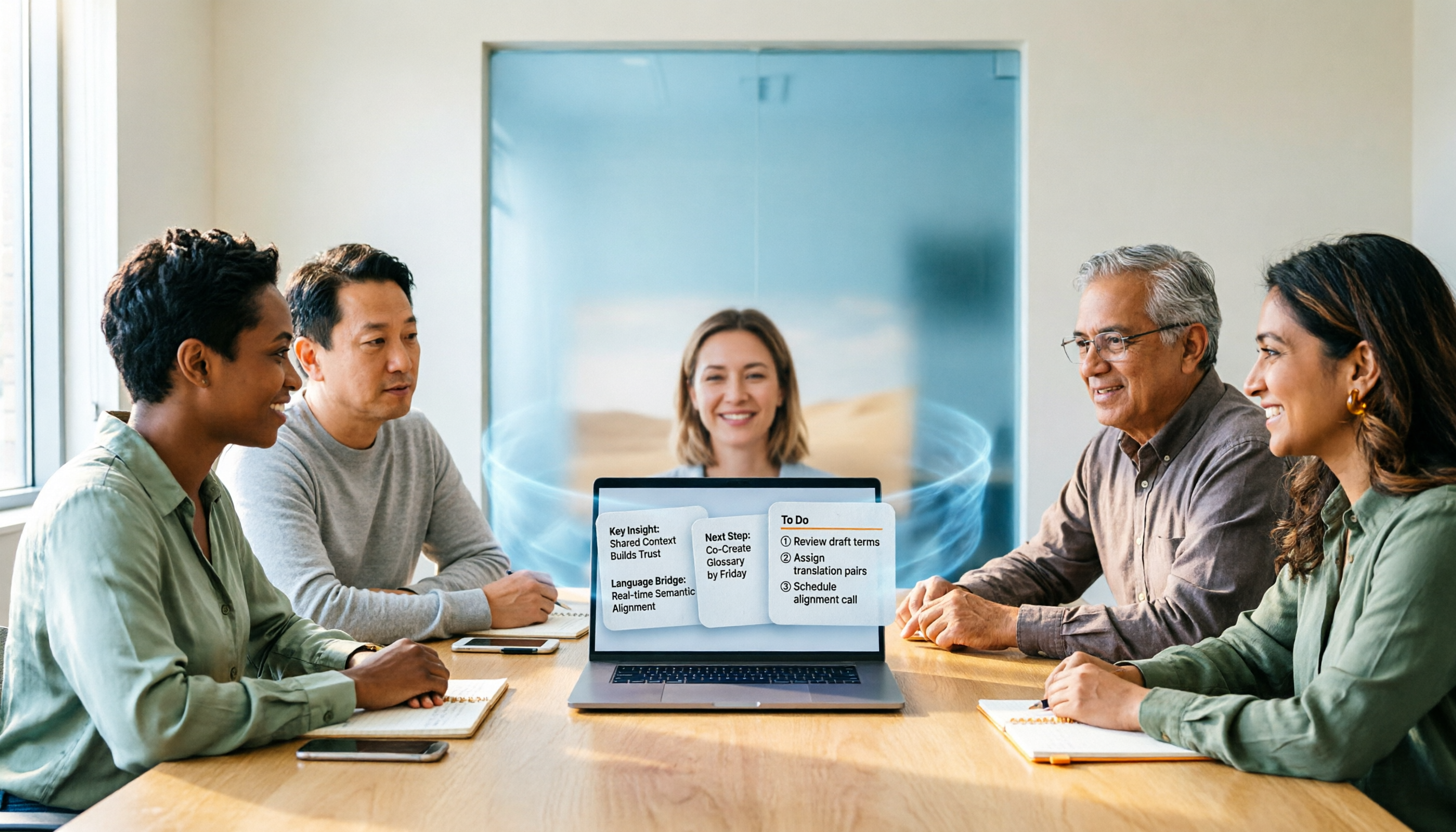
Google Meet does offer live translation, but both translated captions and speech translation only solve the problem of understanding in the moment. This article starts with a common misconception, explains the two forms of Google Meet live translation and their practical limits, then discusses why the truly usable approach is a workflow that connects translation with transcripts, summaries, and action items, using Tinrec as an example.