
Turn recordings into transcripts and summaries in minutes
Upload audio or video for multilingual transcription, AI notes, and action items
In the digital workplace of 2025 and 2026, 'efficiency' is the only hard truth. Whether it's hours-long international meetings, business calls requiring precise records, or the tedious task of transcribing subtitles for content creators, traditional voice recorders are gradually being replaced by smarter call recording to text apps.
With iOS 18 introducing built-in recording, it's convenient, but the awkwardness of the 'recording notification' and the lack of support for communication apps like Line and WhatsApp remain major pain points. This article will walk you through the latest market trends and dive deep into a recent AI dark horse that has taken the Taiwanese workplace by storm—TinRec (Instant Voice Recorder), letting you experience the efficient workflow of 'listening to an hour of recording in seconds.'
The Three Core Needs for Call Recording Apps in 2026
In the past, our requirement for a recording app was simply 'record clearly,' but now user needs have evolved. According to the latest market analysis, modern professionals care about these features:
- Full-Scenario Recording Support: Beyond traditional phone calls, demand for Line call recording, Messenger, and Zoom meeting recording has surged. Many native systems cannot record VoIP calls, leading to loss of important information.
- AI Smart Transcription and Summarization: A transcript alone is not enough; users need AI to automatically extract 'meeting highlights,' 'action items,' and 'decision conclusions.'
- Privacy and Cross-Platform Management: Recordings need to be securely uploaded to the cloud and seamlessly switched between mobile and desktop for editing.
Why 'Native Recording' Isn't Good Enough
Although iPhones and Android phones have gradually enhanced their built-in recording features, there are still many limitations. For example, iOS 18's call recording forces you to notify the other party that 'recording is in progress,' which can be extremely awkward in certain business negotiations or private evidence-gathering situations. Additionally, native features often lack accuracy for Chinese (Taiwanese accent) and the ability to handle mixed Chinese-English professional terminology compared to specialized AI models.
This is why third-party AI recording tools remain the top choice for business professionals, offering more flexible and powerful post-processing capabilities.
Stop organizing recordings by hand
Upload audio or video and automatically get a transcript, summary, and action items

Product Recommendation: TinRec (Instant Voice Recorder) — Your AI Voice Note Expert
Among many competitors, one tool stands out for its exceptionally high Traditional Chinese recognition accuracy and comprehensive AI features.
Product Name: TinRec (Instant Voice Recorder) Website: https://tinrec.com/
TinRec is more than just a recording app; it's like a super secretary that 'understands what you say.' Here's a breakdown of its core features:
1. Call Recording to Text
This is one of TinRec's most powerful features. It solves complex call recording needs by clearly recording two-way conversations and instantly converting them to text. Whether it's a business call to confirm an order or a Line call record with a client, TinRec turns voice into searchable text files, protecting both parties' interests and eliminating the problem of 'spoken words being unprovable.'
2. MP3 to Text and Efficient Organization
Have old voice recorder files or lecture recordings? TinRec supports MP3 to text and imports multiple audio formats. Tests show that a 60-minute speech recording can be transcribed in just 3-5 minutes. Its AI engine is optimized for Taiwanese expressions and accurately handles mixed Chinese-English contexts.
3. AI Meeting Summary and Minutes
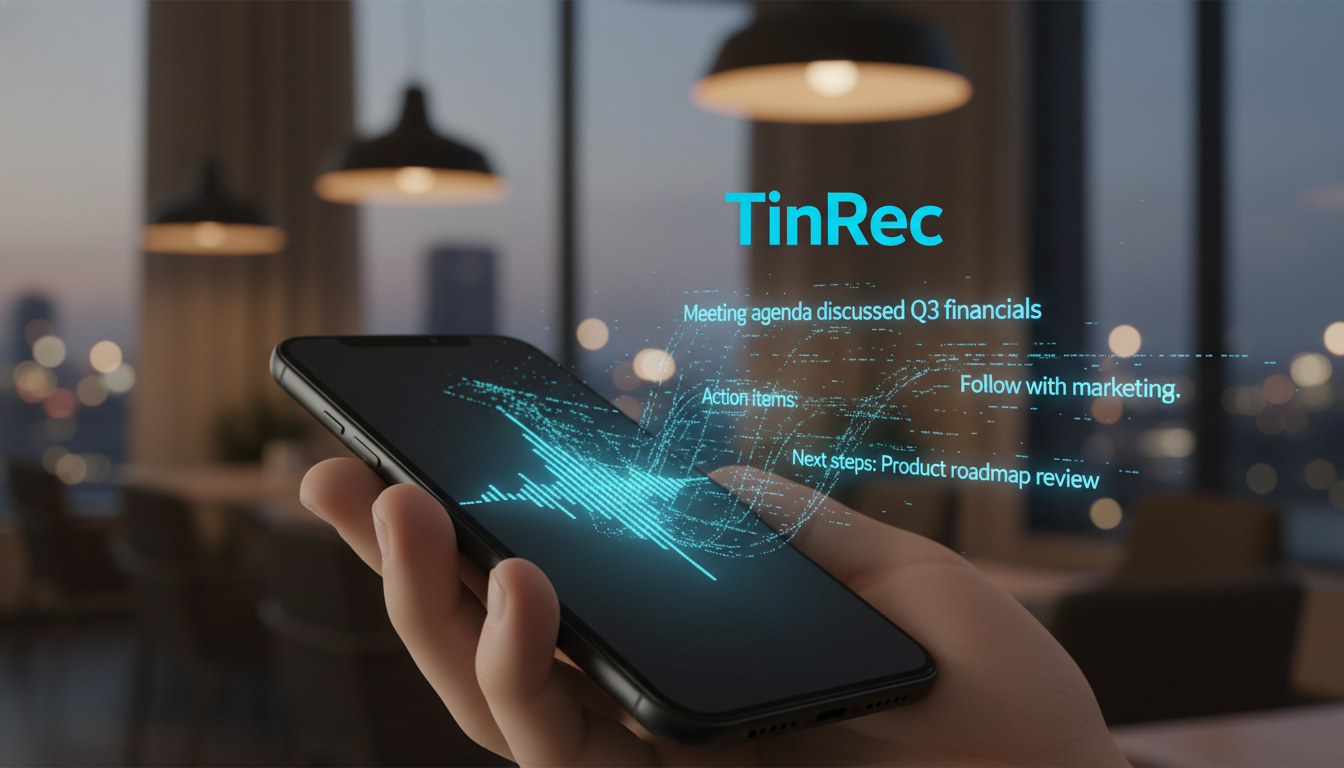
Facing lengthy meeting records, TinRec's meeting minutes AI automatically analyzes the full text, instantly extracting a summary, key decisions, and action items. You no longer need to replay the entire recording; one glance gives you the core of the meeting, saving significant time after the meeting.
4. YouTube Subtitle Generation
For content creators and students, this is a game-changing feature. Simply enter a YouTube video link, and TinRec grabs the audio track and generates subtitles with timestamps. This not only facilitates learning foreign language videos but also helps creators quickly produce SRT subtitles, shortening the editing workflow.
Who Needs This Tool?
- Business Professionals and Salespeople: Need to record Line call content to avoid missing client requirements or promises.
- Journalists and Writers: One-click transcription of interview recordings, cutting writing time by more than half.
- Students and Researchers: Professor speaking too fast to take notes? Record it and let AI organize highlights, doubling review efficiency.
- Content Creators: Use the YouTube subtitle generation feature to quickly convert video content into blog posts or social media updates.
Conclusion: Free Your Mind with AI
The value of a tool lies in saving time, allowing us to focus on more creative work. TinRec (Instant Voice Recorder) is exactly that kind of tool: it offloads the tedious transcription work to AI, freeing you from endless replays and pauses.
If you want to experience the ultimate efficiency of 'call recording to text' or need an AI assistant that accurately handles Chinese speech, we strongly recommend you give it a try.
👉 Try the most powerful AI recording tool for free now: https://tinrec.com/
Turn every recording into actionable outcomes
Get 60 free transcription minutes when you sign in. No credit card required.
Related Reading
You might also like

How to Convert MP4 to Text in 2026: Auto-Generate Transcripts + AI Summaries & Action Items
How do you choose an MP4-to-text tool? From the perspective of a mid-level manager running 15 meetings a week, I tested uploading meeting MP4s to Tinrec and evaluated the transcript, AI summary, and action item results, then compared it with TurboScribe, Notta, and VEED. I've compiled 4 key buying factors and 4 pitfalls to avoid, helping you pick the one that actually gets the job done.

4 Best Lecture Transcription Tools in 2026: Can a 3-Hour Lecture Really Become Usable Notes?
How do you choose a lecture transcription tool? This article covers four key factors: audio quality, file import, post-lecture organization, and team sharing. It compares Tinrec, Notta, TurboScribe, and PLAUD, with common pitfalls and selection advice to turn your lecture recordings into truly usable notes.

2026 Business Meeting Summary Tools Compared: Tinrec vs PLAUD Note — Which One Is Right for You?
Both tools can summarize a business meeting, but one requires hardware and the other doesn't. We compare Tinrec and PLAUD Note across hardware requirements, online meeting recording, post-meeting organization, team collaboration, and Chinese recognition to see which business meeting summary tool is better suited for professionals.

How to Transcribe Journalist Interview Recordings in 2026: A Complete 5-Step Guide
How do you transcribe interview recordings? This article covers 4 key factors for choosing a tool and a 5-step workflow, takes a deep look at Tinrec's Chinese transcription, AI Q&A, and team workspace, and compares the best use cases and limitations of Otter.ai, Granola, and Notta.

2026 Comparison of 4 Online Meeting Transcription Tools: Which One Turns Transcripts into Actionable Meeting Notes?
How to choose an online meeting transcription tool? This article compares Tinrec, Otter.ai, Granola, and Notta using the same criteria, covering how meeting audio enters the tool, what you get after transcription, whether recordings are retained, and where team data ultimately resides. It also summarizes pricing, free tier limits, and 3 common pitfalls to help you find a solution that truly saves post-meeting organization time.

2026 Product Meeting Notes Tools: 4 Tested + AI Action Item Auto-Organization
How to choose a meeting notes tool? This article addresses three common misconceptions, outlines 4 key selection criteria, and compares Tinrec, Otter.ai, Granola, and Notta on meeting recording methods, post-meeting organization capabilities, and pricing limits. It also includes a pitfalls guide and selection recommendations to help you find a solution that truly saves organization time.

6 Audio-to-Transcript Tools Tested and Compared for 2026: Which Saves the Most Time for Chinese Recognition and Post-Meeting Organization?
A review of 6 tools that generate transcripts from imported audio files, covering Tinrec's AI summaries, action items, AI Q&A, and team spaces, as well as the free and paid plans of Notta, cSubtitle, MyEdit, TurboScribe, and Yating Transcript. It also explains recording quality, export formats, and licensing issues to consider before importing.

2026 Comparison of 4 Audio/Video Transcription Tools: Which Saves the Most Time for Chinese Meeting Minutes?
Still typing transcripts after meetings? This article uses 5 key buying criteria to compare Tinrec, Notta, Otter.ai, and PLAUD Note in a hands-on test. From recording methods, post-meeting output, Chinese language experience, to team seat management, we cover it all, plus 4 common pitfalls to avoid.

5 WAV to Text Tools Tested for 2026: Which Saves the Most Time on Chinese Transcripts and Meeting Follow-Ups?
Have a WAV recording but dread listening to it from start to finish? This article examines real-world scenarios to explain what WAV-to-text can do, its core capabilities, and practical applications. Using Tinrec as an example, it covers a complete workflow for bot-free meeting recording, AI summaries, action item extraction, and team knowledge retention, plus 6 buying considerations and FAQs to help you decide which solution saves the most time.